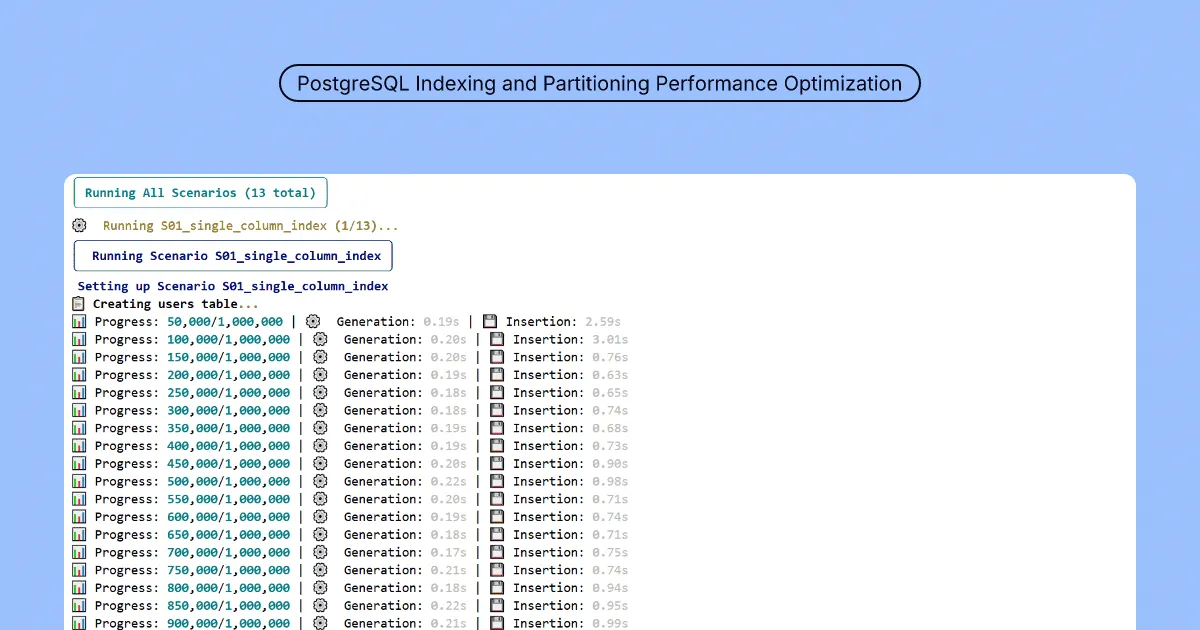
Run scripted Postgres scenarios to compare indexes, partitions, and related tactics
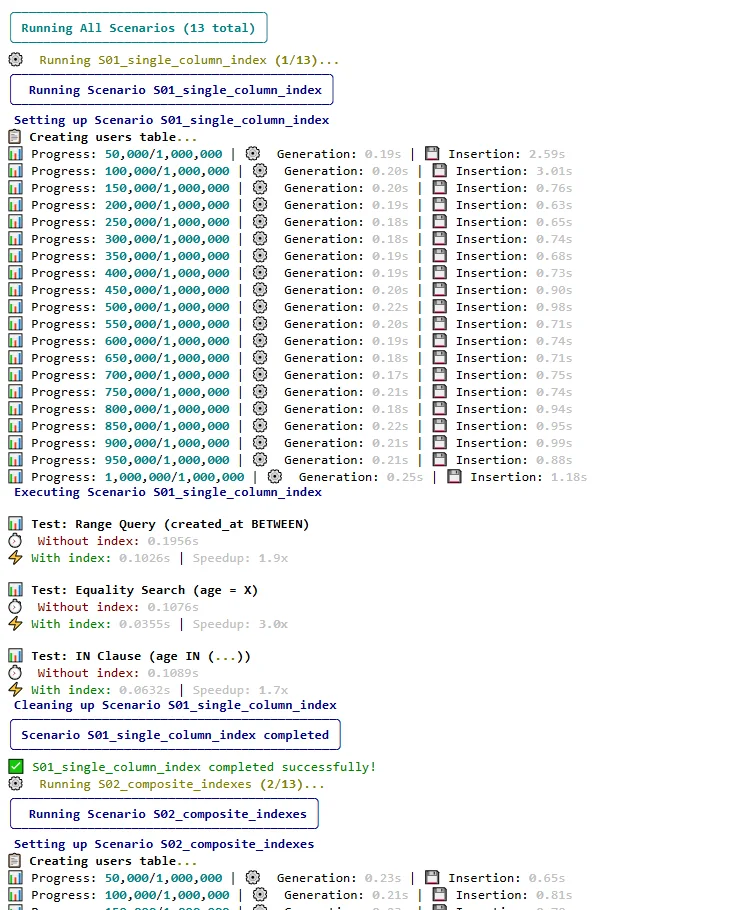
This repo is a benchmarking toolkit for PostgreSQL 15 (via Docker): numbered scenarios cover B-tree, composite, covering, partial, GIN, expression, and FK-related indexes, plus bulk load, bloat-oriented work, range/list partitioning, and materialized views, each with setup, timed runs, and teardown as described in the README. A Typer CLI drives list, run, and run-all, with Rich output and HTML reports (an example ships in the repo).
When it is useful
You need repeatable before/after measurements on synthetic data (the default generator targets a large user-style dataset), you are teaching index tradeoffs, or you want a lab to sanity-check ideas before touching production. Results are workload-specific; always validate on your real schema and queries.
What you can do
- Bring up the database container, install the Python dependencies under
src/, and enumerate scenarios with the documented CLI. - Execute one scenario or the full suite, then read the generated reports alongside console output.
- Adapt scenario code or data volumes when your hypotheses need different shapes; structure is modular in the repository layout.
Limits
- Default connection settings in the README are for local lab use; rotate credentials anywhere shared or networked.
- Synthetic 1M-row-class loads are for testing, not a guarantee your production cardinality behaves the same way.
- This is not a managed tuning service; interpretation, locking, and maintenance windows stay with your DBA or engineer.