

Most coding agents open with a greeting and close with a recap. You pay for both, and neither one is the answer.
Caveman is a voice skill that cuts that filler. Code, commands, paths, numbers, and error strings stay as they are. It stays on for the whole session until you turn it off.
Install
npx skills add JuliusBrussee/caveman -gThat puts the skill in the shared skills folder Cursor and Claude Code both read. In Cursor, confirm it under Settings → Rules, Skills, Subagents.
To make it the default in Cursor, add a user rule:
Use the caveman skillUse the same line as a project rule when you only want it in one repository.
Commands
| Command | What it does |
|---|---|
/caveman | The default voice. Answer first, ceremony gone, every fact kept. |
/ultracave | Grammar stripped. Fragments, one word when one word is enough. |
/megacave | Classical Chinese (文言文). Fewer characters. Technical terms stay verbatim. |
/caveman ultra | Alias for /ultracave. |
/caveman wenyan | Alias for /megacave. |
/caveman status | Reports the current mode and changes nothing. |
stop caveman | Back to normal prose. normal mode does the same. |
The old lite / full / ultra levels are gone. /caveman ultra is only the alias for ultracave, not a third intensity inside the main skill.
Claude Code stores the mode. Other hosts follow the conversation and, when you ask for status, say the mode is not tracked by that host. Loading the skill to answer /caveman status does not turn the voice on.
Want Claude Code to start in normal prose? Set {"defaultMode":"manual"} in .caveman.json for one project, or in ~/.config/caveman/config.json for your user. CAVEMAN_DEFAULT_MODE=manual does the same. Then /caveman turns the voice on. A fresh session starts off again. This startup switch is Claude Code only.
What it changes
Caveman answers first, then the reason, then the next step. It drops greetings, hedging, and closers. It may drop a, an, and the when the sentence still reads in one pass. It does not drop not, never, no, or only.
It switches back to full sentences for a security warning, an irreversible action, a step sequence a fragment could scramble, and a question you have to repeat. Then the short voice resumes. Anything written to a file, a commit, or a ticket stays in normal prose.
One example from the skill, on a React re-render:
New object ref each render, so React re-renders. Wrap the prop in
useMemo.
What the token check actually measured
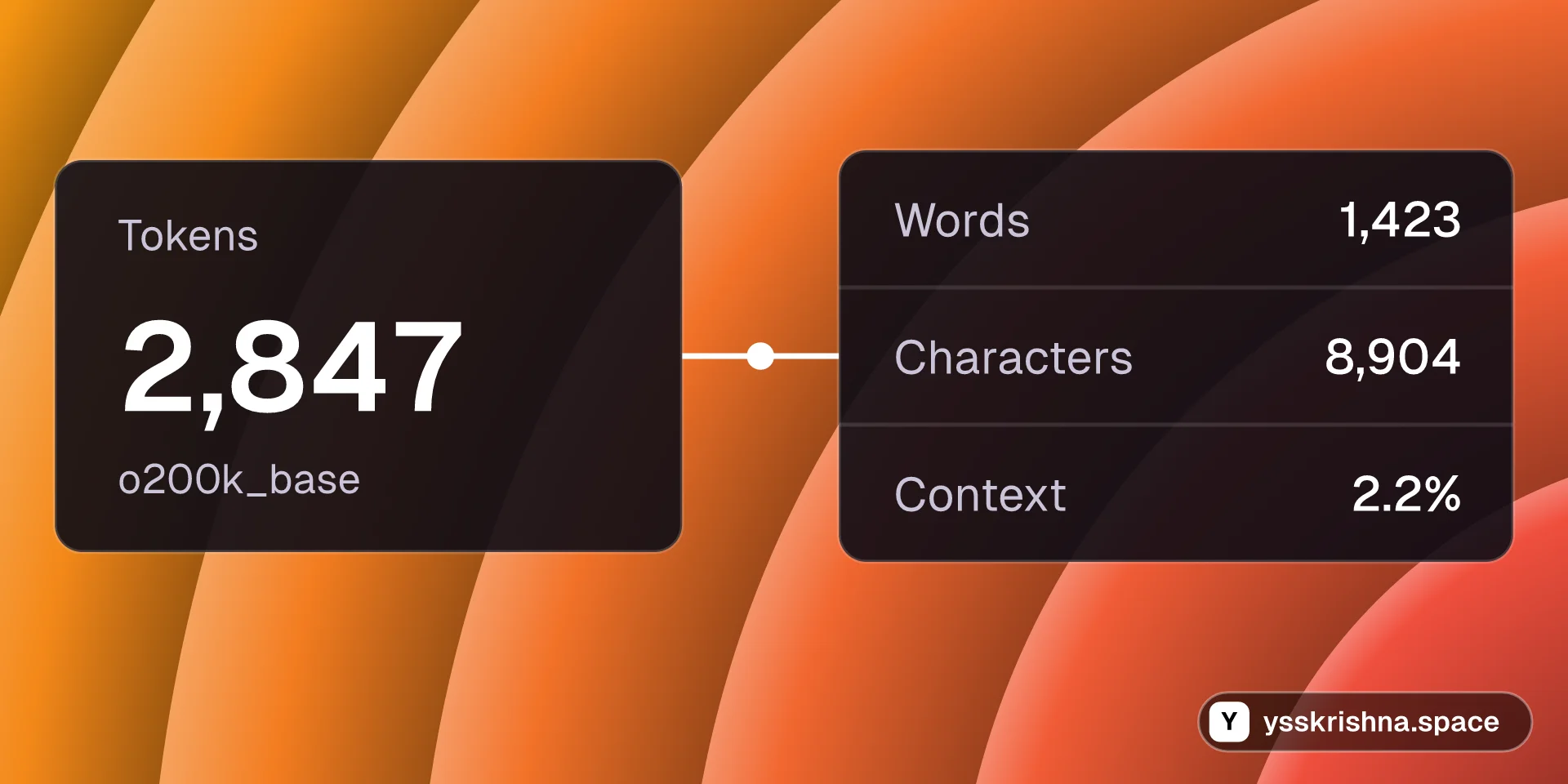
The published check is one run, not a benchmark suite. Ten prompts, claude-opus-5-5, output length only, counted with tiktoken o200k, on the 3.1.0 skill text:
| Voice | Versus a plain "Answer concisely." |
|---|---|
/caveman | About 3% fewer output tokens at the median, inside the noise |
/ultracave | About 35% fewer |
/megacave | About 9% fewer |
There is no published claim that the shorter answers are equal in quality. "Answer concisely." already does most of the cutting. The voice is for how the reply reads, not a guaranteed bill reduction. If you pay per request, shorter answers do not change the price.
When to turn it off
Say stop caveman before:
- security-sensitive instructions
- irreversible actions
- a sequence where a dropped word would change the order
- anything you will paste into a commit, a doc, or a ticket
Uninstall
npx skills remove JuliusBrussee/caveman -gCount a prompt yourself with the AI Token Counter. The skill text is the source of truth: Caveman on GitHub.