ysskrishna logoysskrishna

AI Healthcare Assistant

Rehearse patient conversations at your desk. Text or voice in, scored feedback back.

Gallery image 1
Gallery image 2
Gallery image 3
Gallery image 4
Gallery image 5
Get it
Built with
AI Apps & Assistants
Voice & Speech
Speech to Text
Voice AI
Python
uv
Streamlit
Details
FreeMIT licenseCreated August 5, 2025Updated November 12, 2026
Share this product

You know the words matter. You just have not said them out loud yet.

Tomorrow you explain a procedure, walk someone through discharge plans, or open a first assessment. The facts are in your notes. What you do not have is a dry run where the stakes are low and someone tells you what landed and what did not.

The app is a local rehearsal room for that moment.

Say it once. Hear what worked.

What you get

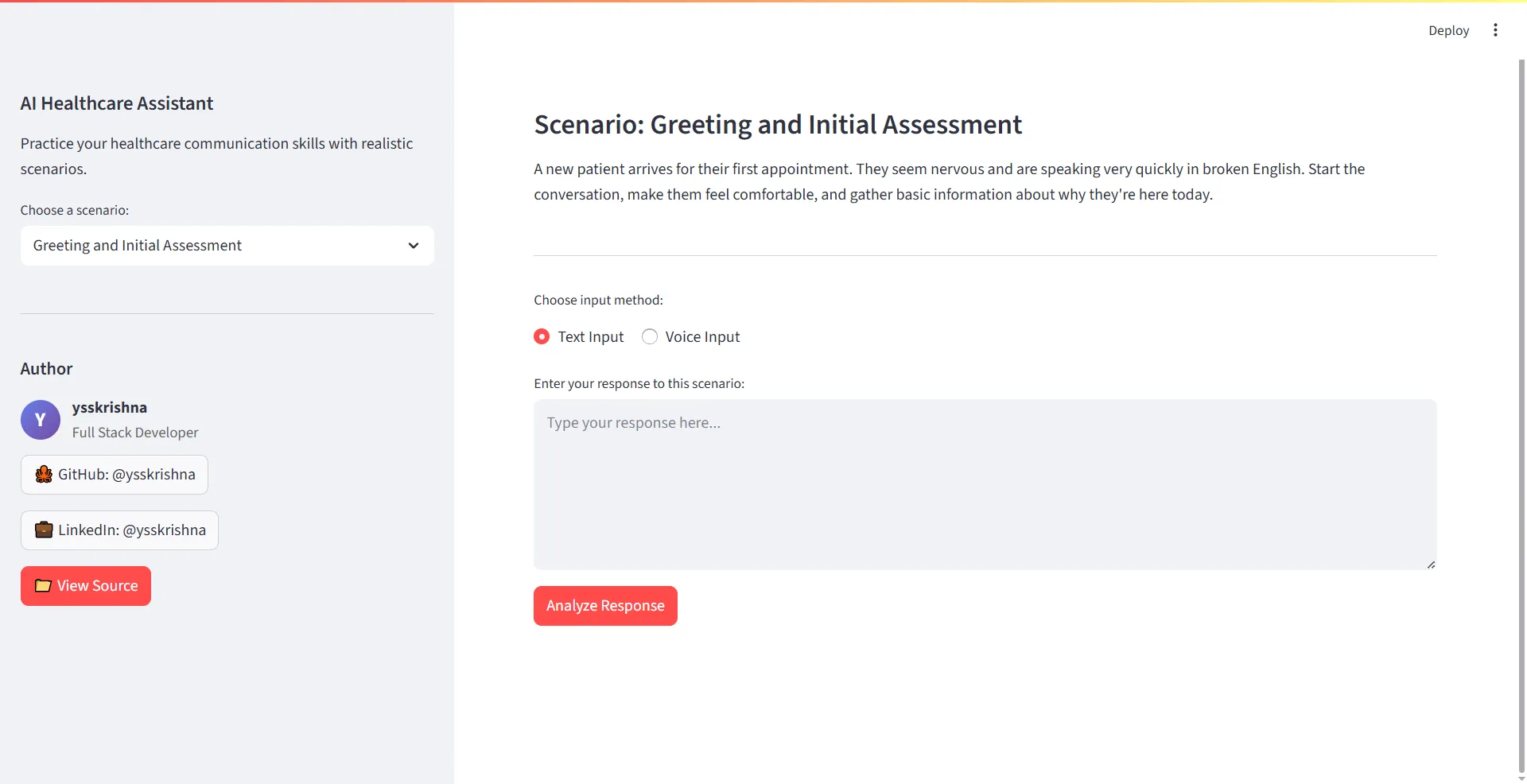
  • Named practice scenarios. Work through initial patient assessments, procedure explanations, and discharge instructions built into the project.
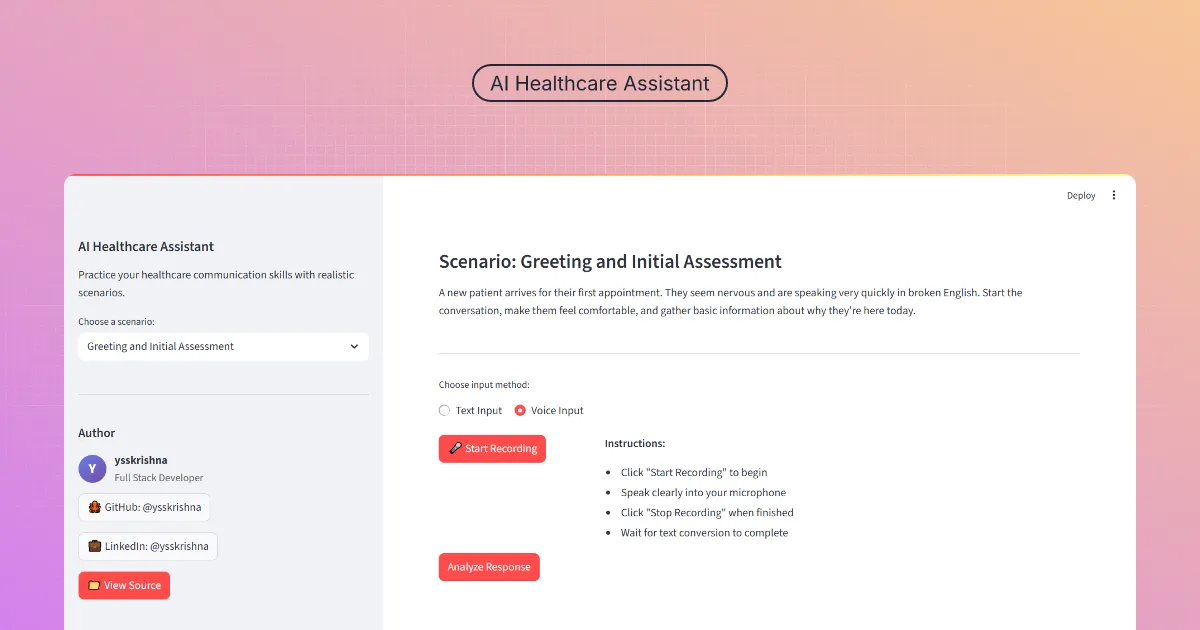
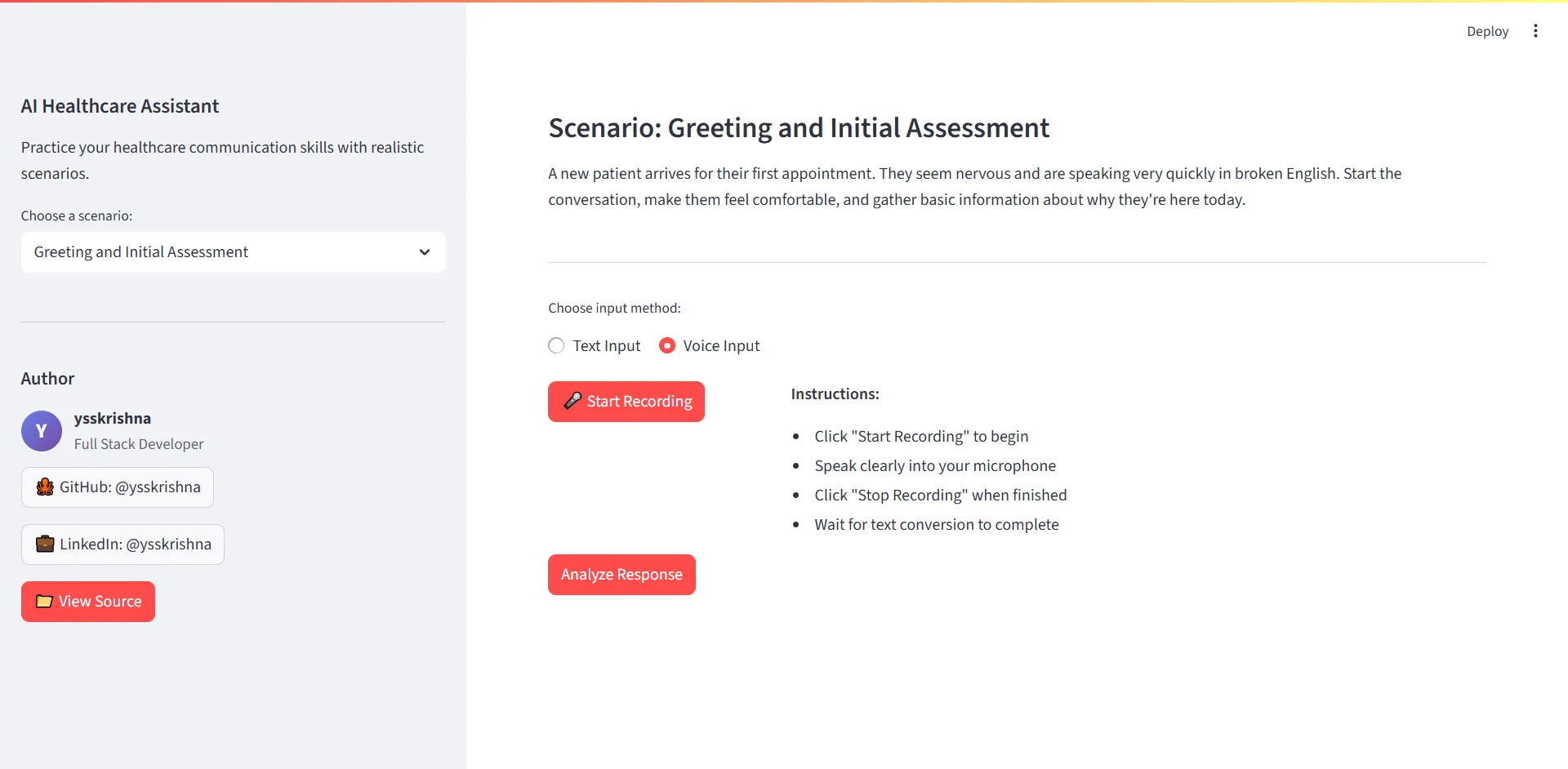
  • Type or speak your answer. Use text input or voice input with transcription, then run analysis when you are ready.
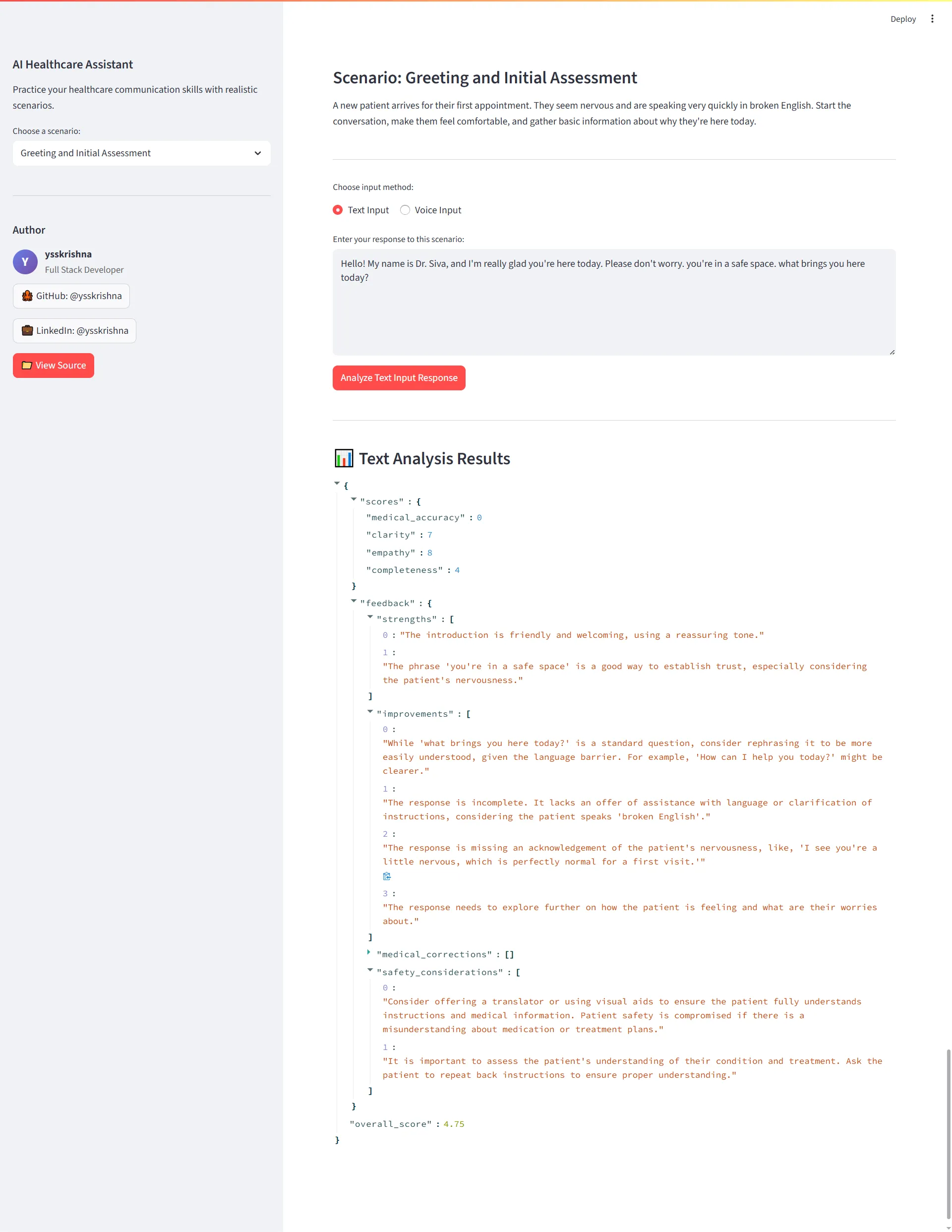
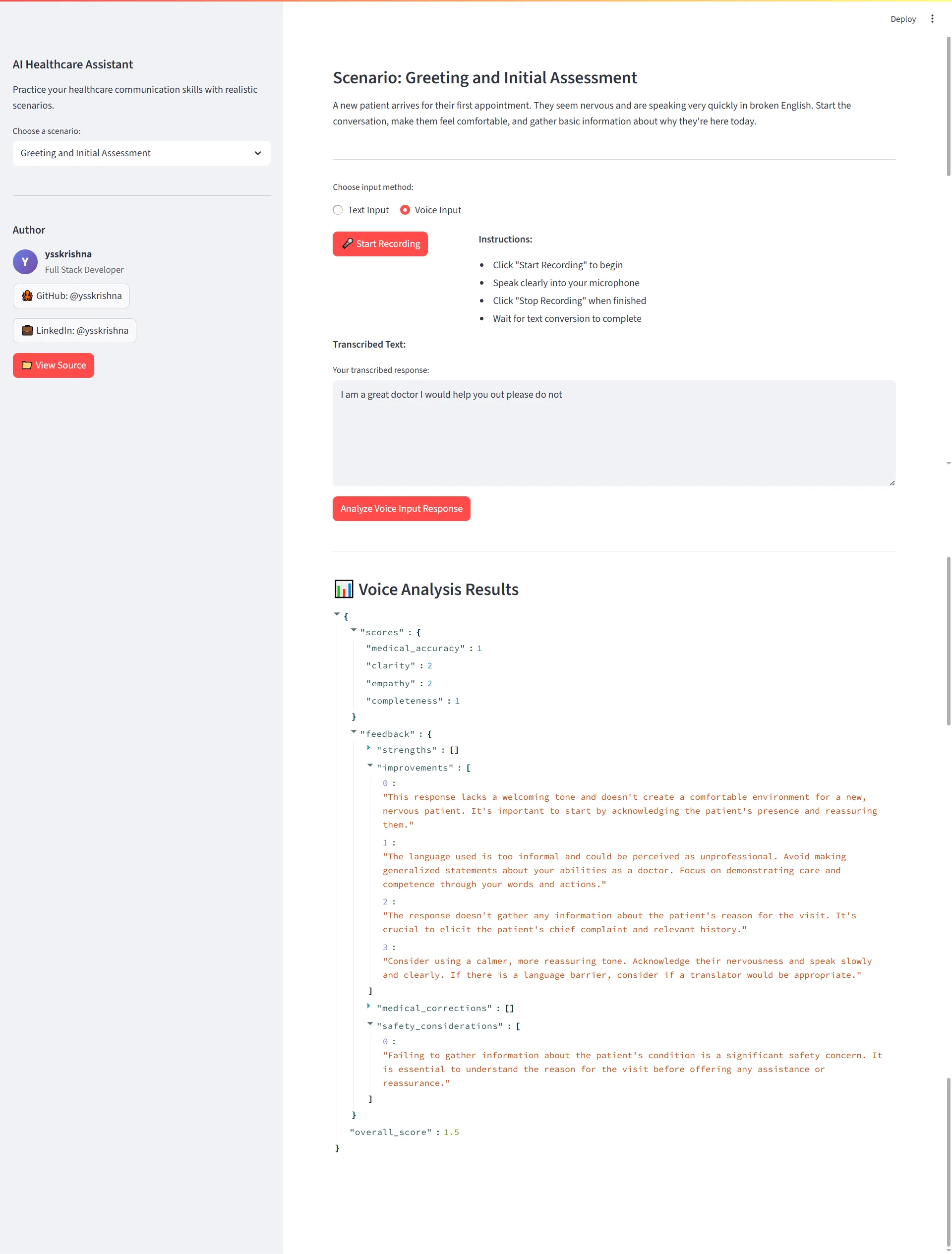
  • Feedback on four dimensions. Scores and suggestions cover medical accuracy, communication clarity, empathy and patient care, and completeness of information.
  • A trail of attempts. All interactions are saved for review and improvement tracking so you can compare wording over time.
  • Free and open source. MIT licensed, with setup documented on GitHub.

Picture your Thursday

For example, you pick a scenario from the sidebar, read the patient situation, and record a short voice answer. You stop recording, check the transcription, run analysis, and read how clear and complete your instructions sounded. You try again with simpler language before clinic.

Ready to try it?

  • Get it on GitHub for clone, environment setup, and running the local web app. You supply a Google AI API key as shown in the repository.

Frequently asked questions

Why not just paste the scenario into a general chatbot?

You can, for a one-off reply. This app keeps you inside documented healthcare scenarios, saves each attempt, and scores the same four dimensions every time so you can compare runs instead of hunting through chat history.

How can I practice explaining a procedure before I see the patient?

Choose a procedure explanation scenario, read the description, respond by text or voice, and run analysis. The feedback calls out medical accuracy, clarity, empathy, and whether you covered what the scenario needs.

Can I rehearse discharge instructions with voice, not just typing?

Yes. Start recording, speak your response, stop recording, review the transcribed text, then analyze. Voice input steps are documented in the repository.

What does the feedback actually measure?

The AI evaluates responses across medical accuracy, communication clarity, empathy and patient care, and completeness of information.

Is this giving patients medical advice?

No. It is simulation only. It does not diagnose, treat, or replace licensed supervision. AI output can be wrong; treat feedback as practice notes, not clinical guidance.

Do I need my own API key?

Yes. Setup uses a Google AI API key in your local environment file, as documented in the repository.

Is it free?

Yes. The project is MIT licensed and listed as free on the product page.

Can I look back at earlier practice runs?

Yes. All interactions are saved for review and improvement tracking inside the app.

Continue exploring

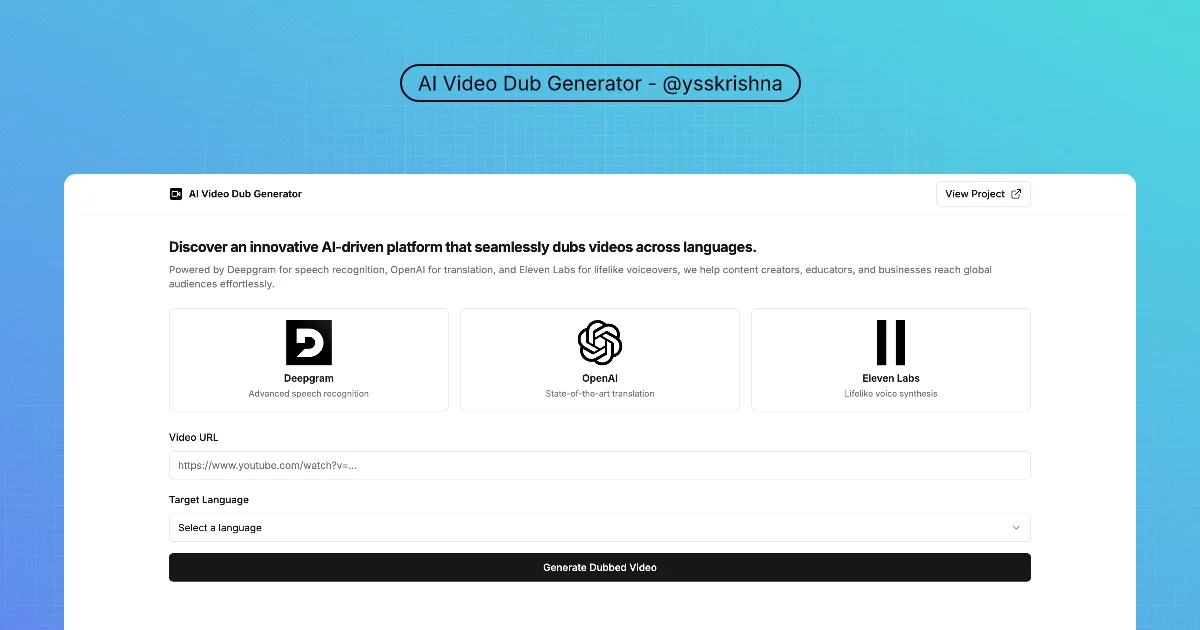
ProductAI Video Dub Generator

AI Video Dub Generator

Same YouTube clip. A new language track. You run the pipeline yourself.
Voice & Speech
AI Apps & Assistants
Speech to Text
OpenAI
BlogCover image for 17 Thinking Skills for AI Agents: Pre-Mortem, Five Whys, Six Hats and More

17 Thinking Skills for AI Agents: Pre-Mortem, Five Whys, Six Hats and More

AI Apps & Assistants
Agent Skills
4 min read
ToolCover image for AI Token Counter

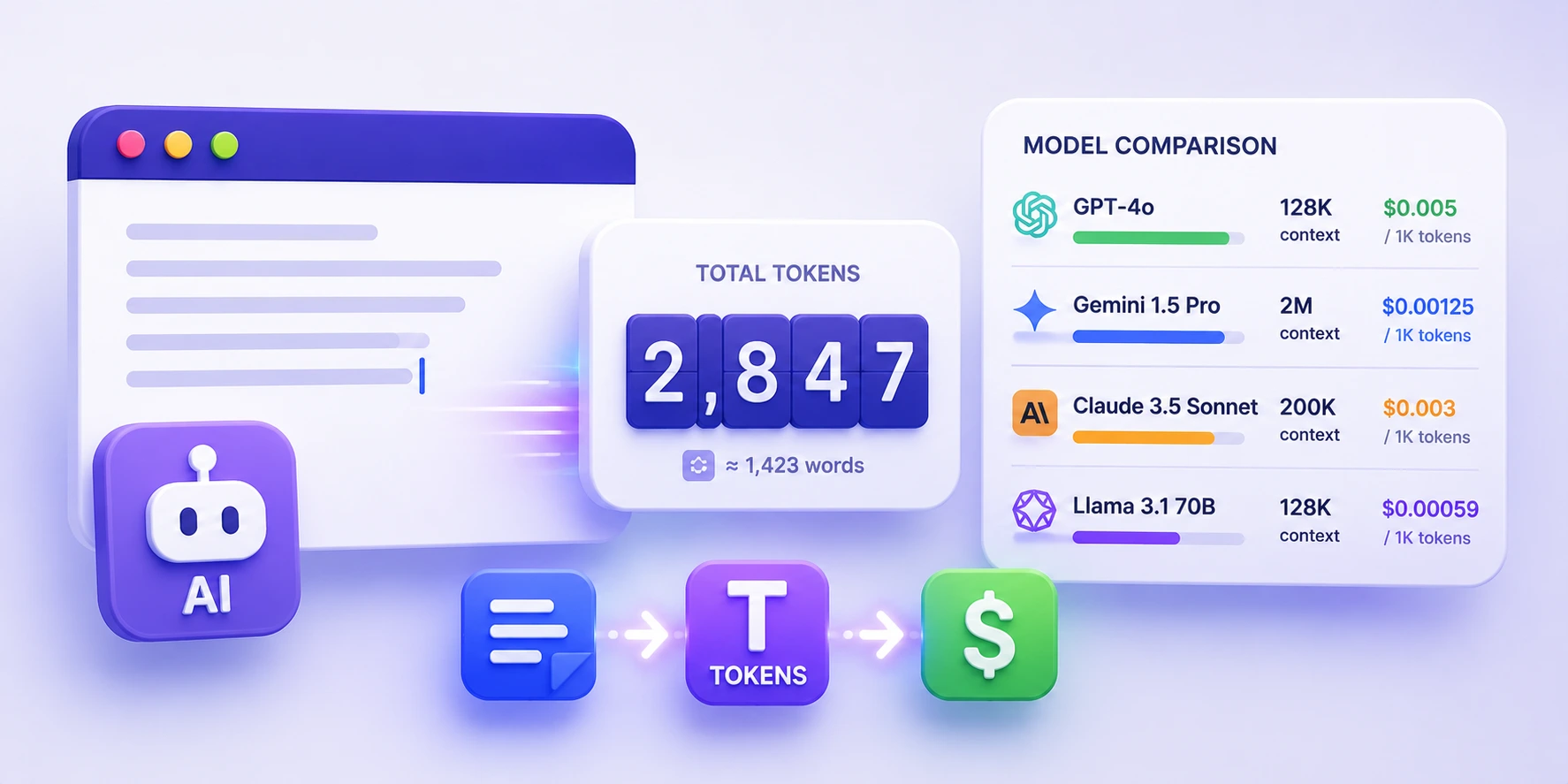
AI Token Counter

AI token counter with model pricing and context-window comparison in your browser.

Chat & AI
AI Apps & Assistants
+1
CourseCover image for Prompt Engineering for Coding Agents

Prompt Engineering for Coding Agents

Write prompts that coding agents act on: clear goals, the right context, output contracts, examples, structured thinking, shorter answers and a tiny eval set.

Agent Skills
Chat & AI

8 chapters · 21 min

BlogCover image for How to Install Caveman in Cursor and Claude Code

How to Install Caveman in Cursor and Claude Code

AI Apps & Assistants
Agent Skills
+1
3 min read
Productskills.sh+1Claude Code Subagents for Cursor

Claude Code Subagents for Cursor

Your Cursor subagents can finally run on the model you picked in each agent file.
Chat & AI
Agent Skills
AI Apps & Assistants
Bash