ysskrishna logoysskrishna

AI Customer Feedback Analyzer

Turn messy customer comments into sentiment, themes, and five clear next steps.

Gallery image 1
Gallery image 2
Get it
Built with
AI Apps & Assistants
OpenAI
Streamlit
Python
uv
Details
FreeMIT licenseCreated September 28, 2025Updated November 12, 2026
Share this product

You have a pile of customer quotes. Nobody has time to reread every one.

Survey blurbs, support snippets, and review lines land in a doc or a thread. You know the themes are in there. You also know you will spend the afternoon skimming, tagging, and still arguing about what matters first.

AI Customer Feedback Analyzer gives you a first pass you can actually skim.

Read less. Decide faster.

What you get

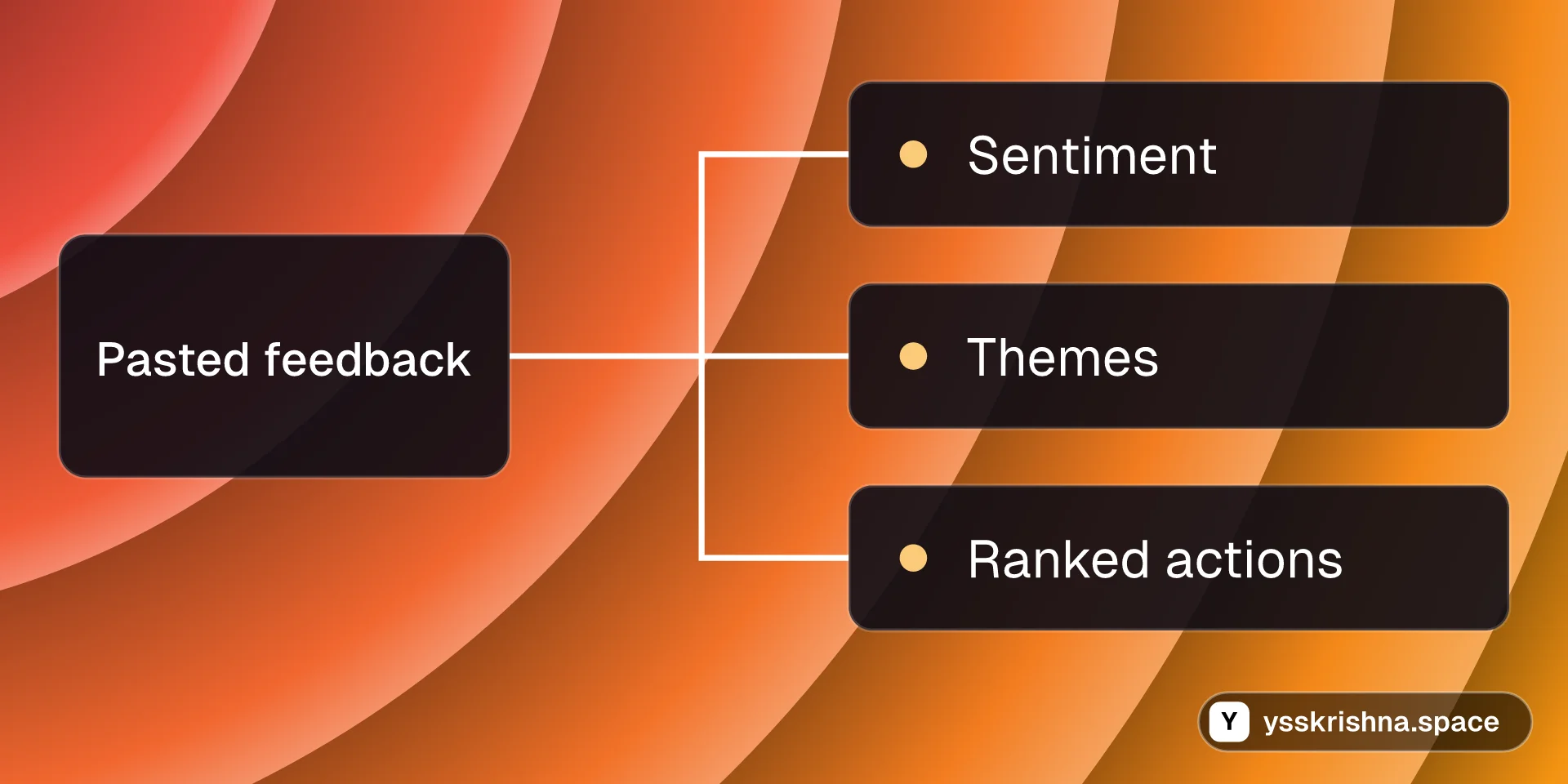
  • Sentiment on each paste. Positive, negative, or neutral, so you spot tone before you chase the wrong fire.
  • Themes that match how teams talk. Product quality, service, pricing, delivery, experience, features, bugs, suggestions, and a catch-all bucket when nothing else fits.
  • Up to five actions, ranked. Each item carries High, Medium, or Low priority plus short reasoning tied to the words you pasted.
  • Output you can trust to parse. Structured responses follow fixed schemas, so you are not cleaning broken JSON by hand.
  • A simple paste-in screen. Drop a feedback block, run analysis, read the summary. No batch pipeline to wire up first.
  • Free to fork and run. MIT licensed, with setup steps on the project page when you are ready.

Picture your Monday

For example, you paste twelve lines from last week's exit survey. The app comes back with neutral-to-negative sentiment on delivery, two High items about late shipments, a Medium item on packaging, and one Low suggestion on tracking emails. You forward the short list to ops and keep the raw quotes for context. That is a sketch, not a promise about your data.

Ready to try it?

  • Get it on GitHub for clone steps, environment setup, and screenshots of the UI

Frequently asked questions

Why not just paste feedback into ChatGPT?

You can, and for a one-off it may be enough. This project bakes in fixed category names, High/Medium/Low priority, a five-item cap, and structured responses validated against the schemas in the repo, so you are not re-explaining the format every time.

Is there a free open-source way to paste feedback and get structured insights?

Yes. The project is MIT licensed and listed as free on the product page. You run it yourself rather than signing up for a hosted dashboard.

How do I run the analyzer locally with my own API key?

You need Python 3.11 or newer and an API key from your model provider. The README walks through cloning the repo, installing dependencies, setting the key in your environment file, and starting the web UI in the browser on your machine.

How do I get consistent structured output from feedback analysis?

The analyzer uses structured outputs validated with schema models, so responses follow the enums and models defined in the repository instead of free-form prose you have to repackage.

Can I trust the triage for HR or legal decisions?

No. Models can misread tone or sarcasm. Treat outputs as draft triage, and avoid uploading personal data you are not allowed to send to third-party APIs.

What categories does it assign?

Feedback can land in product quality, customer service, pricing, delivery, user experience, features, bugs, suggestions, or other when nothing else fits.

How many action items come back from one block?

The analysis returns at most five actionable items so the list stays short and decision-ready.

Is it free?

Yes. The license is MIT and the product is marked free. You still pay your model provider for API usage when you run an analysis.

Continue exploring

BlogCover image for 17 Thinking Skills for AI Agents: Pre-Mortem, Five Whys, Six Hats and More

17 Thinking Skills for AI Agents: Pre-Mortem, Five Whys, Six Hats and More

AI Apps & Assistants
Agent Skills
4 min read
ToolCover image for AI Token Counter

AI Token Counter

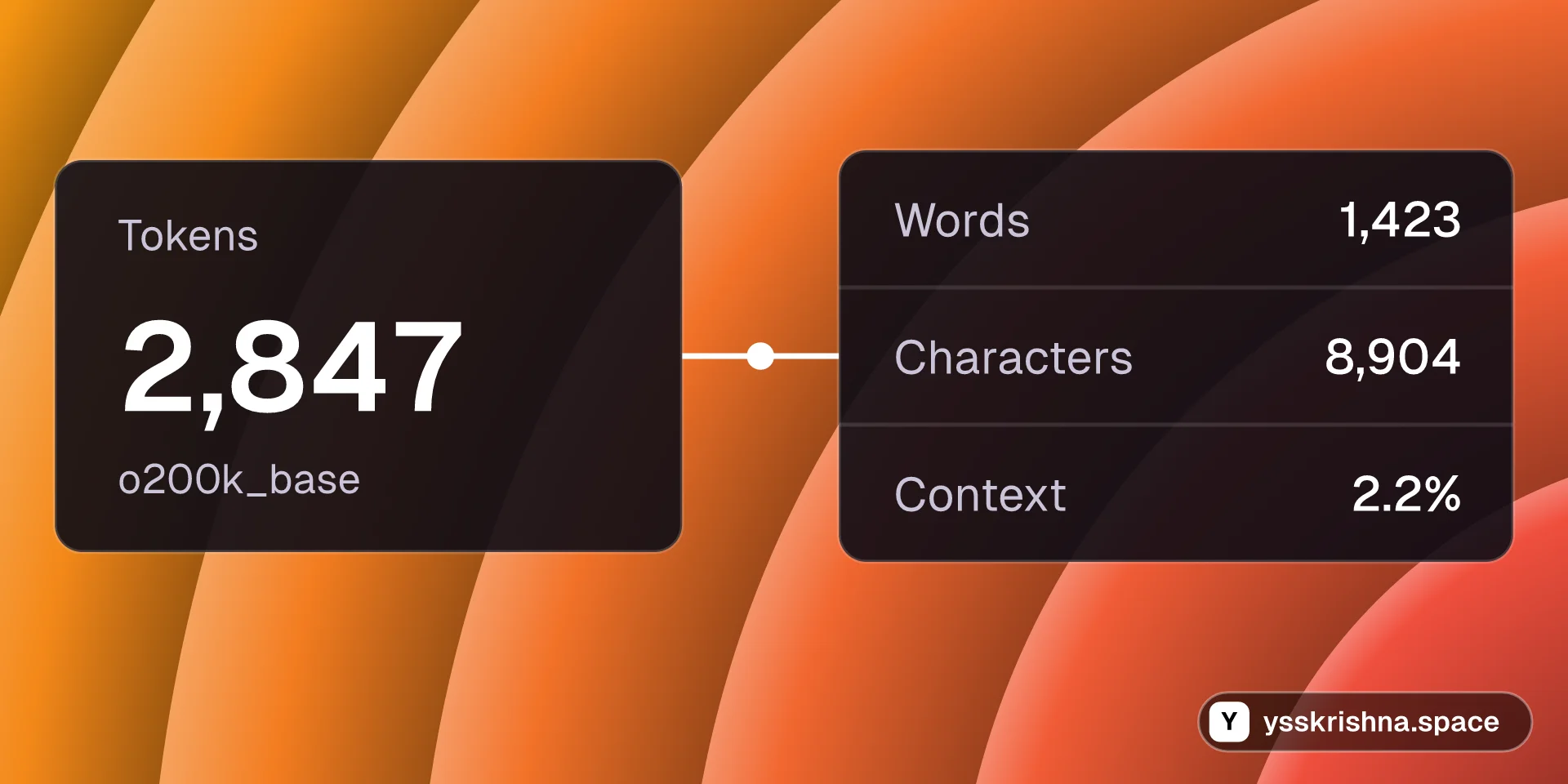
AI token counter with model pricing and context-window comparison in your browser.

Chat & AI
AI Apps & Assistants
+1
CourseCover image for Prompt Engineering for Coding Agents

Prompt Engineering for Coding Agents

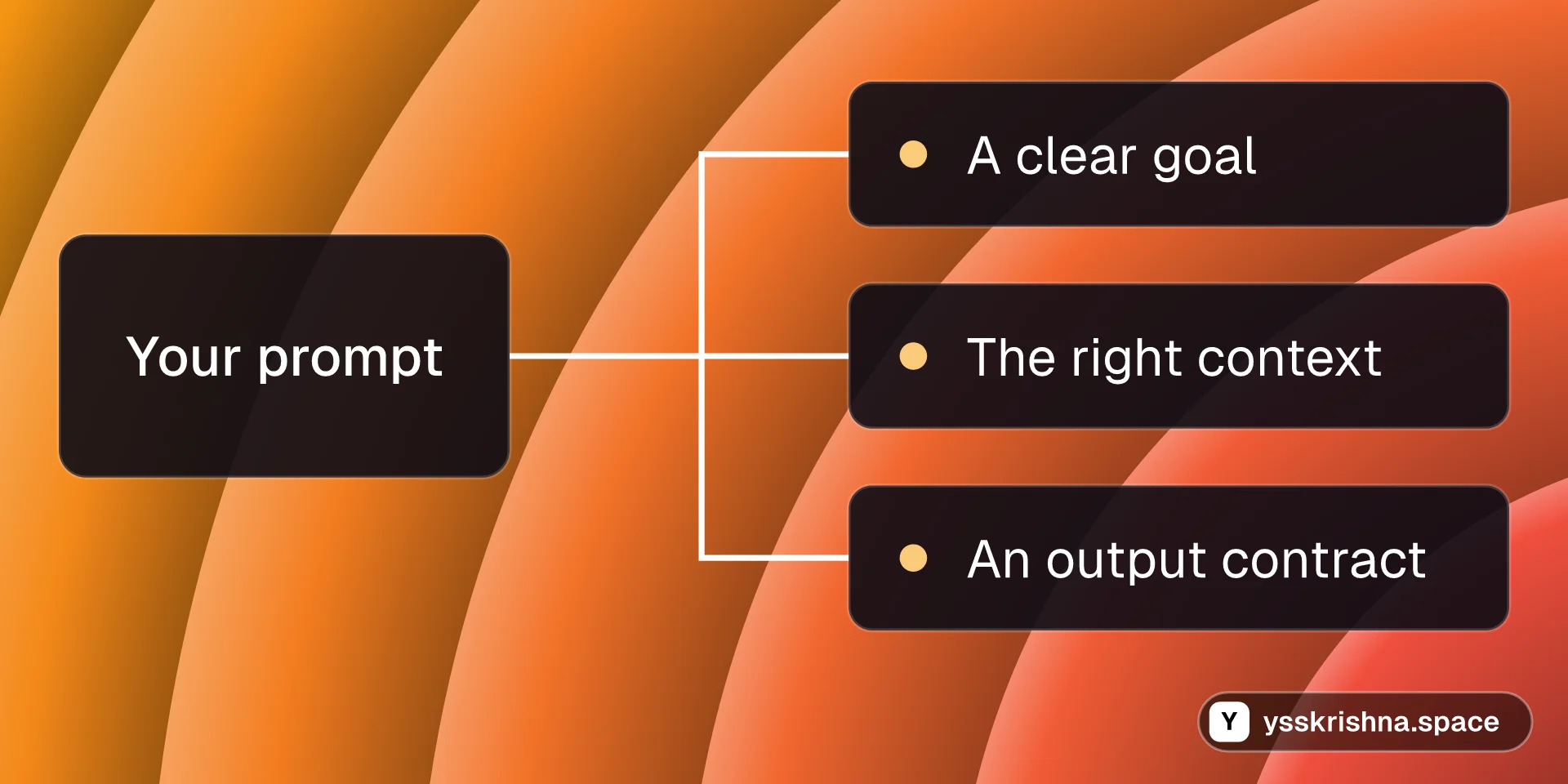
Write prompts that coding agents act on: clear goals, the right context, output contracts, examples, structured thinking, shorter answers and a tiny eval set.

Agent Skills
Chat & AI

8 chapters · 17 min

Productskills.sh+1Claude Code Subagents for Cursor

Claude Code Subagents for Cursor

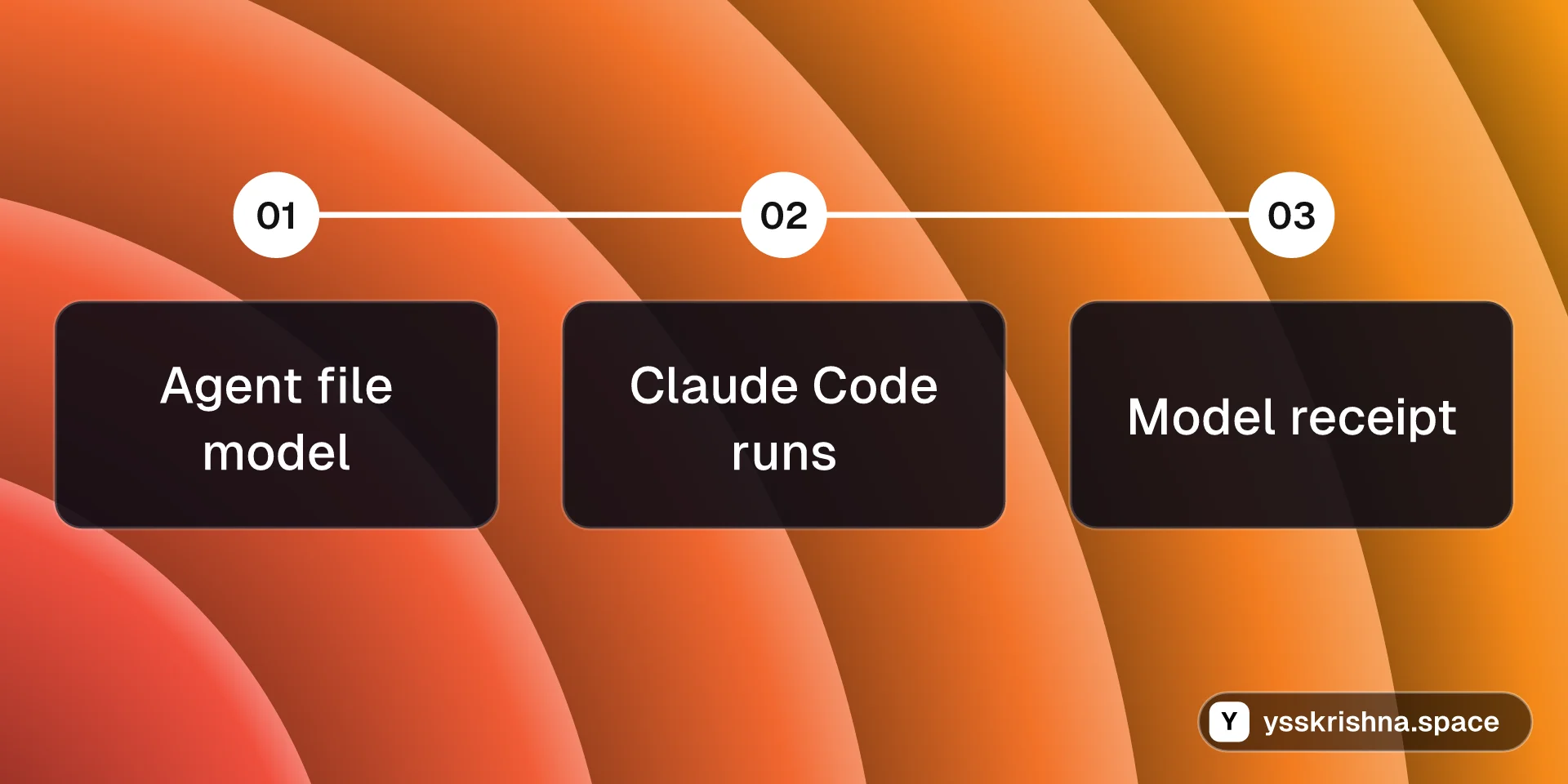
Your Cursor subagents can finally run on the model you picked in each agent file.
Chat & AI
Agent Skills
+2
BlogCover image for How to Install Caveman in Cursor and Claude Code

How to Install Caveman in Cursor and Claude Code

AI Apps & Assistants
Agent Skills
+1
3 min read
ProductAI Math Tutor

AI Math Tutor

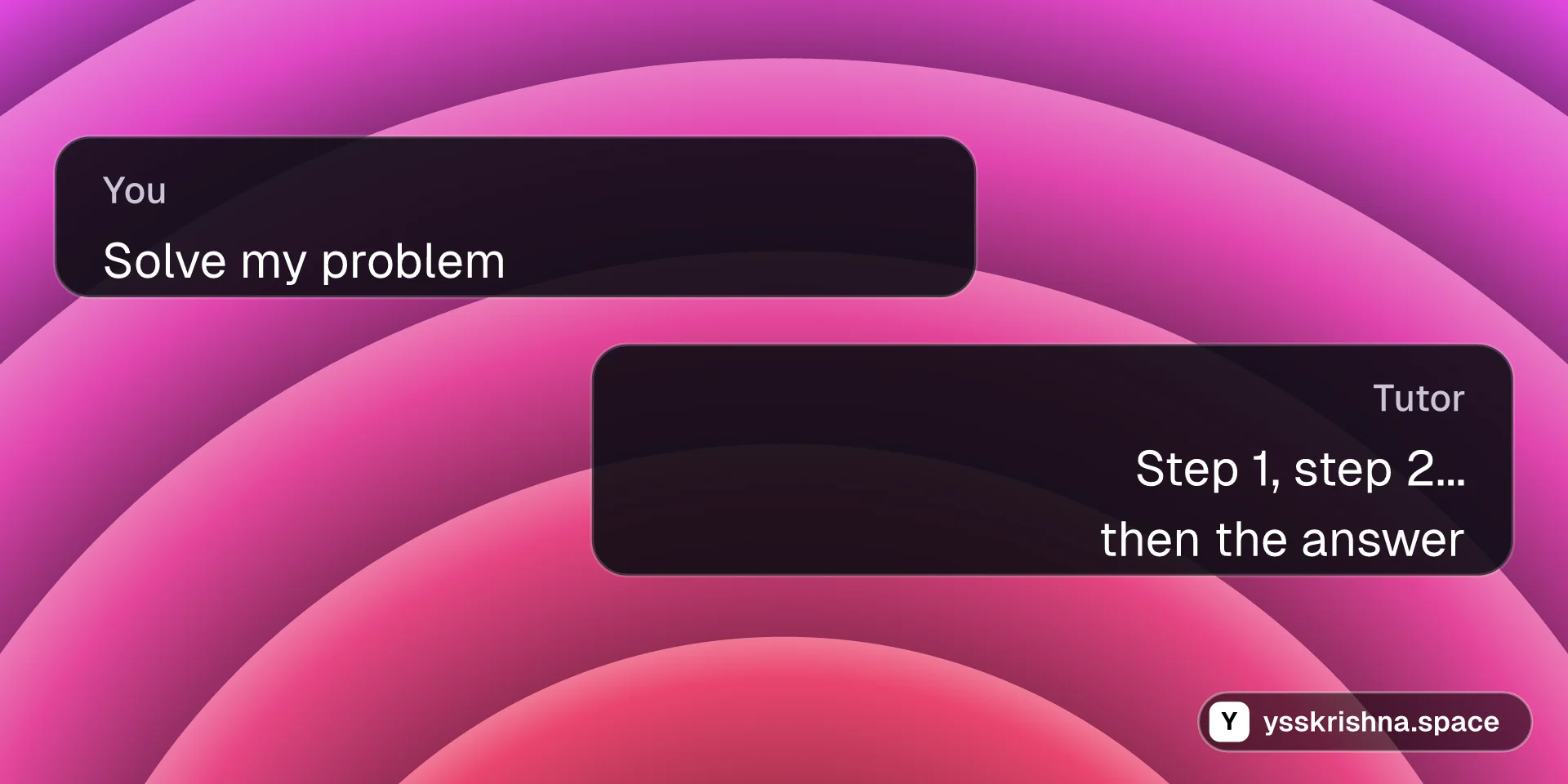
Stuck on a math problem? Get a clear walkthrough, not just the final number.
AI Apps & Assistants
OpenAI
+4