
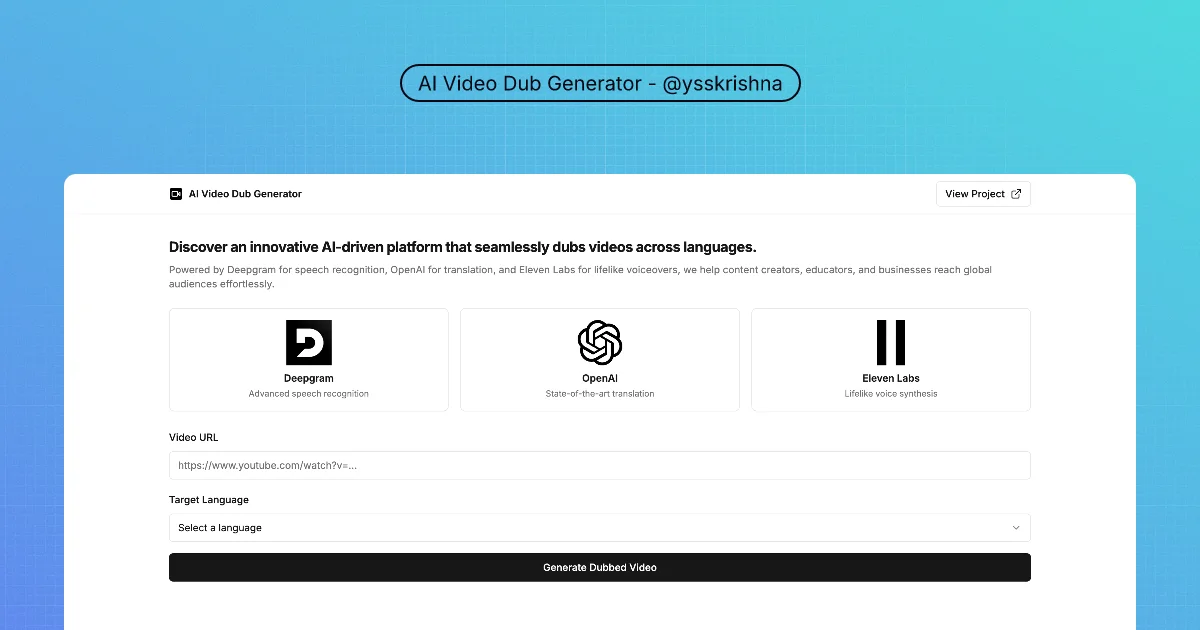
Dub YouTube-style sources into other languages using transcription, translation, and synthetic voice
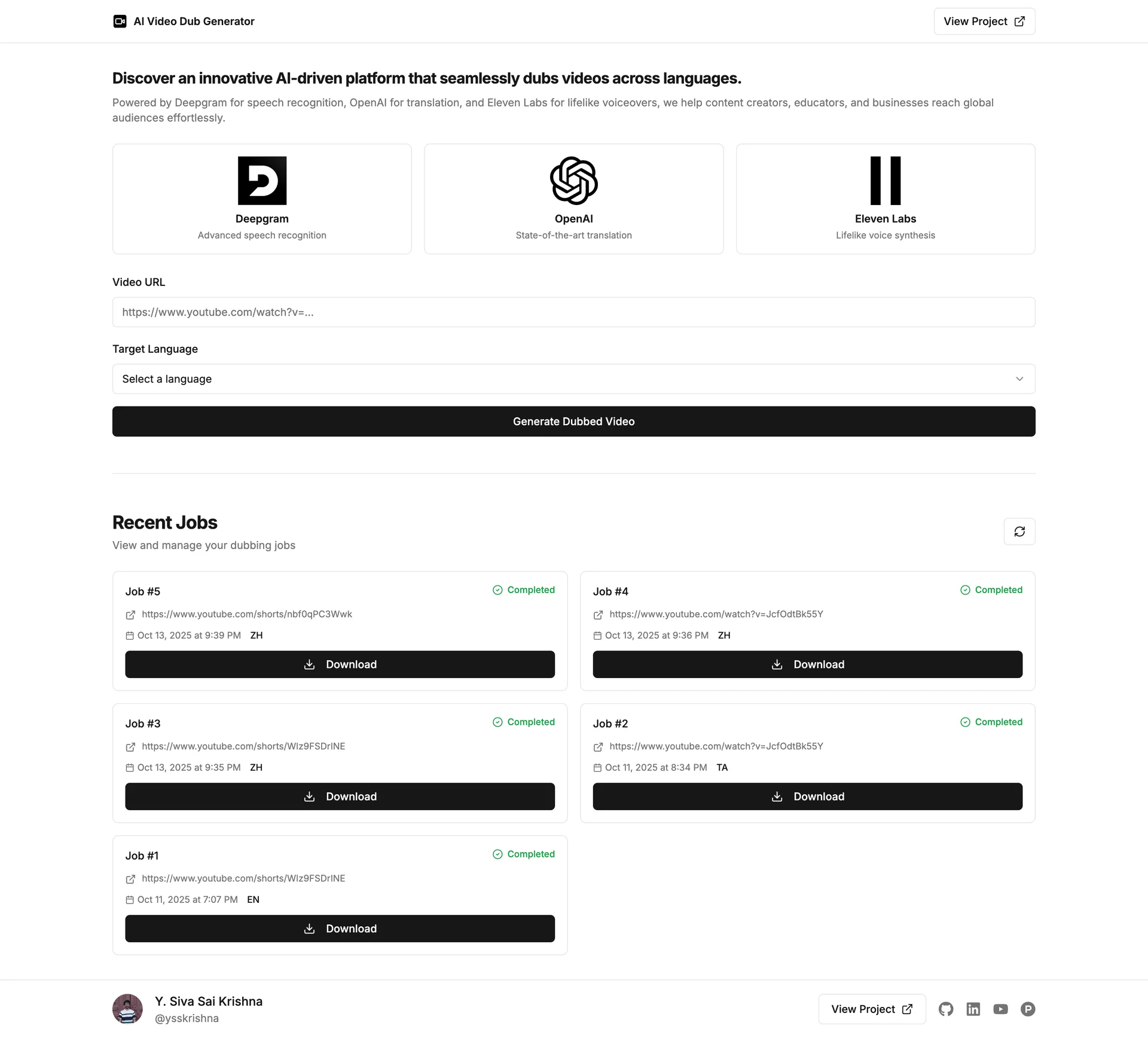
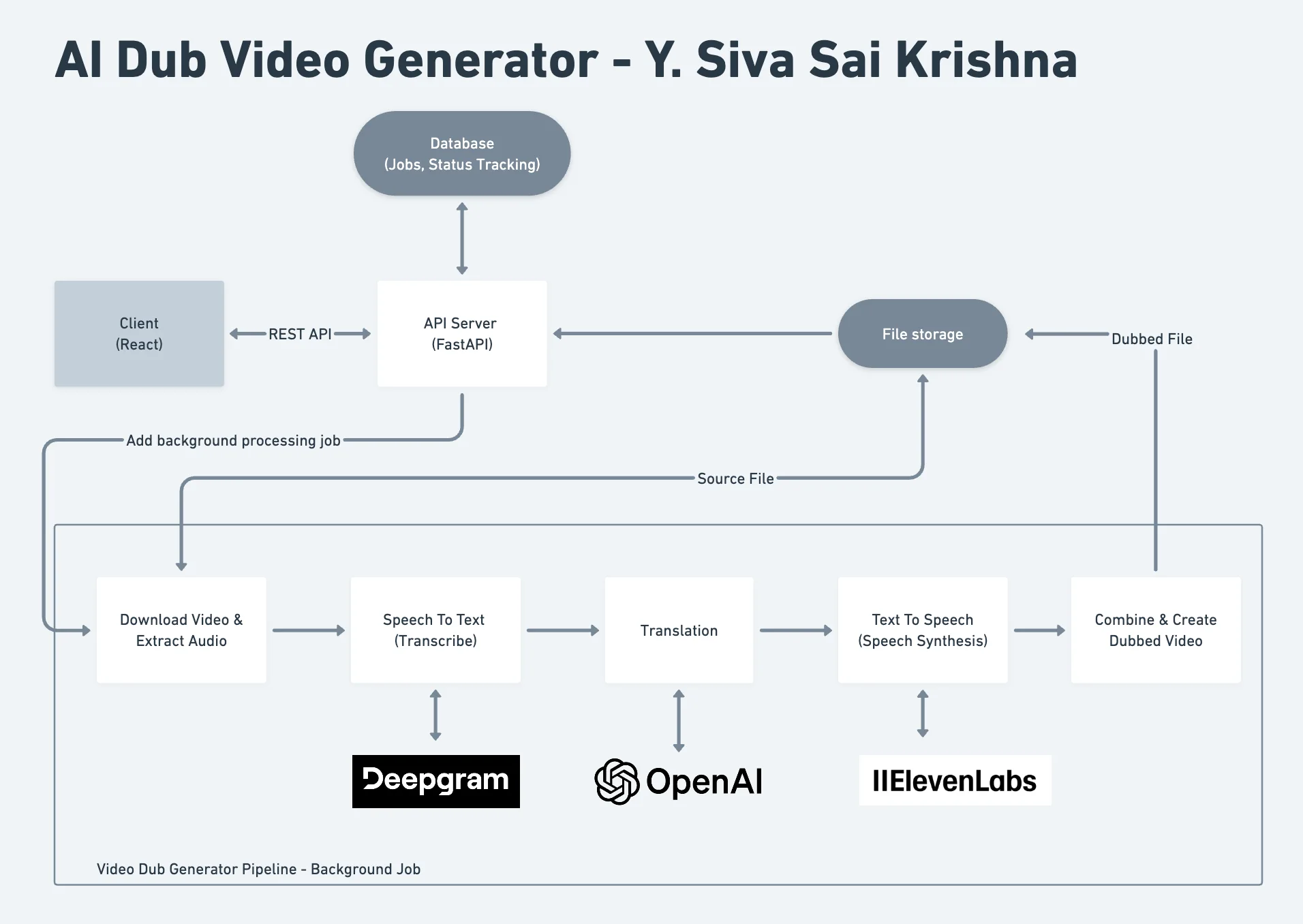
This project automates a dubbing pipeline: it targets YouTube inputs (via tooling named in the repository), transcribes audio with Deepgram, translates with OpenAI, and generates new speech with ElevenLabs, then assembles output with the video utilities listed in the README. The UI tracks job status, and the stack pairs a React client with a FastAPI backend and SQLite for job tracking.
When it is useful
You are experimenting with multilingual clips, prototyping a creator workflow, or evaluating third-party speech and translation APIs, not replacing a full localization studio on day one. You must supply valid API keys and respect platform terms, copyright, and voice licensing.
What you can do
- Start a dub from a supported video source and follow progress through the app’s status flow.
- Target many languages (the README cites 30+ options; confirm current coverage in the project docs).
- Inspect example outputs bundled under the repository’s media paths for quality expectations.
- Run client and server using the nested READMEs in the GitHub project (setup stays in those files).
Limits
- Quality, lip sync, and naturalness vary by clip, voices, and provider behavior; review outputs before publishing.
- Cost and quotas come from Deepgram, OpenAI, and ElevenLabs; there is no “cheap studio replacement” guarantee here.
- Legal and ethical use (consent, attribution, deepfakes policy) is your responsibility; this page is not legal advice.
 Bash
Bash Gemini
 LangChain
 FastAPI
 PostgreSQL