Library catalog, members, and borrow/return flows built around book vending hardware
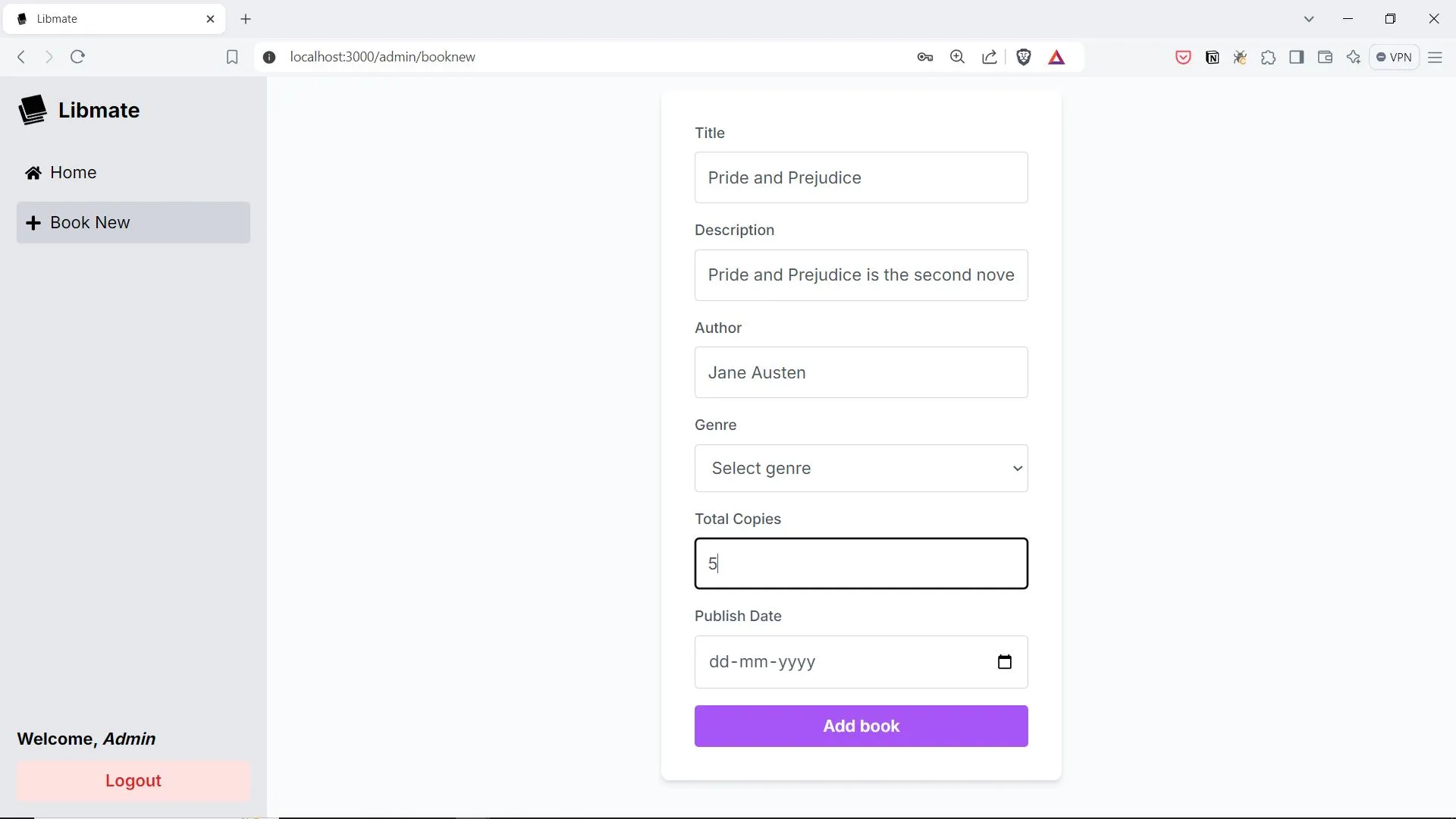
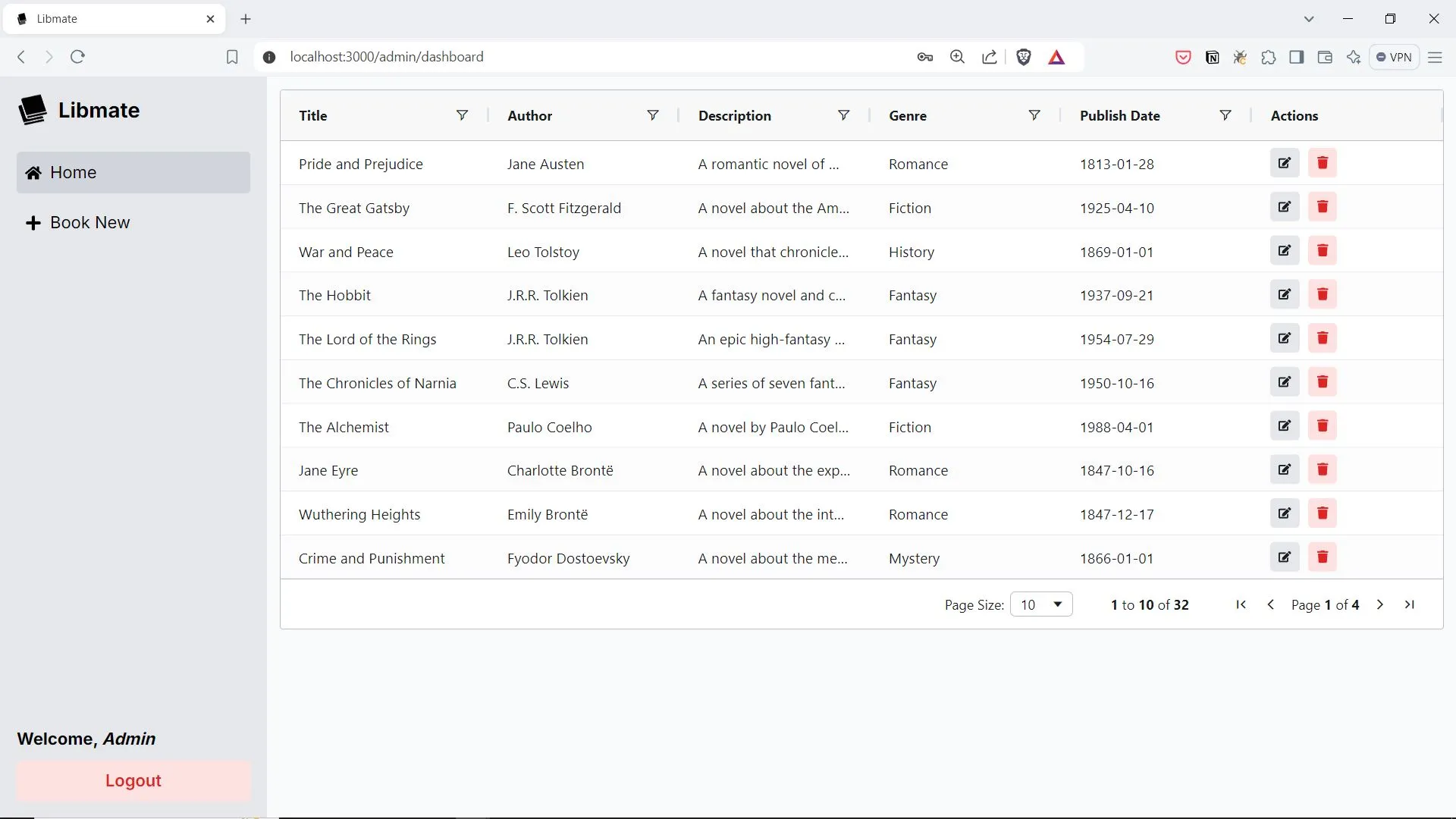
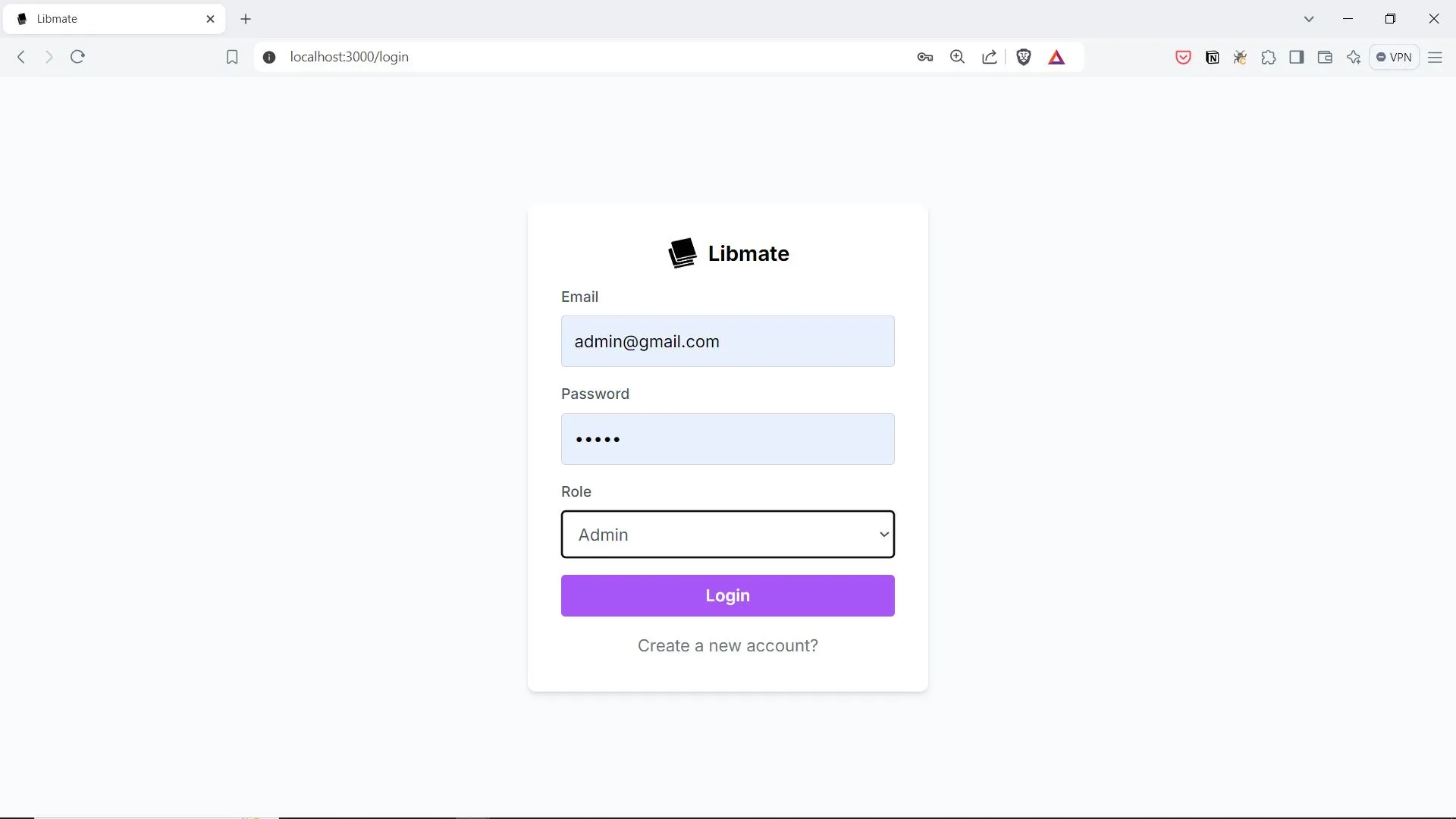
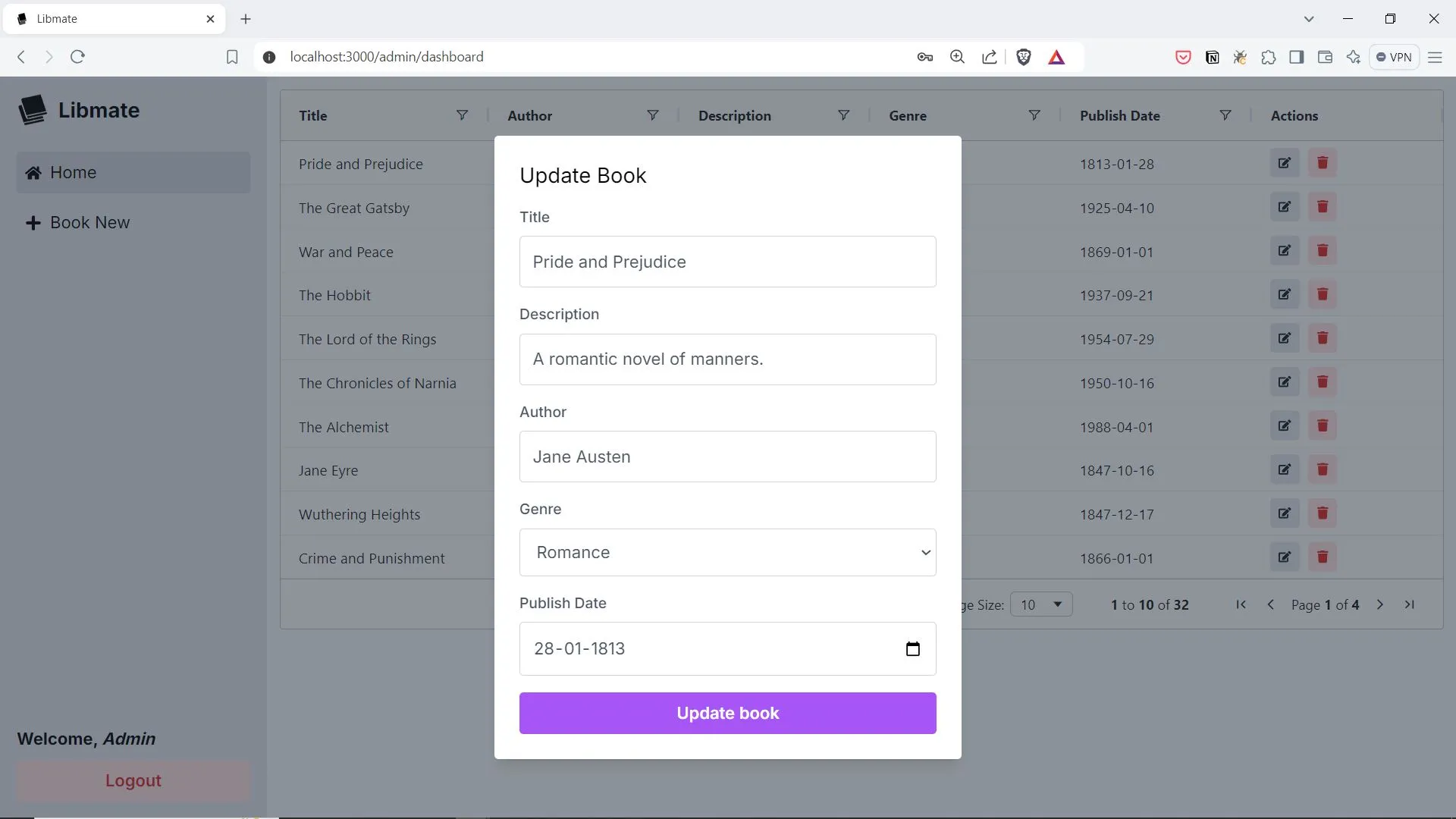
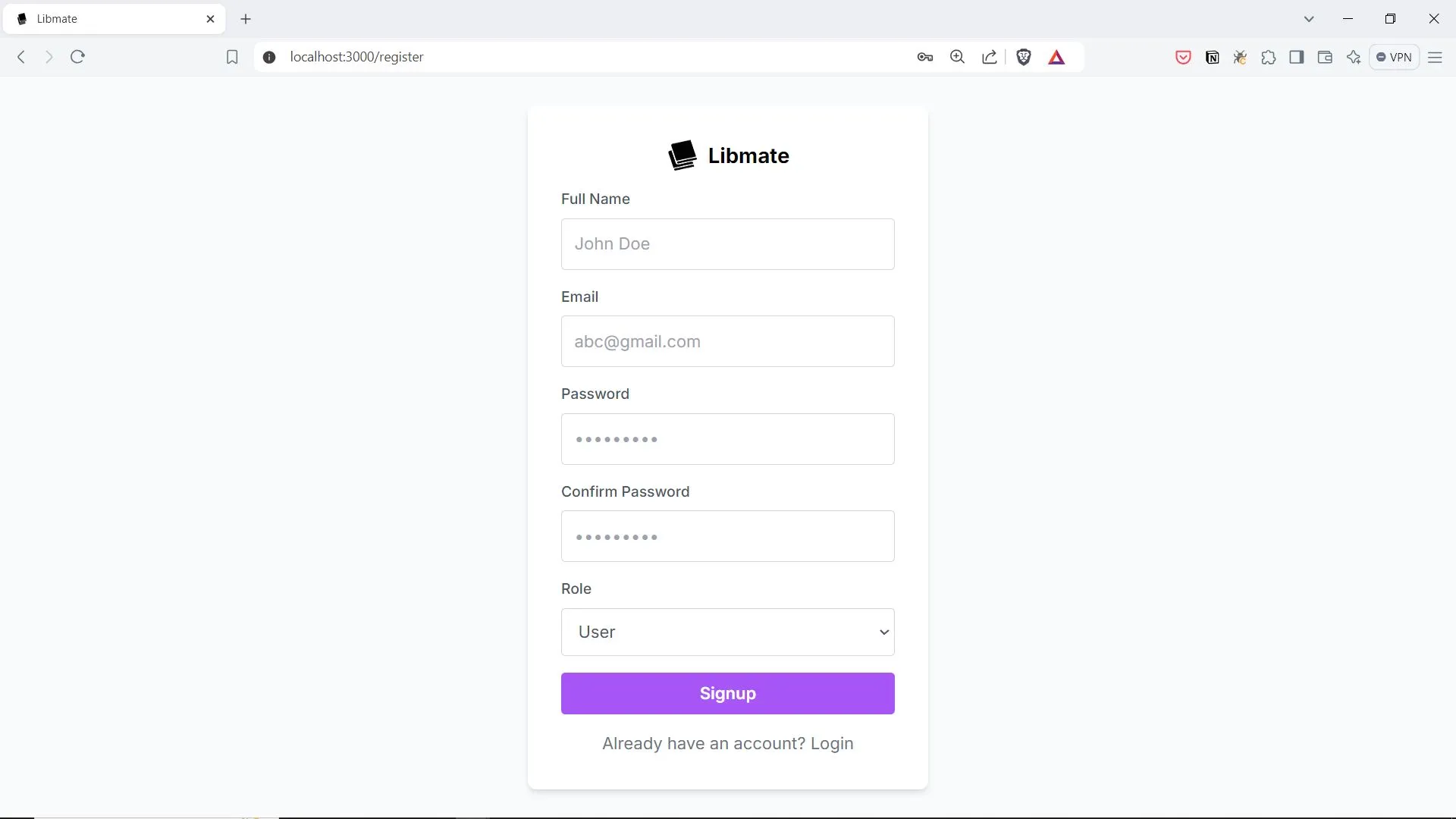
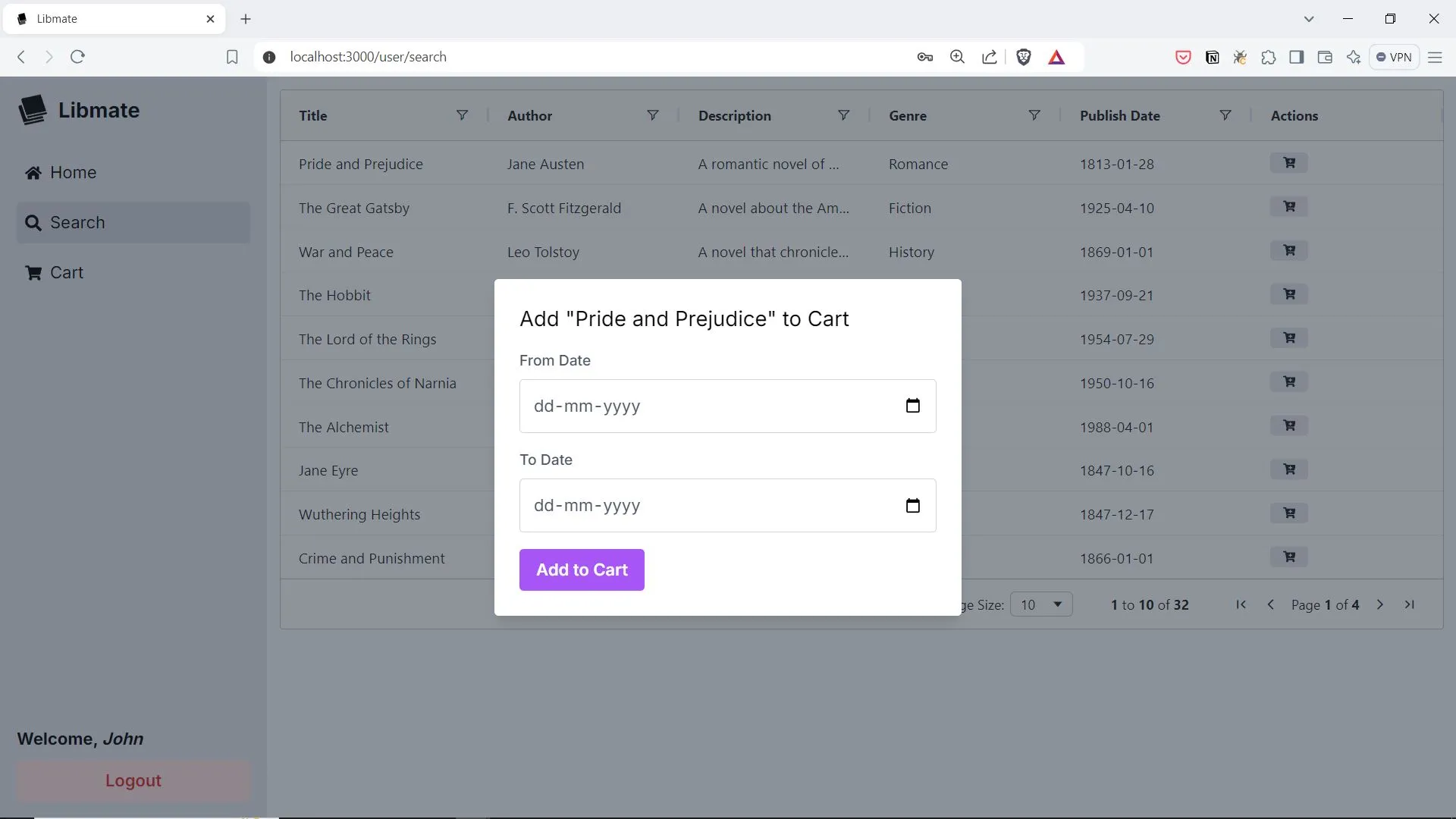
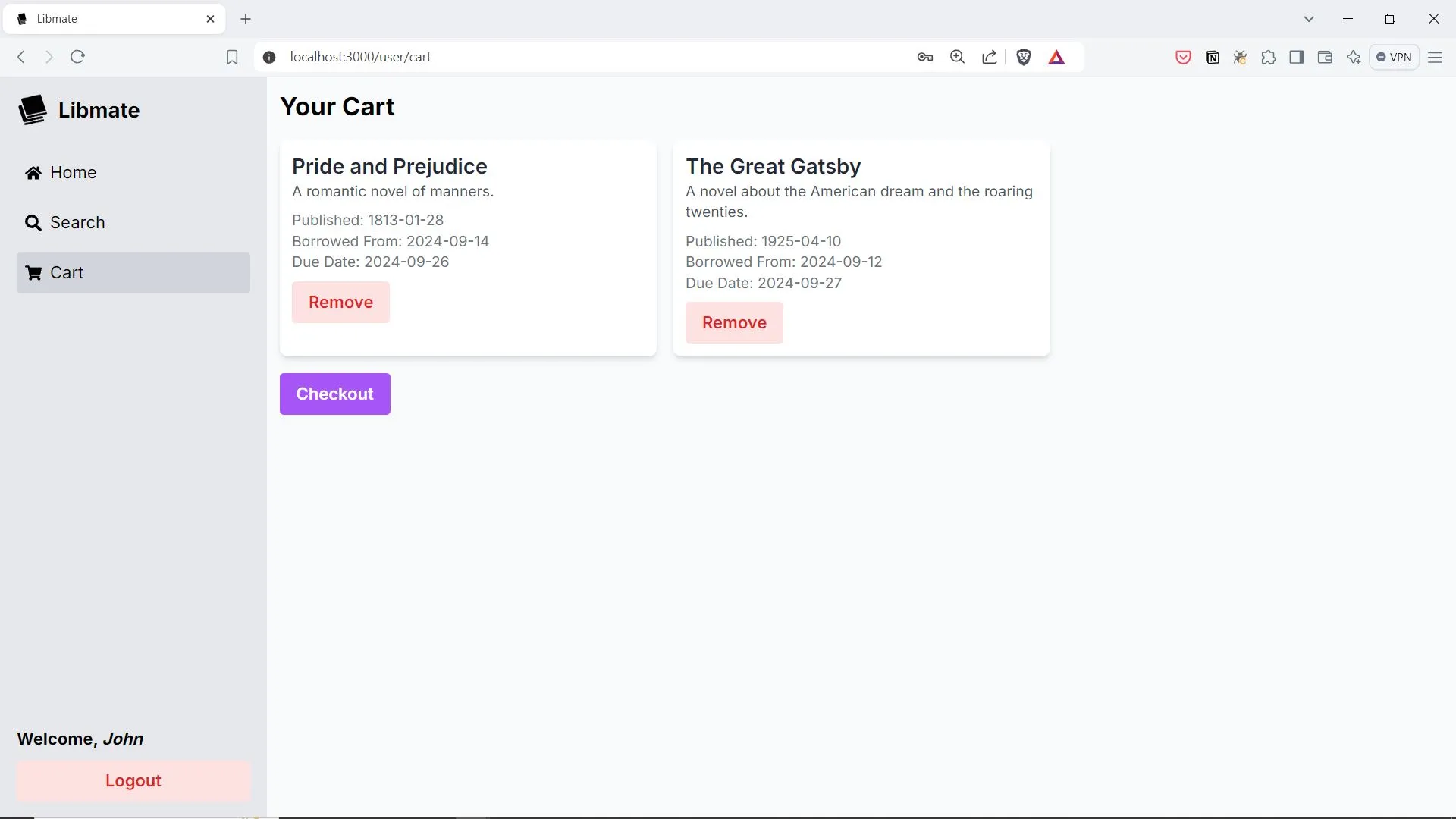
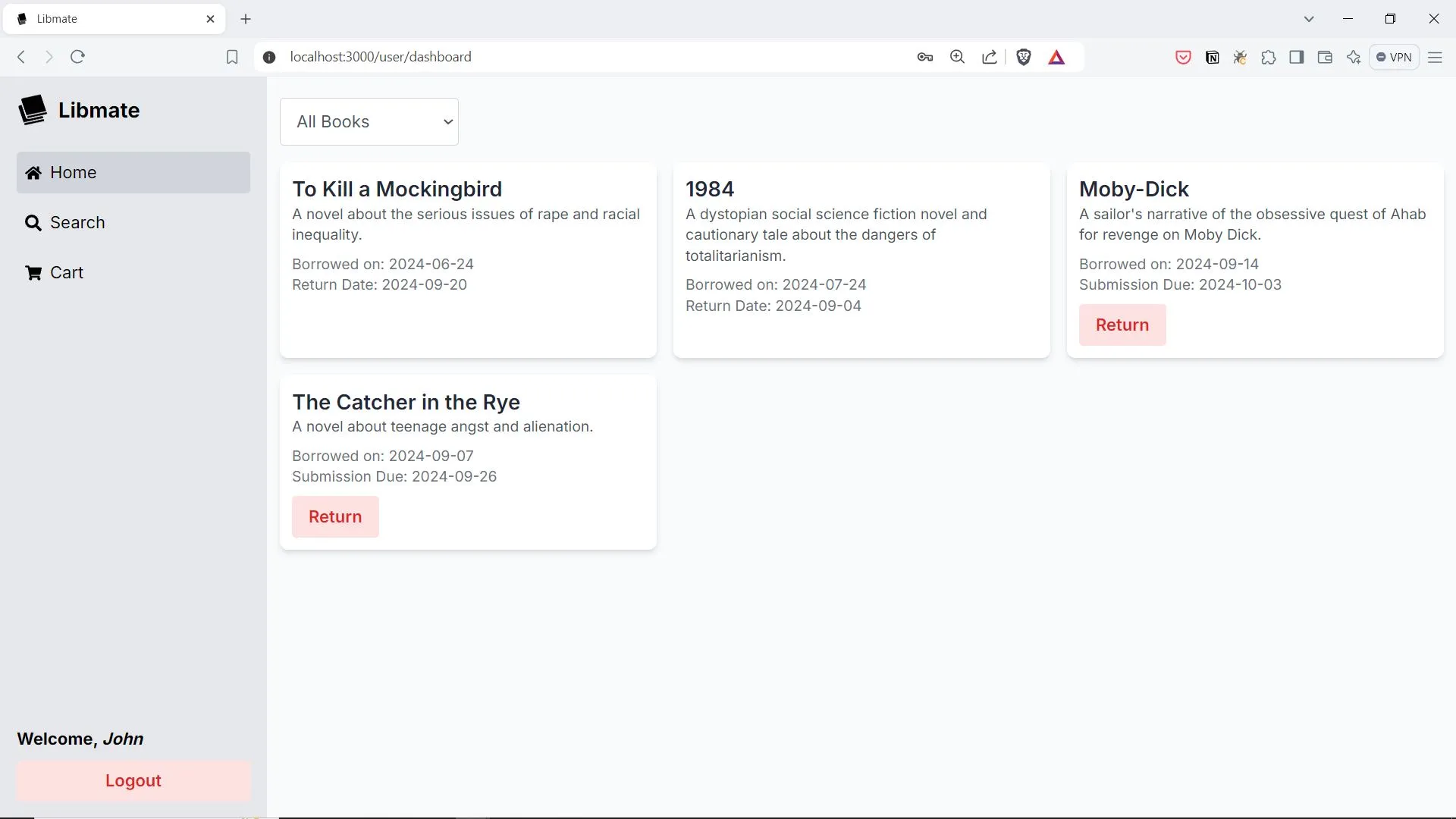
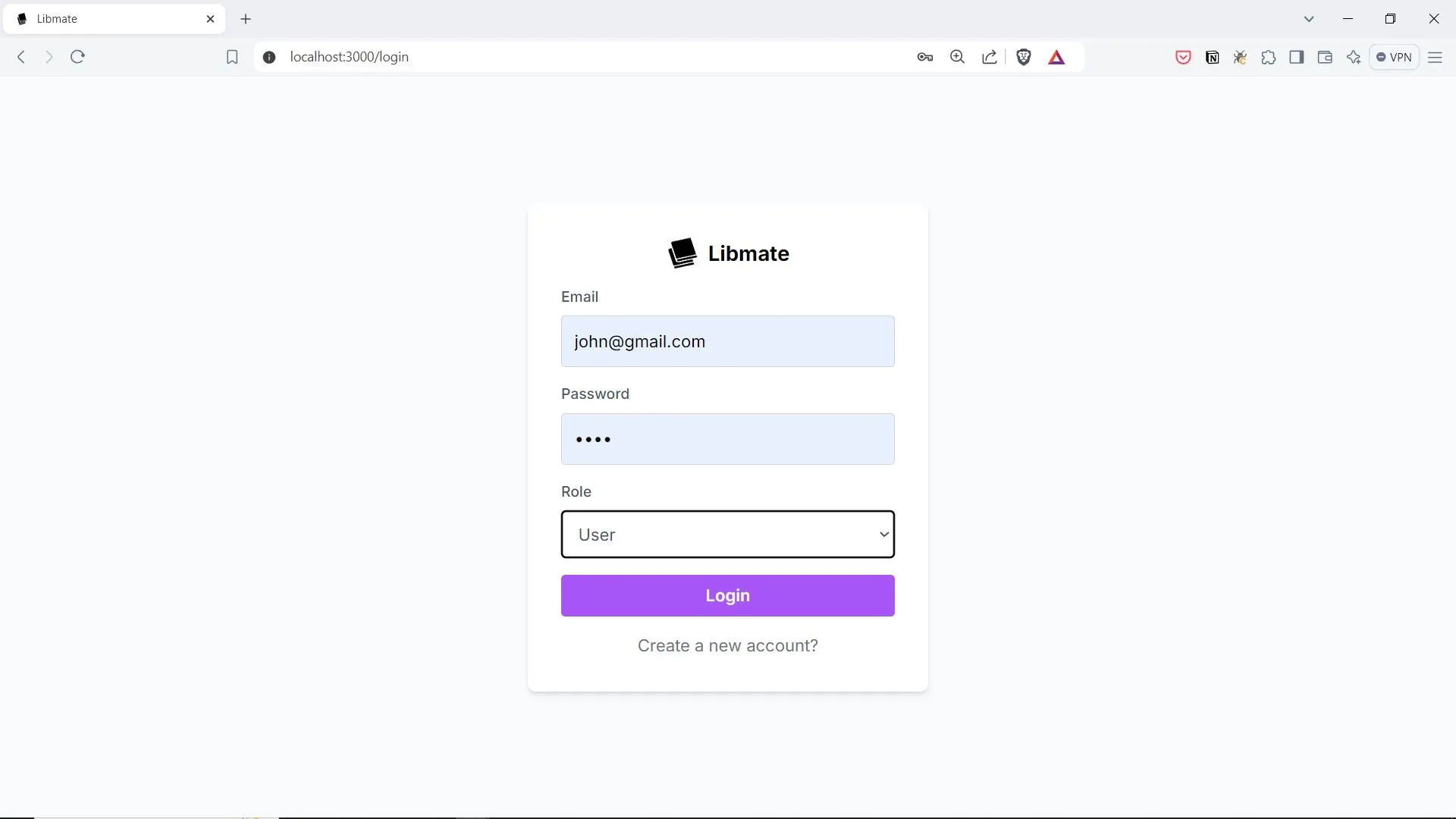
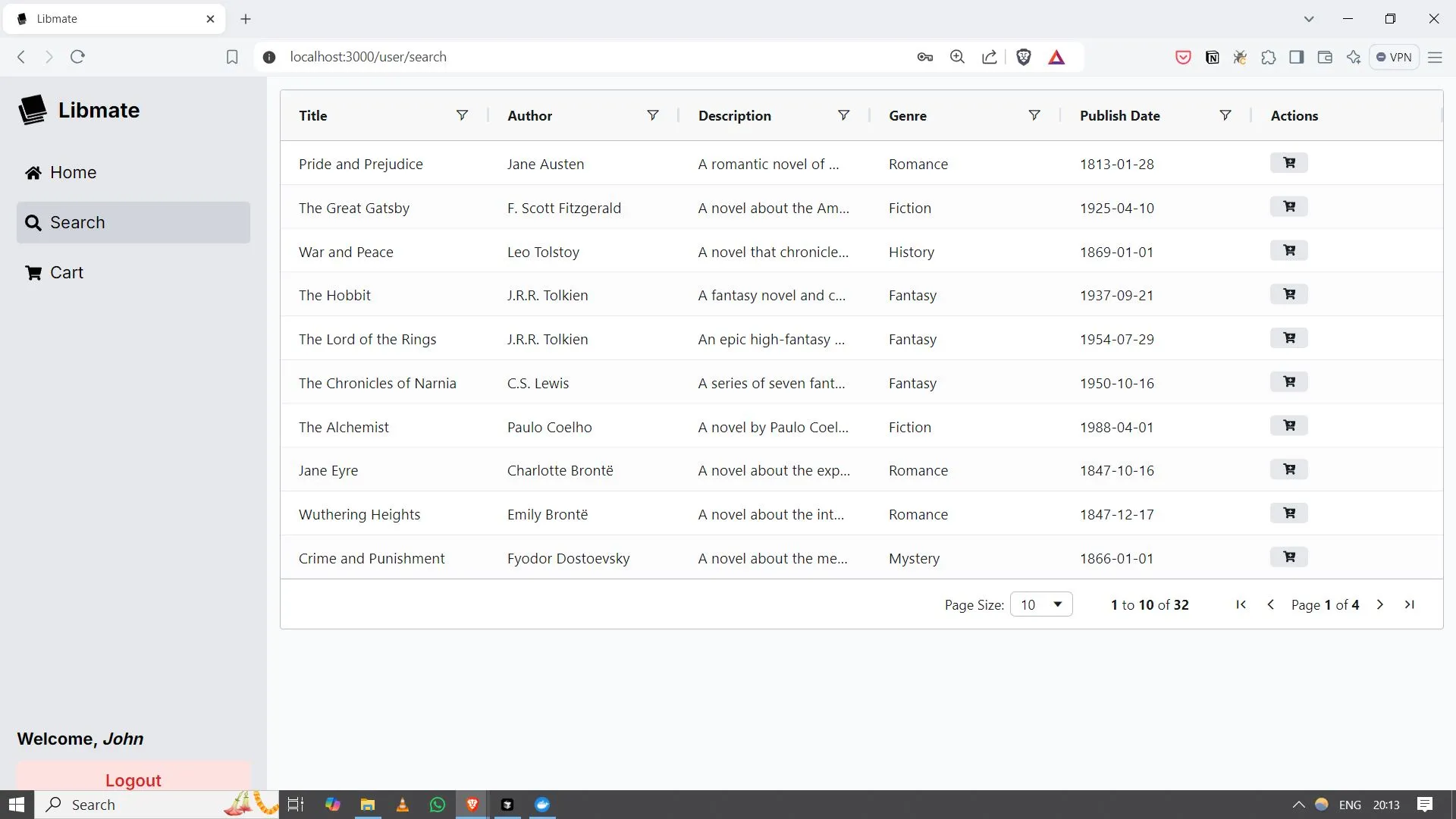
LibMate is a full-stack library system oriented toward book vending machines: staff can manage the catalog, register admins and patrons, and the product supports checkout and return workflows aligned with that physical setup. Separate user and admin experiences are shown in the repository media (search, cart-style selection, dashboards, and book maintenance screens).
When it is useful
You are piloting automated pickup/return, you need a coherent demo of inventory plus member records for stakeholders, or you are forking the project to match a specific campus or vendor deployment. It is a software plus operations concept; success still depends on hardware, staffing, and policy outside the repo.
What you can do
- Maintain books (add, update, remove) and track availability and loan state from the admin side described in the README.
- Onboard members with distinct admin and user roles and authentication as implemented.
- Search the catalog, prepare selections, and move through checkout and return steps consistent with the vending workflow the project assumes.
- Run the stack with the container-based instructions in the GitHub repository (database and services are defined there).
Limits
- This page does not document default demo accounts; anything shipped for local testing should be treated as non-production and rotated before real use.
- Physical machine safety, accessibility, and vendor integration are outside what a README can certify.
- Circulation statistics or savings are not claimed here; measure outcomes on your deployment if you need numbers for a pitch.