Turn an image into a short video with motion, music, and live progress in the browser
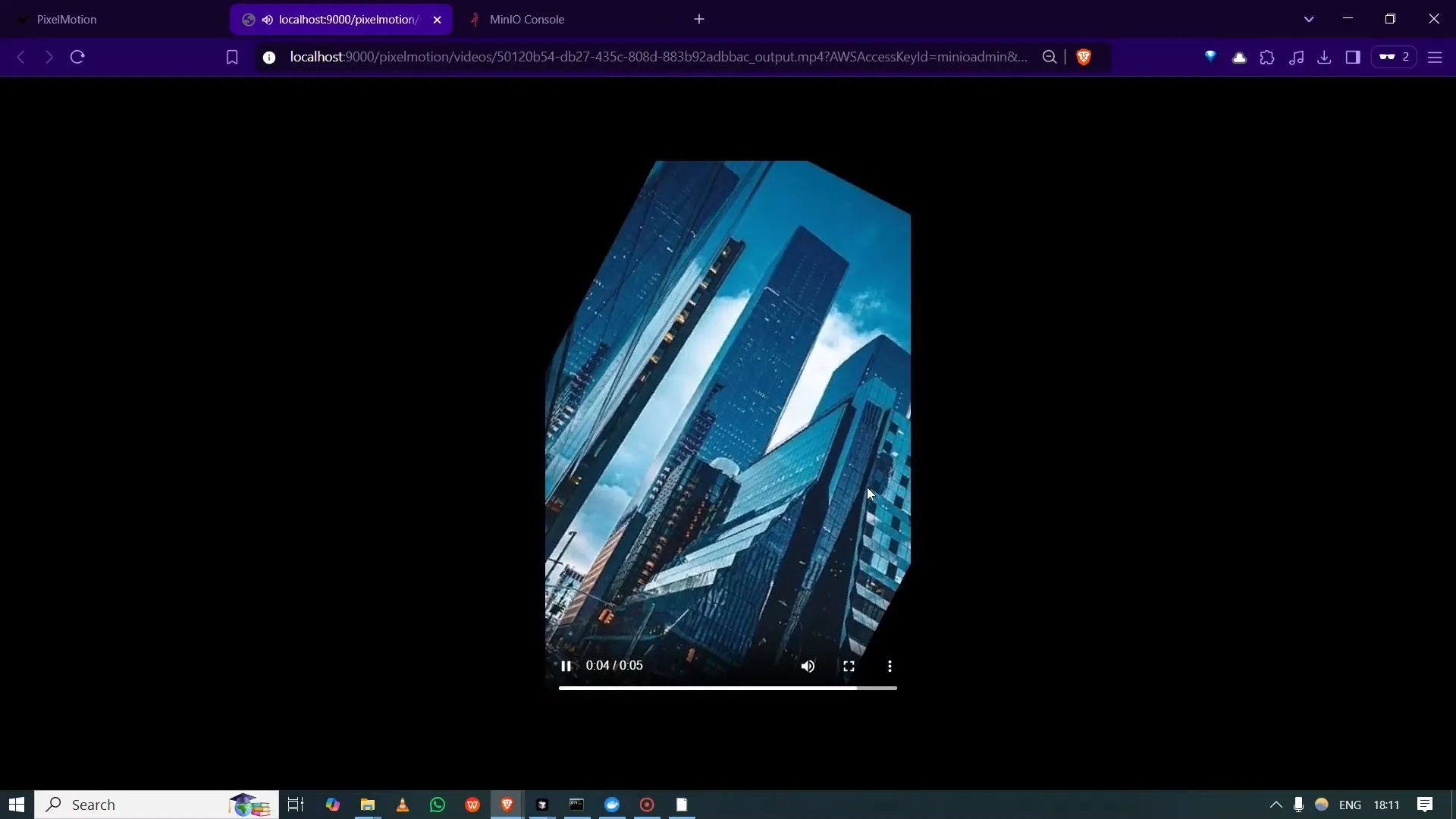
PixelMotion is a web app that starts video generation from still images in one action and shows progress as the job runs. Output is described in the repository as including motion and background music; sample clips are linked from the project for a concrete preview.
When it is useful
You want a self-hosted or demo-style pipeline for quick promotional clips or experiments, you are evaluating a queue-and-worker pattern for media jobs, or you need a reference UI for uploads, processing status, download, and stored outputs. It is a project to run and adapt, not a guaranteed “viral video” service.
What you can do
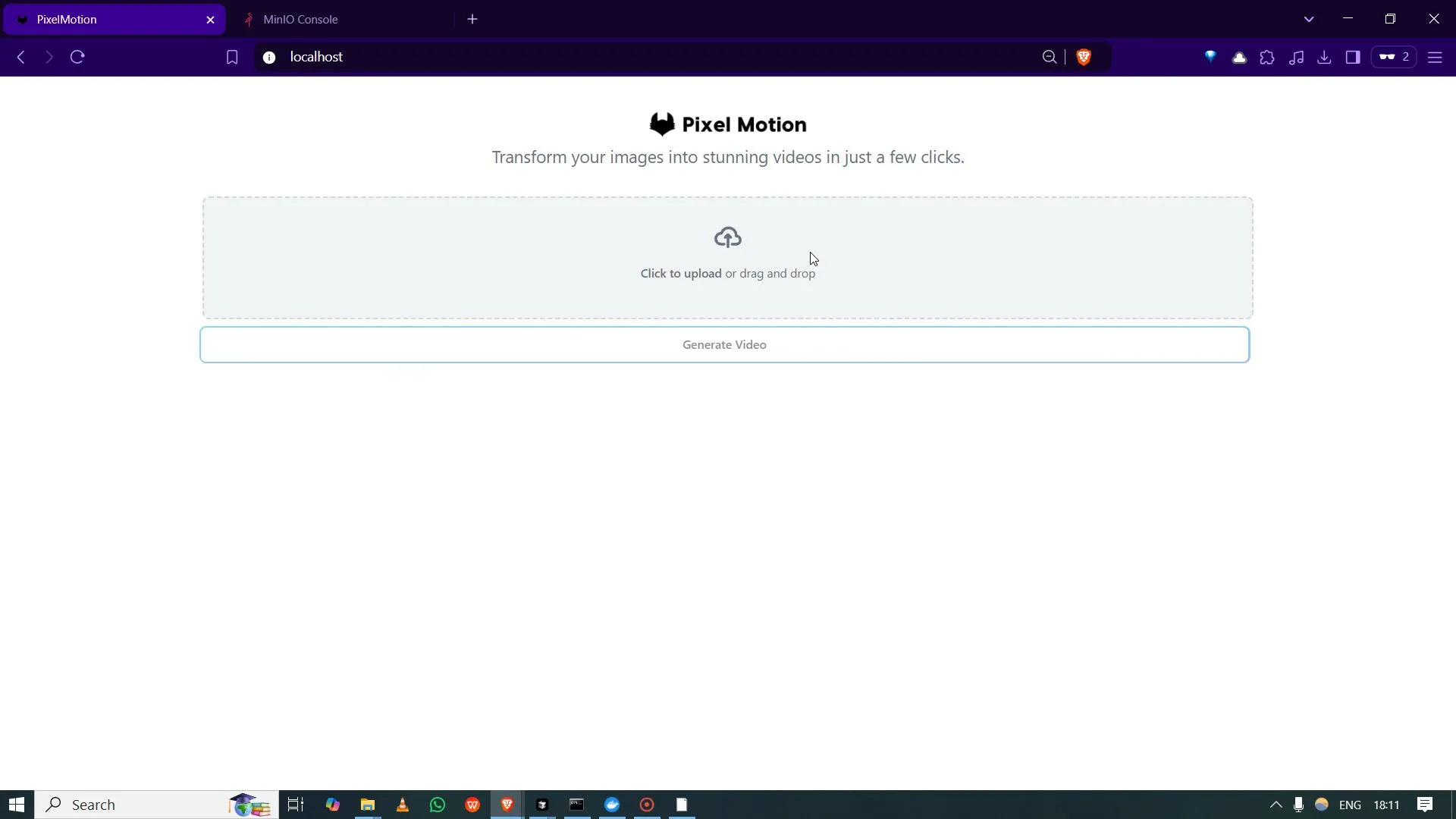
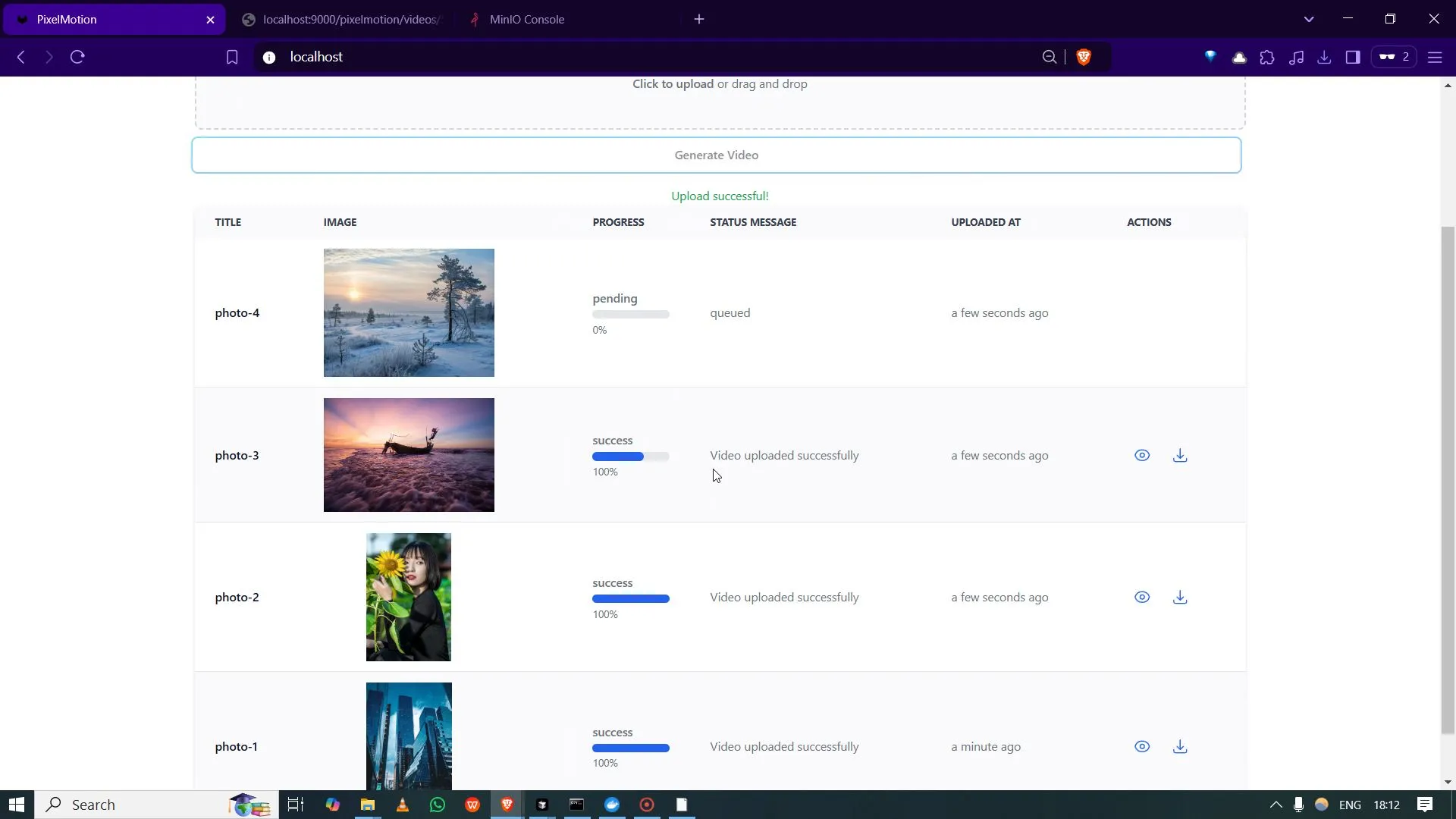
- Upload image(s) and kick off generation from the interface shown in the project media.
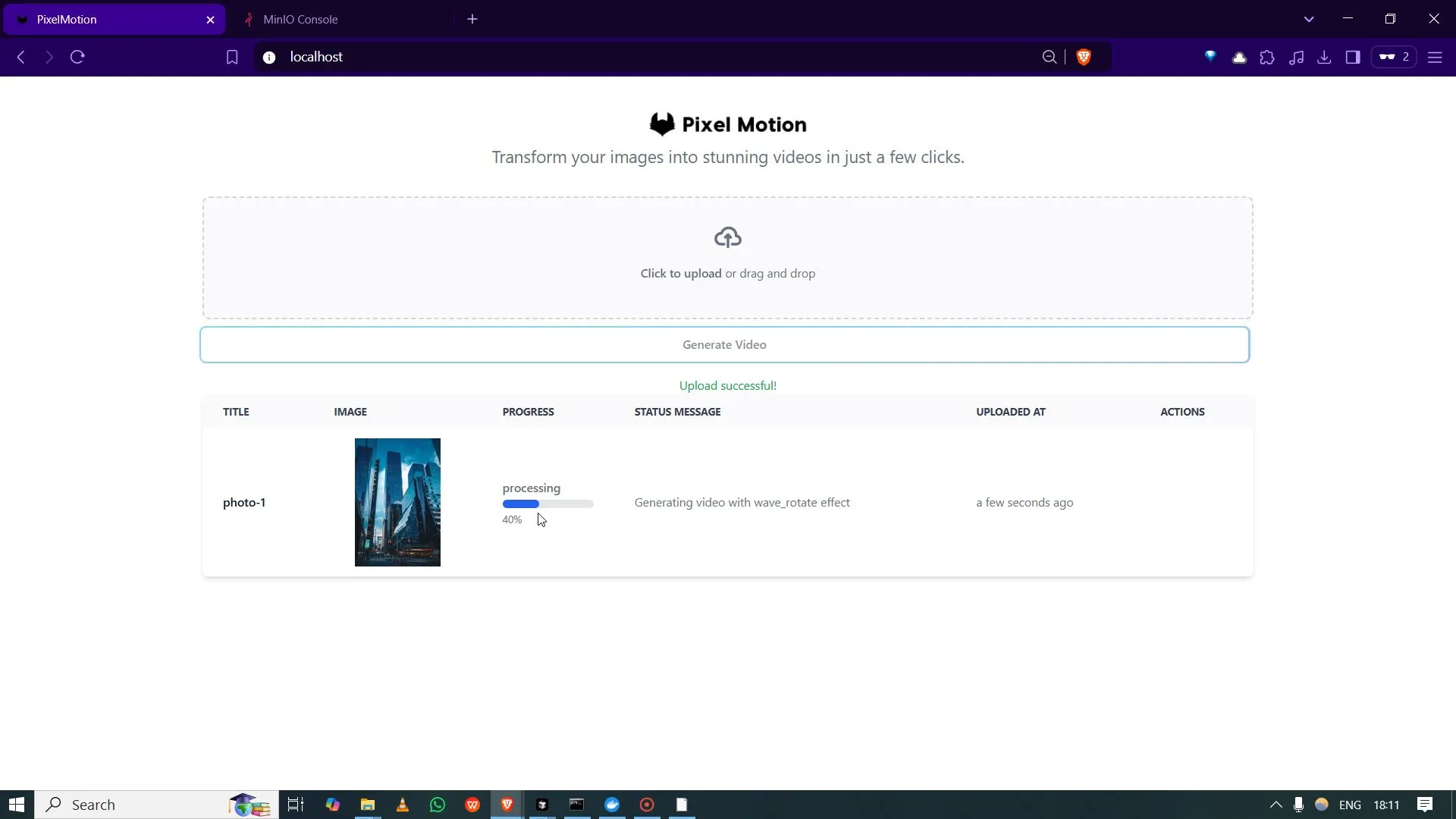
- Follow progress while work runs, instead of staring at a frozen screen.
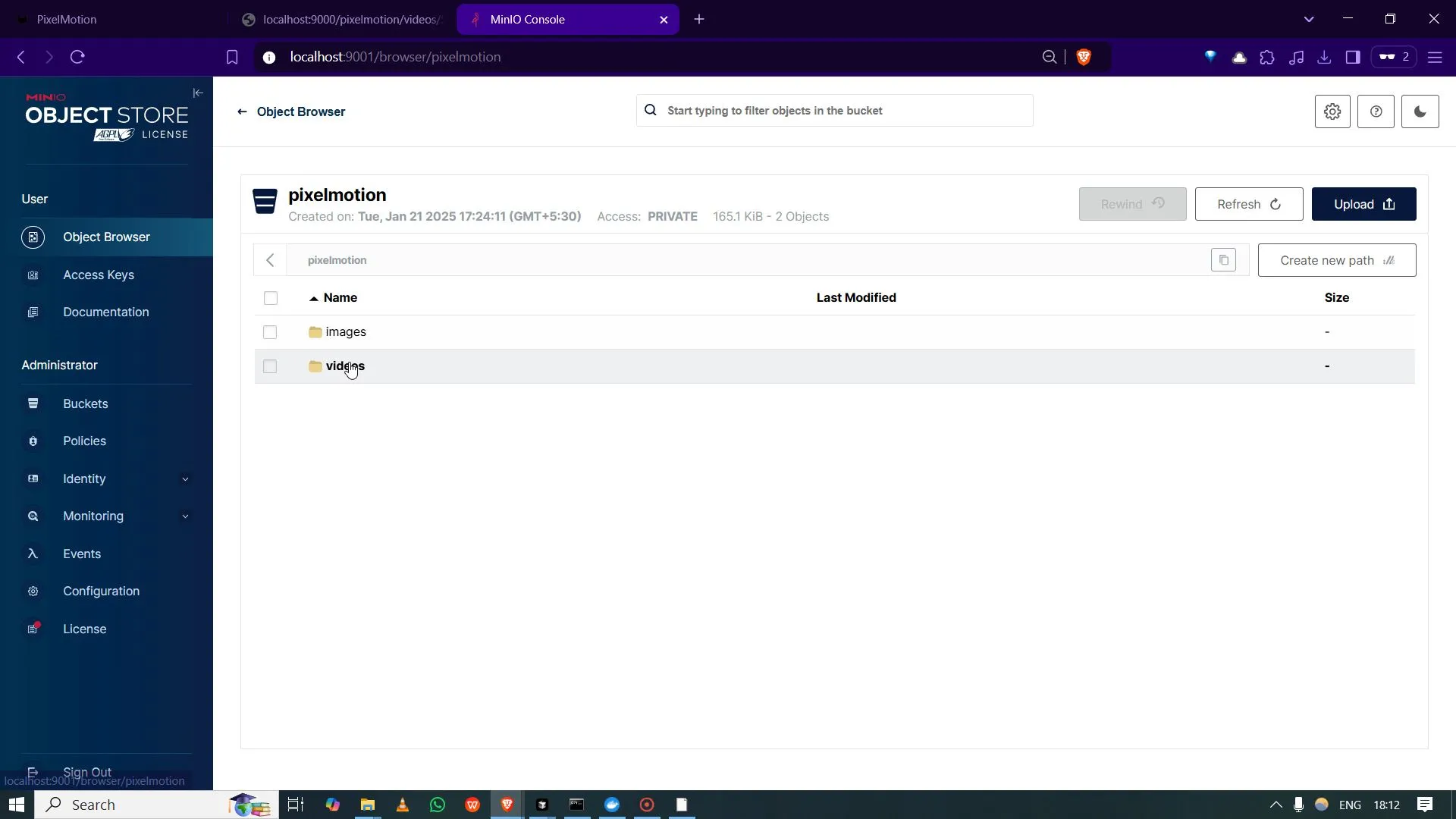
- Retrieve finished files and use the storage-oriented views the app provides for generated assets.
- Deploy with containers using the compose workflow documented in the GitHub repository (service layout and dependencies are described there).
Limits
- Quality, length, and style of generated video follow what the implementation actually does; compare against the bundled samples and your own tests.
- Throughput, cost, and reliability depend on your hardware, configuration, and ops; there are no promised speedups or production SLAs on this page.
- Music and motion choices are system-defined unless you change the code; review licensing and platform rules before publishing clips publicly.

 Bash
Bash Gemini
 LangChain
 FastAPI
 PostgreSQL