
You built a skill: a folder with SKILL.md, optional scripts, and reference files. Your AI agent loads it when the task matches. If you followed Your AI Agent Shouldn't Start From Zero Every Session, you may already install skills with npx skills add from GitHub.
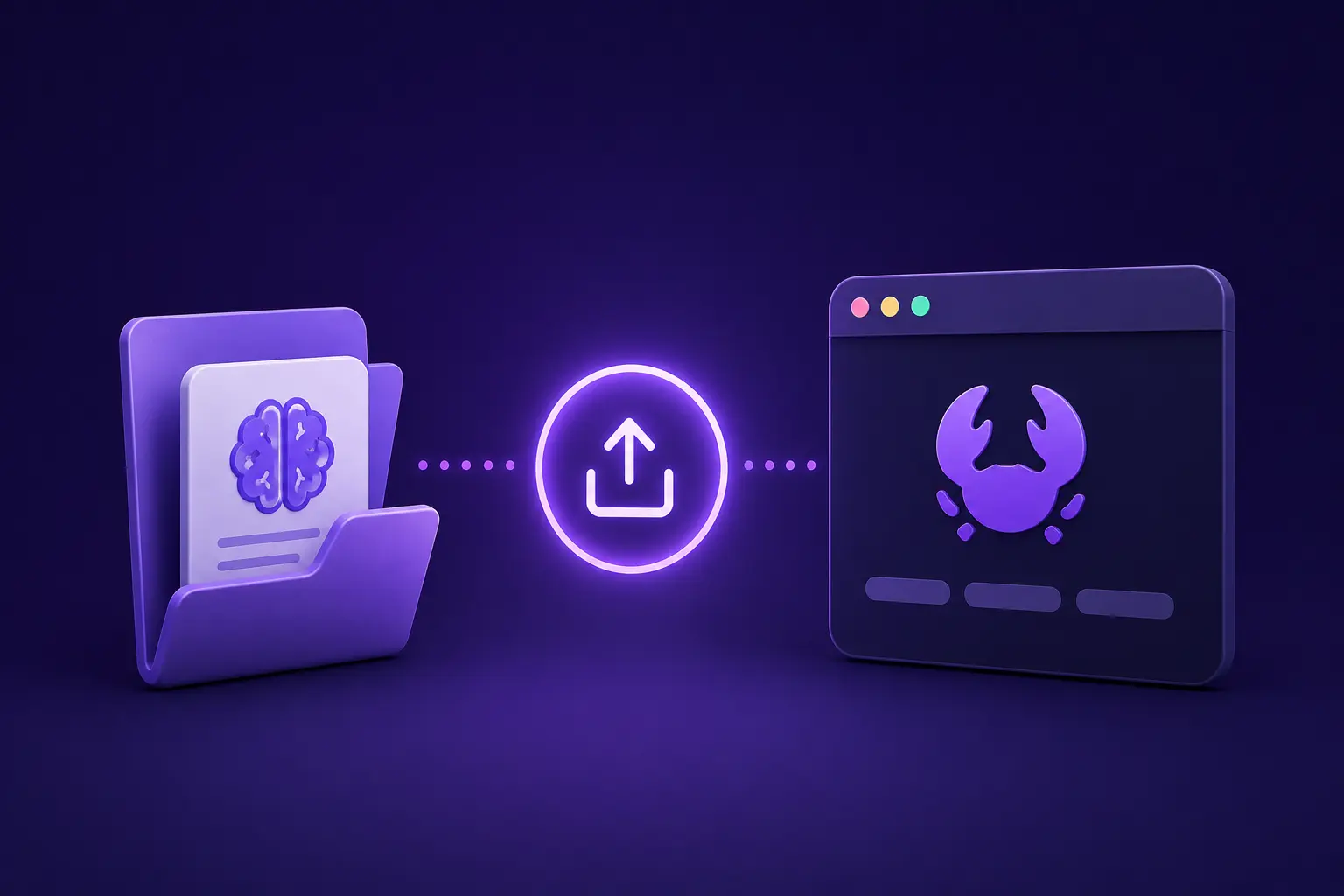
This post covers the next step: publishing that same skill folder to ClawHub so it appears in a public catalog with a shareable URL, version history, and a simple install path for OpenClaw users.
Why publish to ClawHub?
A GitHub repo is enough when everyone knows the repo and runs npx skills add. Publishing to ClawHub is for when you want the skill on a public shelf:
- Strangers can browse clawhub.ai/skills and open your listing without digging through a monorepo.
- OpenClaw users can install with
clawhub install <slug>. - Share the listing URL anywhere you point people at the skill (blog, docs, or README).
What you are publishing
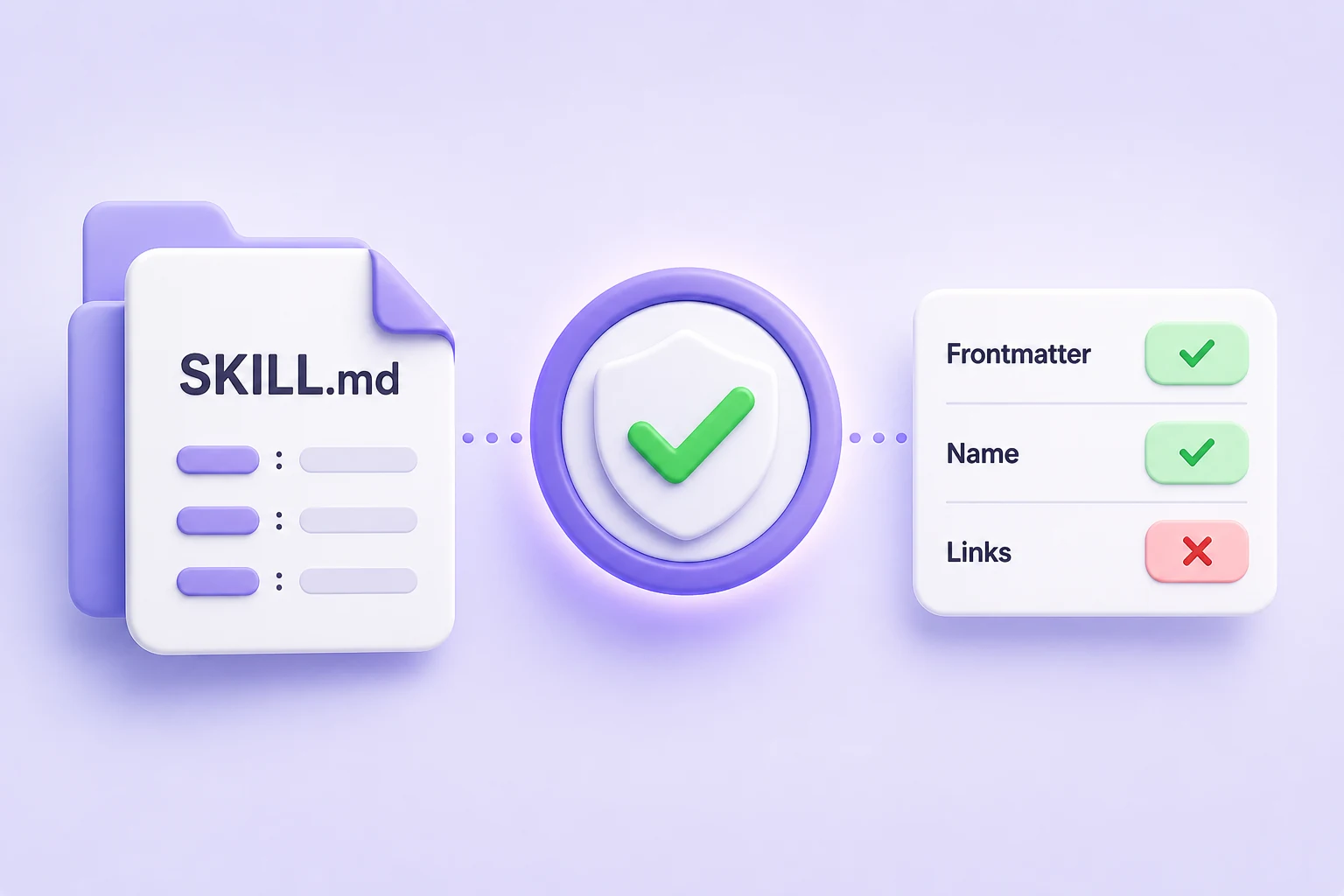
An Agent Skill is a small package, usually SKILL.md, metadata, and optional references/ or scripts. The format is documented at Agent Skills.
ClawHub does not replace your repo. It adds a public listing for your agent skill: a stable URL, a version number, and a short changelog.
Step 1: Install the CLI
npm i -g clawhubYou need Node and npm on your PATH. Package details: clawhub on npm.
Step 2: Log in to ClawHub
Publishing is tied to your ClawHub account.
clawhub loginThe CLI opens your browser on clawhub.ai so you can sign in. After login, verify your session:
clawhub whoamiIf whoami fails, run clawhub login again.
Step 3: Publish from your skill folder
Assume you have a skill directory on disk like this:
skills/
  critical-thinking/
    SKILL.md
Publish it with:
clawhub skill publish ./skills/critical-thinking \
  --slug critical-thinking \
  --name "Critical Thinking" \
  --version 1.0.0 \
  --changelog "Initial publish" \
--tags latest| Flag | Role |
|---|---|
Path | Local skill directory containing SKILL.md |
--slug | Stable identifier for your skill |
--name | Title on the listing |
--version | Semver (for example 1.0.1); bump every publish |
--changelog | Short note for this release |
--tags latest | Points latest at this build |
Use your own path, slug, name, and version values.
The CLI documentation expects semantic versioning for --version.
If your SKILL.md includes metadata.version, keep it aligned with the version you publish through the CLI.
After a successful publish:
- Your skill gets a public page
- The slug remains stable
- New releases update version history and changelog entries
Ship updates
- Edit the skill.
- Bump
--version(for example1.0.1). - Write a useful
--changelog(for example "tighten review checklist", not "updates"). - Run publish again with
--tags latest.
Example:
clawhub skill publish ./skills/critical-thinking \
  --slug critical-thinking \
  --version 1.0.1 \
  --changelog "Improve decision review checklist"
  --tags latest
Specific changelog entries are more useful than generic notes like "updates".
Share your listing
- Catalog: clawhub.ai/skills
- Author page (example): clawhub.ai/user/ysskrishna
- Per-skill URL (example):
https://clawhub.ai/ysskrishna/critical-thinking
Drop that link in a README, blog post, or doc so readers can open the listing without hunting through your repo.
Summary
- Keep building in Git; publish to ClawHub when you want a public catalog listing.
clawhub skill publishuploads your local skill folder and creates a versioned page on clawhub.ai.- Share the listing URL, or use
clawhub install <slug>on OpenClaw.
Try it: pick one skill folder you already trust. Run npm i -g clawhub, clawhub login, publish with your slug and version, then open the listing URL and read it as a stranger would before you share the link.
About my setup
I maintain AI Agent Skills: structured thinking skills for AI agents focused on brainstorming, decision support, systems thinking, critical analysis, and strategy.
I install and test skills with npx skills add (companion post), then publish the skills I want publicly discoverable through ClawHub.