JSON-LD / Schema.org Extractor
Paste a live page URL to extract published JSON-LD, review schema.org @type values, and copy formatted markup for audits, migrations, or debugging.
Extract from URL
Fetches the page over HTTPS and parses every application/ld+json script tag. Only the first 512 KB of HTML is read.
Structured data
Enter a URL and extract to see JSON-LD from the page.
JSON-LD in plain terms
JSON-LD (JavaScript Object Notation for Linked Data) is structured data embedded in HTML, usually inside a script tag with type application/ld+json. It describes page entities such as articles, products, organizations, FAQs, and breadcrumbs in a machine-readable format.
Most implementations use schema.org vocabulary with @context and @type values. JSON-LD does not change visible page design; it adds a data layer crawlers and search systems can parse consistently.
When extraction is useful
Use extraction before releases to confirm templates still emit expected schema blocks after CMS, theme, or routing changes. It is also useful during competitor audits and migrations when you need a quick view of public structured data by URL.
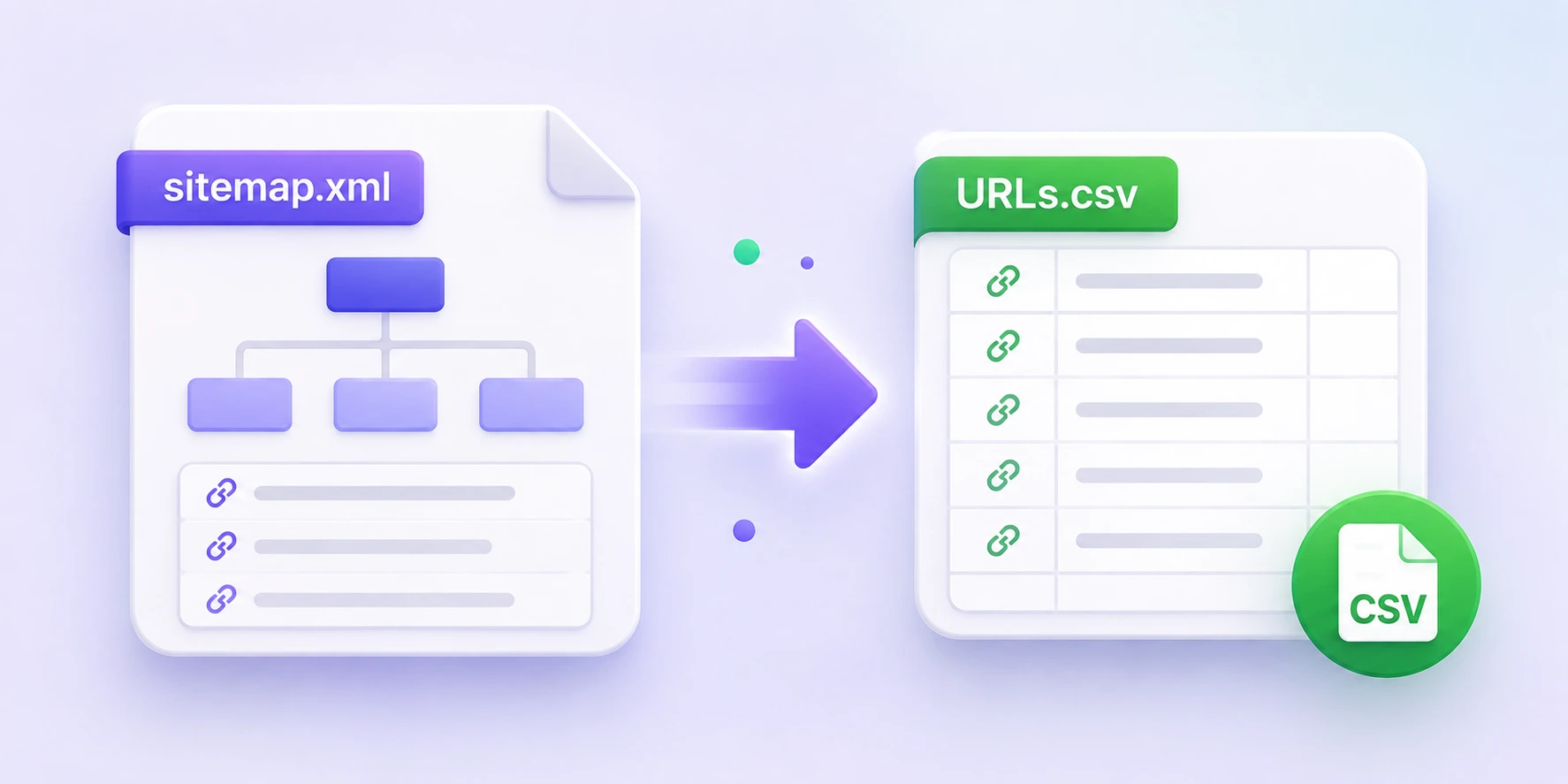
When Search Console flags schema issues, this tool helps you inspect what the fetched page actually publishes instead of manually scanning page source. For sitewide URL discovery before audits, use the Sitemap URL extractor on this site first.
Extractor behavior and limits
The extractor fetches a public HTTPS URL, scans the returned HTML for application/ld+json blocks, parses valid JSON, and summarizes discovered @type values. Output includes a combined formatted view plus per-block labels when multiple scripts are present.
Quick facts: only public HTTPS URLs are supported, requests time out after 8 seconds, and only the first 512 KB of HTML is read. JSON-LD beyond that cutoff may not appear. Invalid JSON in one block is reported while other valid blocks continue to parse.
Extracted output is not stored after the response. Do not submit confidential internal or non-public staging URLs.
Types, validation, and next checks
Common @type values include Article and BlogPosting for editorial pages, Product and Offer for commerce, Organization and WebSite for site-level identity, FAQPage for Q&A, and BreadcrumbList for navigation trails. A single page can publish multiple blocks and mixed types.
This page is an extractor and quick schema checker, not a full rich-result eligibility validator. Use it to inspect exact published markup, then use Google's Rich Results Test and Schema Markup Validator for feature eligibility and broader schema validation.
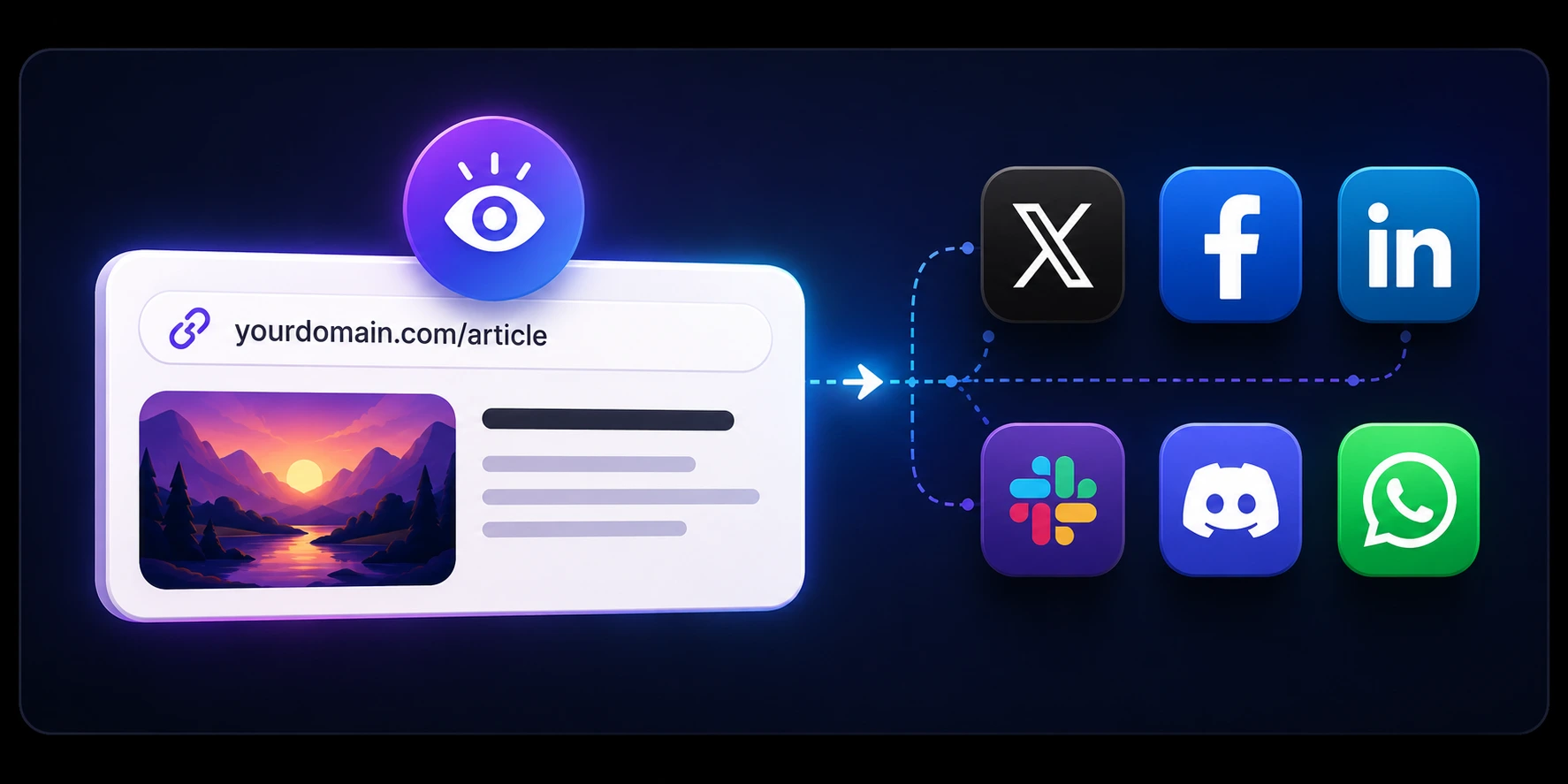
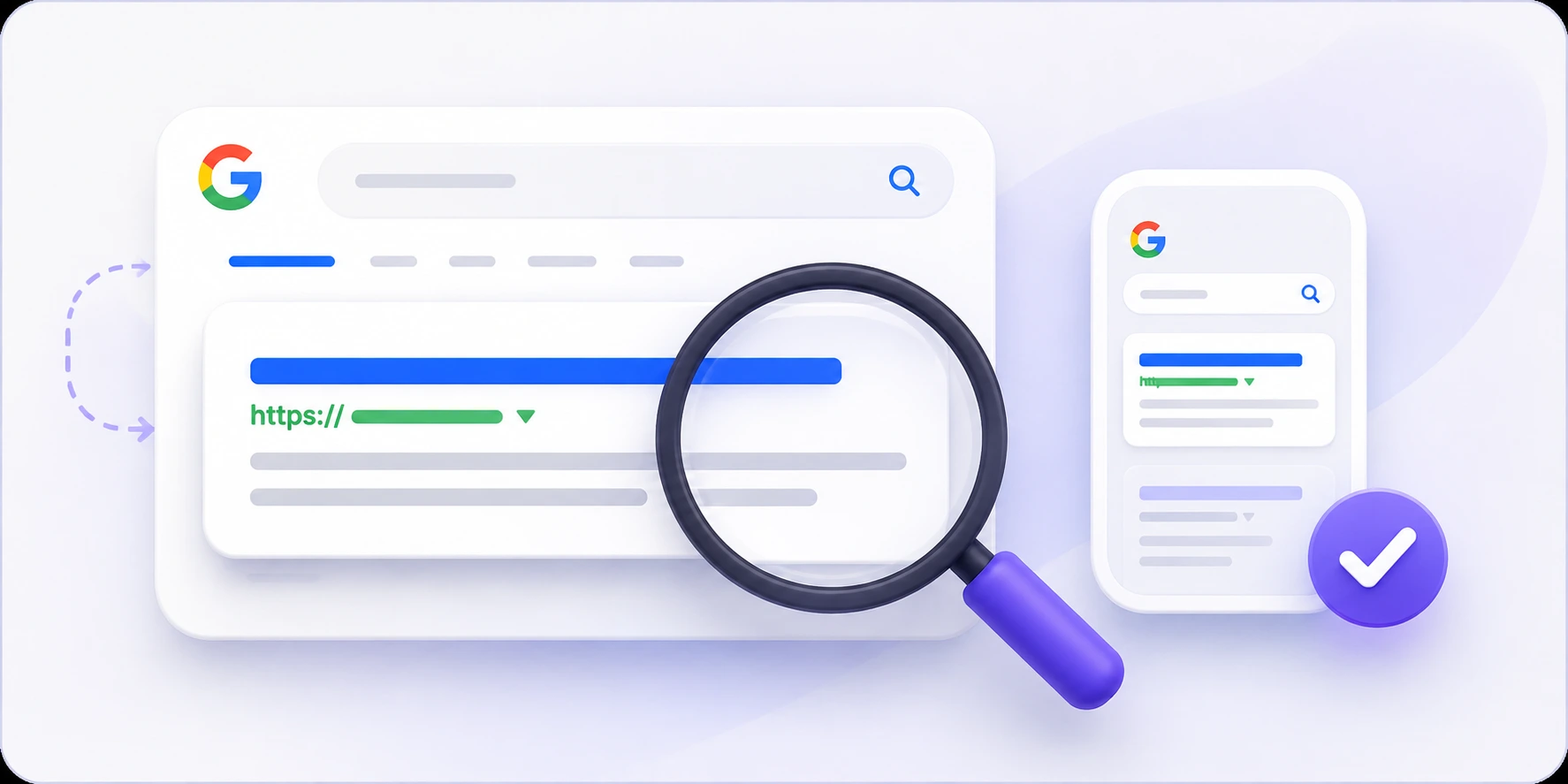
After schema checks, validate adjacent SEO layers with the Google SERP snippet preview and Open Graph preview checker on this site.
Frequently asked questions
How do I extract JSON-LD structured data from a website URL?
Paste a live HTTPS URL and run Extract JSON-LD. The tool fetches the page HTML, finds every application/ld+json block, formats valid JSON, and lists discovered @type values so you can review or copy markup quickly.
What is the difference between an extractor, Schema Markup Validator, and Rich Results Test?
An extractor shows the markup currently published on a URL. Schema Markup Validator checks schema.org compliance across types. Rich Results Test focuses on Google feature eligibility. In practice, inspect markup here first, then validate in those official tools.
Can I paste raw JSON-LD or HTML instead of a URL?
No. This page extracts structured data by fetching a public HTTPS URL. If you need direct code validation before deployment, use a validator that accepts pasted markup.
Why did the extractor find no JSON-LD on my page?
Common causes are no application/ld+json scripts, microdata-only markup, non-HTML responses, redirect loops, blocked fetches, or scripts located after the 512 KB response limit. Confirm page source contains ld+json before retrying.
Why do I see JSON-LD in DevTools but not in extractor results?
Many sites inject schema client-side after hydration. This extractor reads fetched HTML from the URL response, so late-injected scripts may not be present. Move critical JSON-LD server-side when possible for more reliable crawling and testing.
Can one page contain multiple JSON-LD blocks or @graph entities?
Yes. Sites often publish a mix of global and page-specific entities across multiple scripts or inside @graph arrays. The extractor summarizes types across parsed blocks and reports invalid JSON per block without discarding valid ones.
Can JSON-LD be valid JSON but still fail rich-result requirements?
Yes. A block can parse correctly but still miss required or recommended properties for a specific Google rich result. Use this extractor to confirm what is published, then run Google's Rich Results Test to check eligibility requirements.
Which schema types should I check first for common pages?
For editorial pages, check Article or BlogPosting. For ecommerce pages, check Product and Offer. For site-level markup, check Organization, WebSite, and BreadcrumbList. For FAQ layouts, check FAQPage. After extraction, confirm eligibility requirements in Google's current documentation.
What is the difference between JSON-LD and microdata or RDFa?
All three formats can express schema.org data. JSON-LD is script-based and usually easier to template and maintain. Microdata and RDFa embed attributes directly in visible HTML. This tool extracts JSON-LD script blocks only.
Is it safe to run this on staging or internal URLs?
Use only public HTTPS URLs you are comfortable sharing with a fetch service. Private hosts and localhost-style targets are blocked, and extracted output is not persisted after the response. Avoid confidential staging pages that are not already public.
How can I audit JSON-LD across many pages on a site?
Start by collecting URLs from sitemap.xml, then run important templates through this extractor to spot missing or inconsistent @type output. On this site, the Sitemap URL extractor helps build that URL list before schema checks.