OG Image Generator
Create Open Graph and social card images in your browser with ready templates, brand colors, and instant export to PNG, JPEG, WebP, or SVG.
Create Open Graph images in your browser
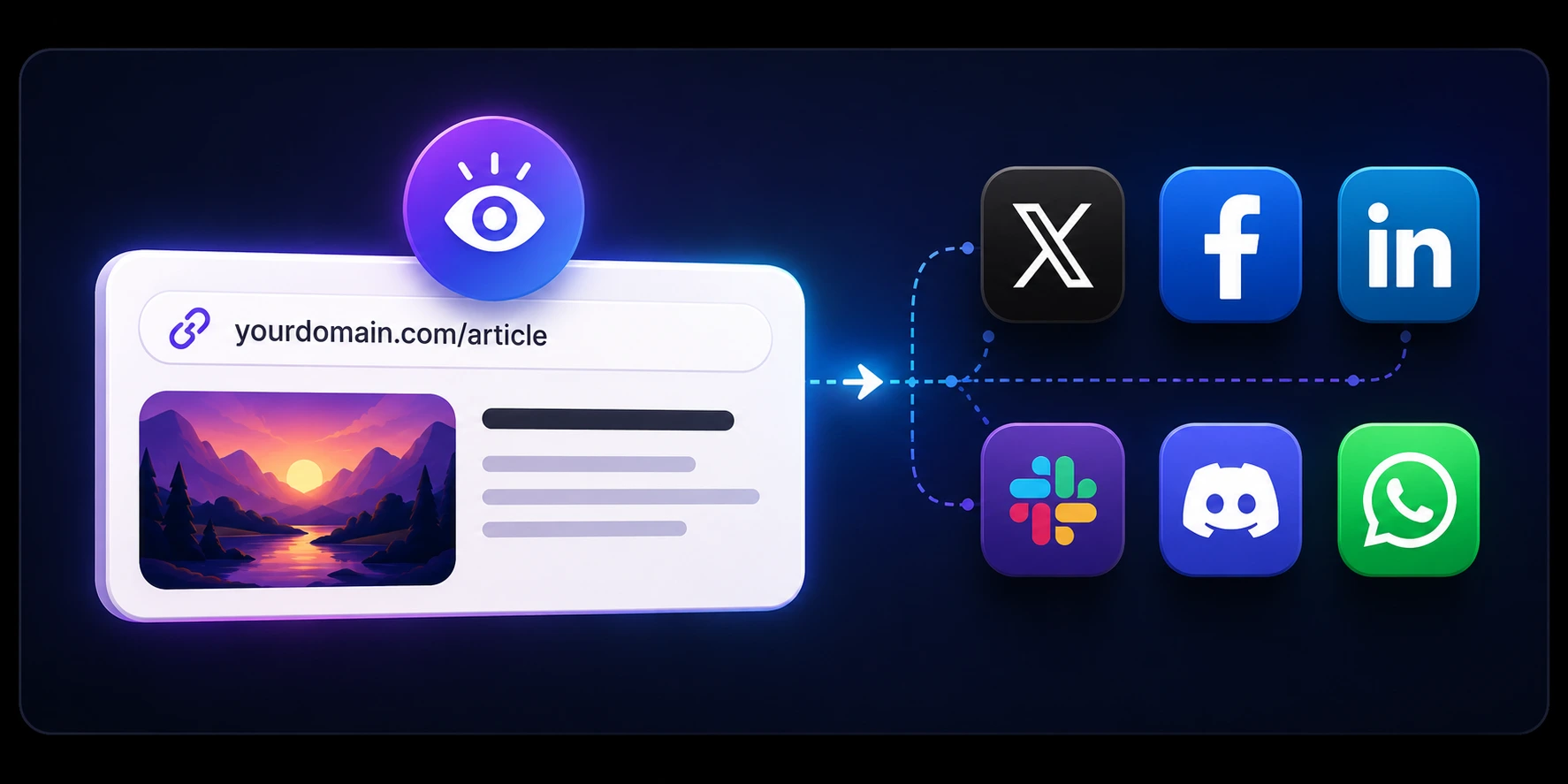
Open Graph images are the large graphics shown when someone shares your page on LinkedIn, Facebook, Slack, and many other apps. This generator builds 1200×630 (and other preset sizes) layouts with gradients, text, and optional logos—entirely in your browser.
Choose a template, adjust copy and background, preview the card, then download PNG, JPEG, WebP, or SVG. No account, no watermark, and no server-side rendering API: preview and export run locally with Satori and resvg.
Add the image to your website
Upload the file to your site or CDN, then reference it with absolute HTTPS URLs in meta tags. At minimum set og:image, og:title, and og:description; add twitter:card (summary_large_image), twitter:image, twitter:title, and twitter:description for X.
In Next.js App Router, use the Metadata API or a static og:image file under app/. In plain HTML, place meta tags in the document head. Relative image paths often break on social crawlers—always use a full URL.
Frequently asked questions
What size should an Open Graph image be (1200×630)?
A widely used default is 1200×630 pixels (1.91:1 aspect ratio) in PNG or JPEG. This tool's Open Graph templates use that canvas. X header templates use different dimensions—switch template family in the carousel before you download.
Can I make both Open Graph cards and X header images here?
Yes. The template selector includes separate families for Open Graph cards and X header layouts. Pick the template first, then export in the format you need.
Is this a free OG image generator with no signup?
Yes. Design and download images without an account. Preview and export run in your browser; we do not offer a public image-generation API on this site.
Is there a free Canva alternative for Open Graph images?
This generator is built for social link cards, not general design. Pick an OG or X template, edit title and background, and download a raster file in seconds—without a Canva account. For photo-heavy marketing art, use a full design tool; for fast 1200×630 cards, use this page.
Which file format should I download for og:image?
PNG is the safest choice for text and logos on social link cards. JPEG works for photo-heavy artwork. WebP can be smaller but is not accepted everywhere for og:image—check your CMS. SVG is useful as a source file; most social tags expect a raster URL (PNG or JPEG).
What file size should I target for social preview images?
Keep OG images reasonably compressed for fast crawler fetches. PNG is best for sharp text; JPEG can reduce size for photo-heavy art. As a practical target, try to stay near or below about 1 MB when possible and verify rendering with social debuggers after publishing.
How do I add an OG image to Next.js or HTML?
Host the downloaded file on your domain or CDN, then set og:image to the absolute HTTPS URL. In Next.js App Router, use the Metadata openGraph.images field or place opengraph-image.png under app/. In plain HTML, add meta tags in the head. Pair with twitter:image and twitter:card for X.
How do I test whether my link preview works after I publish?
Use the Open Graph preview checker on this site: paste your live HTTPS page URL to inspect meta tags and stylized previews. That confirms what crawlers see in your HTML—not what is cached on each social network.
Why is my old OG image still showing after I replaced it?
Social platforms cache link metadata and images. After updating tags or assets, use platform-specific refresh tools like Facebook Sharing Debugger or LinkedIn Post Inspector, then recheck your URL to confirm crawlers can fetch the new image.
Do you store my OG image designs?
No. Template settings and previews stay in your browser session unless you save files yourself. Font files load from a public CDN for typography in the preview.
How is this different from the Open Graph preview checker on this site?
This tool creates the image file. The preview checker fetches a live URL and shows how existing og: and twitter: tags render on social platforms. Use the generator first, upload the file, set meta tags, then validate with the checker.