Markdown to Slack converter
Preview Markdown in a Slack-style layout, then copy rich HTML to paste into Slack from your browser.
What's new
Bold, italic, and
Upgrade today for the best experience.
inline code and fenced blocks:npm install my-packageWhat this converter does
Slack does not treat standard Markdown the same way docs sites do. Paste raw Markdown into the composer and you often get asterisks, hashes, and plain links instead of bold text, lists, and clickable URLs.
This page previews your Markdown using the same HTML Copy puts on the clipboard, then you paste into a channel or DM. Conversion stays in your browser.
How to paste into Slack
Paste or type Markdown on the left. Preview matches Copy output, including spacing, so you can trust what you see before you post.
Click Copy, then paste into Slack with Cmd/Ctrl+V. Prefer the Slack desktop or web rich-text composer (formatting toolbar visible).
If paste looks wrong
If formatting drops, try the desktop app again and confirm Slack is not set to Format messages with markup only. Slack's help center covers that preference.
Always use Copy on this page (not a manual selection of the preview) so both rich HTML and Slack mrkdwn land on the clipboard.
What Markdown is supported
Common writing syntax works here: headings (as bold lines in Slack), bold, italic, strikethrough, links, ordered and unordered lists, blockquotes, inline code, and fenced code blocks. Simple tables are flattened to plain lines because Slack chat does not keep HTML tables.
Skip Mermaid, complex nested HTML, and docs-only layouts. This tool is for chat posts, release notes, changelogs, and short updates.
Frequently asked questions
How do I paste Markdown into Slack with formatting?
Paste Markdown on the left, check Preview (it shows the same HTML Copy will use), click Copy, then paste into Slack. Preview and paste stay aligned so you are not fixing spacing by hand afterward.
What does Copy put on the clipboard?
Copy writes rich HTML for Slack's composer and Slack mrkdwn as plain text (so headings stay marked as *bold* even if a client prefers plain paste).
Does Slack support Markdown?
Not the same way GitHub or most docs sites do. Slack has its own formatting toolbar and an optional markup mode described in Slack's help center. Pasting raw Markdown often stays plain unless Slack offers an apply-formatting prompt. This converter turns Markdown into rich text you can paste.
Why is my Slack paste missing bold or lists?
Use Copy on this page, then paste into the rich-text composer. Formatting can drop in some browsers or if Slack is set to format with markup only. Try the Slack desktop app, paste again, and avoid selecting preview text by hand instead of using Copy.
What happens to Markdown headings in Slack?
Slack chat does not keep heading levels like a docs site. Headings become bold lines (and *bold* in the mrkdwn plain fallback) so titles such as release notes still stand out after you paste.
Is it safe to paste confidential release notes here?
Yes. Preview and Copy run in your browser. This page does not upload or store your text on a server. Keep your own local backup of important drafts.
Which Markdown features work for Slack paste?
Bold, italic, strikethrough, links, lists, blockquotes, inline code, fenced code, and headings-as-bold are supported. Tables become plain text lines. Mermaid diagrams and heavy HTML layouts are out of scope.
How is this different from Slack's Format messages with markup setting?
Slack's markup preference changes how you type inside Slack after you enable it in Advanced preferences. This tool is for drafts written as normal Markdown elsewhere: preview here, Copy, then paste into Slack without rewriting the message in Slack markup.
Can I draft Markdown elsewhere on this site first?
Yes. Use the Markdown editor with live preview for longer drafts, then paste the source into this converter when you are ready to post in Slack.
Is the Markdown to Slack converter free?
Yes. Free to use, no signup. Open the page, paste Markdown, preview, and Copy when you are ready.
Continue exploring
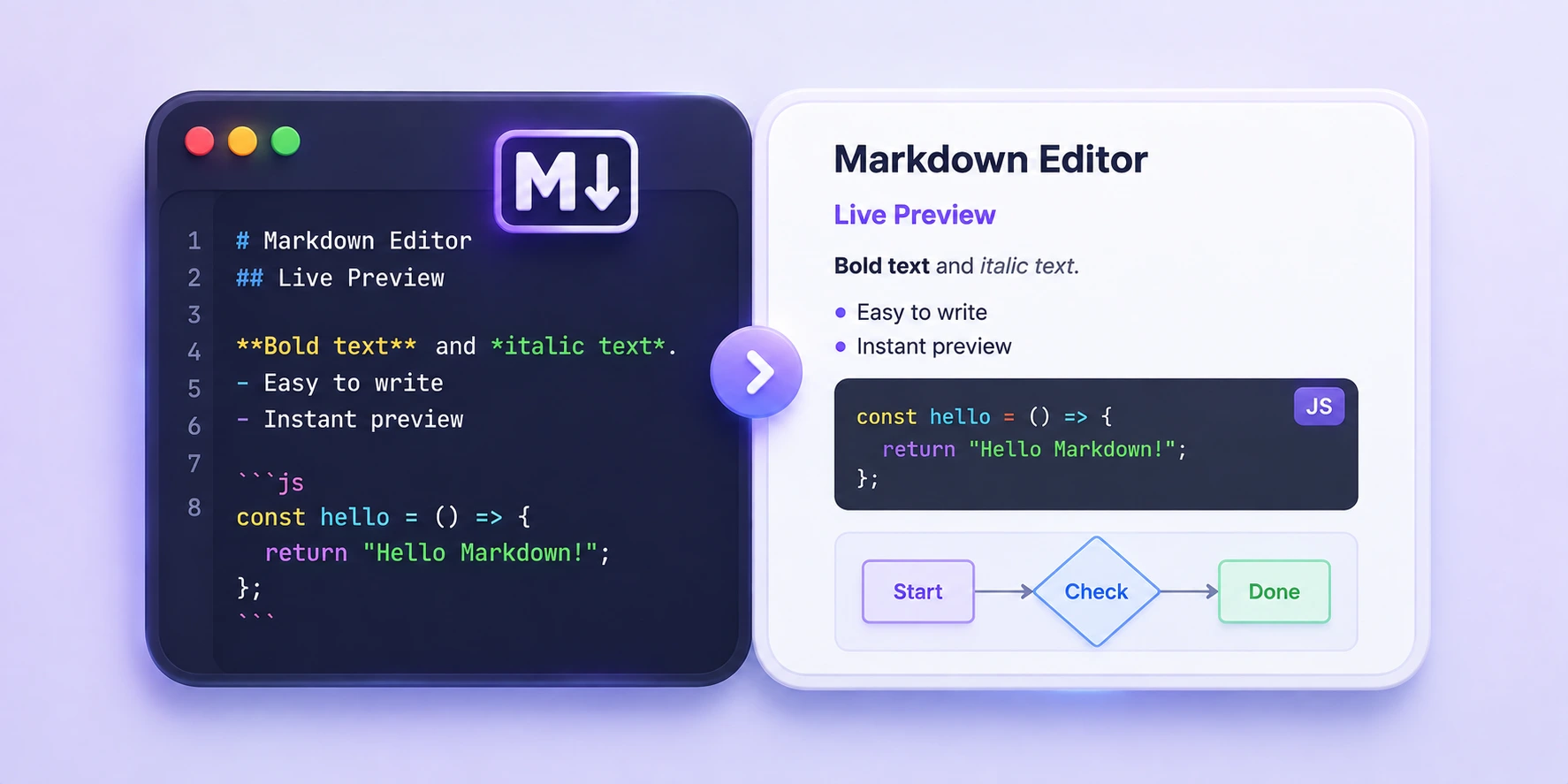
Markdown Editor with Live Preview
Free online Markdown editor with live preview, GFM support, and Mermaid rendering.
Supercharge Your Terminal: iTerm2, Oh My Zsh, Powerlevel10k, and fzf
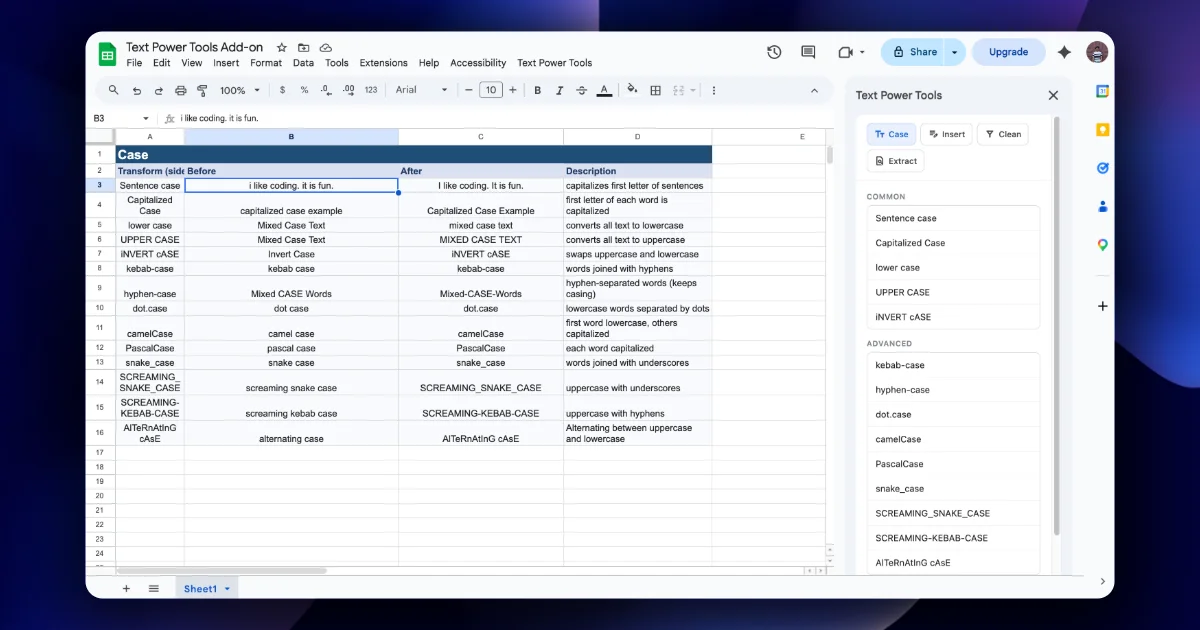
 Google Sheets
 Google Apps Script
 JavaScript
Markdown to Teams converter
Free Markdown to Teams converter with live preview and one-click rich paste.
A Voice Dictation Workflow for macOS: Writing, Notes, and Daily Work
 Google SheetsGoogle Apps ScriptJavaScript