Markdown to Outlook Converter
Preview Markdown in an email-style layout, then copy rich HTML to paste into Outlook on the web or desktop.
Weekly update
Highlights
- Q3 goals on track
- Customer feedback summary in the shared doc
- Reply with questions before Friday
Bold, italic, and strikethrough paste into Outlook mail.
Please review the attached plan before the sync.
inline code and fenced blocks:
git pull && npm test| Item | Owner |
|---|---|
| Tables | Supported |
| Paste | Copy from this page |
- Paste Markdown on the left
- Check the preview
- Copy and paste into Outlook
What this converter does
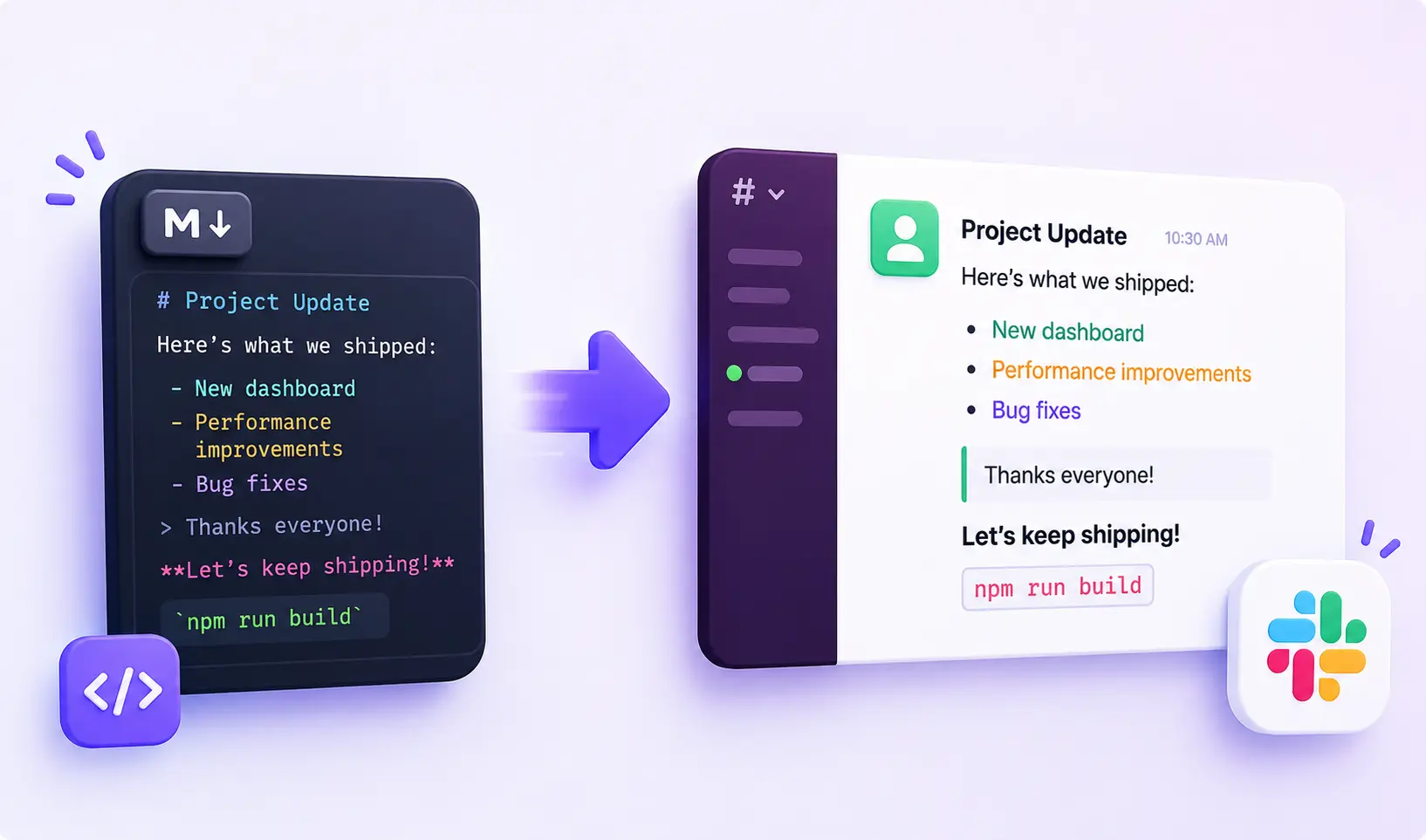
Outlook mail does not turn pasted Markdown into formatting. Drop **bold**, ## headings, or pipe tables into a new message and they usually stay as literal characters.
This page previews your Markdown using the same HTML Copy puts on the clipboard, then you paste into Outlook on the web or desktop. Conversion stays in your browser.
How to paste into Outlook
Paste or type Markdown on the left. Preview matches Copy output, including spacing, so you can trust what you see before you send.
Click Copy, open a new Outlook message, and paste with Cmd/Ctrl+V into the message body. Use the rich-text composer (not plain-text mode).
If paste looks wrong
If formatting drops, try Outlook desktop or web again and paste with Cmd/Ctrl+V instead of the right-click menu.
Always use Copy on this page (not a manual selection of the preview) so both rich HTML and plain text land on the clipboard.
What Markdown is supported
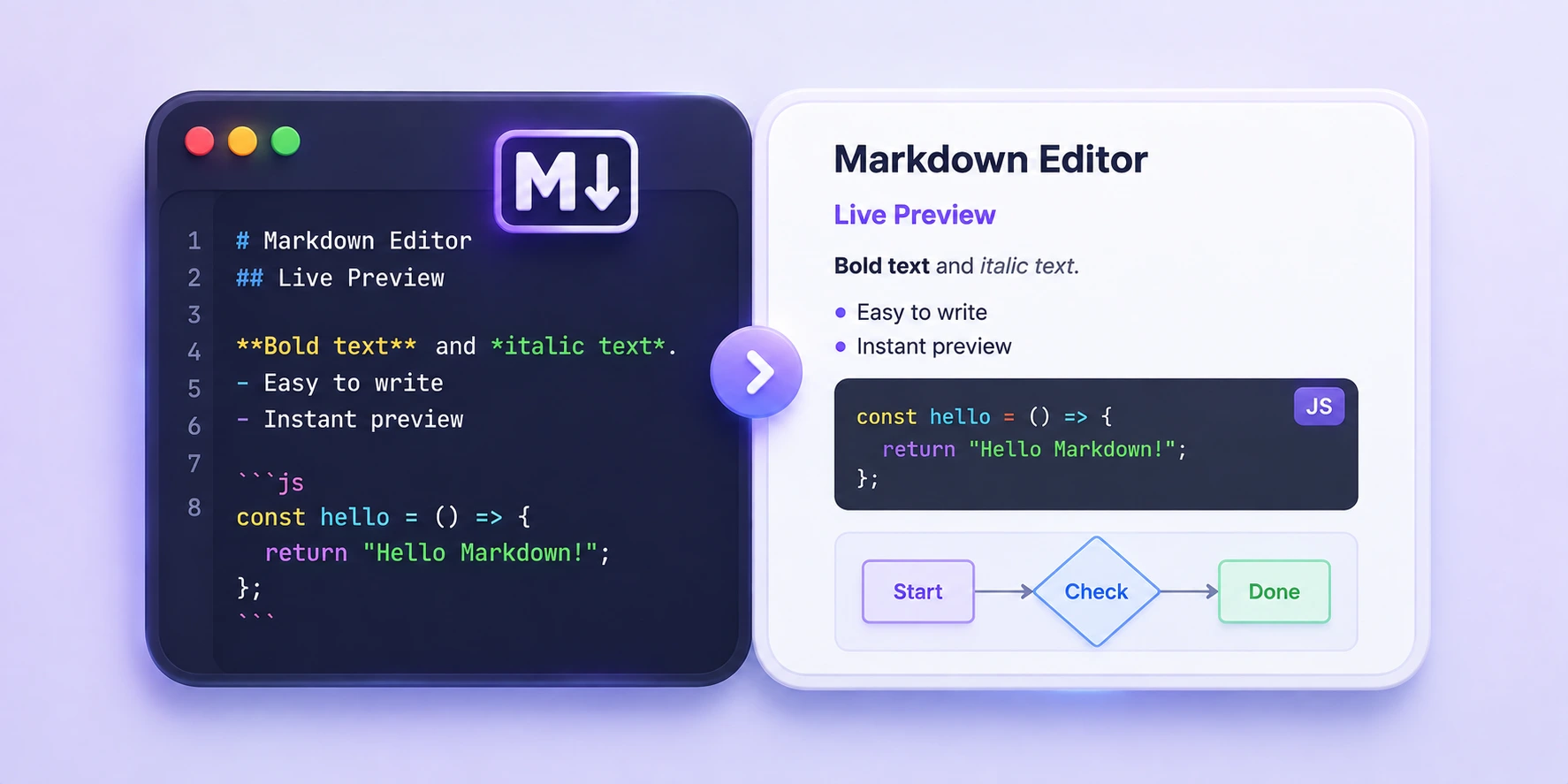
Common writing syntax works here: headings (H1–H6 with inline sizing suited to rich paste), bold, italic, strikethrough, links, ordered and unordered lists, blockquotes, inline code, fenced code blocks, and GFM tables.
Skip Mermaid, complex nested HTML, and docs-only layouts. This tool is for status emails, release notes, changelogs, and team updates.
Frequently asked questions
How do I paste Markdown into Outlook with formatting?
Paste Markdown on the left, check Preview (it shows the same HTML Copy will use), click Copy, then paste into the Outlook message body. Preview and paste stay aligned so you are not fixing spacing by hand afterward.
What does Copy put on the clipboard?
Copy writes rich HTML for Outlook's compose box and a plain-text fallback stripped of Markdown syntax. Outlook reads the HTML when you paste with Cmd/Ctrl+V.
Does Outlook support Markdown?
Outlook mail is rich text, not Markdown. Pasted Markdown usually stays plain unless you convert it to HTML first. This tool turns Markdown into rich HTML you can paste with formatting intact.
Why is my Outlook paste missing bold or lists?
Use Copy on this page, then paste with Cmd/Ctrl+V into the rich-text message body. Formatting can drop in some browsers or if you select preview text by hand instead of using Copy. Try Outlook desktop if web paste misbehaves.
Can I paste Markdown tables into Outlook email?
Yes. GFM pipe tables convert to HTML tables that Outlook accepts on rich paste. Raw pipe characters pasted without conversion usually stay as plain text.
Does this work in Outlook on the web and desktop?
Yes. Both clients accept HTML clipboard data from Copy. If one client strips formatting, try the other or paste again with the keyboard shortcut.
Is it safe to paste confidential drafts here?
Yes. Preview and Copy run in your browser. This page does not upload or store your text on a server. Keep your own local backup of important drafts.
How is this different from the Markdown to Teams converter?
The HTML engine is the same — both targets use Microsoft rich paste. This page is tuned for Outlook mail copy, preview labels, and email-focused help text.
Is the Markdown to Outlook converter free?
Yes. Free to use, no signup. Open the page, paste Markdown, preview, and Copy when you are ready.