AI Agent Skill Validator
Validate complete SKILL.md skill packages in your browser: frontmatter, naming, links, files, and token budget.
Validation runs entirely in your browser. Folder, zip, and pasted SKILL.md never leave this device. Nothing is uploaded or stored on a server.
Choose a Skill Folder or ZIP Archive
Nothing is uploaded. Files stay on this device. Packages are limited to 100 files, 10 MB compressed, and 20 MB extracted.
On macOS, press Cmd + Shift + . in the folder picker to show hidden folders such as .cursor and .claude.
What is an Agent Skill?
An Agent Skill is a folder with a SKILL.md file: YAML frontmatter plus markdown instructions. Hosts such as Cursor, Claude Code, and Codex scan the name and description first, then load the body when the skill matches the task.
The open format is documented at agentskills.io. Supporting files usually live in scripts/, references/, or assets/ and should be linked from SKILL.md so the agent can load them on demand.
What this validator checks
Upload a skill folder or zip to run the full package check: required frontmatter, name matching the folder, local markdown links that resolve, unused files under scripts/references/assets, unexpected top-level paths, and an approximate token budget for the SKILL.md body.
Paste SKILL.md only when you want a document-level check without those package rules. Either path uses the same agentskills.io-oriented parser in this page.
Privacy: nothing is uploaded
Choose folder, choose zip, and paste all run in your browser with JSZip and local parsing. There is no validation API call, so SKILL.md, scripts, and reference files are not sent to yssk servers and are not stored after you leave the page.
Use this when the skill contains internal commands, customer workflows, or unpublished product details you would not put in a third-party upload form.
Limits, hidden folders, and CI
Packages are capped at 100 files, 10 MB before extraction, and 20 MB after extraction. Archives with unsafe or duplicate paths are rejected. On macOS, press Cmd + Shift + . in the folder picker to show hidden skill roots such as .cursor and .claude.
This page is for authoring. For merge gates, run a CLI in CI (for example agent-ecosystem skill-validator, check-skills, or skill-check). Those tools can add HTTP link checks and machine-readable output this browser check does not.
Frequently asked questions
What is SKILL.md in Agent Skills?
SKILL.md is the required entry file for an Agent Skill package. It starts with YAML frontmatter (at least name and description) and continues with markdown instructions the host loads when the skill is selected. Cursor, Claude Code, Codex, and other agentskills.io-compatible hosts treat that file as the skill's contract: metadata for discovery, body for how to run the workflow.
How do I validate a Cursor or Claude Code skill package?
On this page, choose Upload, then Choose folder (the skill directory that contains SKILL.md) or Choose .zip of that folder. The validator reports spec errors, folder-name mismatches, missing local links, unused supporting files, and a body token estimate. If you only have the markdown, use Paste SKILL.md only for a document check without package rules.
What frontmatter fields does the agentskills.io spec require?
The base spec requires name and description. name must be 1 to 64 characters, using only lowercase letters, digits, and hyphens, with no leading, trailing, or doubled hyphens. description must be non-empty and at most 1024 characters. Optional keys include license, compatibility, metadata, and allowed-tools. In a full package, name must also match the skill folder name.
Why does the skill folder name have to match the name field?
Hosts and CLIs identify a skill by its directory. If frontmatter says name: pdf-extract but the folder is pdf_extract or PDF-Extract, installers and validators treat that as a broken package. This tool flags the mismatch only in folder or zip mode, because paste has no directory to compare.
Does this SKILL.md validator upload my files to a server?
No. Folder selection, zip unpacking, and paste all run in your browser. Validation does not call a yssk API, so SKILL.md and supporting files are not uploaded, logged, or stored on our servers. Limits (100 files, 10 MB compressed, 20 MB extracted) exist to keep the in-browser unpacker from hanging, not because files are sent elsewhere.
When should I paste SKILL.md instead of uploading a folder or zip?
Paste when you are editing frontmatter and the instruction body and want a fast document check. Upload a folder or zip when you need package rules: SKILL.md present at the skill root, name matching the directory, local links that exist, unused files under scripts/, references/, or assets/, and unexpected extra files at the top level.
How many tokens should a SKILL.md body use?
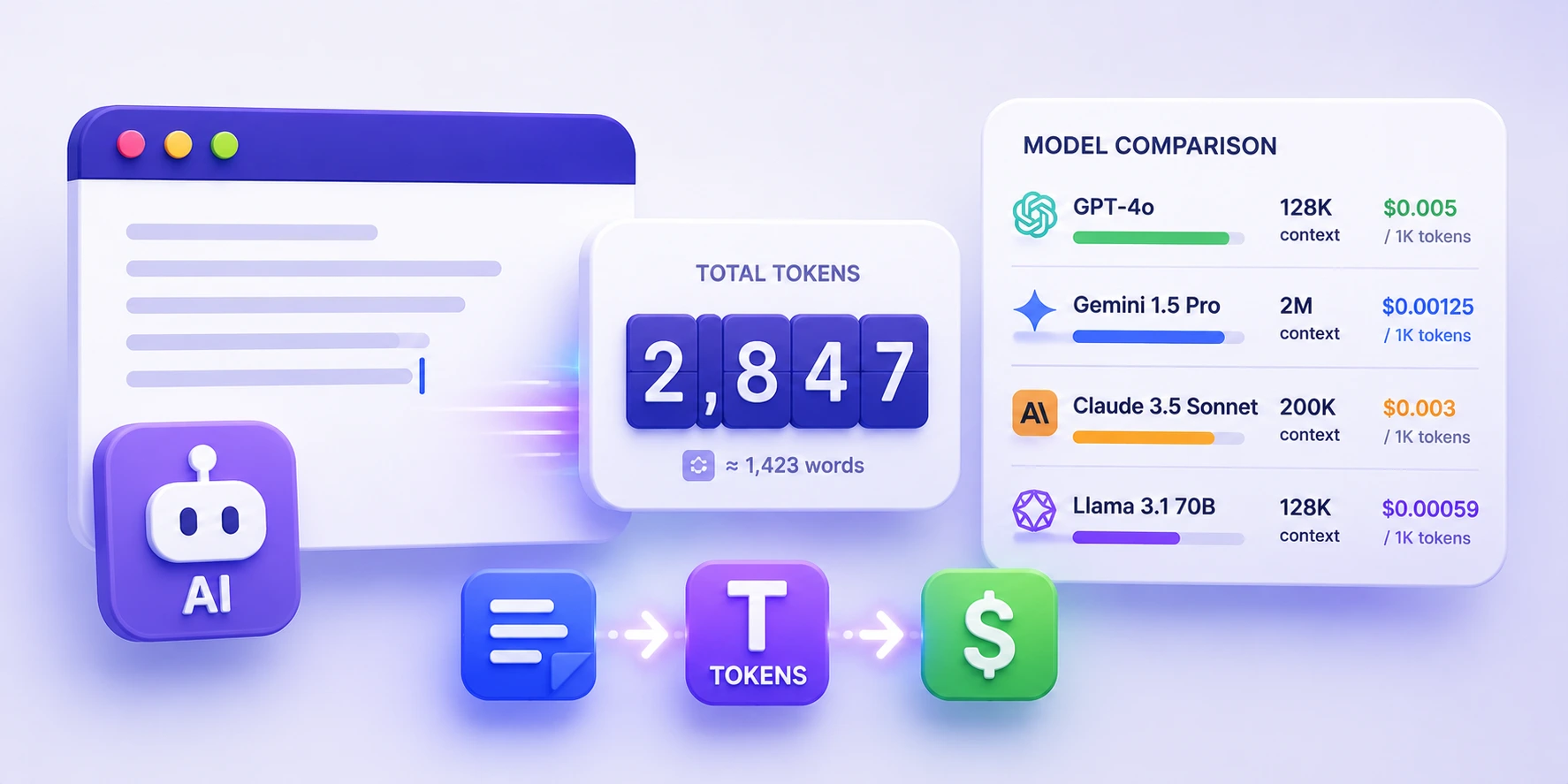
Agent Skills guidance is progressive disclosure: keep name plus description small (about 100 tokens at startup) and keep the SKILL.md body under about 5,000 tokens so the host can load details from references/ when needed. This page estimates metadata vs body tokens and warns when the body estimate exceeds 5,000. Counts are approximate; use the AI Token Counter on this site for model-specific o200k_base totals.
What does this validator not check?
It does not fetch http or https links, so it will not catch a dead public URL. It does not run scripts or prove the skill works in Cursor or Claude Code. Extra frontmatter keys that are not in the base spec (for example some Cursor-only fields) can be reported as unexpected fields. CLI validators in CI still matter for HTTP checks, extra quality rules, and exit codes.
Does this replace skill-validator or check-skills in CI?
No. Use this browser tool while writing. Put a CLI in the pipeline for merge gates: agent-ecosystem skill-validator, check-skills, skill-check, or the official skills-ref validate command (documented as demonstration-only). Those tools add HTTP link checks, richer quality rules, and machine-readable output this page does not emit.
Why is a supporting file marked unused?
In package mode, files under scripts/, references/, or assets/ should be reachable from SKILL.md (markdown links or inline paths such as references/schema.md). If a file is never mentioned, the validator warns so you can link it or delete it. Standard SKILL.md itself is never treated as unused. Unexpected files outside those directories get a separate top-level warning.
Why can't the folder picker see .cursor or .claude on macOS?
macOS hides dot-folders in the system file picker by default. Press Cmd + Shift + . while the picker is open to show them, then select the skill directory that contains SKILL.md. You can also zip that folder from Finder or the terminal and use Choose .zip instead.
Is the AI Agent Skill Validator free, and do I need an account?
Yes. It is free, with no signup. Open the page, paste SKILL.md or choose a folder or zip, and read findings in the browser. Keep your own copy of the skill files; this page does not save packages after you close the tab.