
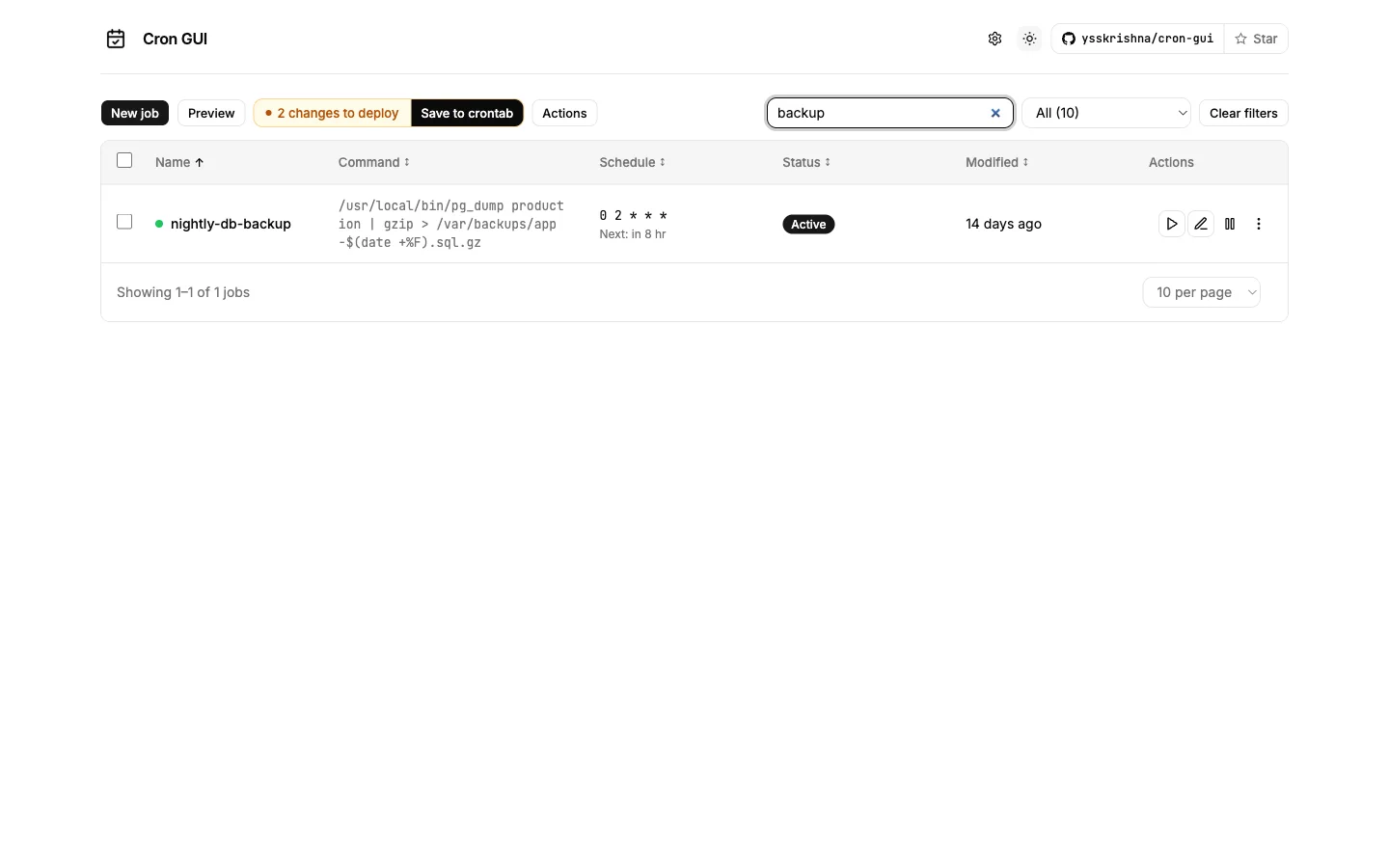
Manage cron jobs from a modern web UI — without touching raw crontab text
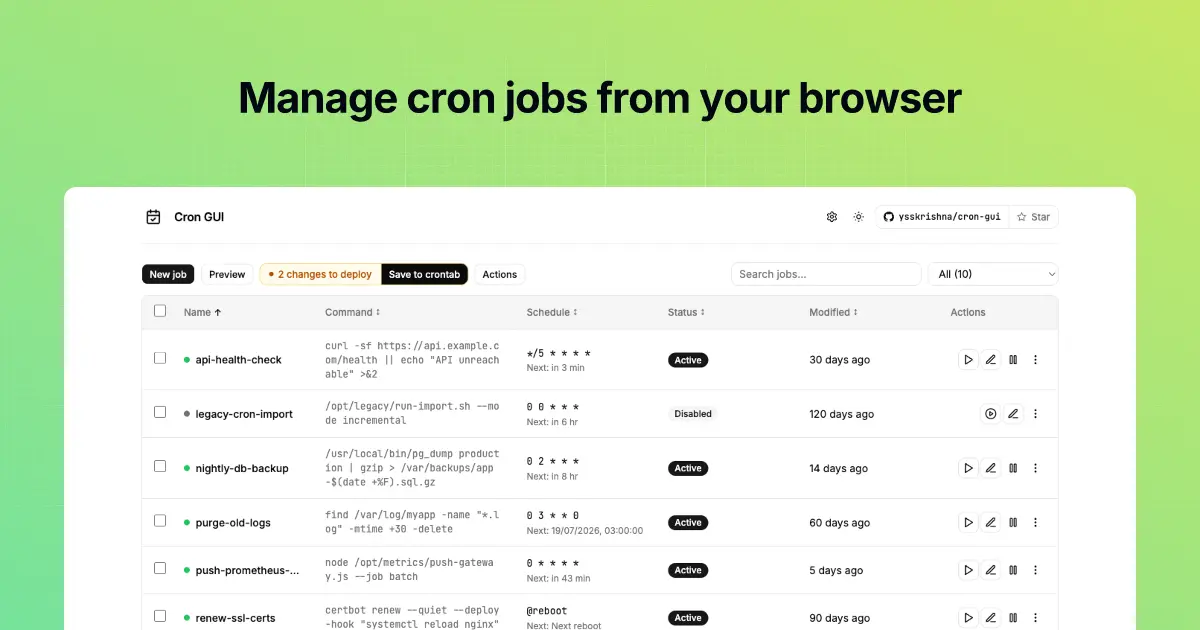
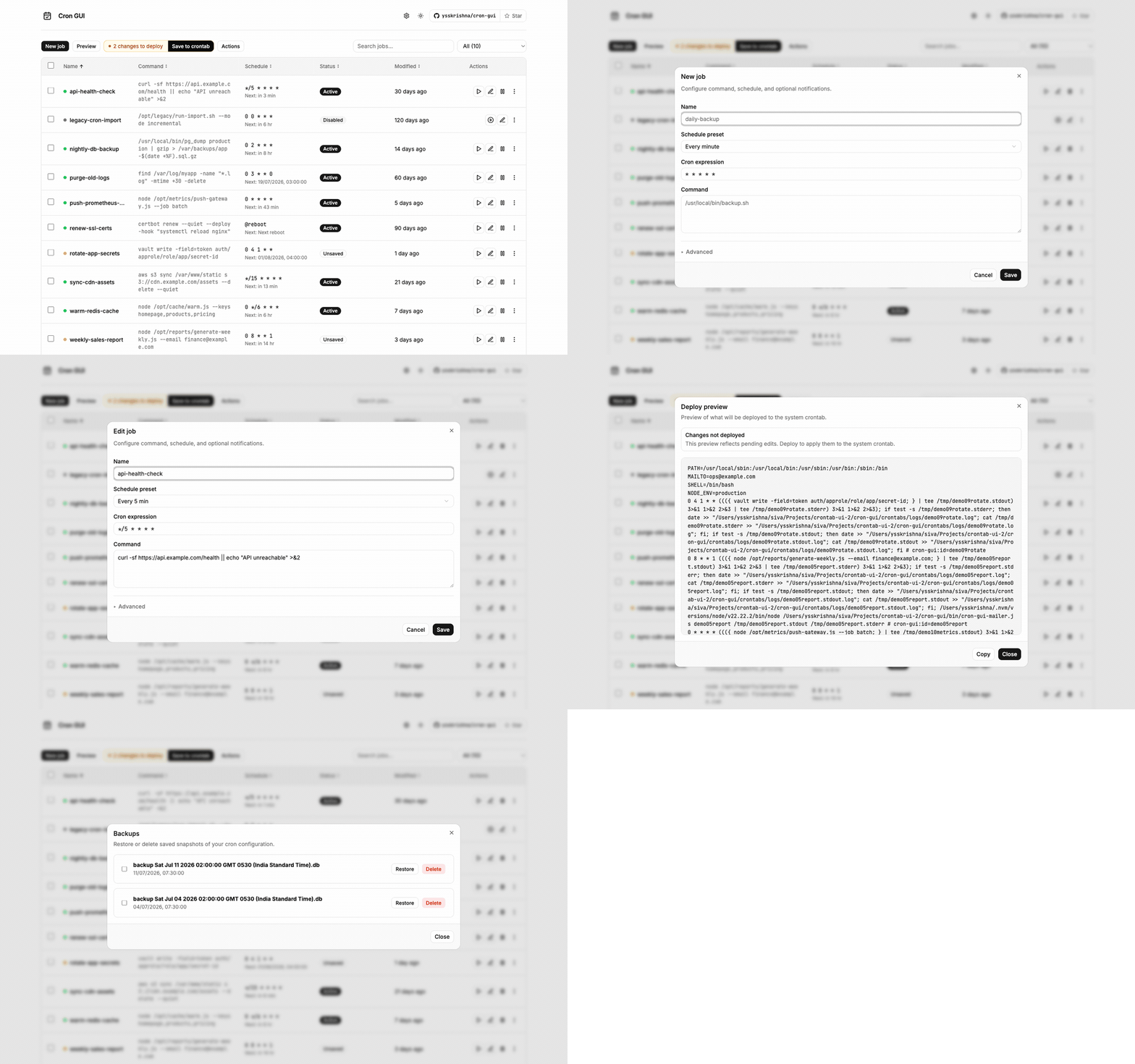
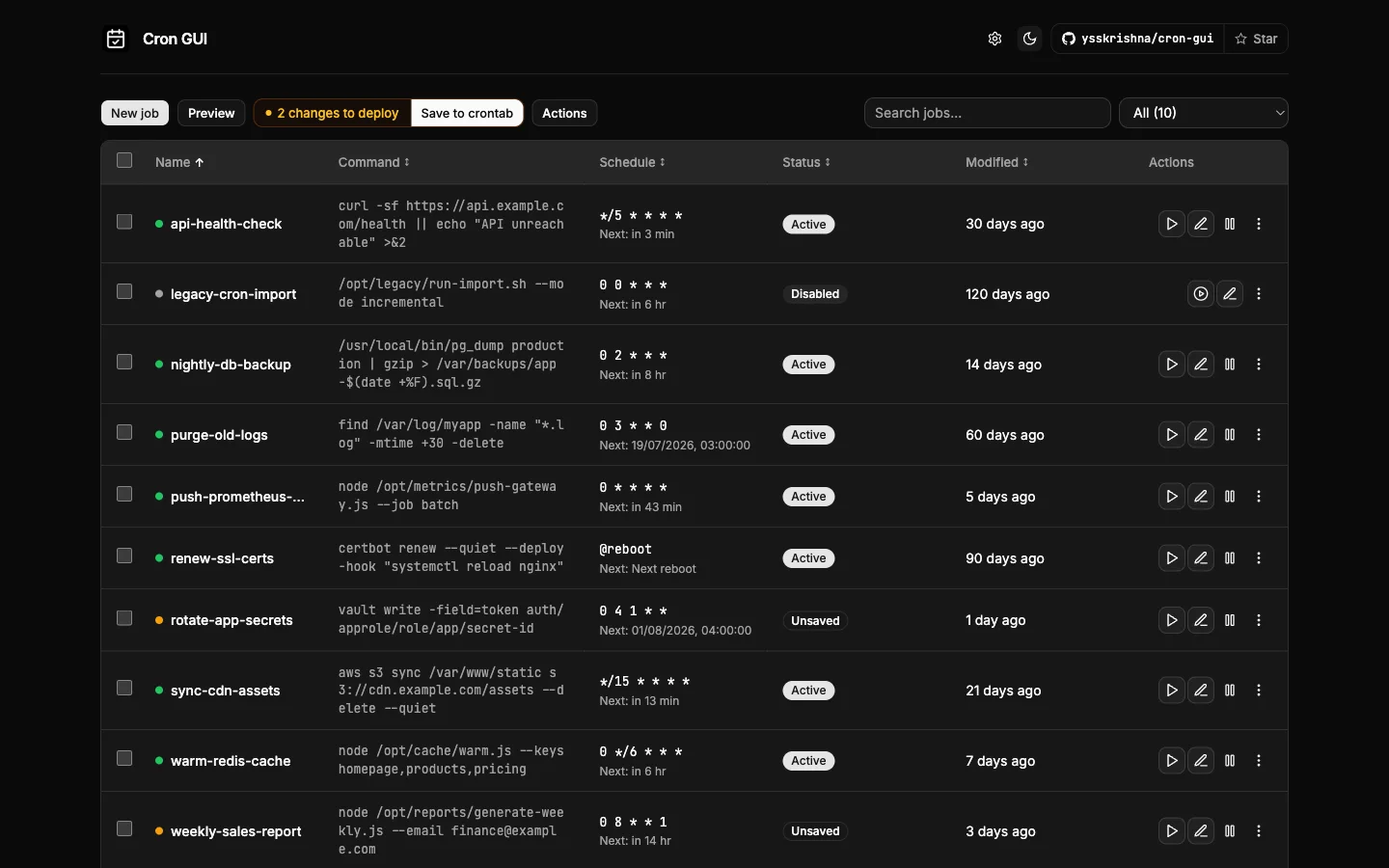
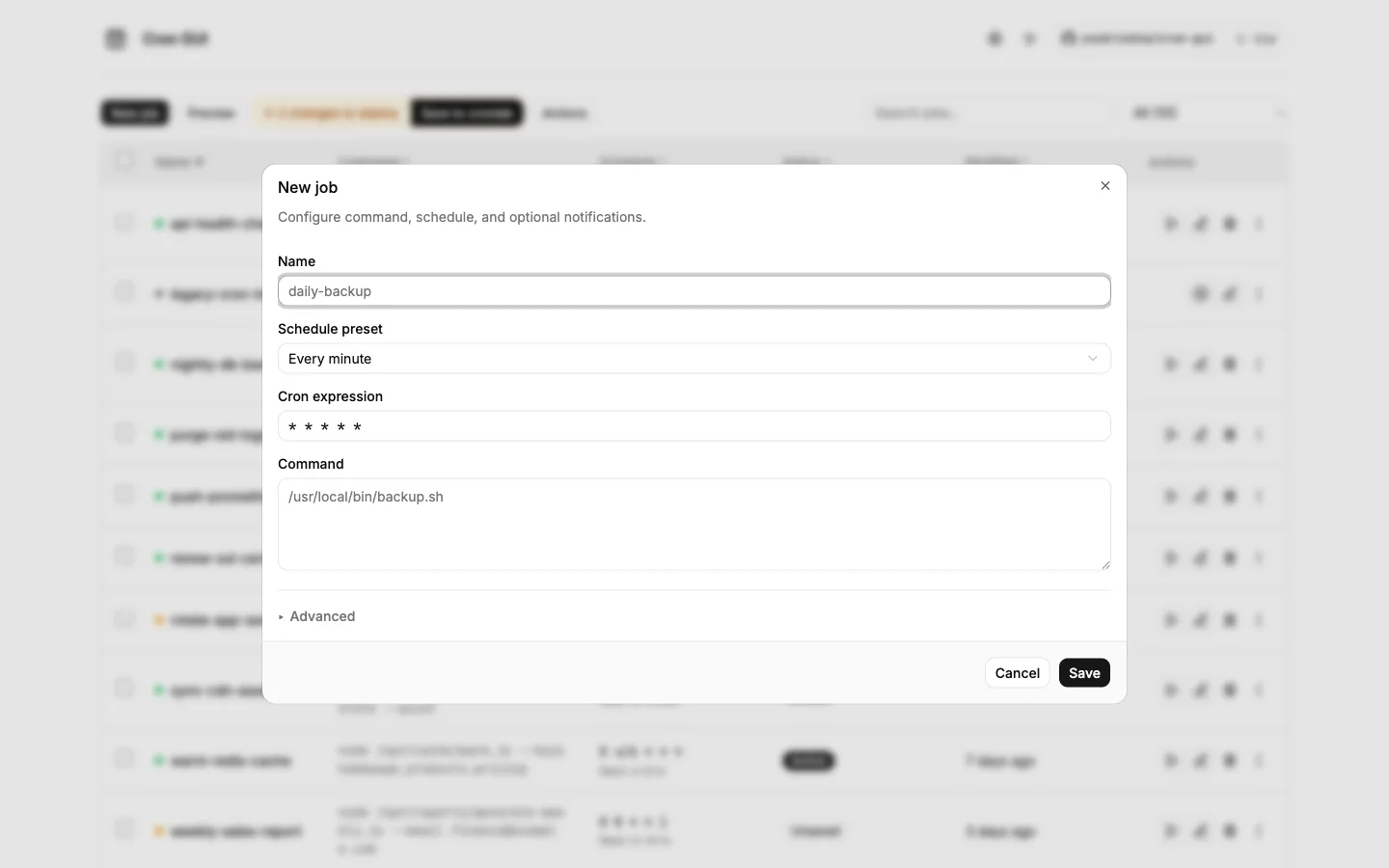
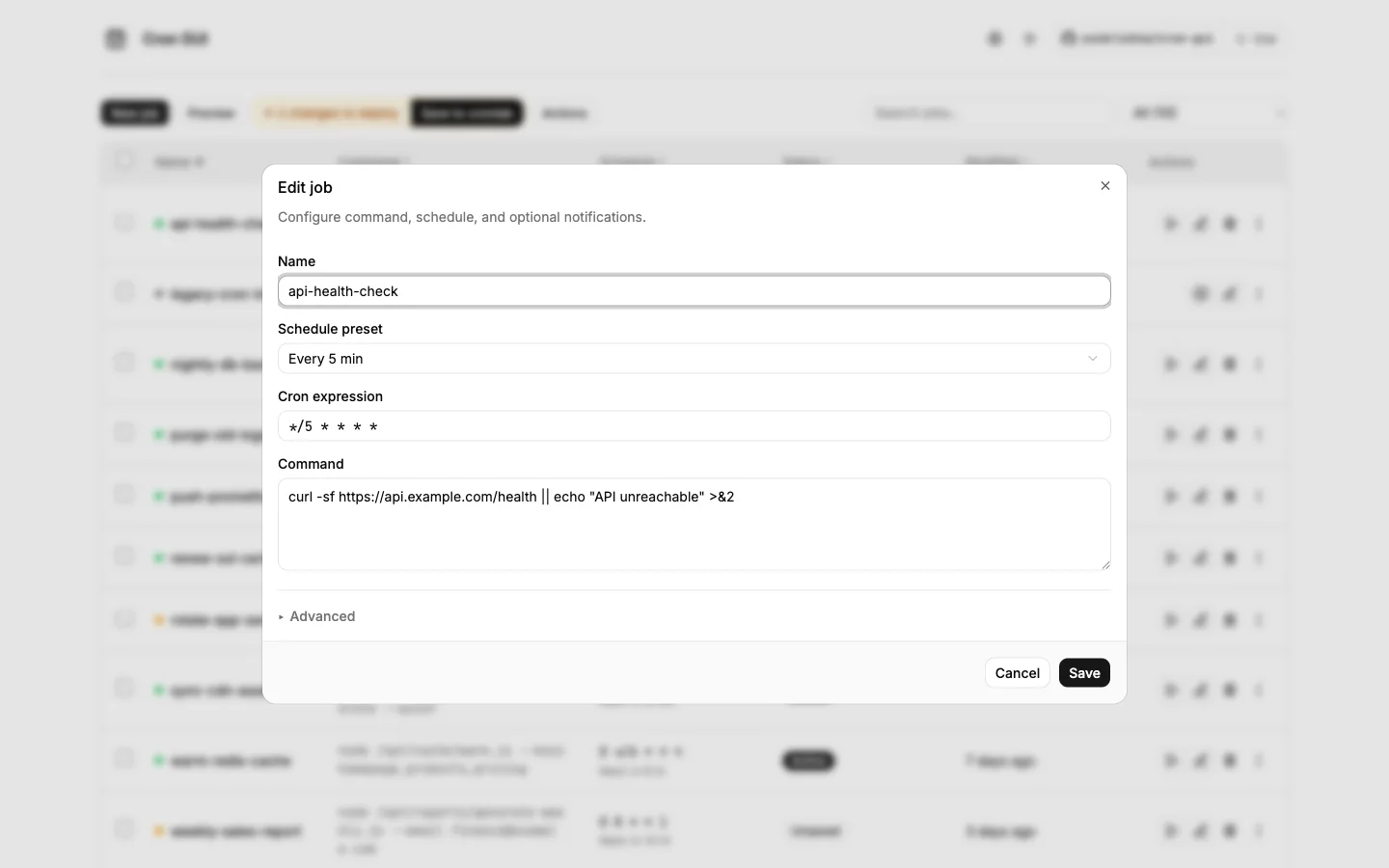
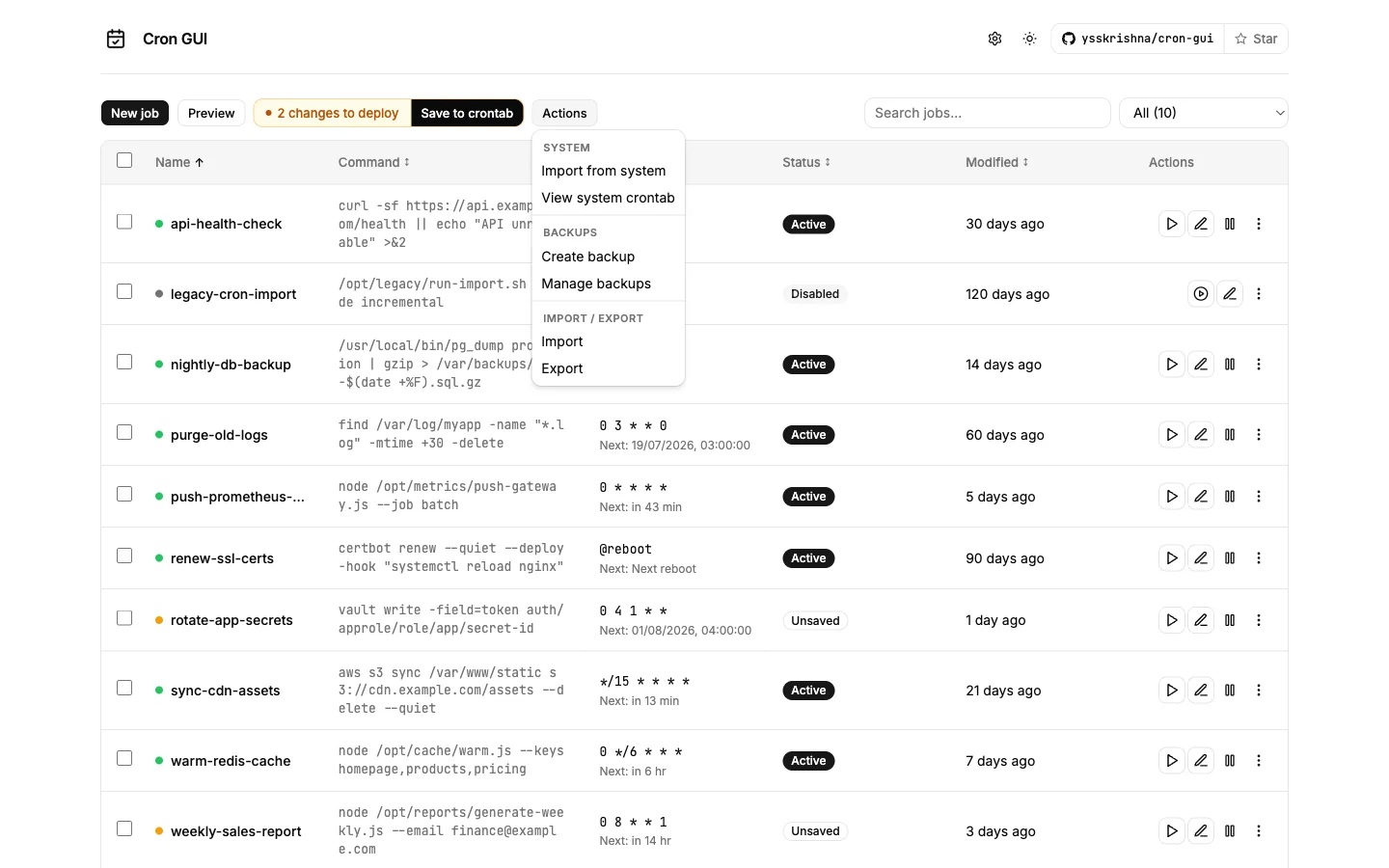
Cron GUI is an npm package and a drop-in successor to crontab-ui: rebuilt interface, safer deploy workflow, and compatible crontab.db files. Create, edit, pause, run, back up, and restore jobs in the browser, then push to the system crontab when you are ready.
When it is useful
You maintain scheduled tasks on a server and want a clearer workflow than editing crontab by hand — especially when you need to preview changes, pause or run jobs on demand, or move job state between machines without SSH copy-paste.
What you can do
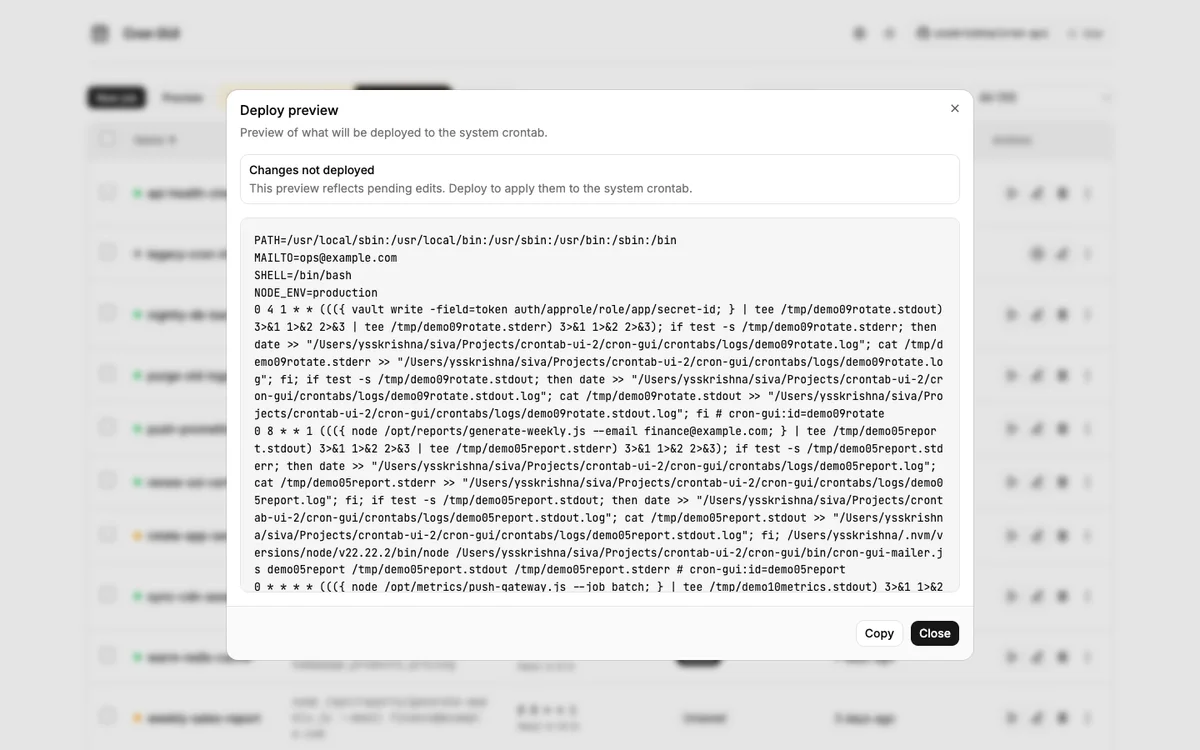
- Stage changes safely: edit jobs in the app, preview the exact crontab text, then deploy with Save to crontab (or enable autosave when you want immediate writes).
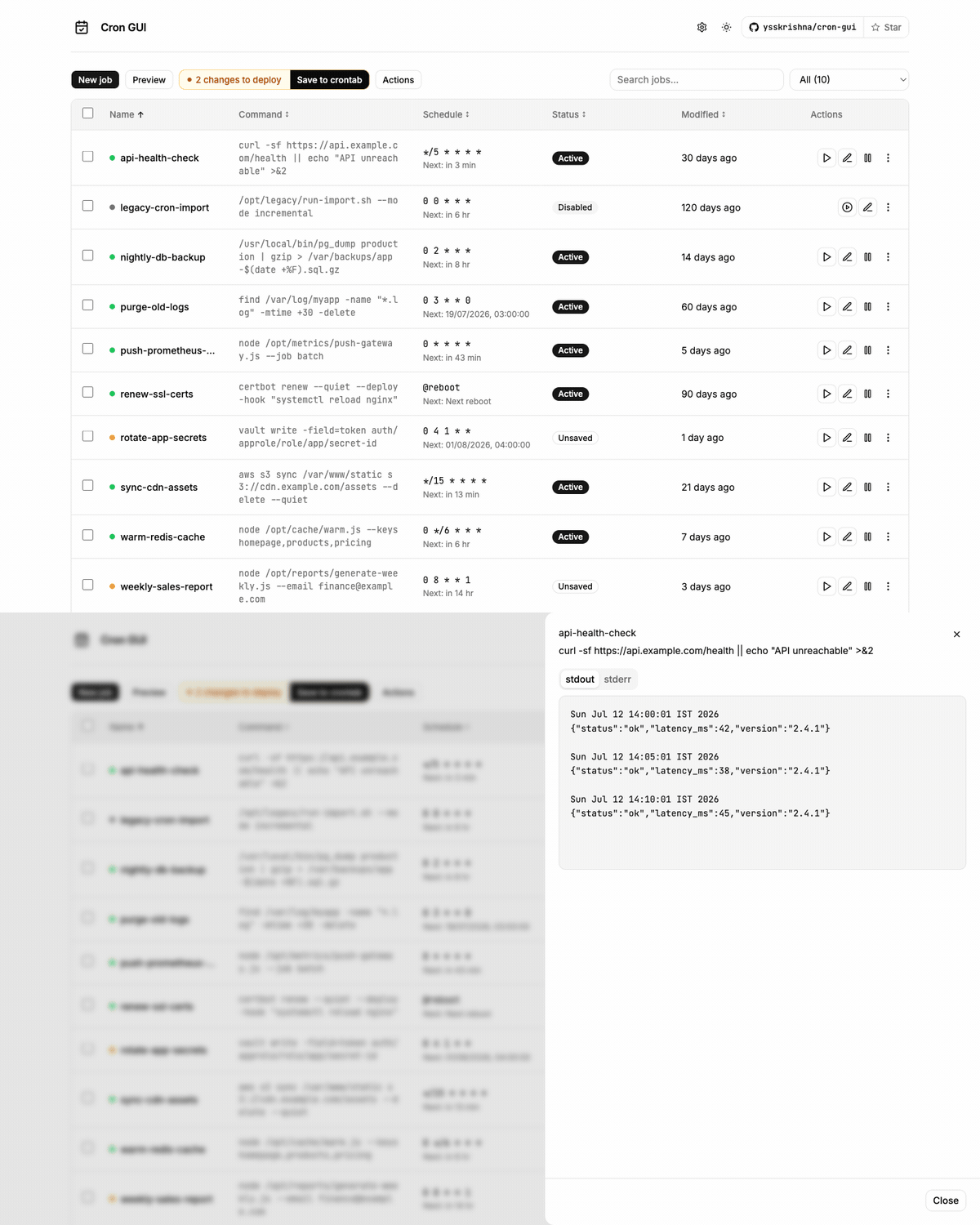
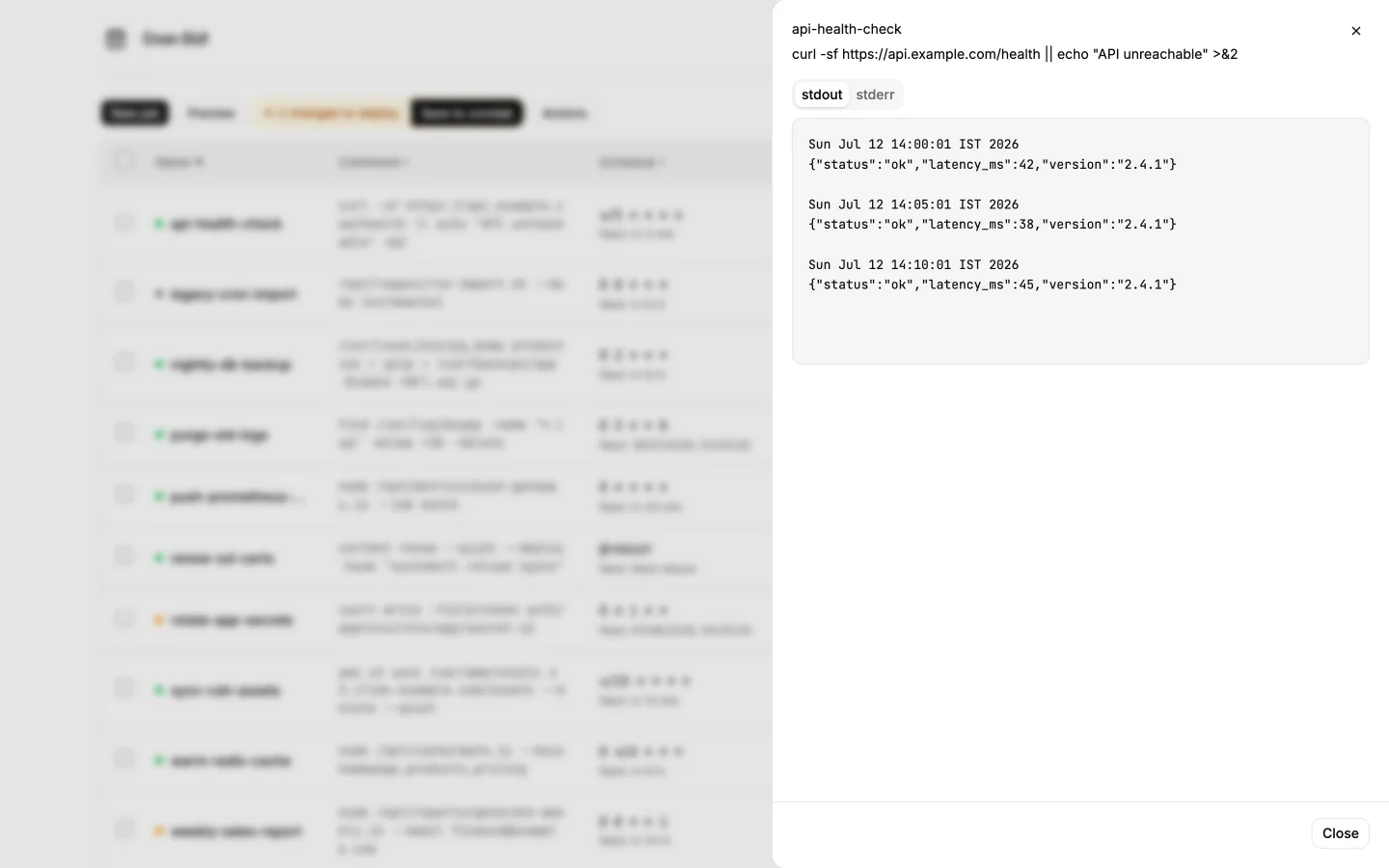
- Run a real ops dashboard: search and filter jobs, bulk actions, pagination, status badges, and per-job stdout/stderr logs without leaving the UI.
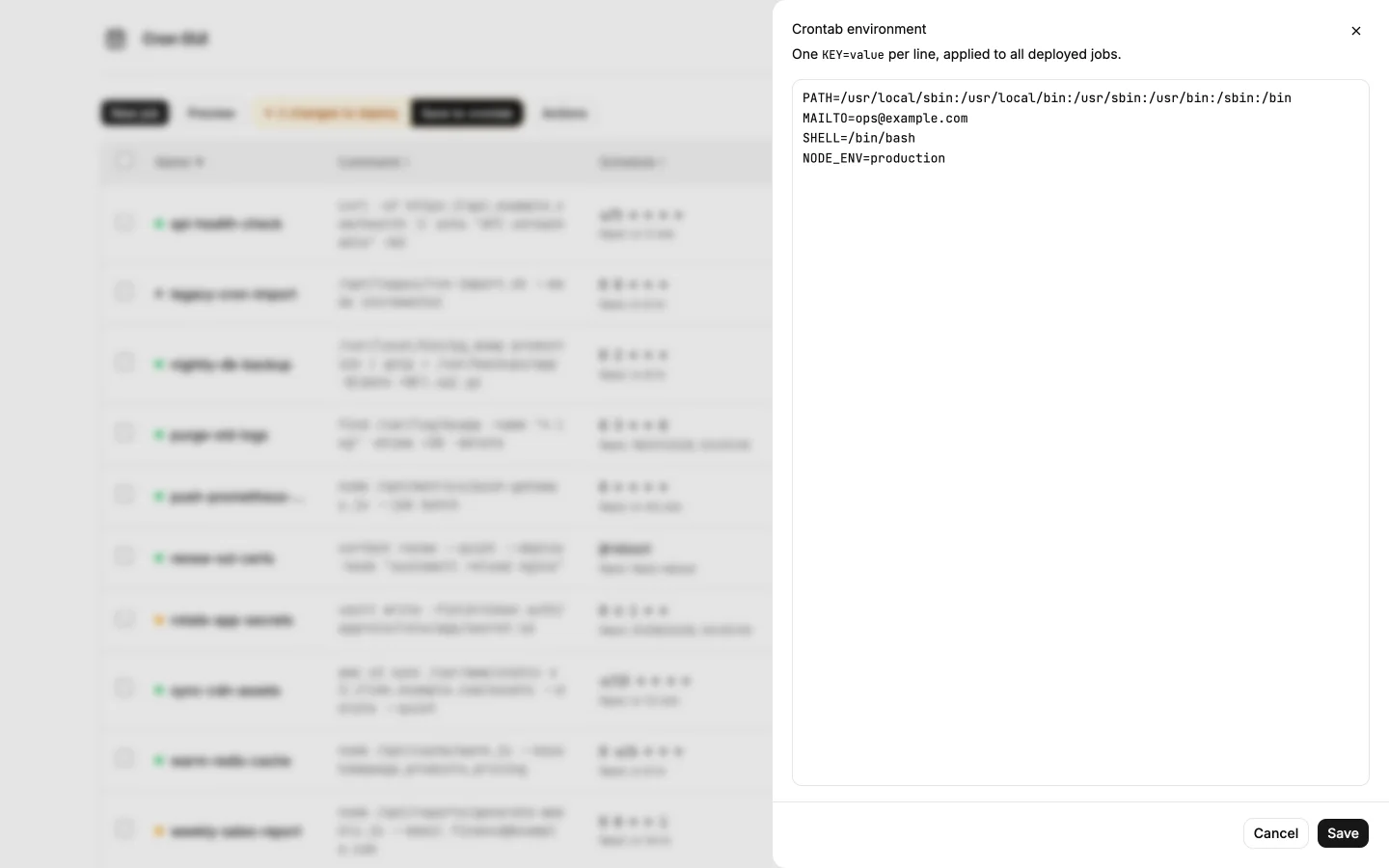
- Set crontab-wide environment (
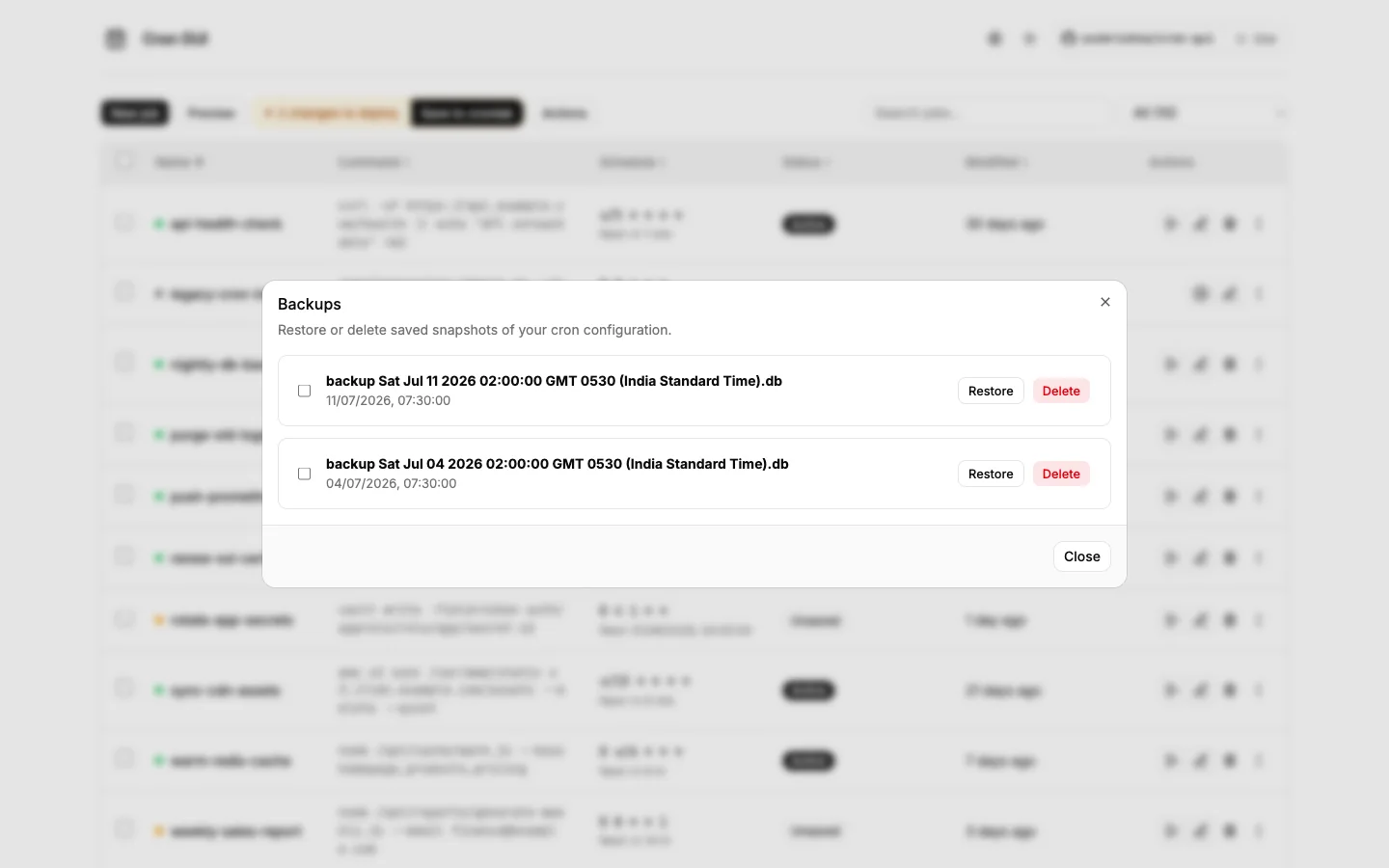
PATH,MAILTO, and similar) once for every deployed job. - Import from the system crontab, take server-side backups, and export/import
crontab.dbbetween hosts. - Migrate from crontab-ui with existing database files; install globally via npm or run from Docker for a single-command deploy.
Limits
- Requires Node.js 20+ (or Docker) and host permissions when importing or writing the live system crontab.
- This is a cron management UI, not a cluster scheduler; use your platform monitoring for production alerting.
- Install from npm (
cron-gui). Configuration, Docker, nginx, and migration notes are in the GitHub repository.