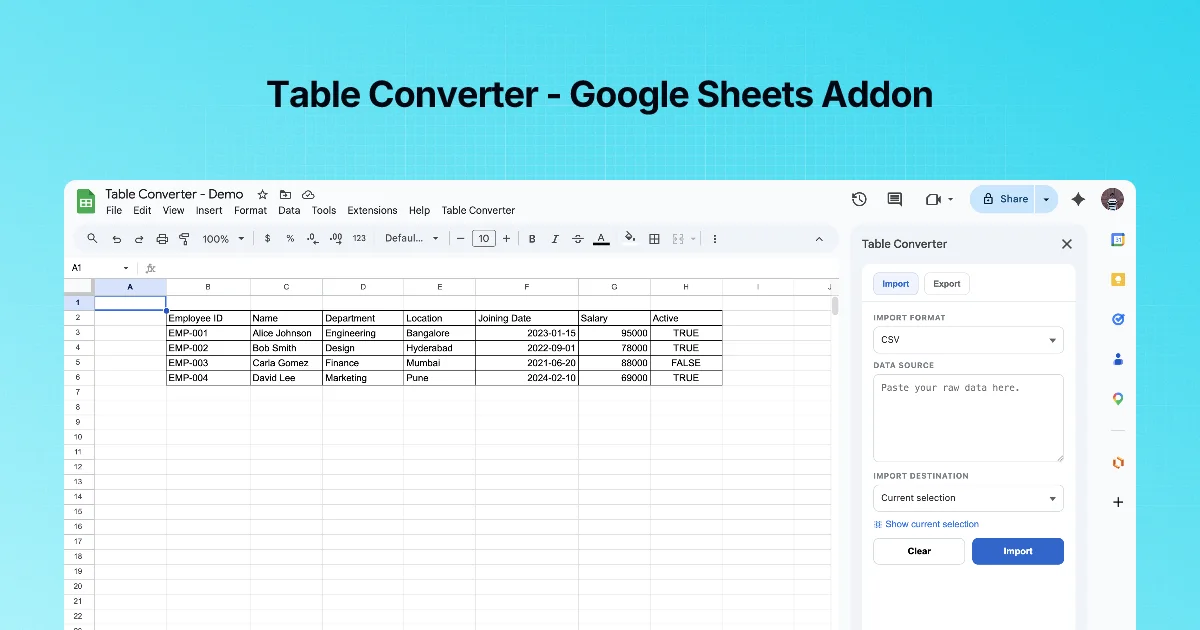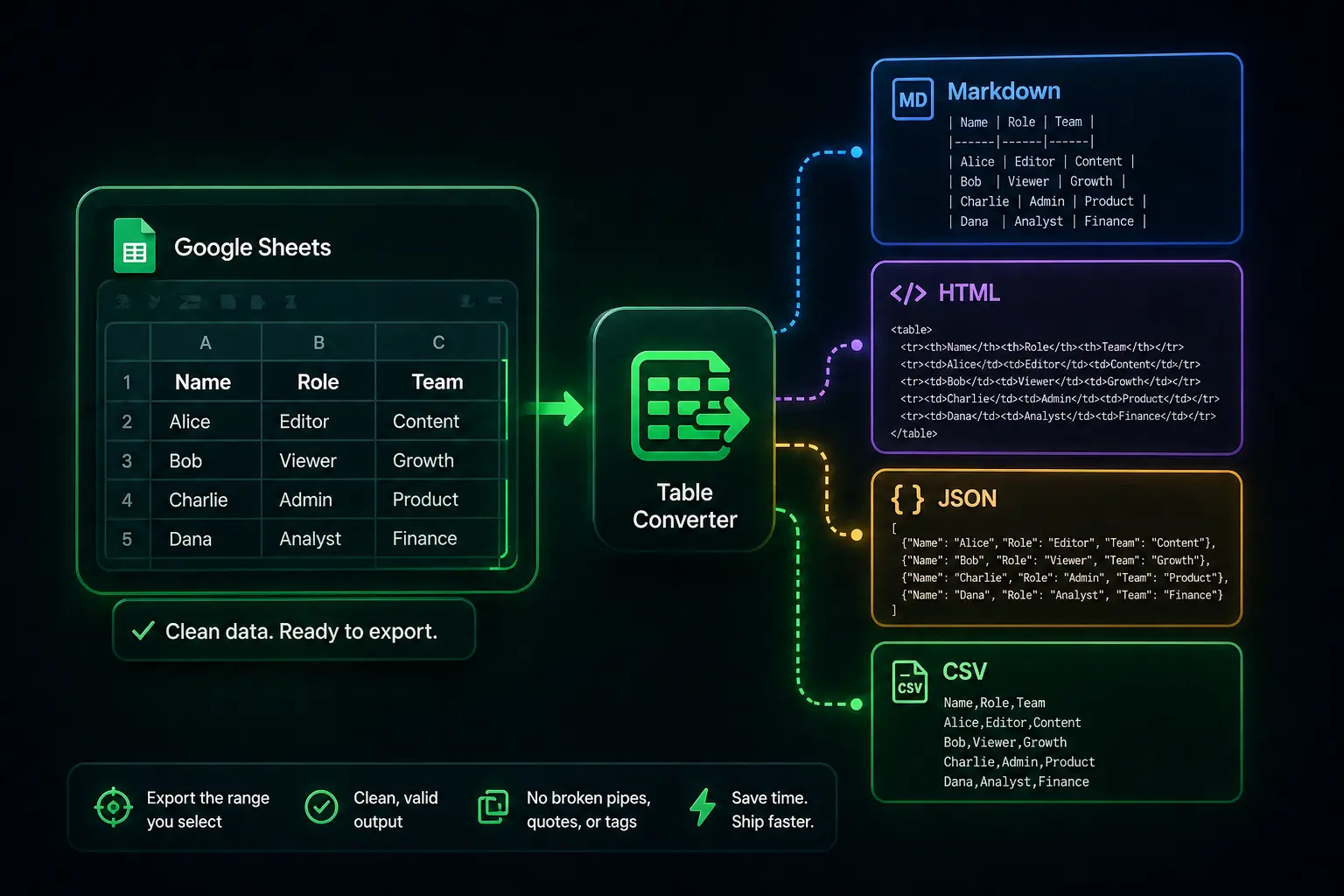



Someone sends a Markdown table in Slack, a JSON array from a log, HTML from an internal dashboard, or a messy CSV export. You paste into Google Sheets and watch everything collapse into column A, or split in a way that breaks sums on the next refresh.
That is not you “using Sheets wrong.” Structured text is brittle, and the default paste path is built for speed, not for preserving boundaries. Table Converter is a free Google Sheets add-on that parses pasted JSON, Markdown, HTML, or CSV into a proper grid where you choose.
What “broken paste” actually costs
When structure is wrong, everything downstream lies to you quietly: filters that miss rows, SUM ranges that include text, and reconciliation that burns an afternoon. Markdown pipes, JSON nesting, HTML <td> cells, and CSV quoting rules are where that damage starts.
Import beside your data
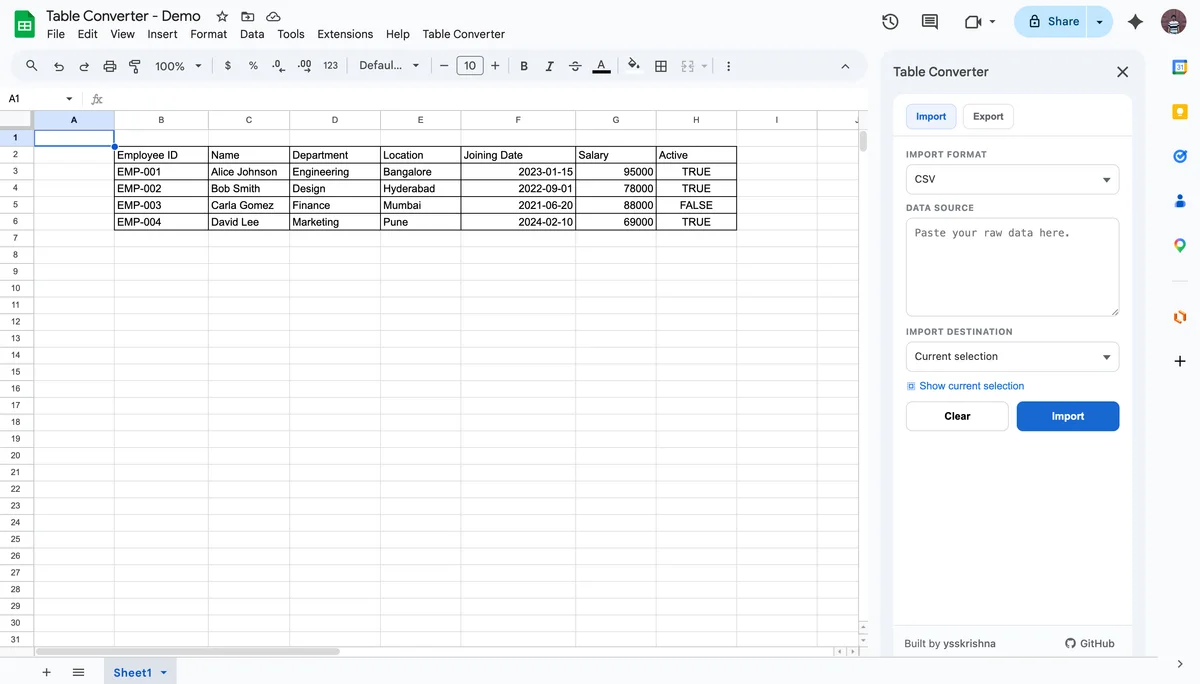
Open the Table Converter sidebar, paste the raw JSON, Markdown, HTML, or CSV, and run Import. You can place the result at the active cell or on a new sheet so you do not overwrite a layout you already trust.
The point is to skip the Text-to-columns guessing game for payloads that were already structured, just not in Sheets’ native shape.
Three quick steps
- Open Extensions → Table Converter to launch the sidebar, then switch to the Import tab.
- Choose the import format (JSON, Markdown, HTML, or CSV) and paste your raw data into the data source field.
- Set the import destination (for example current selection or a new sheet), click Import.
In short
- If the paste lands as one column of chaos, parse the format instead of hand-splitting.
- Use a new sheet when you are experimenting with unfamiliar payloads.
- JSON, Markdown, HTML, and CSV each have rules; the add-on applies them consistently.
Vet the Parser
Take that messy JSON log or the broken Markdown snippet that’s been sitting in your "To-Do" pile and run it through Import. You get a straight comparison: this versus hand-splitting and formula fixes.
If you want the short add-on listing before installing it, start with Google Sheets Table Converter.
Leave a review
If Table Converter fixed a "broken paste" and spared you a few minutes of cleanup, the Google Workspace Marketplace listing is the place for a short note. Stars and a sentence or two help other people find it without wading through random converters.