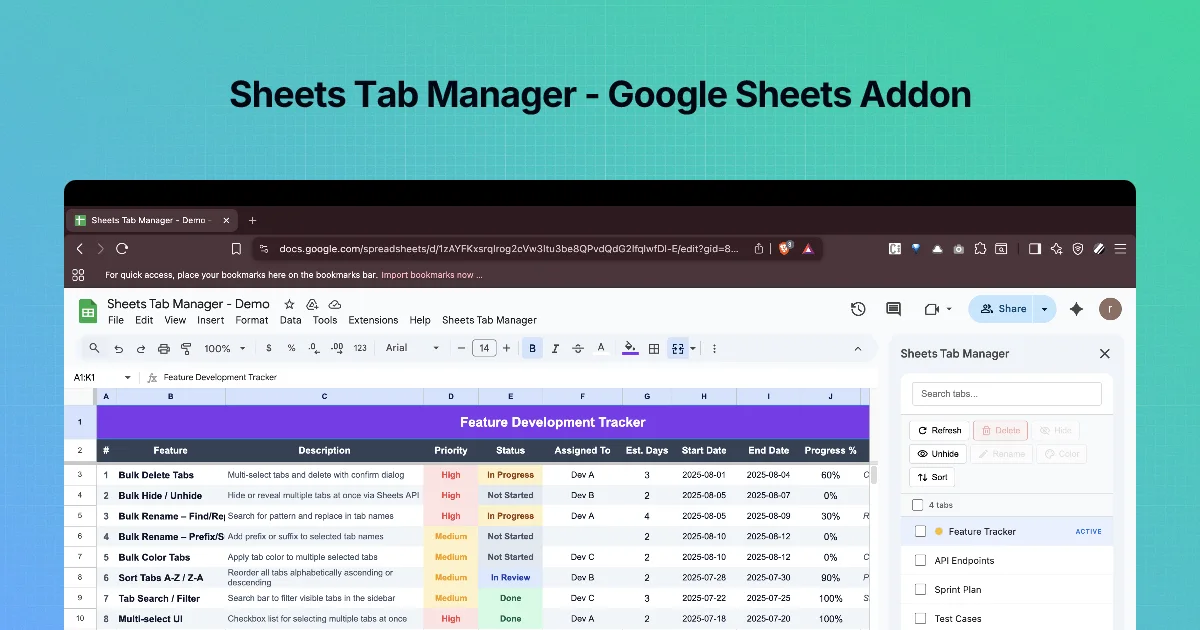
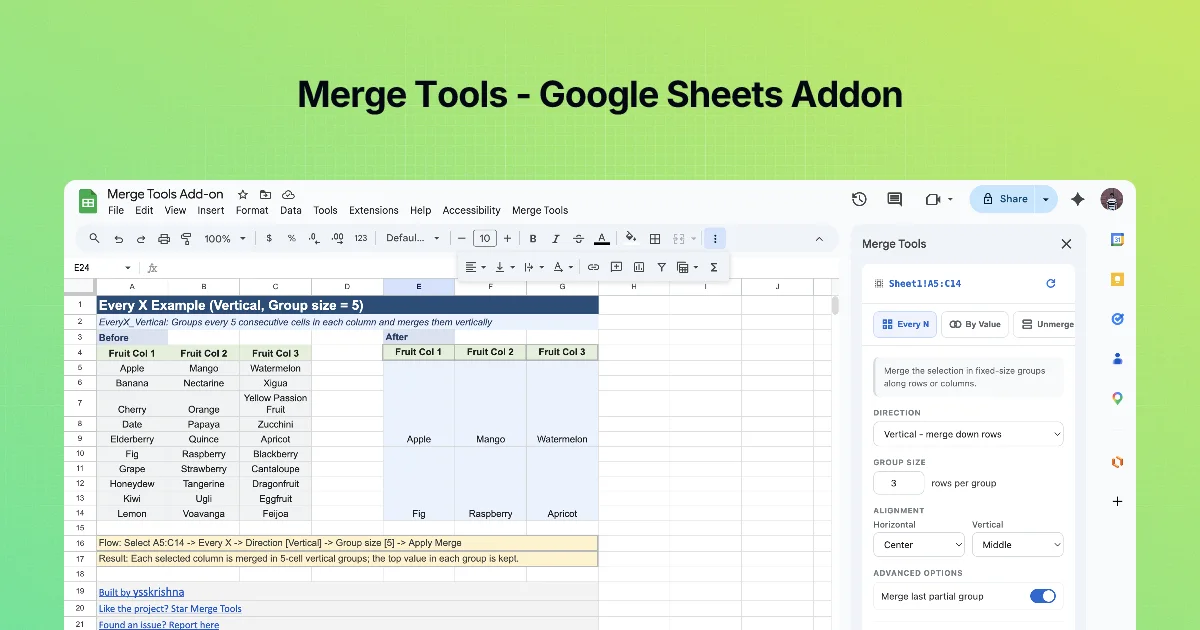
Sheets Tab Manager: Delete, Hide, Rename, Colour and Sort Tabs in Bulk
Delete multiple tabs in Google Sheets at once, hide and unhide in bulk, rename with find and replace, colour and sort tabs A–Z with the free Sheets Tab Manager.
6 chapters · about 24 min · free
 Google Sheets
Who it is for: People whose workbooks have grown to dozens of tabs: monthly reports, per-client sheets, sprint trackers, import dumps.
What you will learn
- Find and select many tabs fast with search and multi-select
- Delete a batch of tabs safely, with a confirmation and a backup
- Hide and unhide tabs in bulk for shared views
- Rename many tabs with find and replace, patterns or prefixes
- Colour-code and sort tabs so a workbook reads at a glance
- Run a monthly tab clean-up routine
Before you start
- A Google account with Google Sheets
- Sheets Tab Manager installed from the Google Workspace Marketplace (free)
- Edit access to the spreadsheet
Chapters
Frequently asked questions
How do I delete multiple tabs in Google Sheets at once?
Open Sheets Tab Manager, tick the tabs (use Search tabs… to filter), click Delete, read the list of tab names in the confirmation dialog and confirm. Make a copy of the file first if the data matters.
Is Sheets Tab Manager free?
Yes. The Marketplace listing shows it as free of charge.
Can I undo a bulk delete?
Try Edit → Undo immediately. If that does not restore the tabs, use File → Version history to open an earlier version and restore it or copy the tabs back.
How do I unhide all hidden sheets at once?
In the sidebar, tick every tab with the HIDDEN badge and click Unhide.
Does hiding a tab protect its data?
No. Anyone with edit access can unhide it. Put private data in a separate file with its own sharing settings.
Can I rename many tabs at once?
Yes. Select them, click Rename, and use Find / Replace with. The dialog previews every new name before you click Rename. The listing also mentions pattern-based and prefix/suffix renaming.
How do I sort tabs alphabetically?
Click Sort and choose A → Z (Ascending) or Z → A (Descending). Design names (dates as 2026-01, number prefixes) so alphabetical order is the order you want.
Can I colour several tabs at the same time?
Yes. Select them, click Color and pick a swatch. Reset Color removes colours.
Why is a newly added tab missing from the sidebar?
The list was loaded before you added it. Click Refresh.