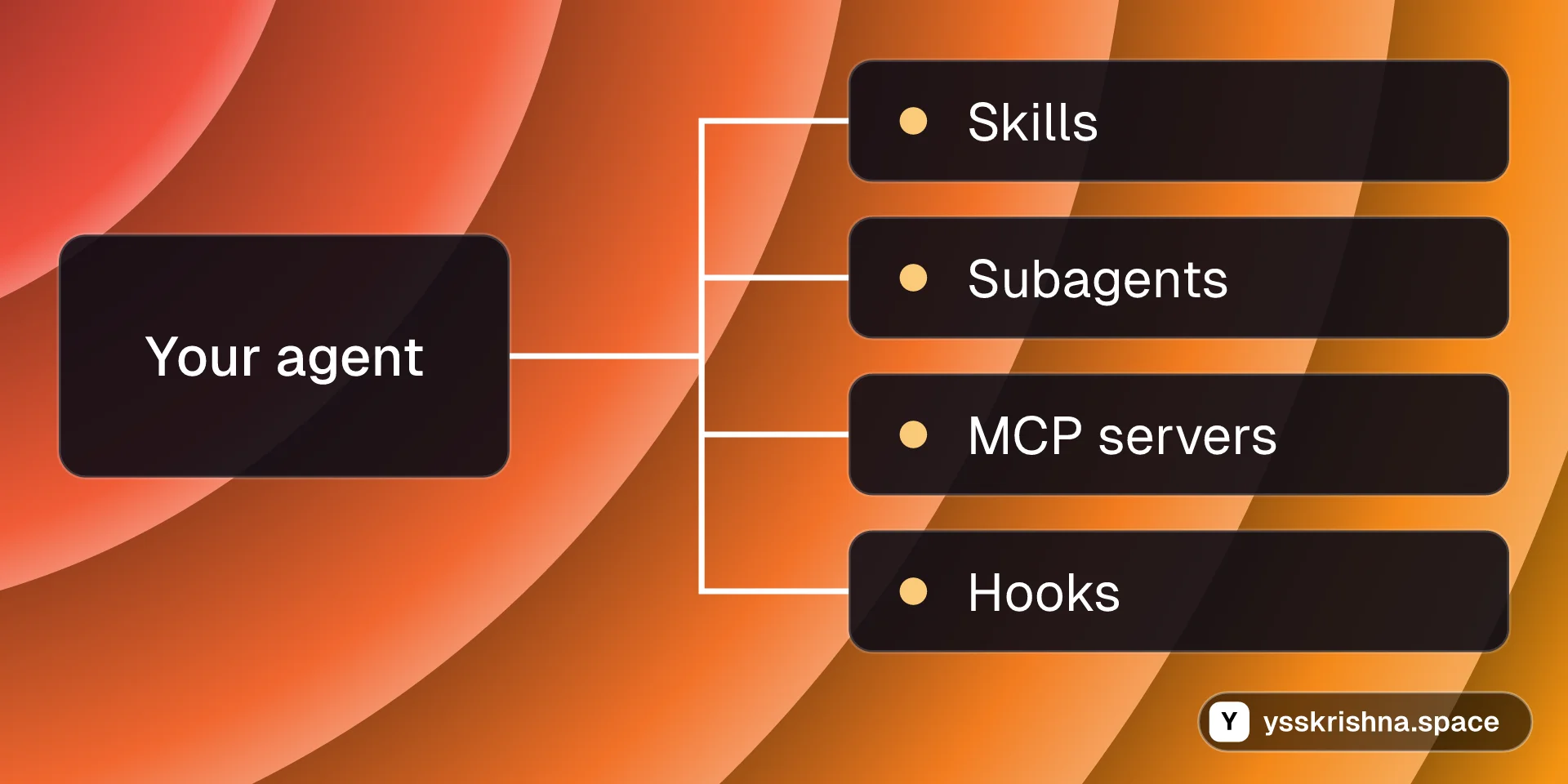

You wrote a scout agent for the boring part of the job: read the repo, list the files that matter, hand back a summary. You put model: haiku in its frontmatter because a scout does not need your most expensive model.
Then you spawned it from Cursor and watched the usage meter climb like the parent chat was doing the work. Because it was.
That is not a prompt problem. It is routing.
Why your subagent ran on the wrong model
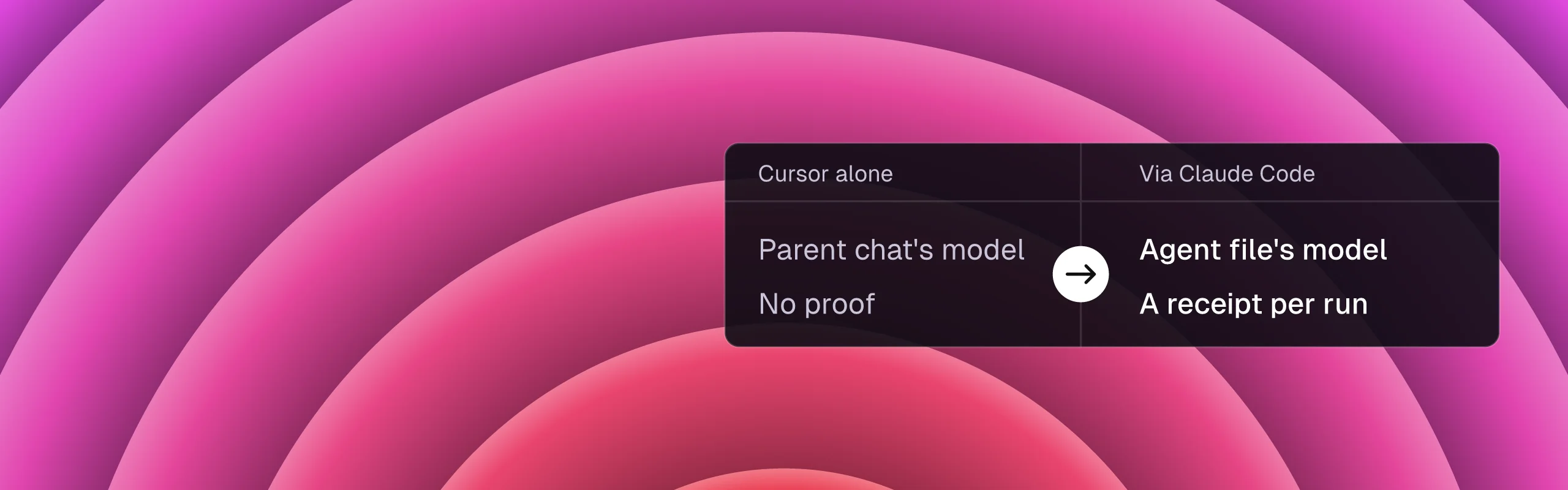
Cursor reads custom subagents from .cursor/agents/*.md, .claude/agents/*.md and .codex/agents/*.md. Each file can declare a model:. But Cursor's Task tool runs the subagent on the parent chat's model in two cases:
- you use a personal Anthropic API key (BYOK), which Cursor staff confirmed on the forum, or
- the model in the agent file is not enabled in your Cursor settings.
So an agent you tuned for Haiku bills at Opus rates, and nothing in the reply tells you.
I tried to fix it inside Cursor first. Hooks can see the model but cannot change it mid-flight. What does work: Claude Code, run headlessly from Cursor's Shell tool, honors the model: in agent files.
The fix: route subagents through Claude Code
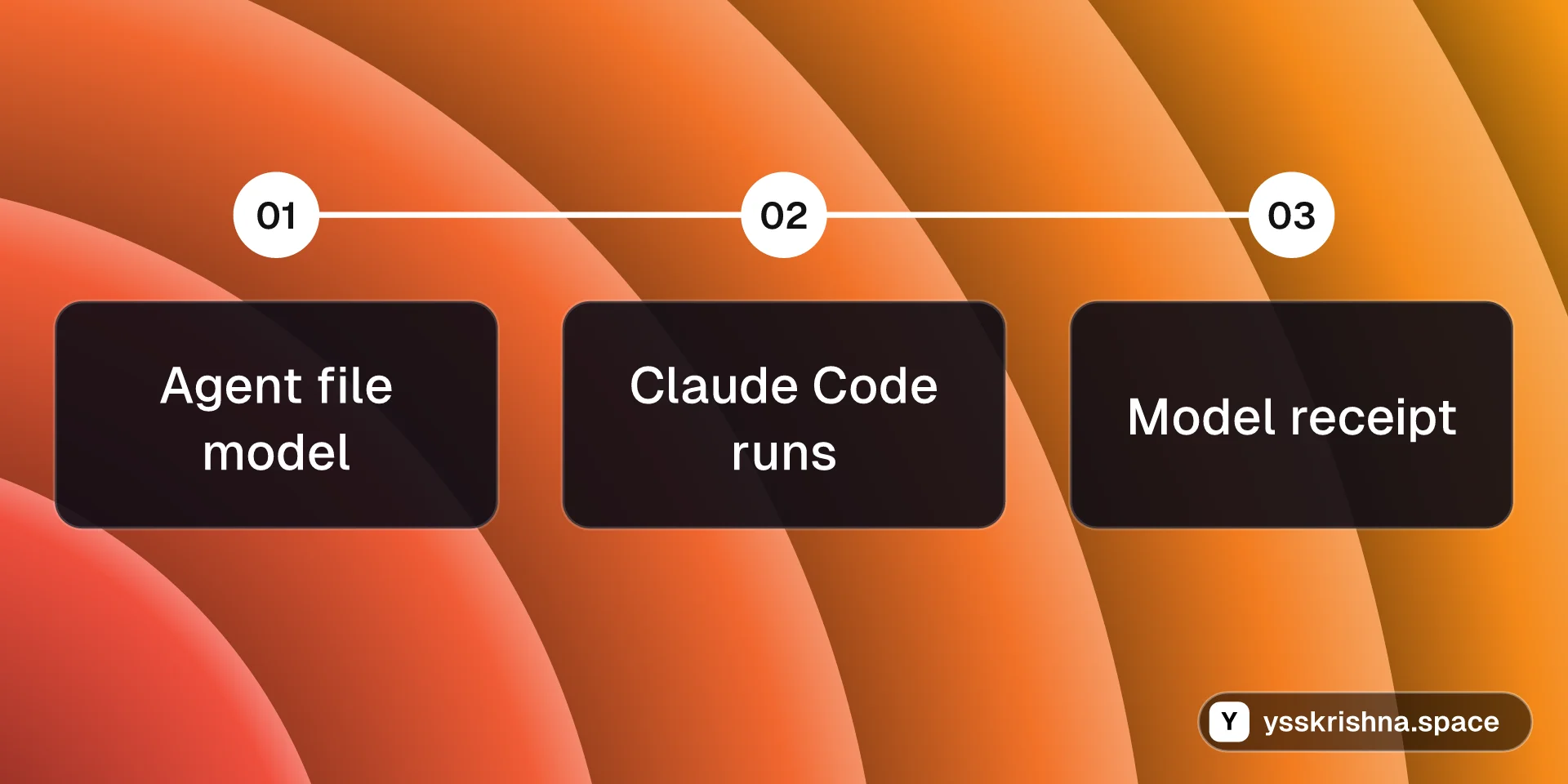
Claude Code Subagents for Cursor is a skill that does that routing for you. You turn it on once per chat:
/use-claude-code-subagentsThe agent answers Subagent mode: claude code. From then on, every custom subagent you ask for runs through claude -p on the model in its own file, and the reply ends with a receipt:
scout ran on claude-haiku-5-5Say "use cursor subagents" to switch back to Cursor's Task tool.
What you need first
| Requirement | Why |
|---|---|
| Cursor desktop, running locally | Cloud Agents have no claude CLI |
| Claude Code 2.1.281 or later, signed in | It does the actual run. Check with claude --version |
| A POSIX shell (macOS or Linux) | Briefs are passed with a < redirect. Native Windows is not supported |
Runs bill your Claude Code account, not Cursor's.
Install
Pick one route. They all install the same skill.
Cursor plugin (recommended). In Cursor, open Customize → Plugins → Add → From GitHub Repository and enter:
github.com/ysskrishna/claude-code-subagents-for-cursorChoose user scope to get it in every project.
skills.sh:
npx skills add ysskrishna/claude-code-subagents-for-cursor -a cursor -gGitHub CLI:
gh skill install ysskrishna/claude-code-subagents-for-cursor --all --agent cursor --scope userWithout --agent cursor, gh installs for GitHub Copilot instead.
How the model in your agent file is read
model: in the agent file | What runs |
|---|---|
haiku, sonnet, opus | Claude Code's latest model of that family |
starts with claude- | That exact model, with Cursor-only suffixes (effort, speed, thinking) removed |
missing, inherit, or another vendor | Not routed. It falls back to Cursor's Task tool and tells you why in one line |
One thing that surprised me: Cursor and Claude Code resolve aliases differently. When I last checked, Cursor mapped haiku to an older Haiku that many plans have disabled, while Claude Code maps it to its latest Haiku. So model: haiku can run on a newer model through this skill than it would in Cursor. That is intended.
Agent lookup works the way Cursor's does: project beats user, and inside a level .cursor/agents beats .claude/agents beats .codex/agents. Built-in agents such as explore keep using the Task tool.
Stop the approval prompts
Claude Code runs outside Cursor's sandbox, so pick a run mode that allows it in Cursor Settings → Agents → Approvals & Execution:
- Auto-Review (with Sandbox): suggested. Commands outside the sandbox go through a safety check.
- Run Everything (Unsandboxed): no prompts, for projects you trust.
The Allowlist modes are not supported, because they need an entry for every command.
On the Claude Code side, every run uses --permission-prompts none, so anything Claude Code would ask about is denied and reported back to you. Editing agents get --permission-mode acceptEdits; read-only agents get nothing extra. Nothing runs with permissions skipped.
How to tell it worked
- The first reply after you invoke the skill says
Subagent mode: claude code. - Every subagent answer ends with
<agent> ran on <model>. If that model is not the one in the file, you caught it before the bill did. - Briefs live in a fresh
mktemp -dfolder outside your repo, so nothing lands in your commits.
Want a safe first run? The repo ships an example project with two agents: a read-only scout and a proofreader that can edit.
When you do not need this
- Your parent chat model is already the one you want for every subagent.
- You are on Cursor's own models with the agent's model enabled, and Task honors it.
- You work in Cloud Agents or native Windows, where it cannot run.
What to do next
- Install the plugin from GitHub.
- Run
/use-claude-code-subagents, then ask for your cheapest agent. - Check the receipt line. Then look at your next usage report.