You can write skills by hand into the right folder, but most skills you use will come from someone else's repo, and the ones you write are worth sharing with your team. This chapter covers the three common install routes, how to validate a skill, and how to publish one.
Where skills live
| Scope | Claude Code | Cursor | Cross-agent (skills CLI) |
|---|---|---|---|
| One project | .claude/skills/<name>/ | .cursor/skills/<name>/ | depends on -a agent flag |
| Your user | ~/.claude/skills/<name>/ | ~/.cursor/skills/<name>/ | ~/.agents/skills/<name>/ |
Project scope is what you commit. User scope is what follows you to every repo. When the same skill exists in both, the project copy wins.
Route 1: the skills CLI (npx)
The skills.sh CLI installs skills from any GitHub repo that follows the format. Install every skill in a collection:
npx skills add ysskrishna/ai-agent-skillsInstall one skill, globally (for your user, every project):
npx skills add ysskrishna/ai-agent-skills --skill pre-mortem -gTarget a specific agent with -a, for example -a cursor. Without it the CLI asks or uses its default.
Route 2: a Claude Code plugin marketplace
Some repos ship a plugin manifest. In Claude Code:
/plugin marketplace add ysskrishna/ai-agent-skills
/plugin install ai-agent-skills@ai-agent-skills
Plugins can bundle skills, subagents, hooks and MCP config in one install, and update together.
Route 3: GitHub CLI
GitHub CLI 2.90.0 and later can install skills:
gh skill install ysskrishna/ai-agent-skills six-thinking-hatsWatch the agent flag. For Cursor you pass --agent cursor; without it, gh installs for GitHub Copilot. The Claude Code Subagents for Cursor README spells this out:
gh skill install ysskrishna/claude-code-subagents-for-cursor --all --agent cursor --scope userStep by step: install and confirm
- Install one small skill with your preferred route, for example
pre-mortem. - List the folder to confirm it landed:
ls ~/.agents/skills/(or the path for your route). - Open a new chat. Most hosts read skills at session start.
- Ask something that should trigger it: "Run a pre-mortem on moving our cron jobs to a queue."
- Look for the skill's structure in the reply (for pre-mortem: assumed failure, causes, mitigations). If you get a generic answer, the skill did not load; check the folder and restart the host.
Validate before you share
A skill that works on your machine can still be broken for others: a reference file you forgot to commit, a name that does not match the folder, a body so long it eats context. Check:
- Frontmatter:
nameanddescriptionpresent;namematches the folder; lengths within the spec. - Local links: every
references/…orscripts/…path in SKILL.md exists. - Unused files: files in the folder that nothing references (usually leftovers).
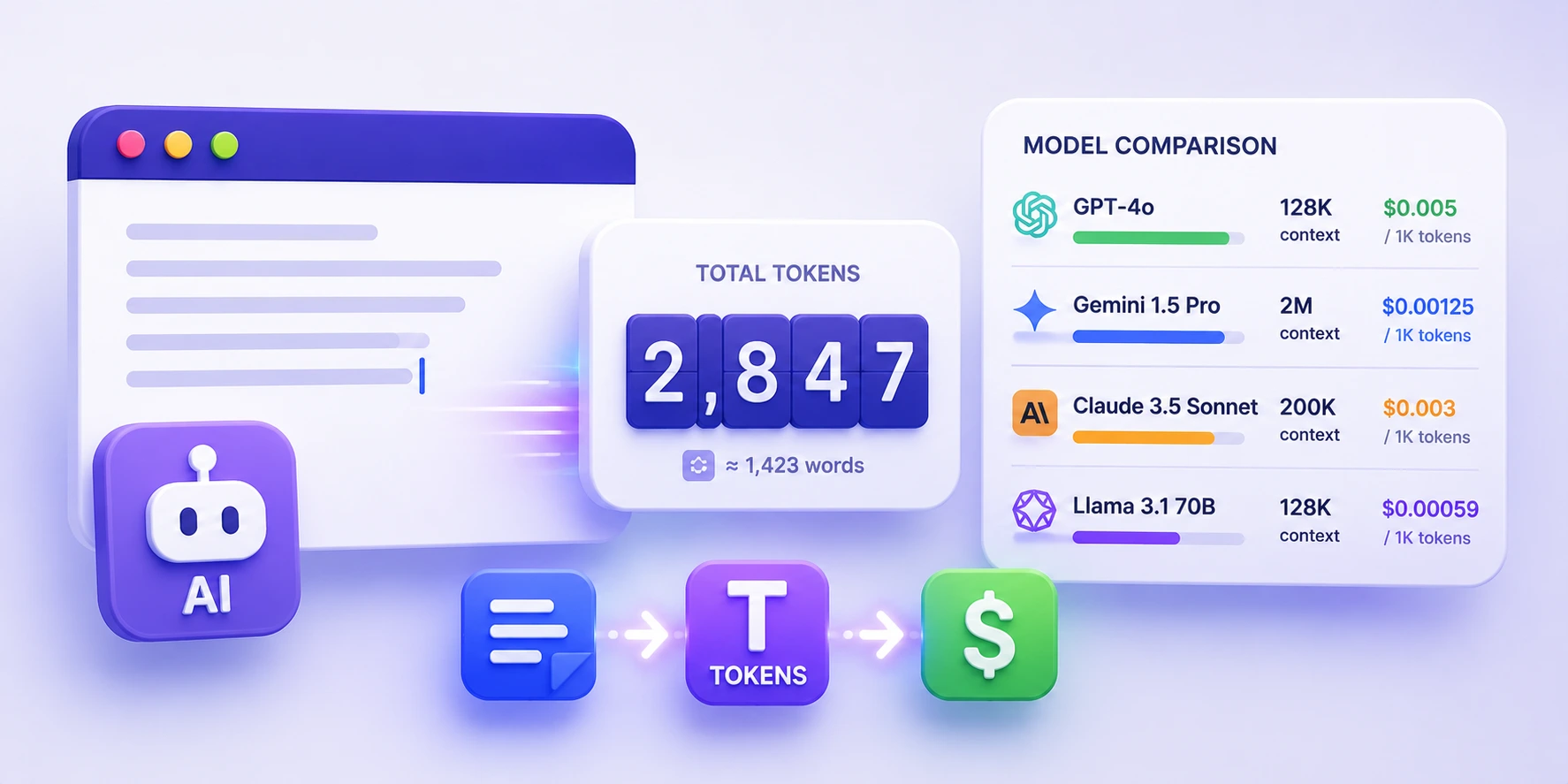
- Token budget: roughly how much context the body costs each time it fires.
The AI Agent Skill Validator does all four in the browser. Paste a SKILL.md, or choose a folder or a .zip; nothing is uploaded. A clean result shows Status: Valid with zero errors and warnings and an approximate token count.
Publish a collection
- Put each skill in its own folder under
skills/in a public repo:skills/<name>/SKILL.md. - Add a README with one install line per route (npx, plugin, gh) and a table of skills with one-line "use when" summaries.
- Add a CI job that validates every skill on each push. The ai-agent-skills repo runs a
validate-skillsworkflow for exactly this. - Tag releases. People pin versions when a skill becomes part of their workflow.
- Optional: publish to a registry such as ClawHub (
npm i -g clawhub,clawhub login, then publish). The site's post on publishing skills to ClawHub walks through it.
Updating and removing
npx skills add …again pulls the latest version.- In Claude Code,
/pluginlets you update or uninstall a plugin. - Removing a skill is deleting its folder. Restart the host afterwards.
Quick check
-
You installed a skill but the agent ignores it. What two things do you check first?That the folder landed in a path your host scans, and that you started a new session after installing.
-
Why does gh need
--agent cursor?Without it,gh skill installtargets GitHub Copilot's skill folder, not Cursor's. -
Name two problems a validator catches that you would not notice locally.Broken local links to files you never committed, and a folder name that does not match
name. Also unused files and an oversized body.