A coding agent can open files, search the repo and run commands. That changes what "context" means. You do not need to paste the code; you need to give the agent what it cannot discover and point it at where to start.
Three kinds of context
| Kind | Example | Can the agent find it? |
|---|---|---|
| Pointers | "Start in src/billing/pricing.py, function price_cart." | Eventually, by searching. A pointer saves minutes and tokens. |
| Facts outside the repo | "Prices change once a day." "The mobile app pins API v2." | No. Only you know. |
| Decisions | "We chose Postgres advisory locks over Redis; don't revisit." | No. Without it, the agent may re-argue the decision. |
Prioritise facts and decisions. Add pointers when the repo is large or the naming is confusing.
Paste errors verbatim
When something fails, paste the exact error and the command that produced it:
$ pytest tests/test_orders.py -k refund
FAILED tests/test_orders.py::test_partial_refund - AssertionError: 40.0 != 39.99
Do not paraphrase ("the refund test fails with a rounding thing"). The exact text lets the agent search for it, spot the float comparison, and check its fix against the same line.
How much context is too much
More context is not always better. Long prompts and many attached files have three costs:
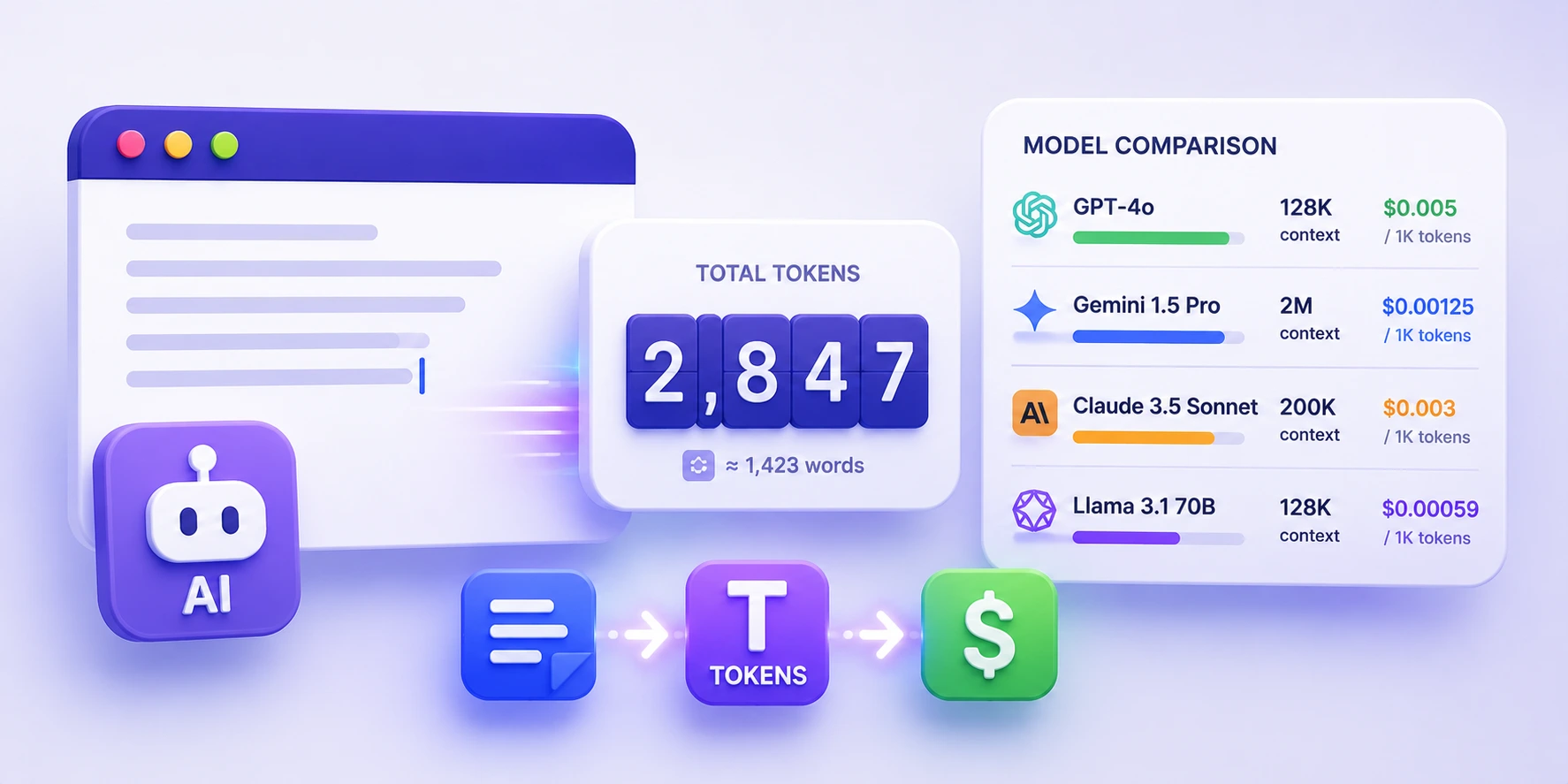
- Tokens: you pay for them on every turn while they stay in the conversation. Measure with the AI Token Counter.
- Attention: models do worse at finding the one relevant line in a long, noisy context.
- Anchoring: whatever you paste, the agent assumes matters. Paste an old design doc and it may follow the old design.
A useful rule: include a fact if the agent would make a different decision without it.
Rules files: context that applies every time
Facts that apply to every task in a repo (stack, conventions, commands) belong in a project rules file, not in each prompt. Claude Code reads CLAUDE.md; Cursor reads project rules (for example under .cursor/rules/) and also supports AGENTS.md.
Keep those files short and factual:
# Project notes
- Python 3.12, FastAPI, Postgres 16. Tests: `pytest -q`.
- Money is Decimal, never float.
- Migrations: alembic; one migration per PR.
- Do not edit files under vendor/.
Then your task prompt only needs what is specific to this task.
Step by step: a context pass
Before sending a non-trivial prompt:
- List what you know that the repo does not say. Business rules, deadlines, downstream consumers, previous attempts.
- Mark decisions as fixed. "Already decided: …"
- Add one or two pointers if the starting place is not obvious.
- Paste errors and commands verbatim.
- Delete anything that would not change a decision.
Example
Goal: partial refunds must round to the cent the same way the payment
provider does.
Facts: provider rounds half-even (their docs, attached). Our UI already
shows provider amounts.
Decision: keep Decimal; do not switch to integer cents in this PR.
Start in: src/orders/refund.py::calculate_refund
Failing: tests/test_orders.py::test_partial_refund (output below)
<pasted output>
Done when: that test and tests/test_orders.py pass.
Quick check
-
Which kind of context can the agent never discover on its own?Facts outside the repo and decisions you have already made.
-
Why paste errors verbatim?The exact text is searchable and lets the agent verify the fix against the same failure.
-
A fact applies to every task in the repo. Where does it go?In the project rules file (CLAUDE.md, Cursor rules or AGENTS.md), not in each prompt.