ysskrishna logoysskrishna

IndieGPT

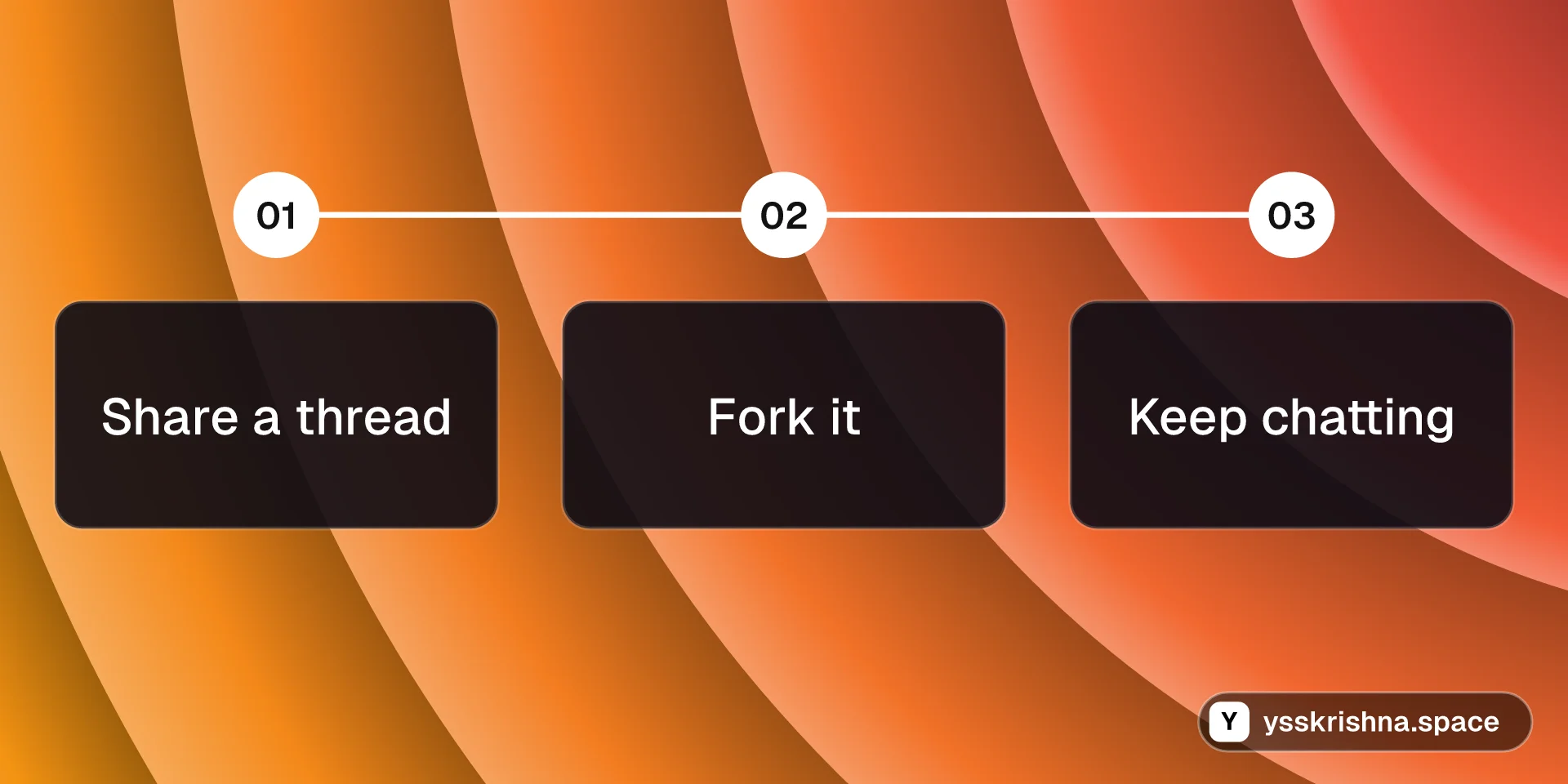
Share a chat thread, let others fork it, and keep building without starting over.

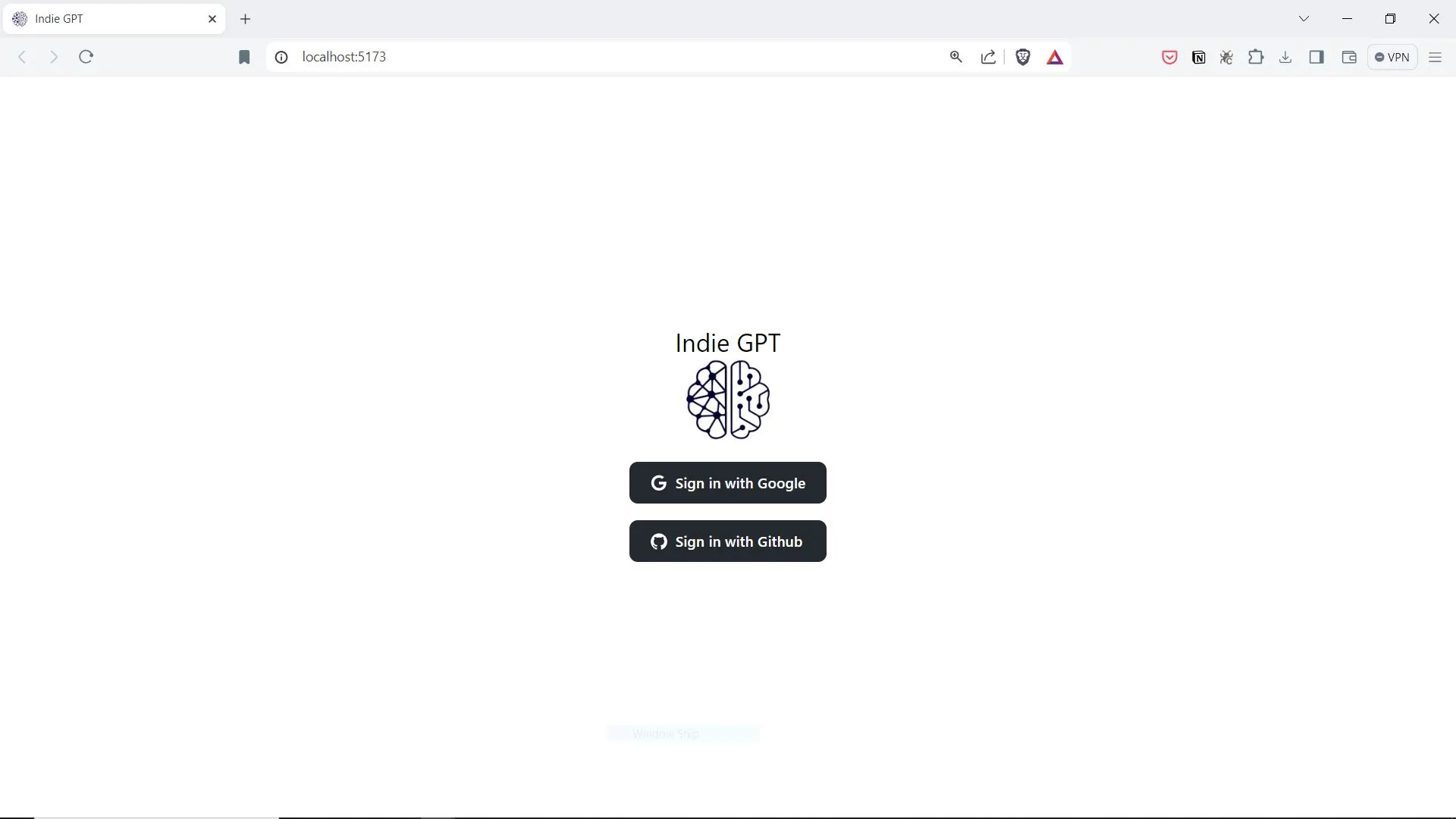
Gallery image 1
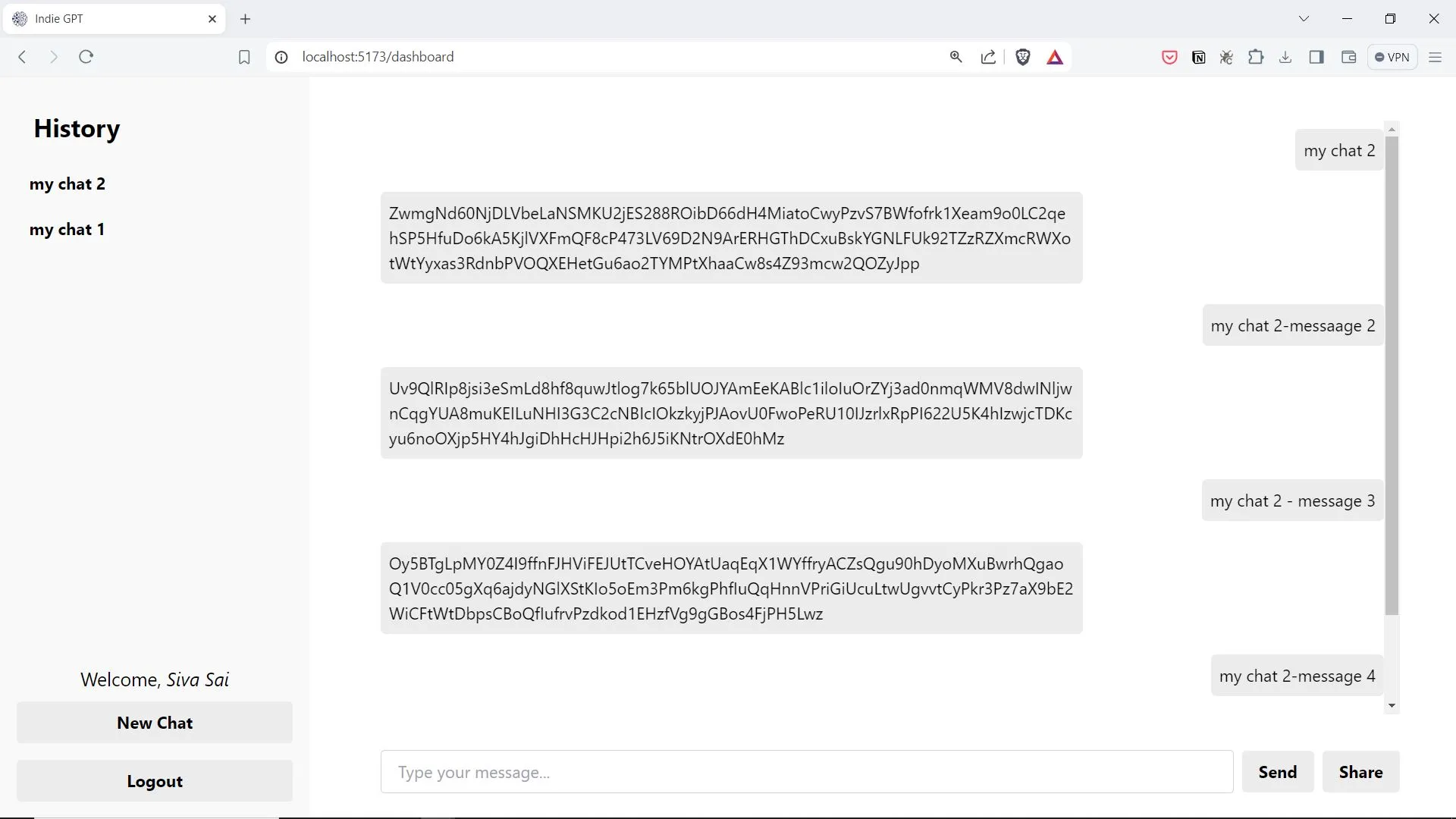
Gallery image 2
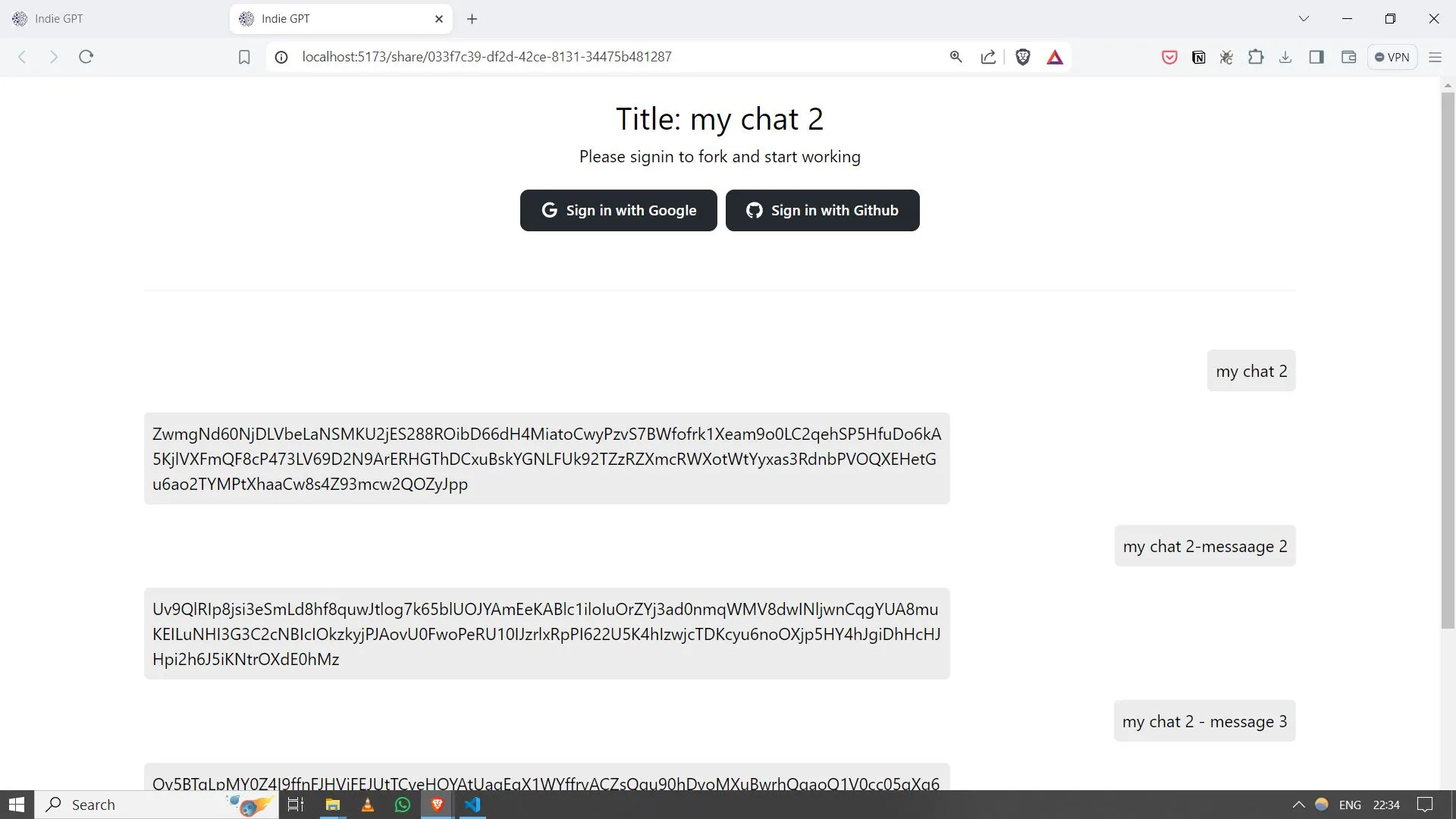
Gallery image 3
Gallery image 4
Get it
Built with
AI Apps & Assistants
Firebase
React
FastAPI
SQL
SQLite
SQLAlchemy
Redux
Tailwind CSS
JavaScript
Python
Vercel
Details
FreeCreated May 21, 2024Updated November 16, 2026
Share this product

You built the chat. Now you need someone else to pick it up mid-thread.

You want to show an assistant to a colleague, a class, or a client. You send a link. They read the thread. Then they ask the obvious follow-up: can I keep going from here, on my own copy, without sitting in your account?

Most off-the-shelf chat products stop at a read-only snapshot. You are left wiring persistence, public links, and fork logic yourself if you want that social flow in your own app.

IndieGPT is a full-stack starter built around that gap: multiple conversations, shareable threads, and a fork path so someone can continue from a public chat.

Pass the link. They fork it. You both move on.

What you get

  • Shareable conversations. Expose a thread with a link so someone else can view the context you chose to make public.
  • Fork and continue. Let a viewer branch from a public conversation and keep replying on their own copy of the thread.
  • A dashboard for many threads. Start and switch between separate chats instead of one endless list.
  • Sign-in your way. The repository lists Google and GitHub login options so users are not anonymous by default when you deploy it.
  • A base you can extend. Client and backend setup steps live in the repository README paths cited on this page, so you can plug in your own models and policies.

Picture your Tuesday afternoon

An illustrative case: you run a short demo for three people. You share one conversation link in the call. One person forks it during the session and keeps asking questions on their own copy while you start a fresh thread for the group. Nobody needs your password. Nobody loses the original context you published.

Ready to try it?

Treat anything public-facing as needing your own content policies and moderation choices before you invite strangers.

Frequently asked questions

Why not just wire share links yourself?

You can start from scratch. This repository already lists share conversation, fork public conversation and continue, multiple conversations, and Google and GitHub login among its application features, so you can demo the social flow before you customize models and policies.

Can someone continue a conversation from a link I shared?

Yes. Fork lets someone continue from a public conversation with their own edits or replies.

How do I get setup details?

Backend steps live in `backend/README.md` and frontend steps in `client/README.md` in the GitHub repository.

What can sharing and forking do?

Share exposes a conversation link for others to view. Fork lets someone continue from a public conversation with their own edits or replies.

Does the app support multiple separate chats?

Yes. Multiple conversations are listed among the application features in the repository README.

Which sign-in options are included?

The repository lists Google login and GitHub login among the application features.

Is it free?

Yes. The product is listed as Free on this site. Model behavior, safety, and cost depend on what you plug in and how you configure it.

Do I need to be a developer?

You need to follow the client and backend README paths in the repository to run and change the app. It is a full-stack project, not a no-code widget.

Continue exploring

BlogCover image for 17 Thinking Skills for AI Agents: Pre-Mortem, Five Whys, Six Hats and More

17 Thinking Skills for AI Agents: Pre-Mortem, Five Whys, Six Hats and More

AI Apps & Assistants
Agent Skills
4 min read
ToolCover image for AI Token Counter

AI Token Counter

AI token counter with model pricing and context-window comparison in your browser.

Chat & AI
AI Apps & Assistants
+1
CourseCover image for Prompt Engineering for Coding Agents

Prompt Engineering for Coding Agents

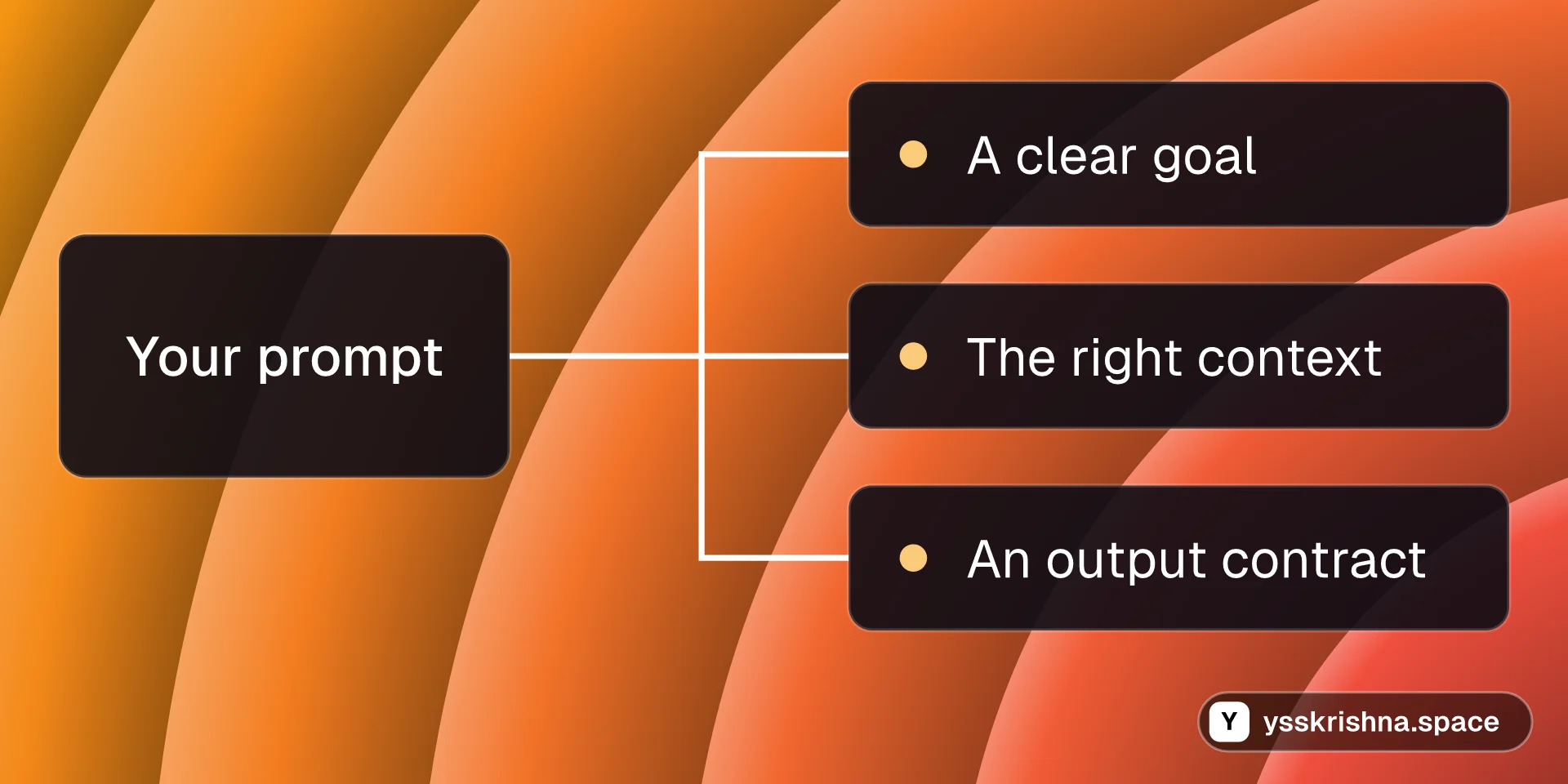
Write prompts that coding agents act on: clear goals, the right context, output contracts, examples, structured thinking, shorter answers and a tiny eval set.

Agent Skills
Chat & AI

8 chapters · 17 min

Productskills.sh+1Claude Code Subagents for Cursor

Claude Code Subagents for Cursor

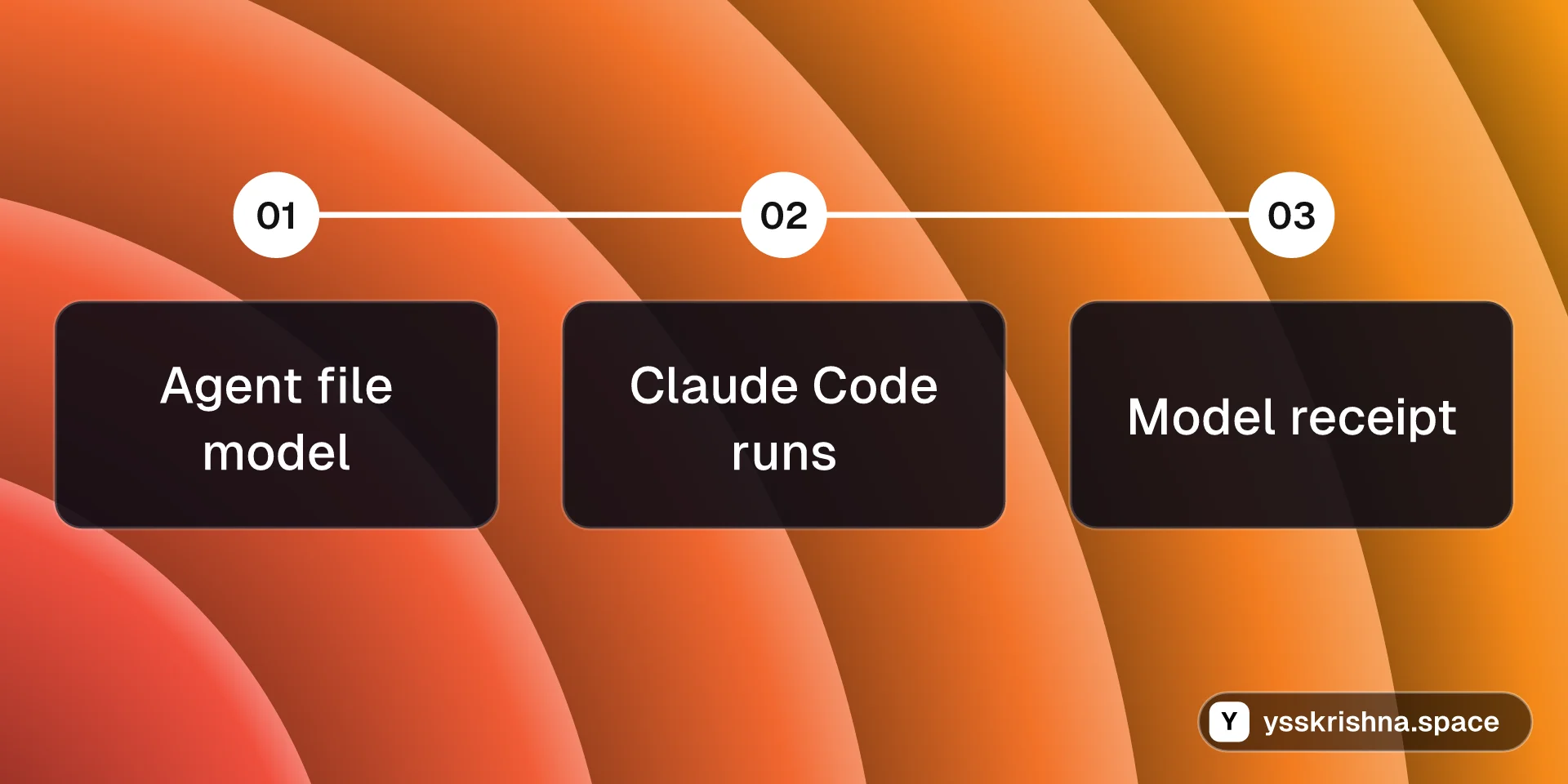
Your Cursor subagents can finally run on the model you picked in each agent file.
Chat & AI
Agent Skills
+2
BlogCover image for How to Install Caveman in Cursor and Claude Code

How to Install Caveman in Cursor and Claude Code

AI Apps & Assistants
Agent Skills
+1
3 min read
CourseCover image for Agent Building Blocks: Skills, Subagents, MCP and Hooks

Agent Building Blocks: Skills, Subagents, MCP and Hooks

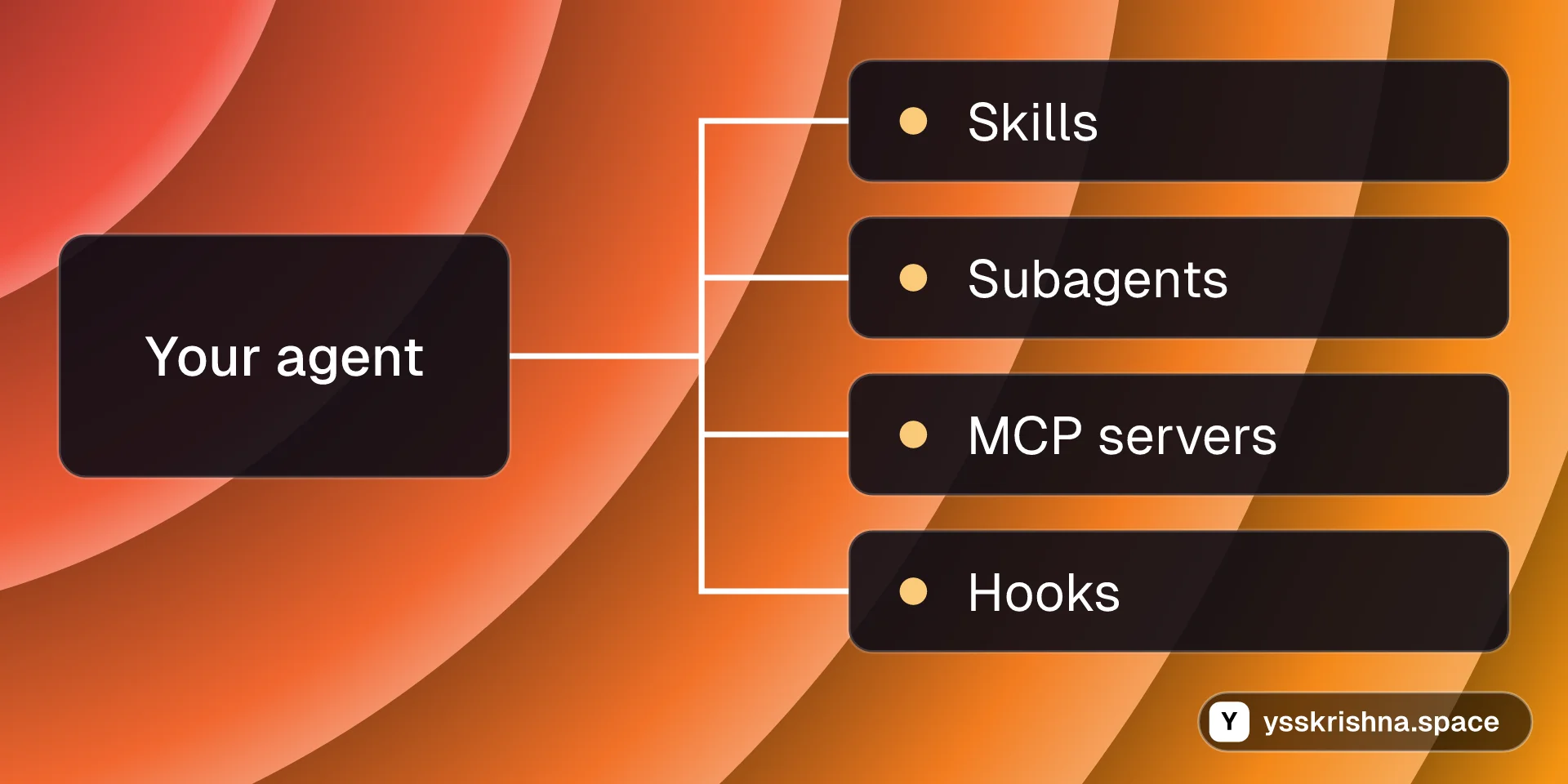
A free, hands-on course on the four pieces behind Cursor and Claude Code agents: skills, subagents, MCP servers and hooks. Build each one, then combine them.

Agent Skills
Chat & AI
+1

9 chapters · 25 min