

Turn a project folder into a readable tree from a desktop GUI
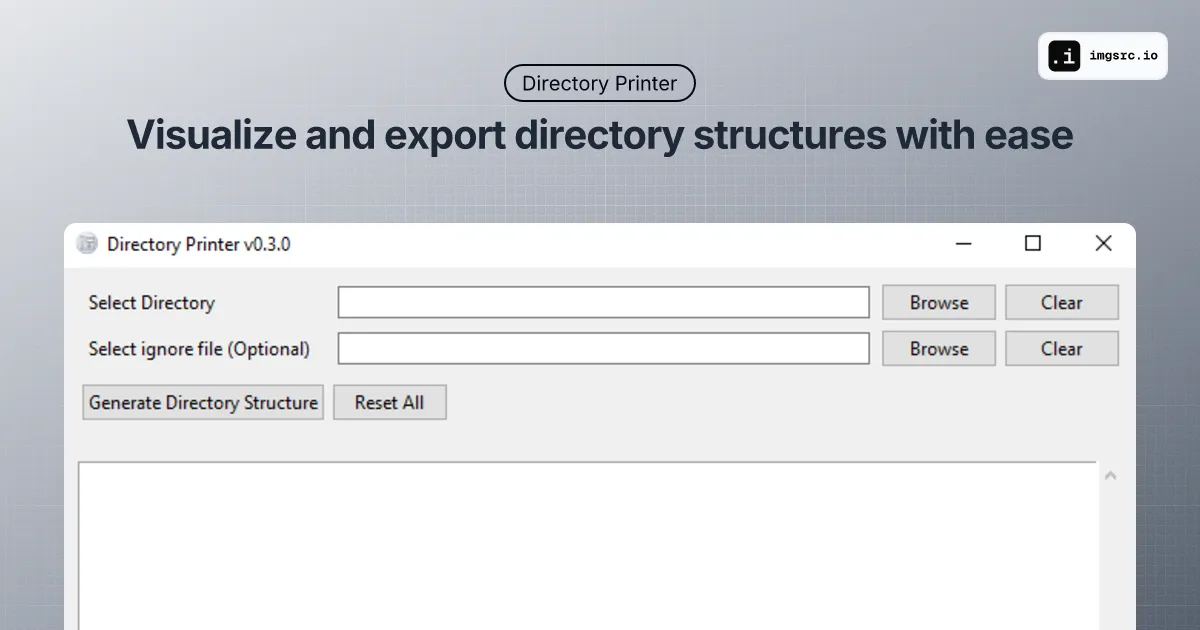
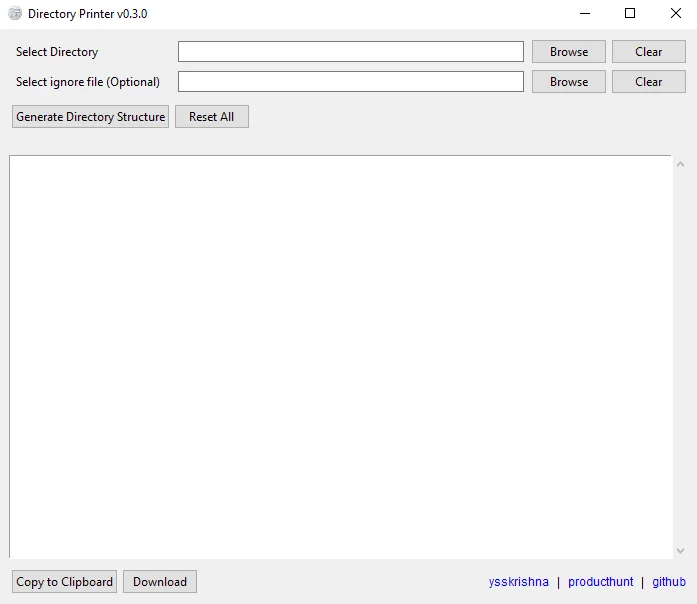
Directory Printer is a cross-platform desktop app (Python, Tkinter, Poetry) that scans a directory and shows a folder tree you can export as text, HTML, or other formats. It is for anyone who needs a shareable layout snapshot without hand-assembling command-line tree output.
When it is useful
You are documenting a repo, onboarding someone to a large codebase, or pasting structure into a wiki, README, or ticket. It is a local tool, not a hosted diagram product.
What you can do
- Pick a path, tune depth and hidden-file visibility, and preview the tree in the app.
- Export trees for docs, reviews, or presentations.
- Run on Windows, macOS, or Linux using the setup in the GitHub repository.
Limits
- It lists paths; it does not replace code search, ownership mapping, or security review of what you scan.
- Very large or deep trees depend on your machine and filesystem; narrow scope when drives are noisy.
- Code signing, store distribution, and managed rollout stay with your packaging choices beyond the open project.
Generate and export folder trees from a simple GUI when the terminal is not the right tool.