Your own simple file hub: upload, browse, and download on infrastructure you control
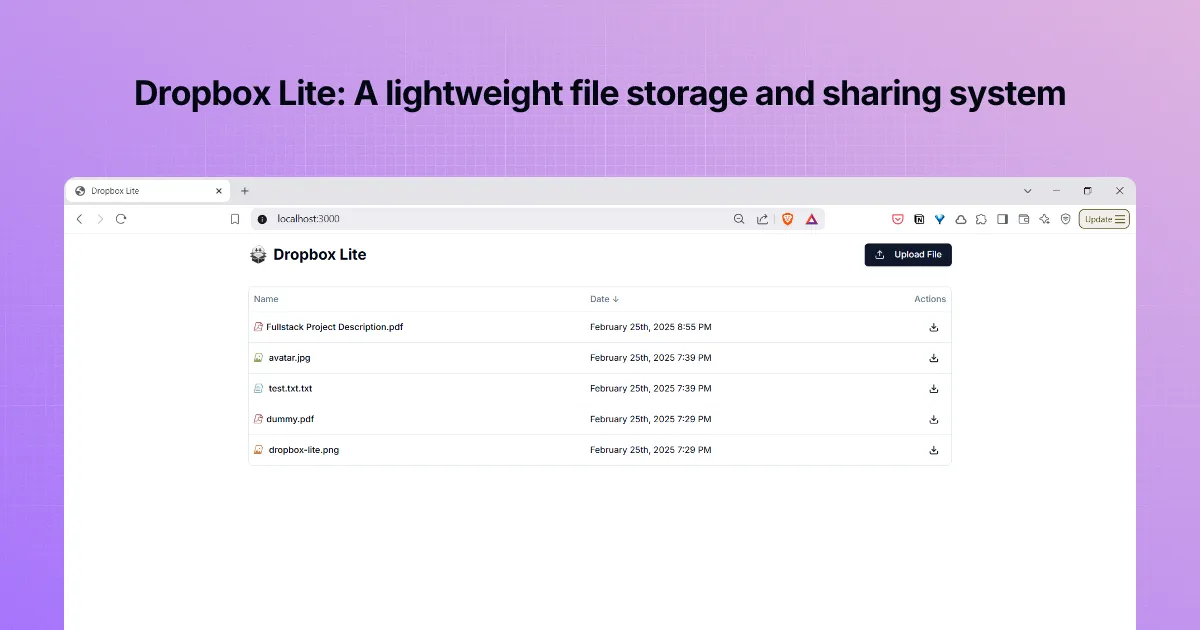
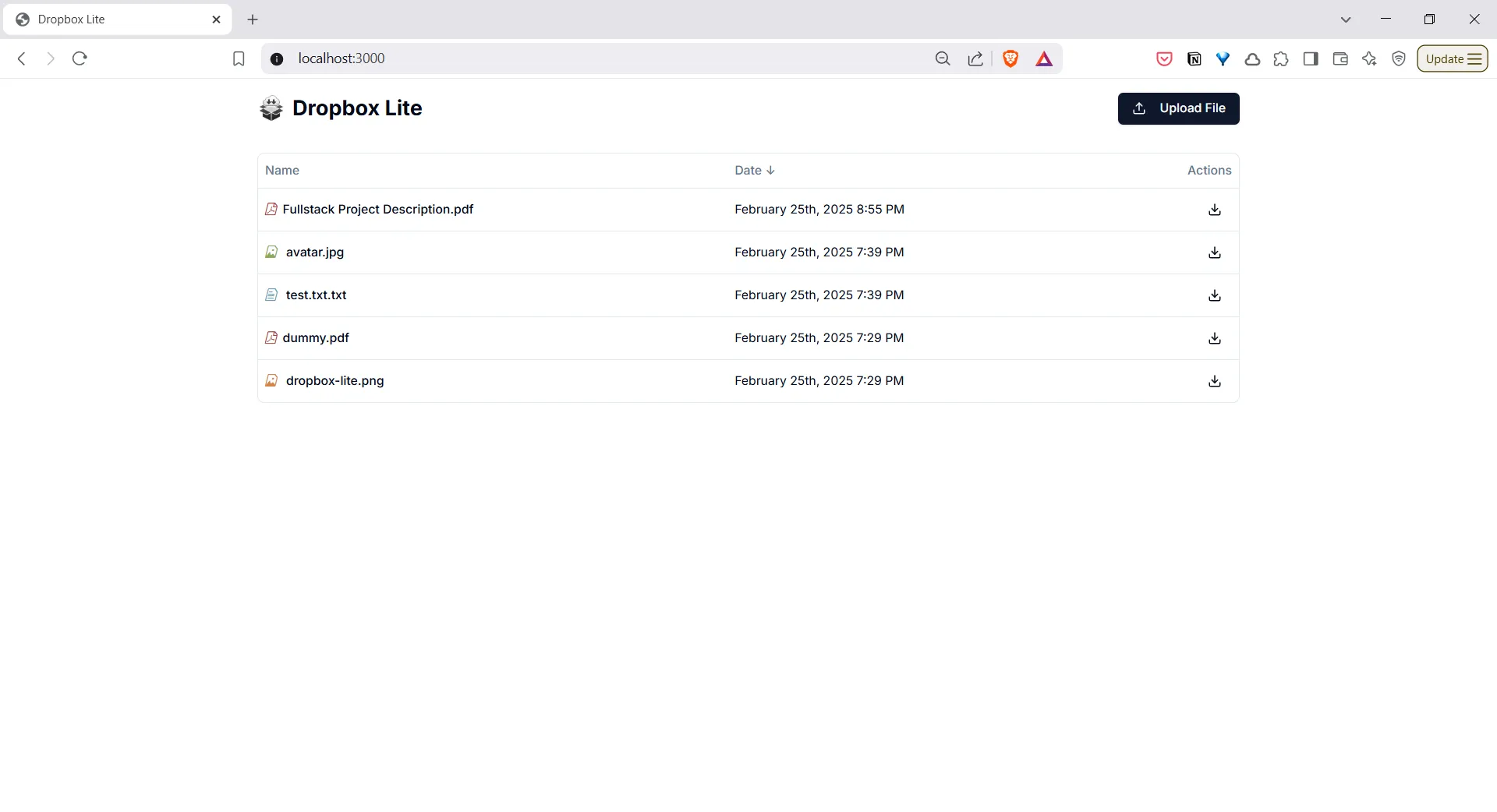
Dropbox Lite is a lightweight way to store and share files through a clean web experience: drag files in, see what you have stored, sort by name or date, and download when you need something again. It is aimed at teams and individuals who want cloud-style file handling without handing everything to a big vendor by default, not at matching every feature of consumer sync apps.
When it is useful
You want a straightforward place for documents and media your group controls, good for internal pilots, demos, or smaller deployments where “upload, organize, retrieve” is enough and you are fine owning hosting and security yourself. It fits when the priority is clarity and ownership, not a full enterprise file suite.
What you can do
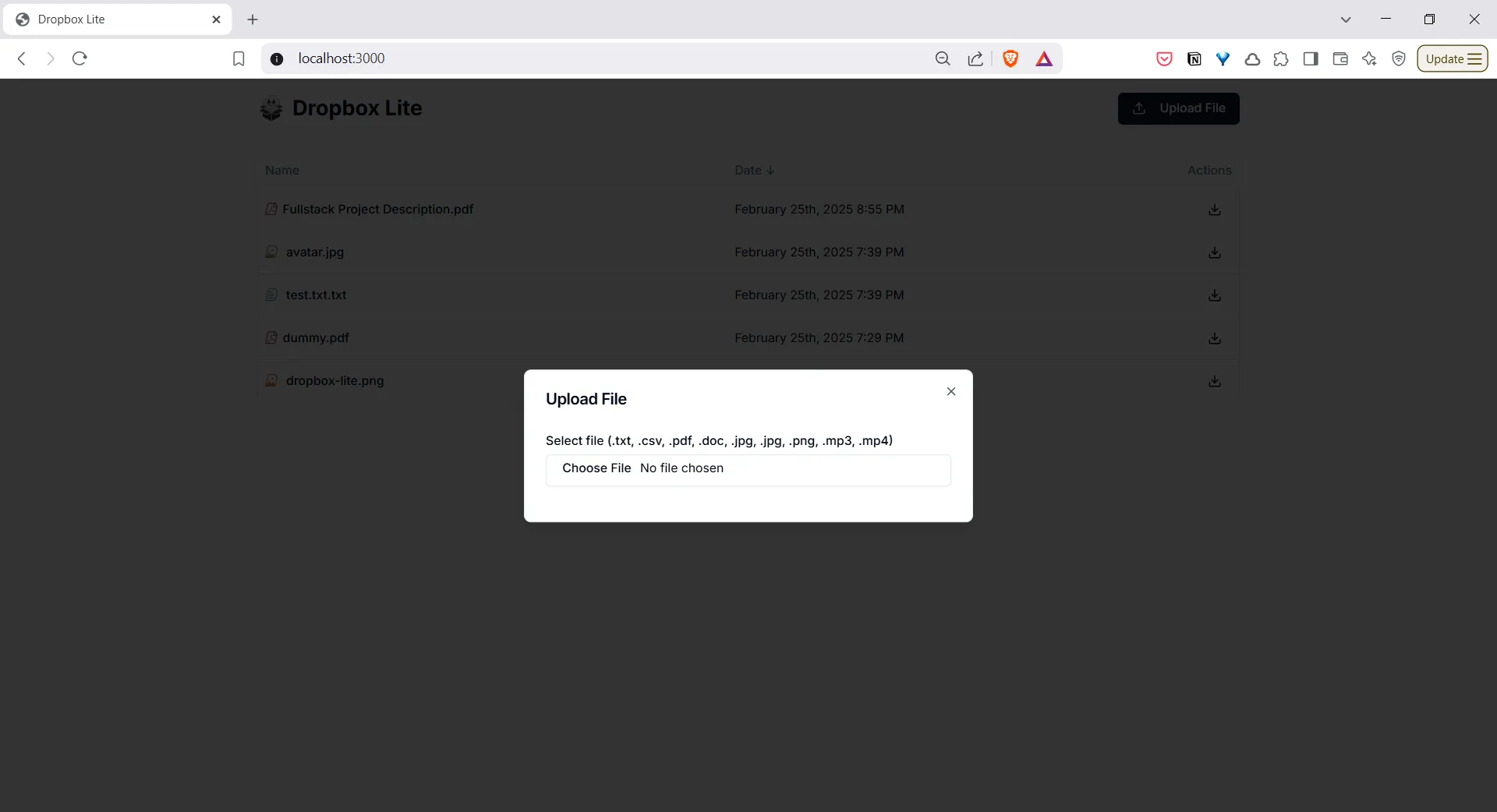
- Upload by dragging files into the browser; typical examples include common documents (including PDF and Word), images, audio, and video; exact limits depend on how you run it.
- See everything you have uploaded, sort by name or upload date, and download a file with one step; the interface shows progress while uploads finish.
- Run it yourself using the project’s container-based setup so the website, services, and storage work together as one system (step-by-step instructions are in the GitHub repository).
- Track changes over time through the repo’s changelog and release notes if you need version history for evaluation or deployment.
Limits
- This is a self-hosted pattern, not a plug-in replacement for major sync products, mobile-first consumer apps, or vendor-backed uptime guarantees; assume only the behaviors described in the project unless you extend it.
- How much you can store, how you back up, and how you lock down access are your decisions; treating any default setup as production-ready without review would be risky.