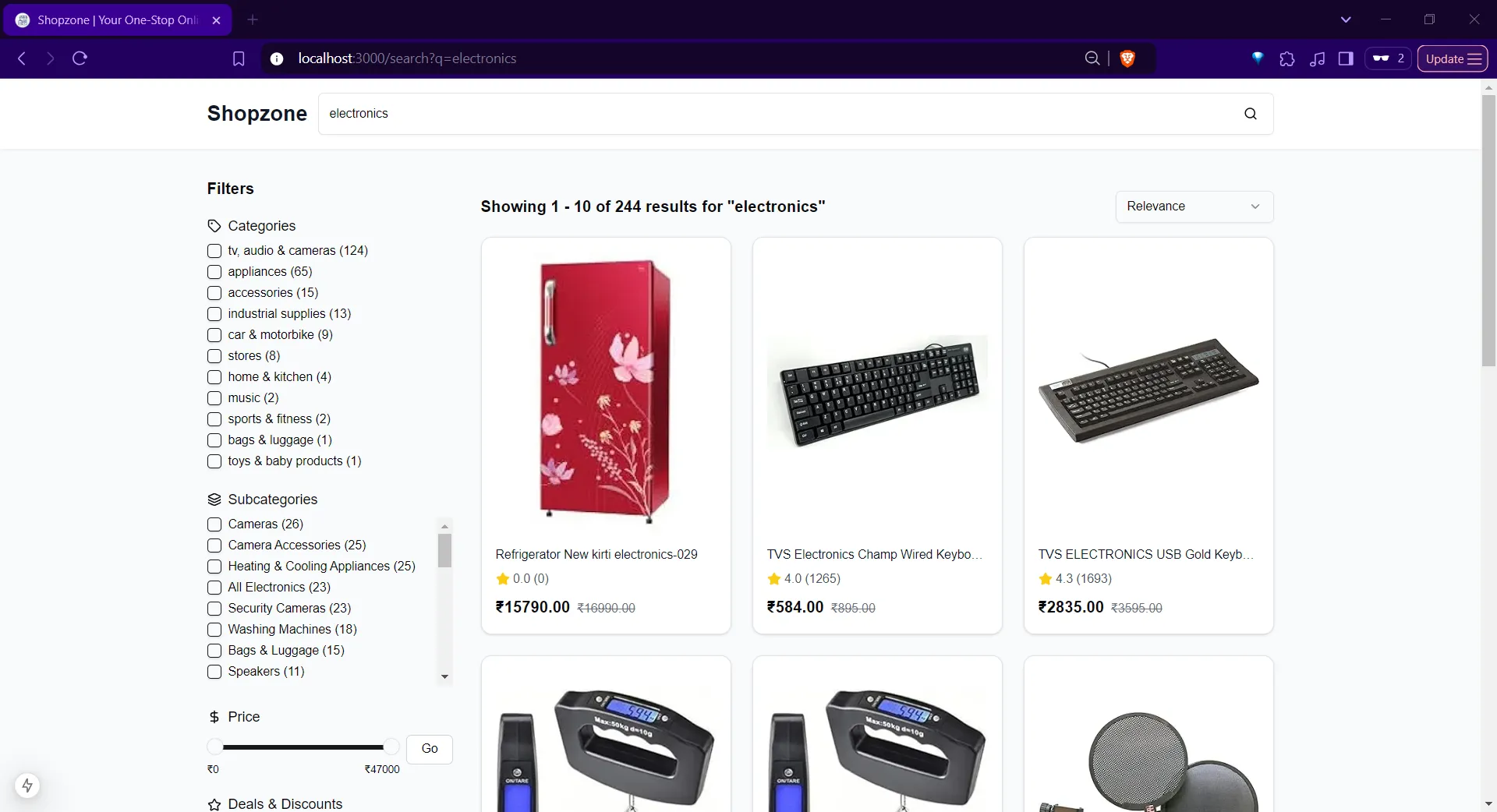
A full-stack shop front with strong search, filters, and product suggestions
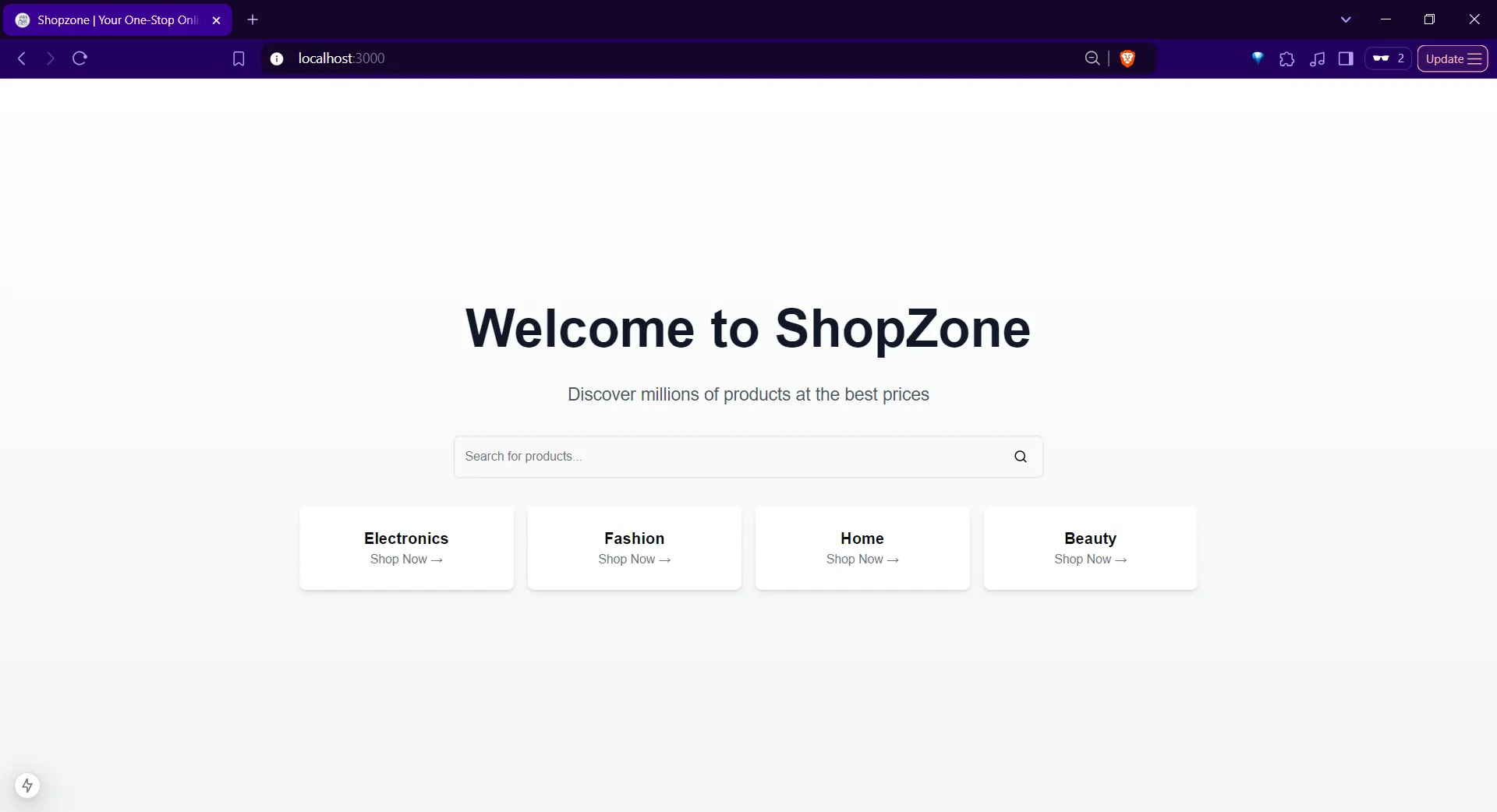
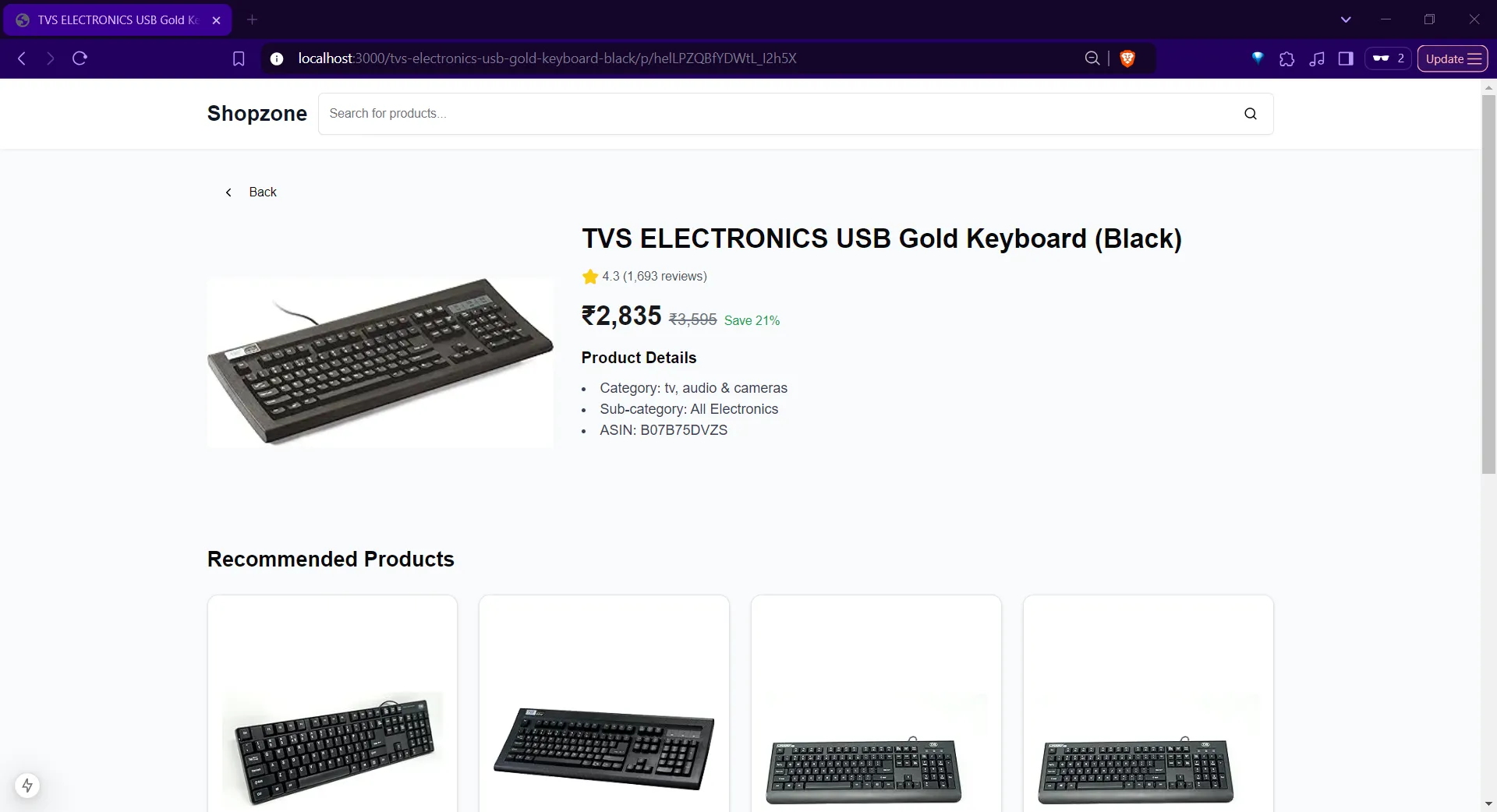
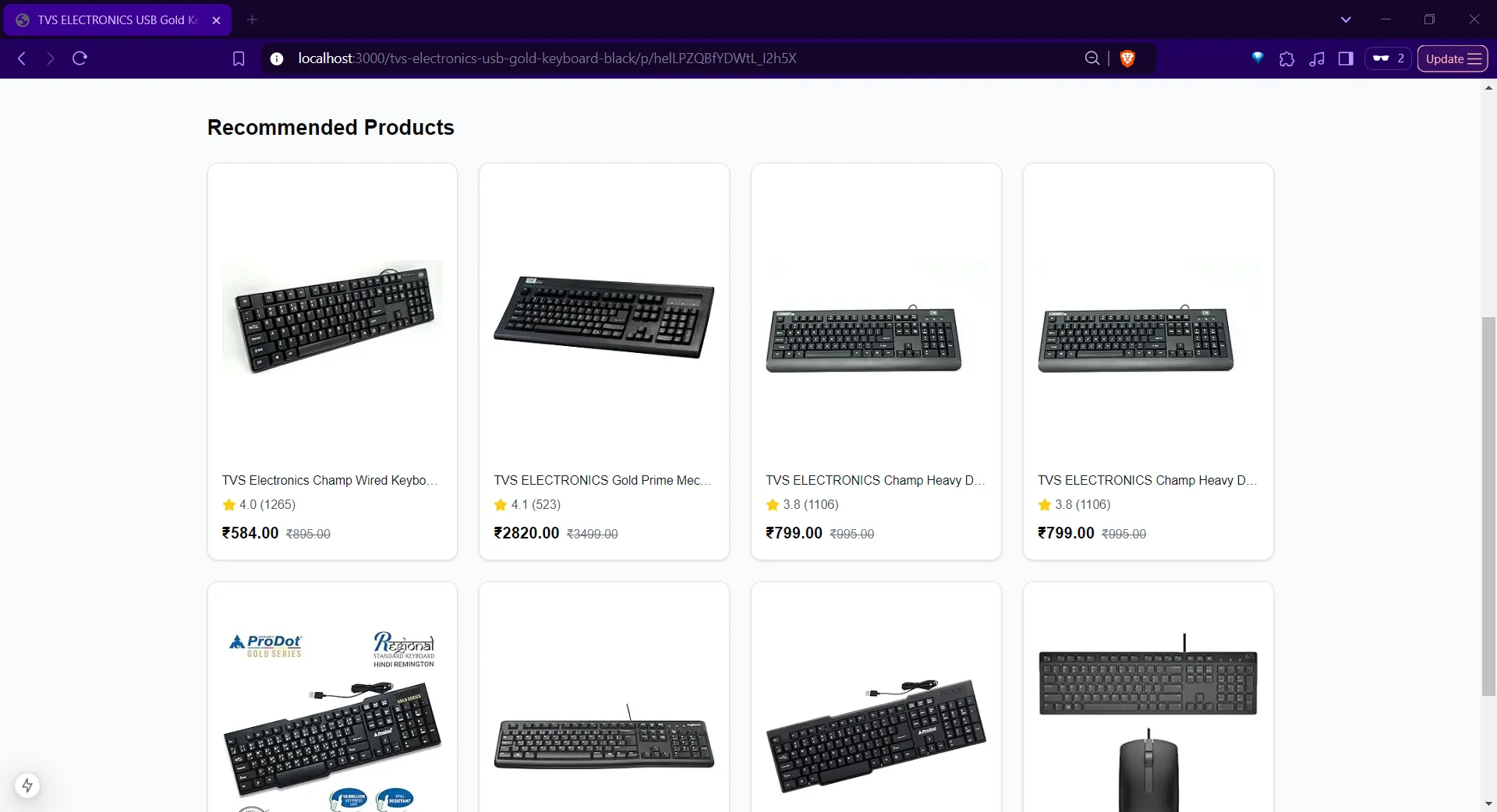
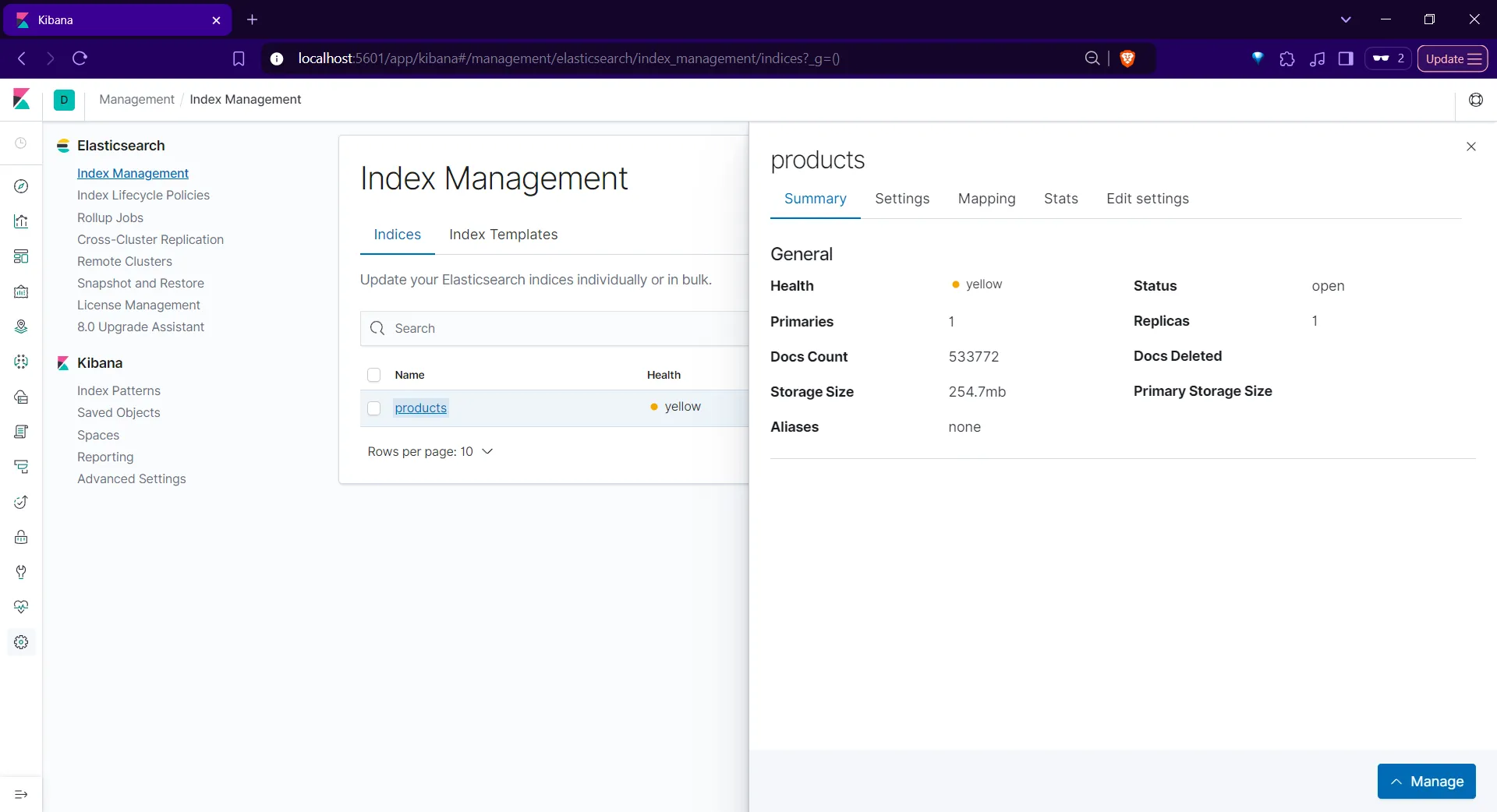
ShopZone is an e-commerce-style web app with search, faceted filters, sorting, pagination, and product recommendations, plus a layout meant to work well on phones and desktops. The upstream project pairs a Next.js-style front end with a FastAPI service and Elasticsearch (with Kibana in the same compose setup for working with search data).
When it is useful
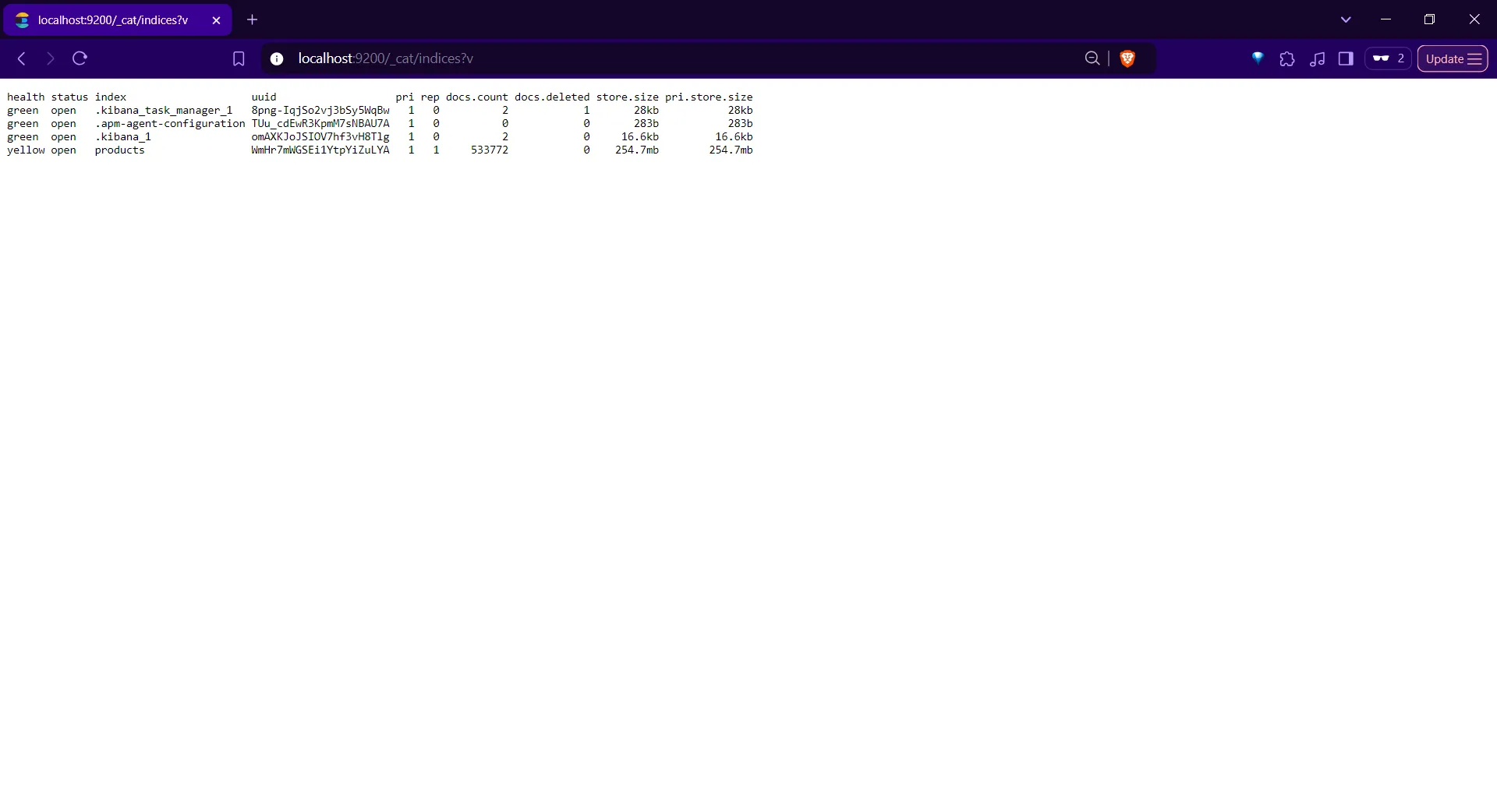
You want a credible demo of catalog browse and discovery, you are comparing how Elasticsearch-backed search feels next to simpler DB queries, or you need a base to customize for a course, hackathon, or internal prototype. First-time startup may seed a lot of catalog data into the index; expect a short wait on initial run as noted in the repository.
What you can do
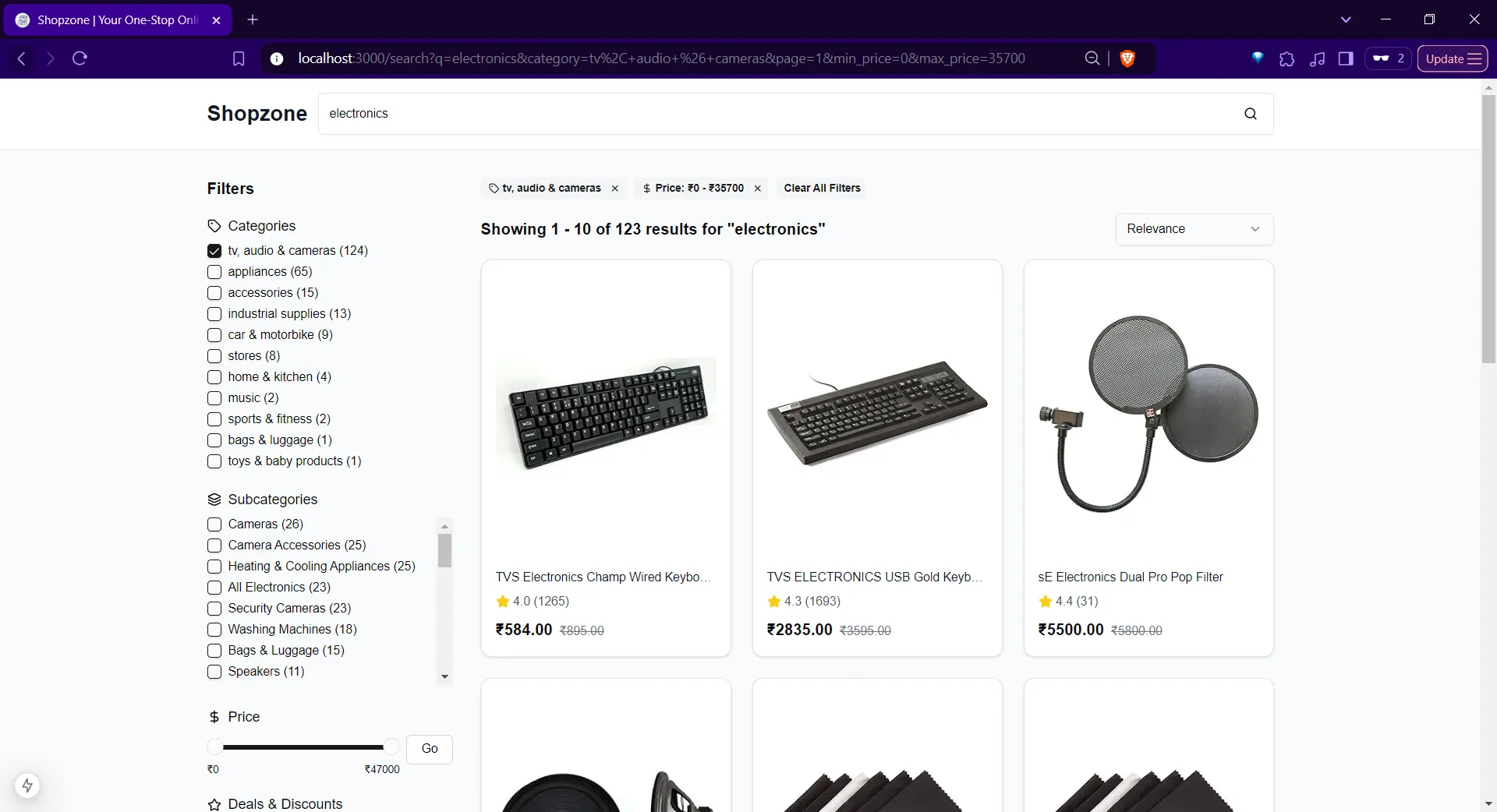
- Search products with filters for categories, price and rating ranges, and clear or reset filter sets as described in the README.
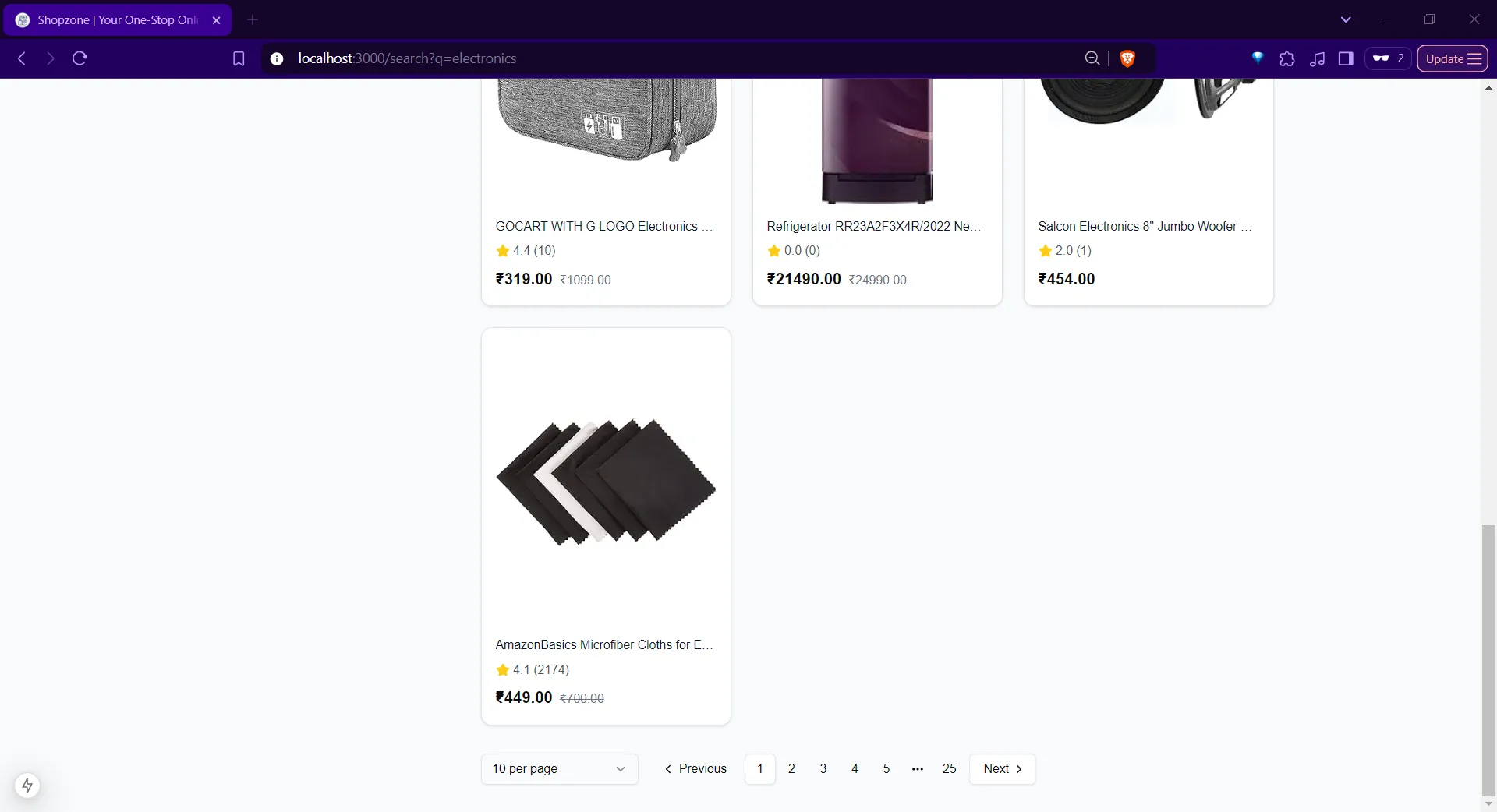
- Sort by relevance, price, or ratings, and move through results with pagination and adjustable page sizes.
- See suggested products informed by preferences and browsing history (behavior is as implemented in the project, not a guarantee of “personalization quality” without tuning).
- Ship with containers using the project’s compose workflow so search, API, web, and observability pieces start together; exact steps stay in the GitHub repository.
Limits
- This is a reference application, not a turnkey competitor to major marketplaces; payments, tax, fraud, and global compliance are not covered here.
- Recommendation quality, catalog size, and operating cost depend on your data, tuning, and hosting choices, not on marketing claims.