ysskrishna logoysskrishna
Markdown Notes Lite logo

Markdown Notes Lite

Markdown notes in the browser, with preview, search, and your account behind them.

Gallery image 1
Gallery image 2
Gallery image 3
Gallery image 4
Gallery image 5
Get it
Built with
Business & SaaS Apps
Markdown & Docs
Next.js
Supabase
TypeScript
SQL
JavaScript
Details
FreeCreated September 1, 2025Updated November 12, 2026
Share this product

Your thoughts deserve a home that is not another heavyweight app.

You open a notes tool to capture one idea. The sidebar loads. The workspace invites you to build a database. Five minutes later you have not written the sentence you came for.

You wanted markdown, a quick preview, and a place that remembers you when you sign back in. Not a second job.

Markdown Notes Lite is that lighter path: a web notes app you can try in the browser today.

Notes you can read, find, and trust to your account.

What you get

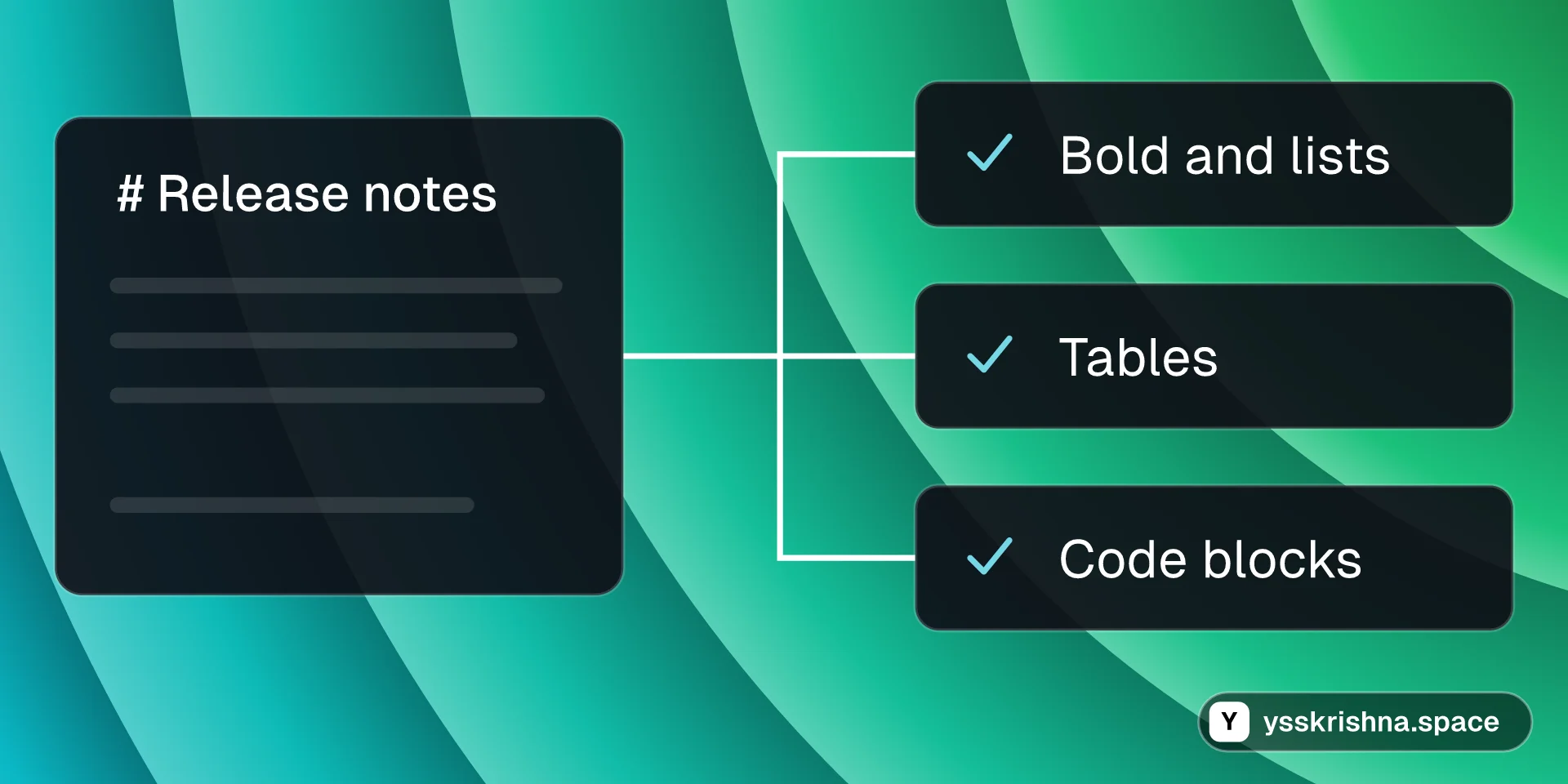
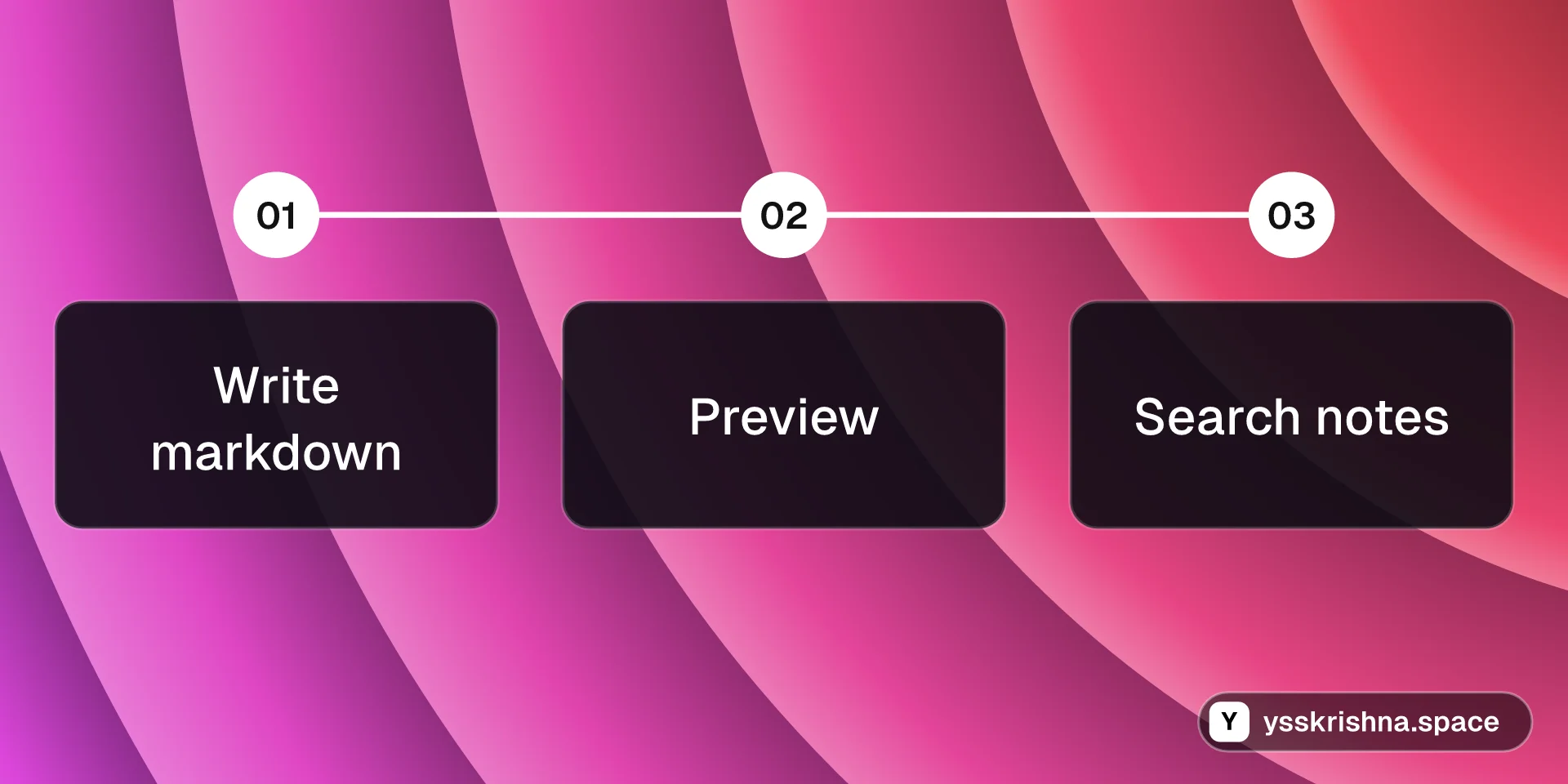
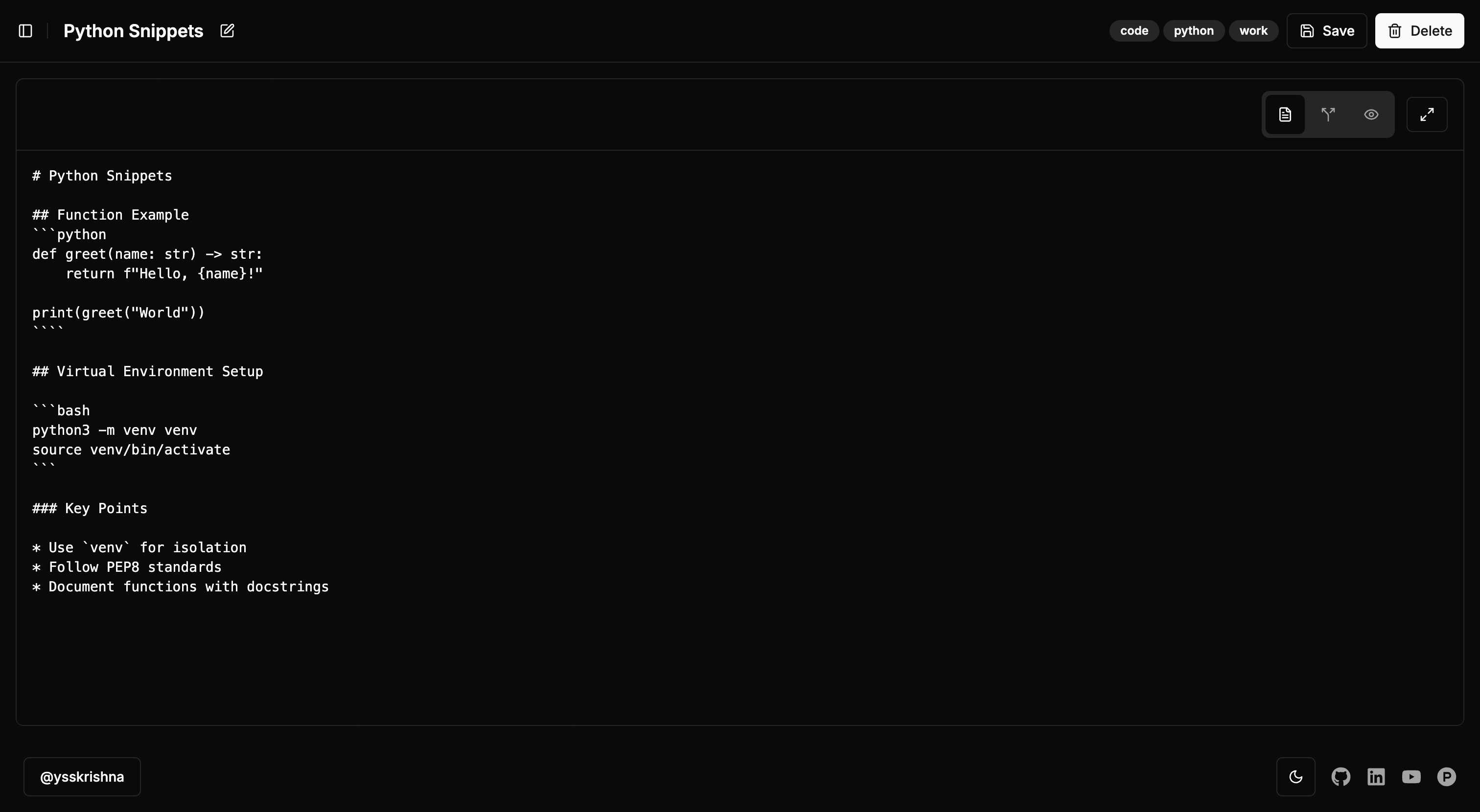
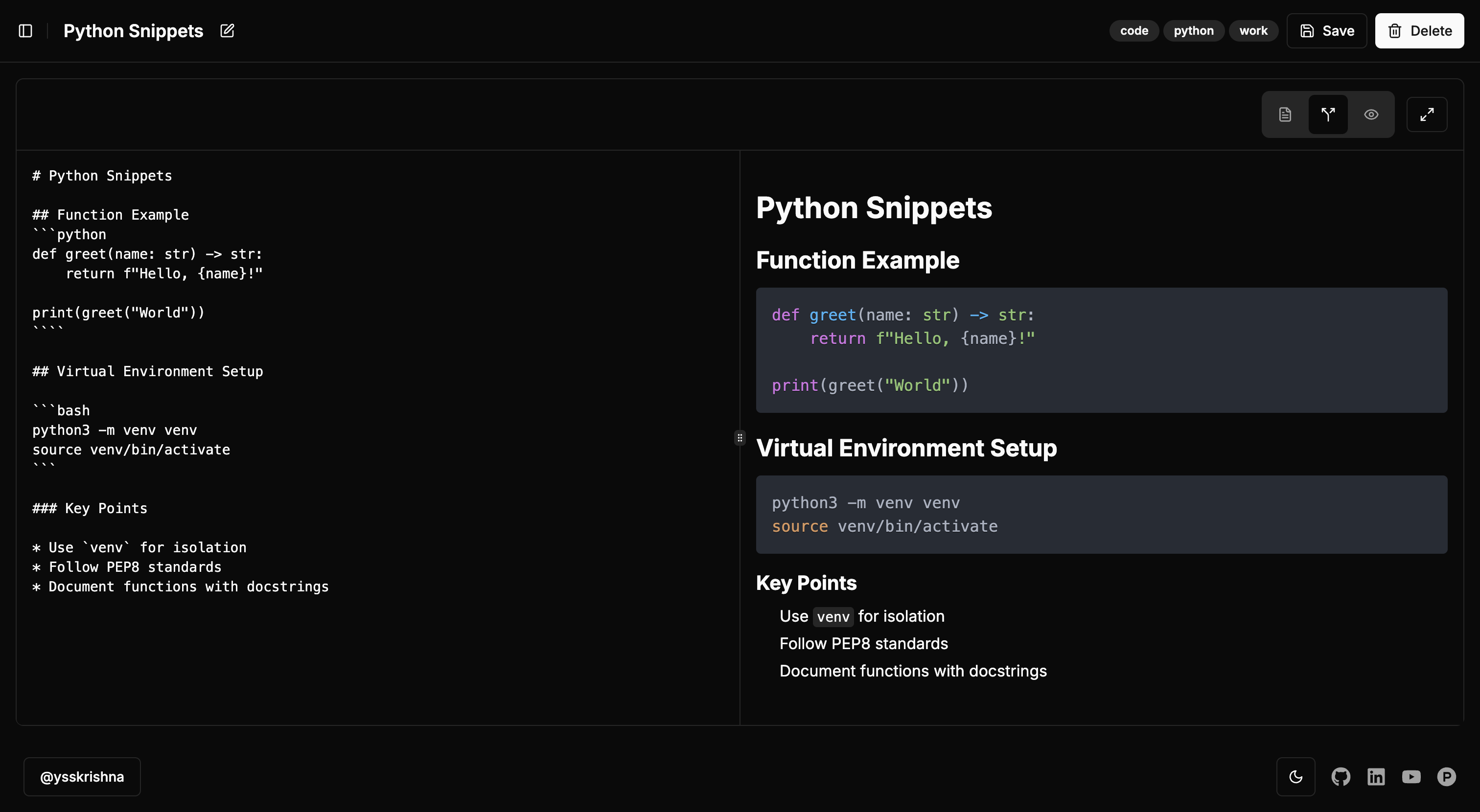
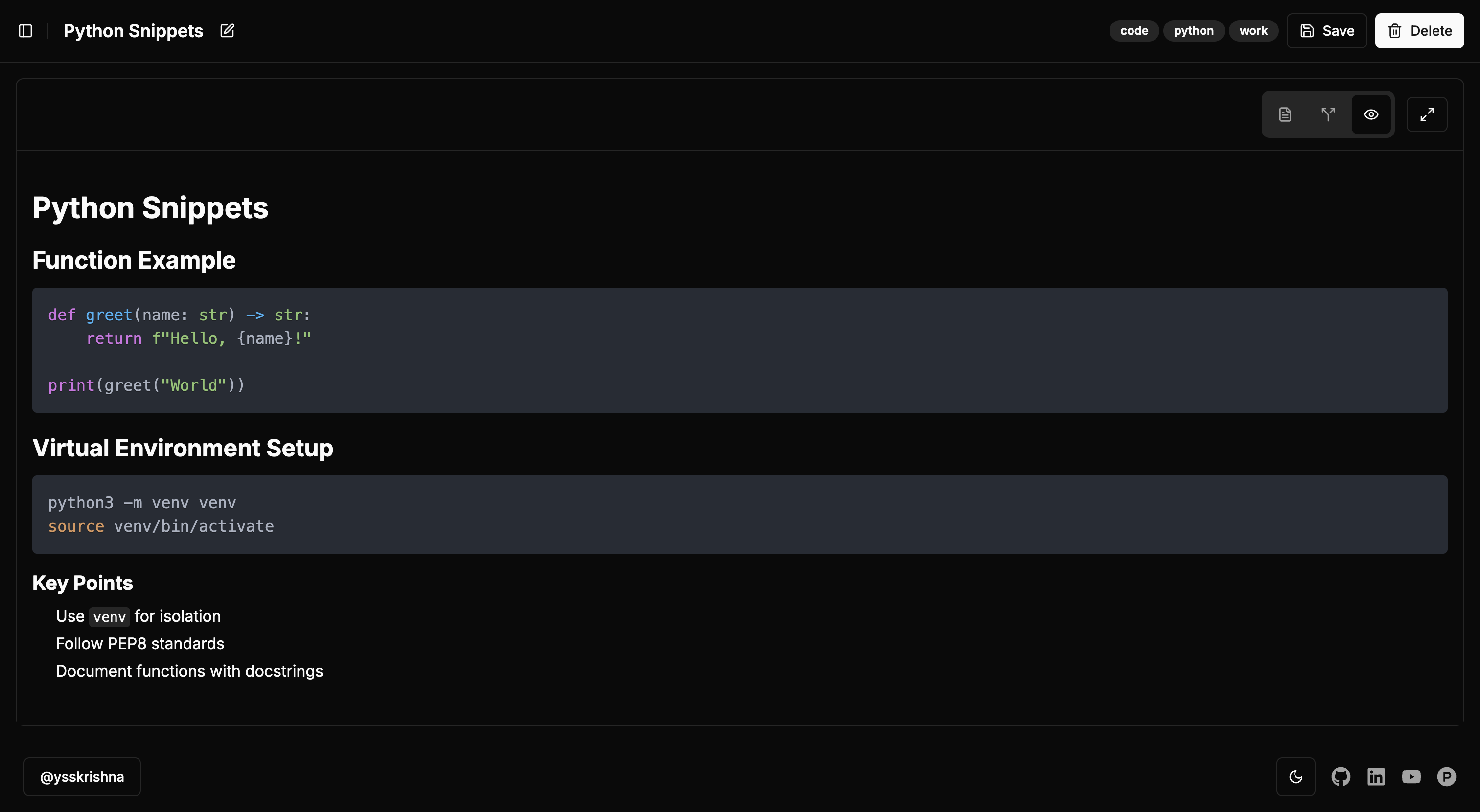
  • Markdown you can shape and read. Write in markdown and switch between editing and preview-style views the demo shows in the product imagery.
  • Search when the pile grows. Use the search behavior shipped in the app instead of scrolling every title by hand.
  • Sign-in that ties notes to you. Content stores under account sign-in, so your notes are not tied to one anonymous browser session alone.
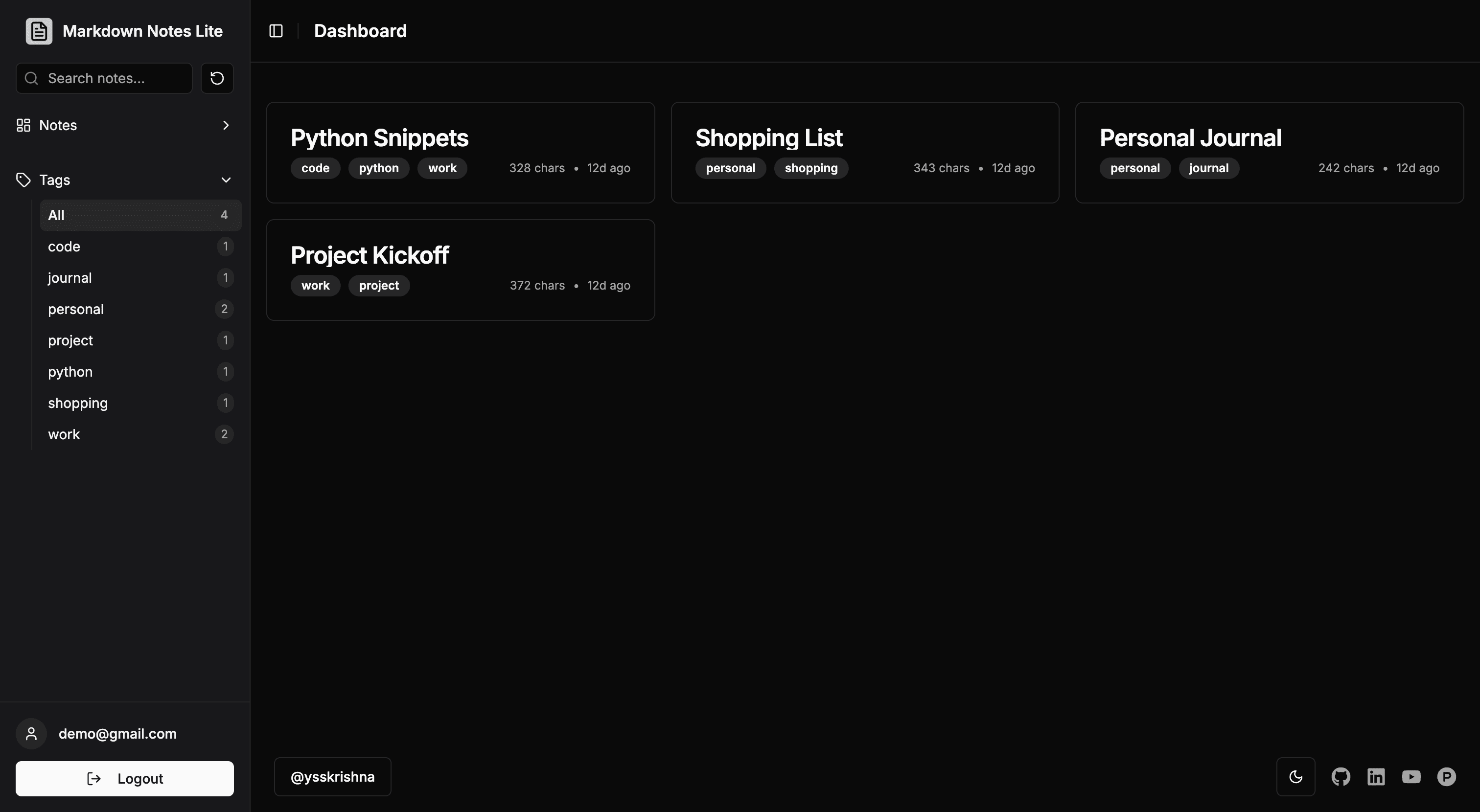
  • A dashboard that orients you. The public demo includes a dashboard, an editor with preview, and a read-only preview flow you can click through before you commit.
  • A credible base to extend. Useful as lightweight personal knowledge, a sample of Supabase-backed notes, or a starting point to fork for internal documentation.
  • Free to try on the hosted demo. The product is listed as Free on this site, with a live URL you can open immediately.

Picture your Monday

For example, you capture meeting takeaways in markdown, flip to preview to sanity-check formatting, then sign in later from another machine and search for the client name. The app is built for individuals and small teams, not enterprise records management out of the box. Anything stricter is on your deployment choices.

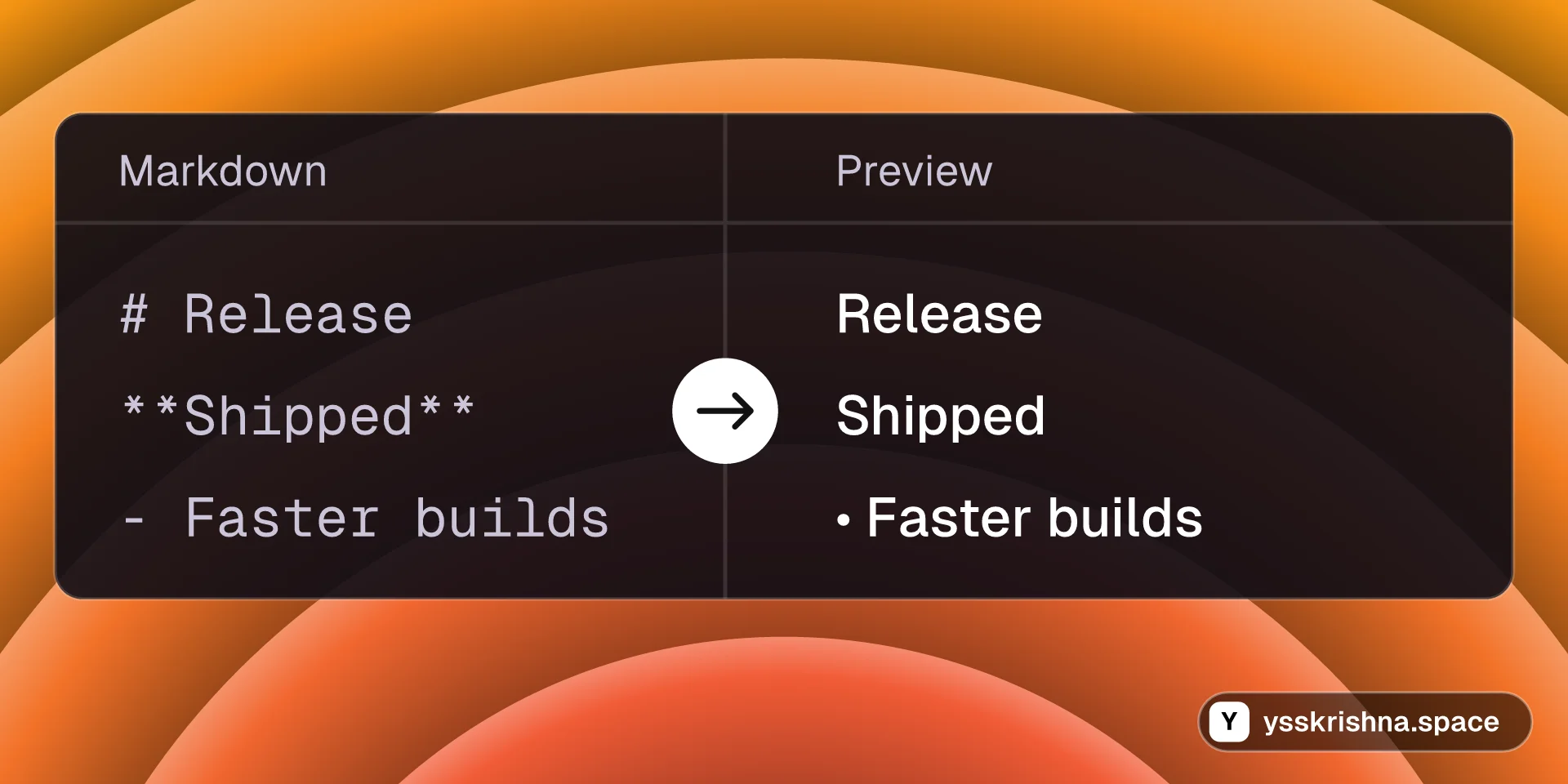
Want markdown edit and preview without signing in?

This product listing points to a related browser tool on this site.

Ready to try it?

Frequently asked questions

Why not just use Notion, Obsidian, or a browser notepad?

Those tools excel when you want their whole world: offline vaults, plugins, or a side panel that never leaves Chrome. This is a simpler web app focused on markdown, preview, search, and account-backed notes. If you need real-time collaboration or offline-first sync, this page does not promise them unless your own fork adds them.

How do I write markdown notes in the browser with preview?

Open the hosted demo, create or open a note, and use the editor with preview and read-only preview flows shown in the product media. You author in markdown and switch between editing and preview-style views as implemented.

Is there a hosted demo?

Yes. Try https://markdown-notes-lite.vercel.app for the dashboard, editor with preview, and read-only preview flows shown in the product media.
Can I search my notes?

Yes. The app ships search behavior so you can find notes without opening each one manually.

Do I need an account?

Sign-in is part of the product so notes stay tied to your account. Supabase Auth backs that setup as part of deployment configuration.

Is it free?

Yes. The product is listed as Free on this site, and the hosted demo is open to try.

What should I check before storing sensitive notes?

Review hosting region, Supabase RLS policies, and retention. Backup, export, and encryption policies are your responsibility in any serious deployment.

Can I use this as a starter for my own notes app?

The page describes it as a credible sample of Supabase-backed notes and a base to fork for internal documentation. Feature depth should match what you ship; extend backup, export, and policies on your side.

Continue exploring

ToolCover image for Markdown Editor With Live Preview

Markdown Editor With Live Preview

Free online Markdown editor with live preview, tables, code highlighting, and Mermaid diagrams.

Content & Writing
Markdown & Docs
ToolCover image for Markdown to Outlook Converter

Markdown to Outlook Converter

Free Markdown to Outlook converter with live preview and one-click rich paste.

Content & Writing
Markdown & Docs
+1
ProductGoogle WorkspaceGoogle Sheets Table Converter

Google Sheets Table Converter

Pipe tables, JSON, CSV, or HTML in and out of Sheets, without leaving the grid you are already in.
Google Sheets Table Converter
Markdown & Docs
+5
BlogCover image for Why Your AI Agent's Slack Messages Are Full of Asterisks (and the MCP Fix)

Why Your AI Agent's Slack Messages Are Full of Asterisks (and the MCP Fix)

Agent Skills
Markdown & Docs
+1
4 min read
ToolCover image for Markdown to Slack Converter

Markdown to Slack Converter

Free Markdown to Slack converter with live preview and one-click rich paste.

Content & Writing
Markdown & Docs
+1
ToolCover image for Markdown to Teams Converter

Markdown to Teams Converter

Free Markdown to Teams converter with live preview and one-click rich paste.

Content & Writing
Markdown & Docs
+1