ysskrishna logoysskrishna

Thread Inbox

Keep returned results in view and file finished conversations in BB.

Gallery image 1
Gallery image 2
Built with
AI Apps & Assistants
Chat & AI
React
TypeScript
Details
FreeMIT licenseCreated November 20, 2026Updated November 20, 2026
Share this product

Find the conversation that needs you

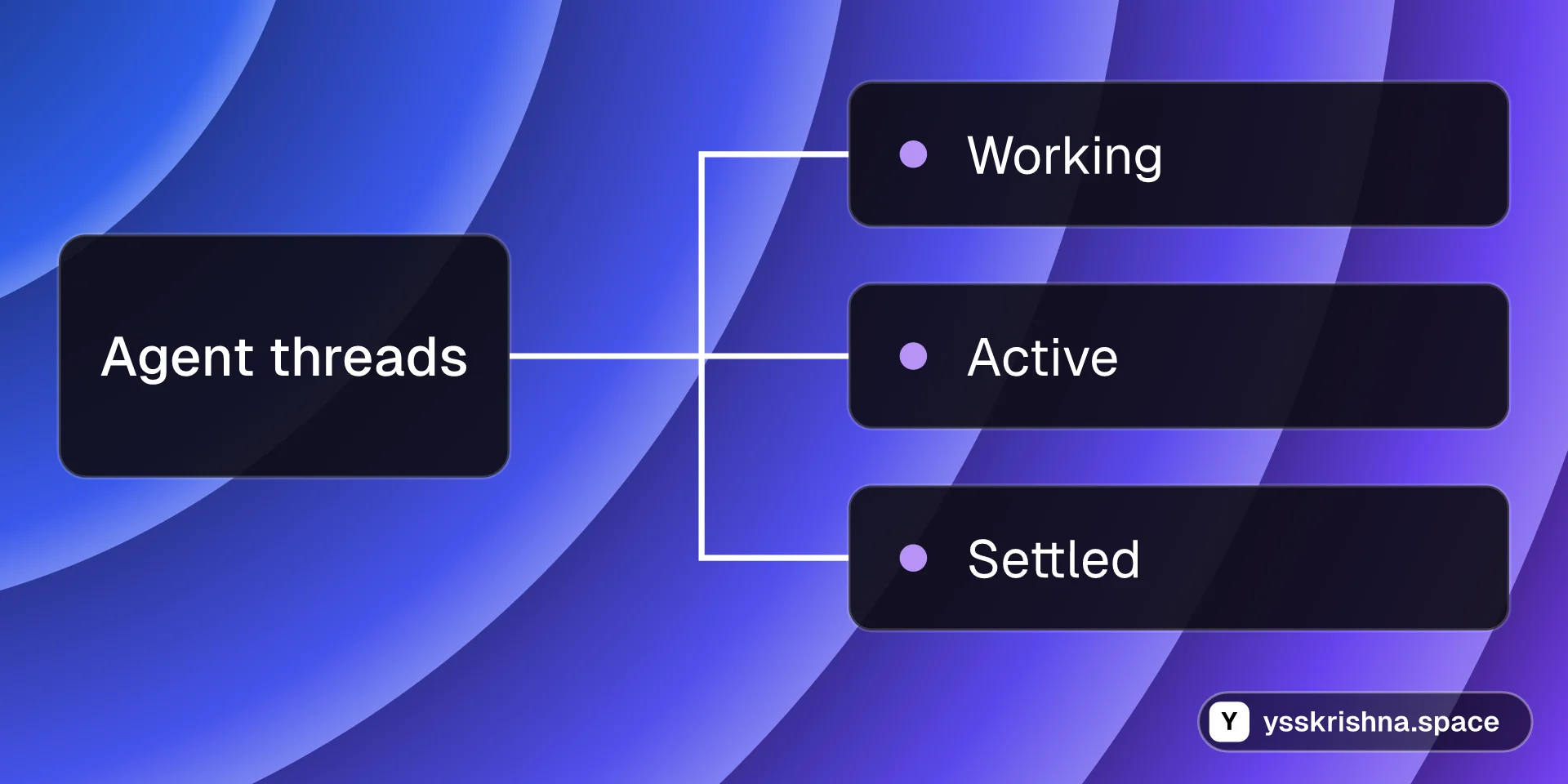
When several agents are running, returned results and finished conversations can fill the same sidebar. Thread Inbox gives BB separate Working, Active, and Settled sections so you can find the next conversation to revisit.

Working holds ongoing runs. Active brings back results and questions. Settle a finished conversation, or snooze it until you have time to return.

What you get

  • Working, Active, and Settled sections. Keep running agents, returned work, and filed conversations easy to find.
  • Settle and restore. File a conversation with Settle, reverse it with Undo, or bring it back with Un-settle.
  • Snooze and wake. Choose a shortcut or a date and time. Wake returns a snoozed thread immediately.
  • Automatic settling. File inactive threads and threads with merged or closed pull requests. Running work, unanswered questions, queues, pins, and live children protect threads from automatic settling.
  • Native BB search. Find conversations, including settled work, with Search threads or Cmd/Ctrl+K.

Filing preserves the conversation. It never archives or deletes a thread, stops a runtime, or closes a terminal.

Install Thread Inbox

Thread Inbox requires BB 0.49.0 or newer. Install it from BB Marketplace, then select it as your thread list provider:

bb plugin install bb-thread-inbox
bb settings ui set sidebar.threadListProvider bb-thread-inbox/inbox

Disable other sidebar plugins before trying it so their background policies do not run alongside Thread Inbox.

See the GitHub repository for screenshots, settings, and release details.

Frequently asked questions

What do I need to use Thread Inbox?

BB 0.49.0 or newer. Install Thread Inbox from BB Marketplace, then select it as your thread list provider.

Does settling a conversation stop the agent or delete the thread?

No. Settling files the conversation in the Settled section. It does not archive or delete threads, stop a runtime, or close a terminal. Use Un-settle to bring it back.

Can I return to a conversation later?

Yes. Snooze it until a shortcut time or a date and time you choose. Wake returns it immediately. BB's native search also finds settled conversations.

Is it free?

Yes. Thread Inbox is free and open source under the MIT license. It is a community plugin for BB.

Continue exploring

BlogCover image for 17 Thinking Skills for AI Agents: Pre-Mortem, Five Whys, Six Hats and More

17 Thinking Skills for AI Agents: Pre-Mortem, Five Whys, Six Hats and More

AI Apps & Assistants
Agent Skills
4 min read
ToolCover image for AI Token Counter

AI Token Counter

AI token counter with model pricing and context-window comparison in your browser.

Chat & AI
AI Apps & Assistants
+1
CourseCover image for Prompt Engineering for Coding Agents

Prompt Engineering for Coding Agents

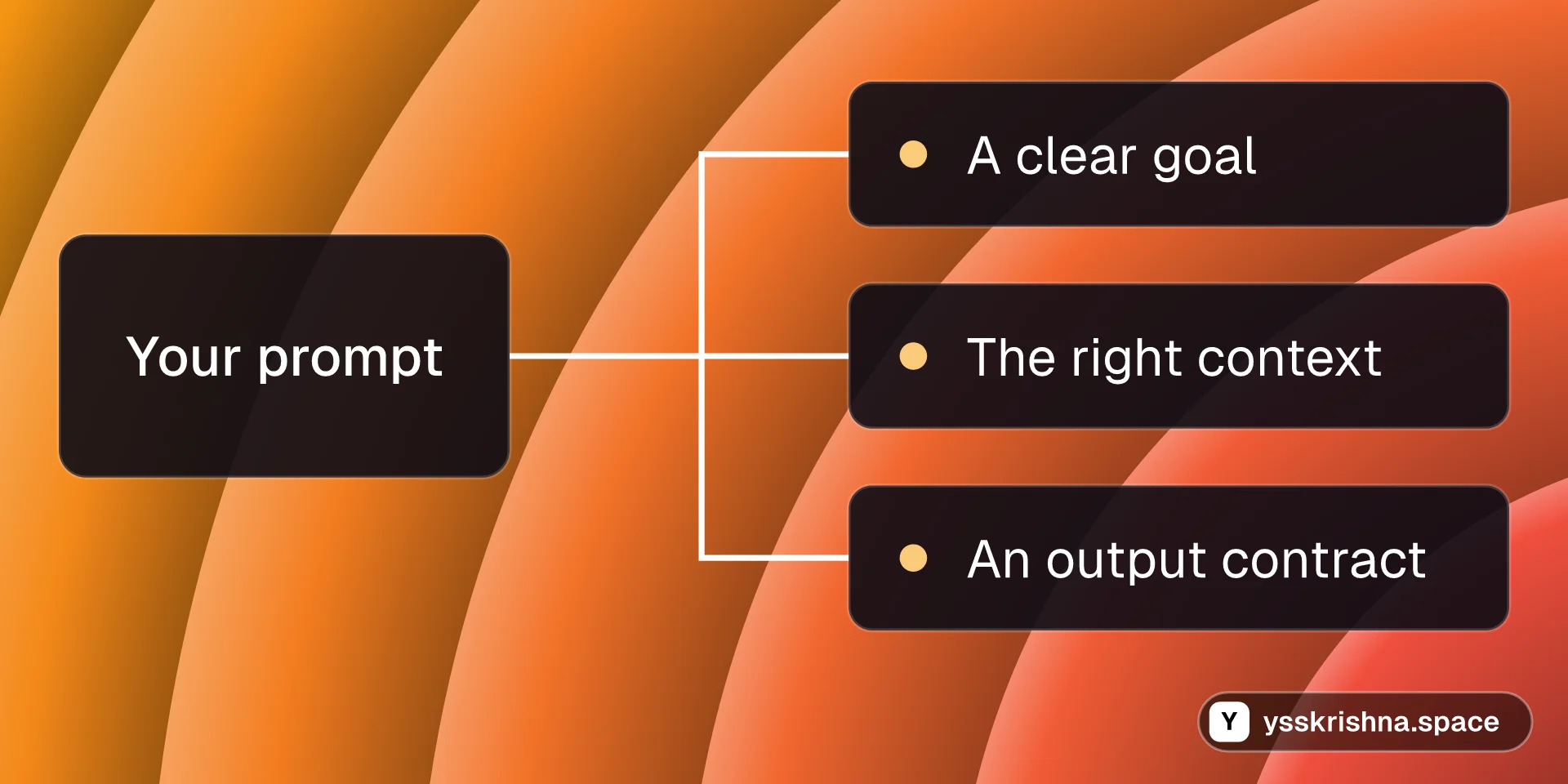
Write prompts that coding agents act on: clear goals, the right context, output contracts, examples, structured thinking, shorter answers and a tiny eval set.

Agent Skills
Chat & AI

8 chapters · 17 min

Productskills.sh+1Claude Code Subagents for Cursor

Claude Code Subagents for Cursor

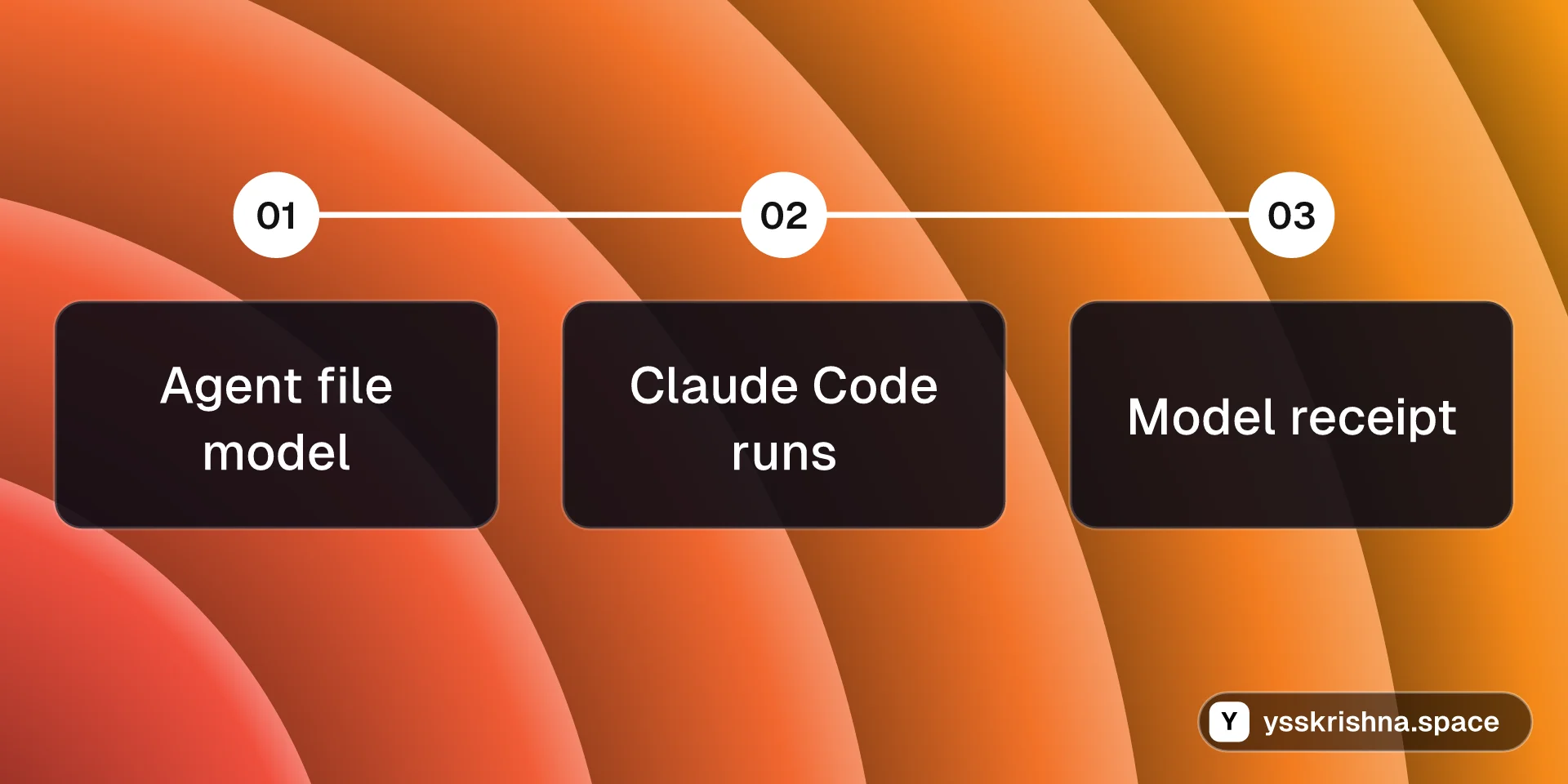
Your Cursor subagents can finally run on the model you picked in each agent file.
Chat & AI
Agent Skills
+2
BlogCover image for How to Install Caveman in Cursor and Claude Code

How to Install Caveman in Cursor and Claude Code

AI Apps & Assistants
Agent Skills
+1
3 min read
CourseCover image for Agent Building Blocks: Skills, Subagents, MCP and Hooks

Agent Building Blocks: Skills, Subagents, MCP and Hooks

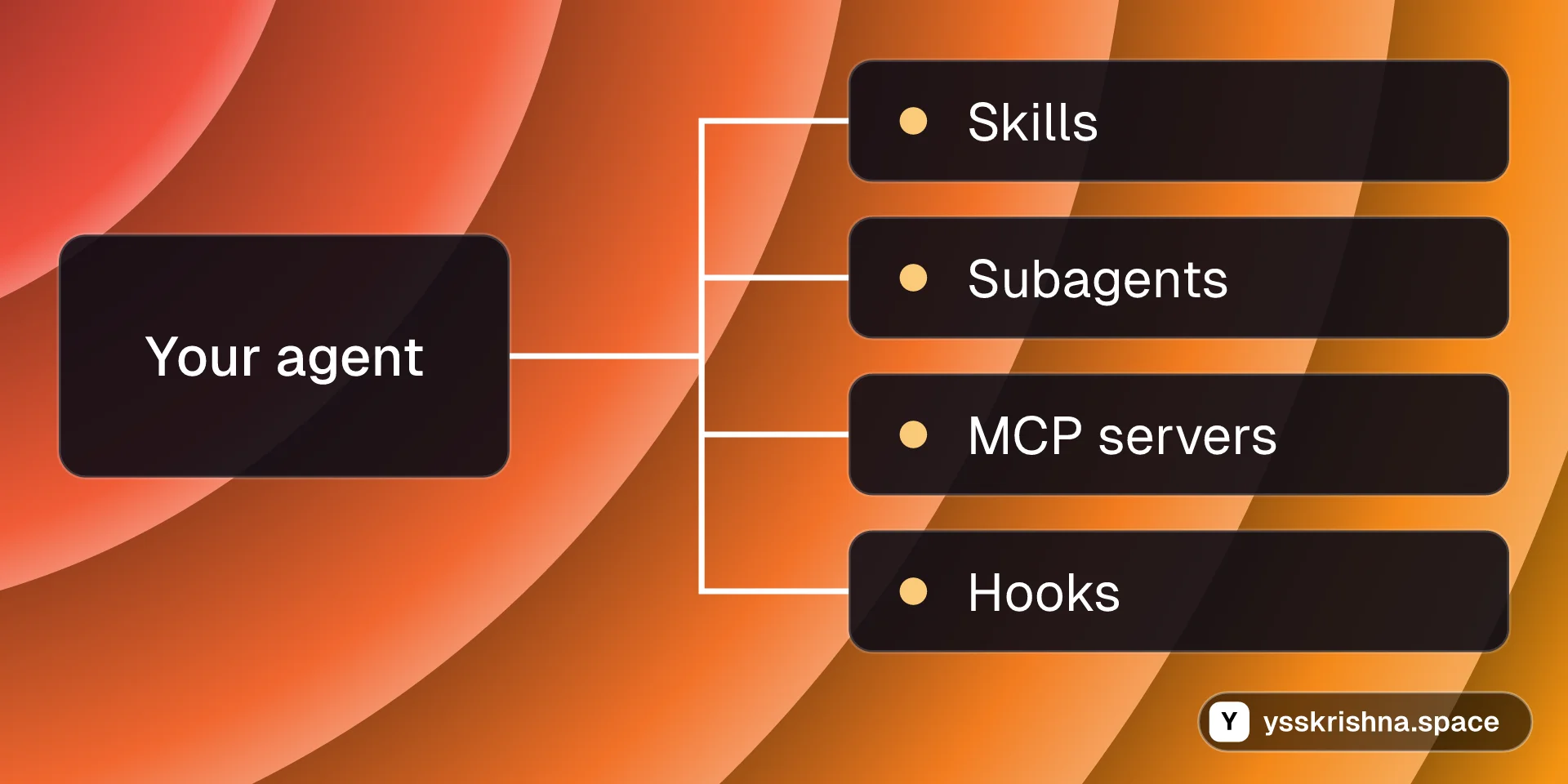
A free, hands-on course on the four pieces behind Cursor and Claude Code agents: skills, subagents, MCP servers and hooks. Build each one, then combine them.

Agent Skills
Chat & AI
+1

9 chapters · 25 min