

The right models for each project
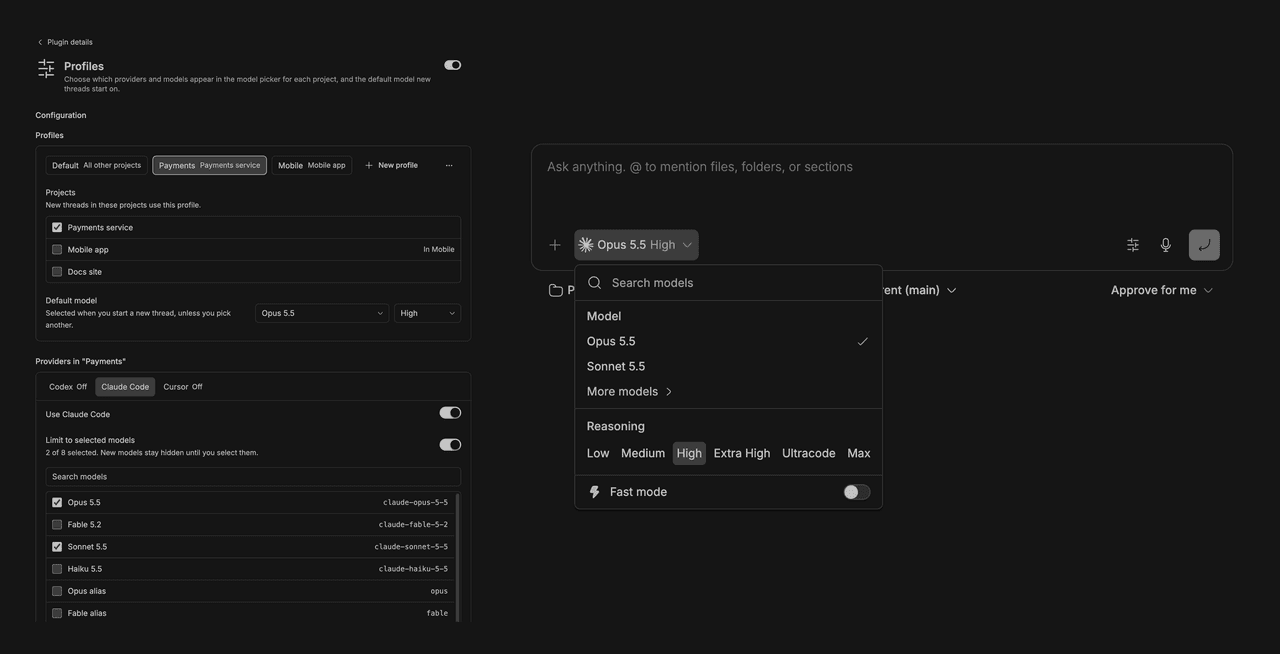
BB's model picker lists every provider and model, whichever project you are in. Profiles lets each project show only the providers and models it needs, and start new threads on the model you choose. Settings are shared by every device connected to the same BB server.
What you get
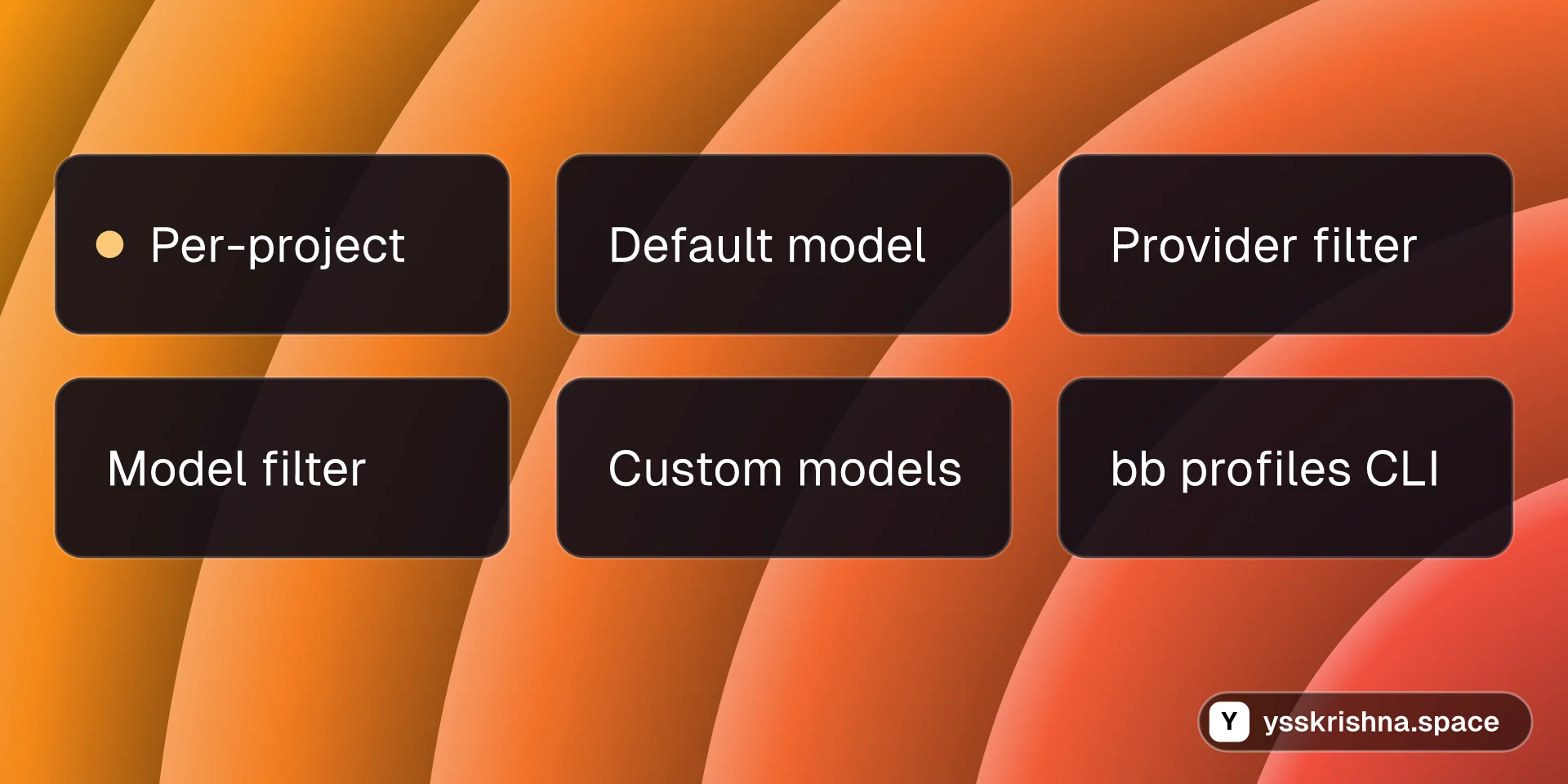
- Profiles per project. Default covers every project without a profile. Create a profile by copying another, then assign projects to it. A project belongs to one profile at most.
- A default model. A profile can name one provider, model and reasoning level. A new-thread composer in its projects selects it until you pick another.
- Provider and model control. Turn a provider off, or limit it to selected models. Unselected models stay under More models, or leave the picker entirely.
- Custom models. Add a model ID BB does not list, such as
grok-4.7, for every profile. - A composer button. A sliders button in the new-thread composer opens the settings page, which saves every change on its own.
- A CLI.
bb profilescan show status, export and import profiles, reset them, and manage custom models.
Limits to know
Profiles filter the picker, not model access: CLI and API requests, automations and workflows can still use any model. Picker filtering uses a version-specific adapter, so a future BB change can break it; the settings page says so and BB's native lists stay as they are. Do not run it alongside another model-filtering plugin.
Install Profiles
Profiles requires BB 0.50.1 or a later 0.50.x release. Install it from BB Marketplace:
bb plugin install bb-profilesSee the GitHub repository for screenshots, the CLI, and release details.