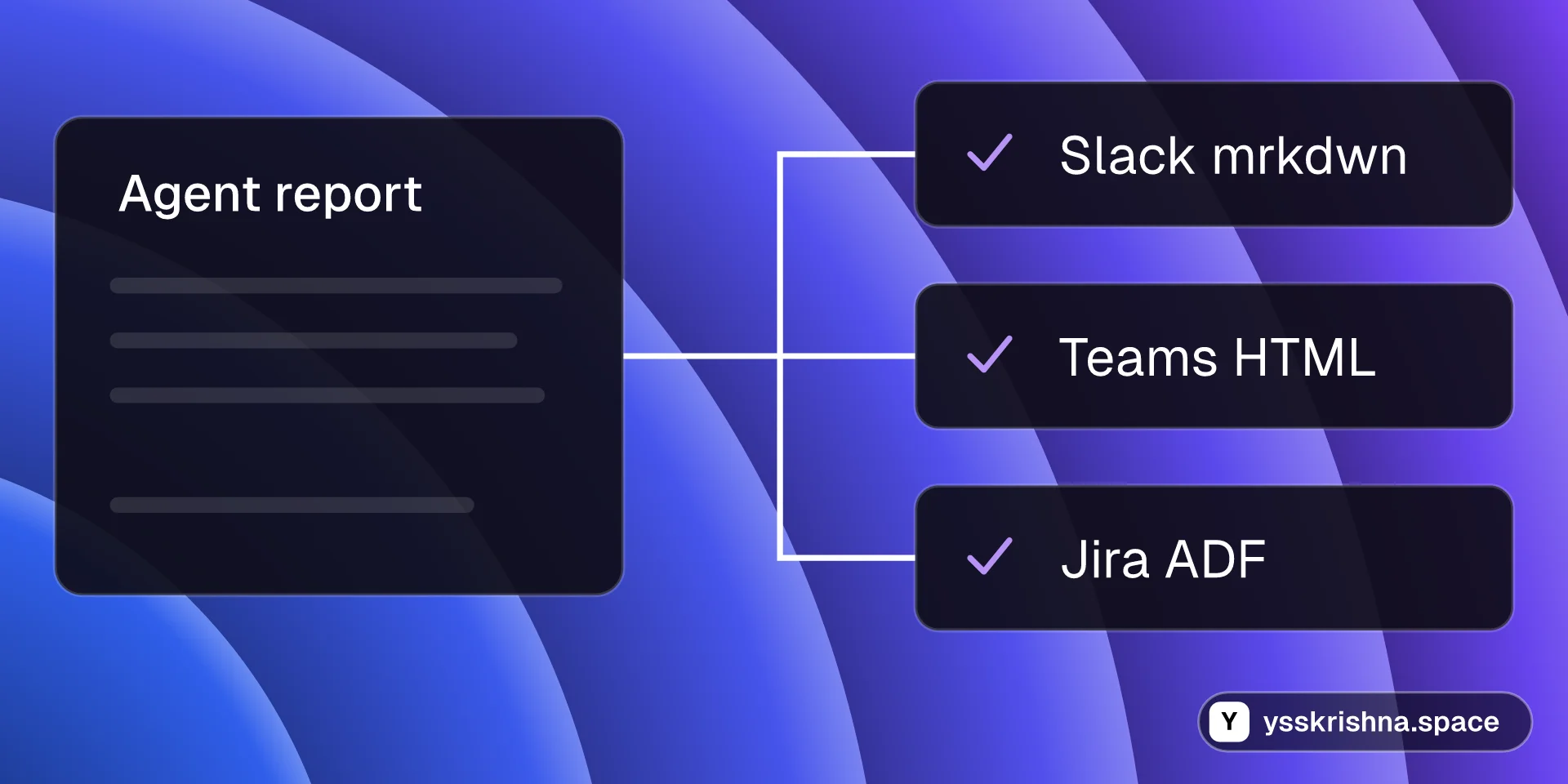
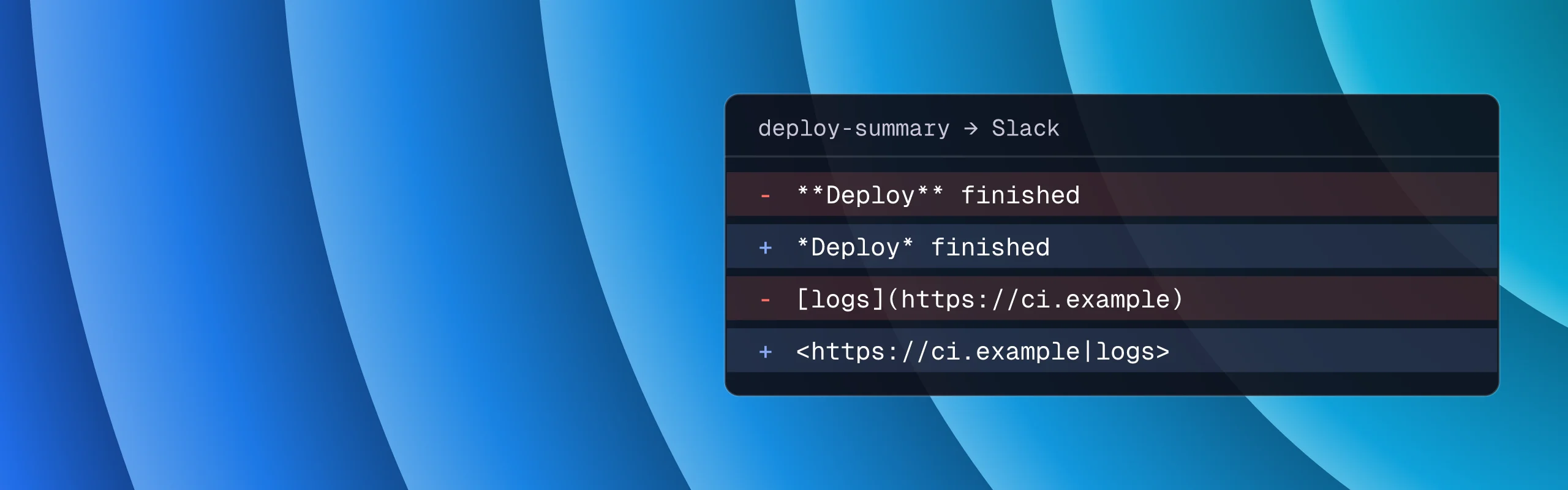

Here is a typical status update an agent writes:
## Deploy summary
**Status:** green
- [x] migrations
- [ ] cache warm-up
See [runbook](https://example.com/runbook).
Send that string to the Slack API text field as-is and the heading and the [label](url) link are not rendered. You get the characters back:
## Deploy summary
**Status:** green
- [x] migrations
- [ ] cache warm-up
See [runbook](https://example.com/runbook).
Hashes and bracket links sitting there like a diff.
The model did nothing wrong. It wrote standard Markdown. The destination just does not speak it.
Every destination speaks a different dialect
| Where it goes | What it expects | What raw Markdown looks like there |
|---|---|---|
Slack API text field | mrkdwn: *bold*, links shaped as <url|label> | Literal **, ## and [label](url) |
Microsoft Teams paste or Graph contentType: html | HTML | Plain text, or a wall of symbols |
| Jira Cloud REST v3 rich-text fields | ADF (Atlassian Document Format) JSON | Rejected, or stored as one plain paragraph |
| Anything that needs plain text | Stripped text | Markup noise |
You can ask the model to "write in Slack format" and it will try. It will also drift, mix dialects, and get Jira's ADF wrong because ADF is a JSON tree, not a text style.
Conversion is a job for code, not for the prompt.
The one-off fix: paste through a converter
If a human is doing the posting, you do not need anything installed. I built free browser tools for exactly this:
Paste Markdown, check the preview, copy, paste into the app.
The repeatable fix: give the agent a converter tool
When the agent posts on its own, through a Slack MCP, a webhook, Graph or the Jira API, it needs the conversion step as a tool it can call. That is Markdown Convert MCP.
It is an MCP server with four tools. Each accepts { "markdown": "<source>" } and returns converted text:
| Tool | Returns | Use when the next hop expects |
|---|---|---|
markdown_to_slack | Slack mrkdwn | Slack API or Slack MCP text |
markdown_to_teams | HTML with inline CSS | Teams paste or Graph contentType: html |
markdown_to_jira | ADF JSON string | Jira Cloud REST v3 rich-text fields, Atlassian MCP |
markdown_to_plaintext | Plain text | Anything that needs stripped text |
It supports CommonMark and GitHub-Flavored Markdown, and it is listed on the official MCP Registry as io.github.ysskrishna/markdown-convert-mcp.
Install it in two minutes
The server runs from npm, so most hosts only need this command:
npx -y @ysskrishna/markdown-convert-mcpClaude Code:
claude mcp add markdown-convert -- npx -y @ysskrishna/markdown-convert-mcpAdd -s user to make it available in every project, then run /mcp in a session to see the tools.
Cursor: add this to ~/.cursor/mcp.json (all projects) or .cursor/mcp.json (one project), then enable markdown-convert in Cursor Settings → MCP:
{
  "mcpServers": {
    "markdown-convert": {
      "command": "npx",
      "args": ["-y", "@ysskrishna/markdown-convert-mcp"]
    }
  }
}
VS Code (Copilot MCP): in .vscode/mcp.json:
{
  "servers": {
    "markdown-convert": {
      "type": "stdio",
      "command": "npx",
      "args": ["-y", "@ysskrishna/markdown-convert-mcp"]
    }
  }
}
Windows hosts that cannot find npx: wrap it in cmd:
{
  "mcpServers": {
    "markdown-convert": {
      "command": "cmd",
      "args": ["/c", "npx", "-y", "@ysskrishna/markdown-convert-mcp"]
    }
  }
}
Claude Desktop, Windsurf, Codex, Copilot CLI and OpenClaw snippets are in the README.
Teach the agent when to call it
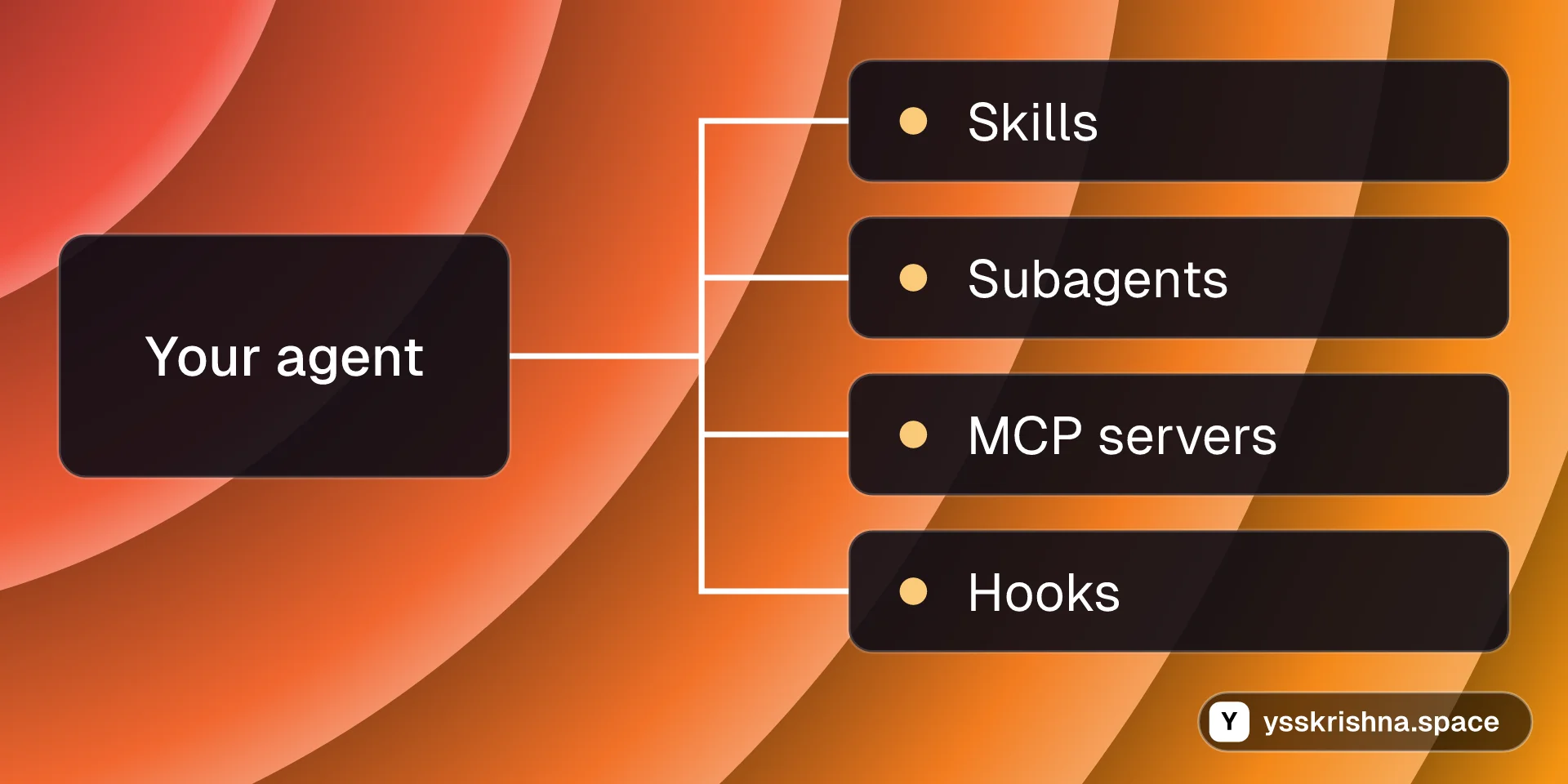
A tool the agent never calls does not help. The repo ships a companion skill, markdown-convert, that tells the agent to convert before it pastes or posts into Slack, Teams or Jira.
npx skills add ysskrishna/markdown-convert-mcp --skill markdown-convertIn Claude Code, the plugin installs the server and the skill together:
/plugin marketplace add ysskrishna/markdown-convert-mcp
/plugin install markdown-convert-mcp@markdown-convert-mcp
A prompt that exercises all four tools
Write a short deploy summary in Markdown with a heading, one bold field,
a two-item checklist and a link. Then give me:
1. the Slack version (markdown_to_slack),
2. the Teams HTML (markdown_to_teams),
3. the Jira ADF (markdown_to_jira),
4. a plain-text version (markdown_to_plaintext).
Check each output against where it is going. The Slack version should use single asterisks and <url|label> links. The Jira version should be a JSON document, not text.
Three mistakes to avoid
Converting for the Slack composer. markdown_to_slack is for the API text field. If you are pasting into the Slack app by hand, use the browser converter instead. Fields that take markdown_text want Markdown passed straight through.
Expecting Teams Adaptive Cards. markdown_to_teams returns HTML. It does not build Adaptive Cards and it does not send messages.
Using the Jira tool for Jira Server. markdown_to_jira returns ADF for Jira Cloud REST v3. It is not wiki markup, and it does not create issues.
Limits worth knowing
- Whitespace-only input returns success with an empty string.
- Input over 200,000 characters returns a tool error (
isError: true), not a transport failure. - Slack may truncate around 40k characters in the
textfield, so split long reports.
What to do next
- Paste one of your agent's real reports into the Markdown to Slack Converter and see the difference.
- Add the server to your host with the snippet above.
- Install the
markdown-convertskill so the agent calls the right tool on its own.