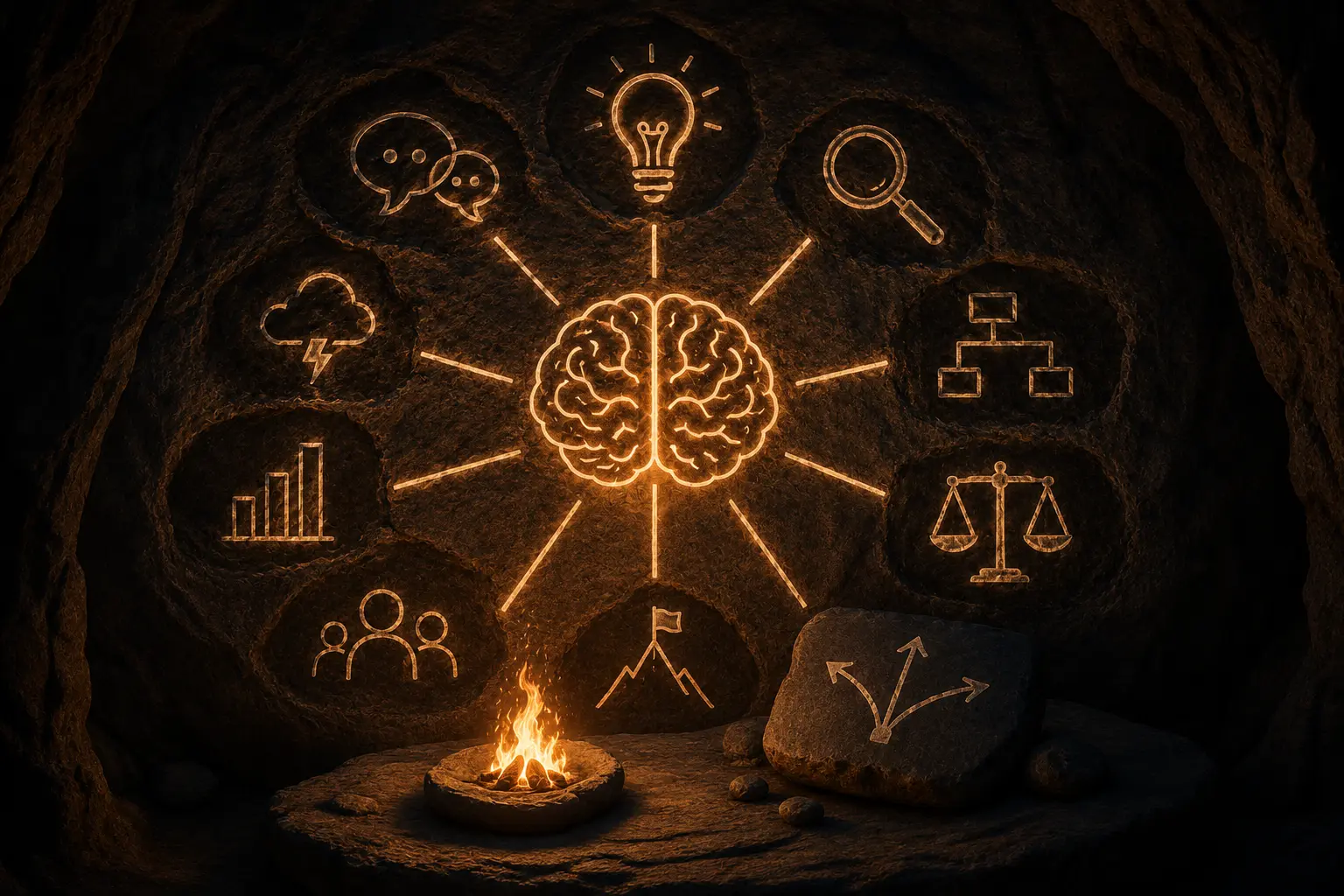
Every serious agent setup ends up using the same four parts. Cursor and Claude Code name them slightly differently, and the docs cover them in separate pages, so it is easy to miss how they fit. This chapter gives you the map. The next eight chapters build each part for real.
The problem each one solves
Start with what goes wrong when you only have a chat box and a model:
- You repeat yourself. Every session you paste the same "here is how we write migrations" paragraph. The agent forgets it next time.
- One context does everything. A big search through the repo fills the context window with file listings, and the model gets worse at the actual change you asked for.
- The agent can't reach your systems. It can edit files and run shell commands, but it can't read a Jira ticket or post a correctly formatted Slack message without you copying things around.
- Rules are suggestions. You can write "never run
rm -rf" in a prompt. The model will usually obey. "Usually" is not a guarantee.
Each building block fixes one of those.
| Problem | Building block | What it is, physically |
|---|---|---|
| Repeating instructions | Skill | A folder with a SKILL.md (and optional scripts or references) that the agent loads when the task matches its description |
| One overloaded context | Subagent | A Markdown file describing a helper agent with its own instructions, tool list and model; it works in a separate context and hands back a result |
| No access to your systems | MCP server | A program that speaks the Model Context Protocol and exposes tools, resources and prompts to any MCP host |
| Rules that must hold | Hook | A command the host runs on an event (before a tool call, after an edit, when the agent stops) whose exit code can block the action |
A quick way to choose
Ask three questions, in this order:
- Does this need to happen every time, no matter what the model thinks? Use a hook. Formatting after every edit, blocking writes to
.env, refusinggit push --forceonmain. - Does the agent need to reach something outside the repo and shell? Use an MCP server. A ticket tracker, a database, a converter for Slack or Jira formatting.
- Is it knowledge or a method the agent should apply? Use a skill. "How we review PRs", "run a pre-mortem", "write release notes in our format".
Then a fourth question for big jobs:
- Would the work flood the main conversation, or does it suit a cheaper model? Wrap it in a subagent. Searching a large codebase, proofreading, summarising logs.
Two of these are about knowledge (skills, subagents) and two are about plumbing (MCP, hooks). Mixing them up is the most common design mistake: people write a skill that says "always run the formatter", which is a hook's job, or build an MCP server for what is really a checklist, which is a skill's job.
How they look on disk
In a project that uses all four, you would see something like this:
my-repo/
├── .claude/
│   ├── agents/
│   │   └── scout.md              # subagent: read-only repo explorer
│   ├── skills/
│   │   └── release-notes/
│   │       └── SKILL.md          # skill: how we write release notes
│   └── settings.json             # hooks live here in Claude Code
├── .cursor/
│   ├── agents/                   # Cursor also reads .claude/agents
│   ├── mcp.json                  # MCP servers for this project
│   └── hooks.json                # Cursor hooks
└── src/ ...
User-level versions of the same folders (~/.claude/…, ~/.cursor/…, ~/.agents/skills/…) apply to every project. Project-level files win when both exist, and they are the ones you commit so your team gets the same behaviour.
One example, four parts
Say you want the agent to "write the weekly release notes and post them to the team channel".
- A skill called
release-notesholds the format: sections, tone, how to group PRs, what to leave out. - A subagent called
changelog-scoutruns on a small model, reads the merged PRs and returns a short list. Your main chat never sees the hundred PR bodies. - An MCP server such as Markdown Convert MCP turns the Markdown draft into Slack mrkdwn before your Slack tool sends it.
- A hook blocks the Slack send tool unless a human-approved flag file exists, so a draft never goes out by accident.
Remove any one of those and the workflow still runs, but it gets more expensive, less consistent or less safe. That is the test for whether a building block earns its place.
What this course does not cover
Model choice, fine-tuning, and writing your own agent framework from scratch. Everything here works with the hosts you already use. Where Cursor and Claude Code differ, the chapter says so. Check the current docs before relying on a path or file name that hosts change often.
Quick check
-
You want every edited Python file formatted with ruff, always. Which building block?A hook (an after-edit / PostToolUse hook that runs
ruff format). A skill could ask for it, but only a hook guarantees it. -
Your team has a 40-line checklist for reviewing database migrations. Which building block?A skill. It is a method the agent should apply when the task is a migration review.
-
The agent needs to read issues from your tracker. Which building block?An MCP server for the tracker (many trackers publish one), connected in your host's MCP config.
-
A codebase search returns thousands of lines and drowns the conversation. What helps?A subagent: it searches in its own context, on a cheaper model if you like, and returns only the summary.