ysskrishna logoysskrishna

Easy Calculator

A small responsive calculator you can run locally or shape for your own site.

Gallery image 1
Gallery image 2
Gallery image 3
Get it
Built with
Experimental Projects
JavaScript
React
Details
FreeMIT licenseCreated May 29, 2024Updated November 12, 2026
Share this product

You do not need a spreadsheet for two numbers.

You are mid-task. Someone asks for a quick total. You open a sheet, wait for the grid, hunt for a cell. Or you reach for the phone and lose the tab you were reading.

Easy Calculator is a small web calculator for the four everyday operations, with a layout meant to stay clear on different screen sizes.

Four operations. One screen. No lecture.

What you get

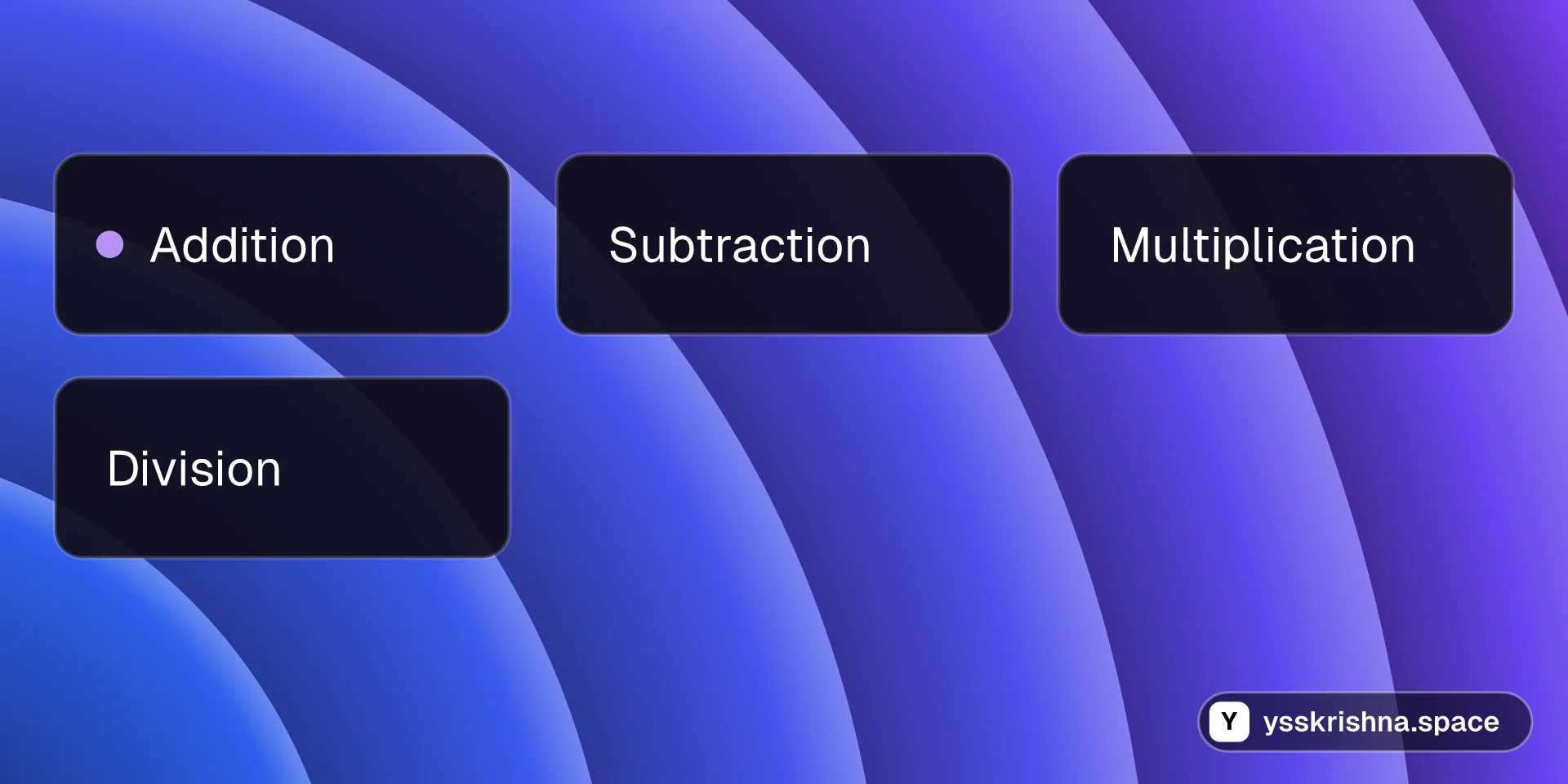
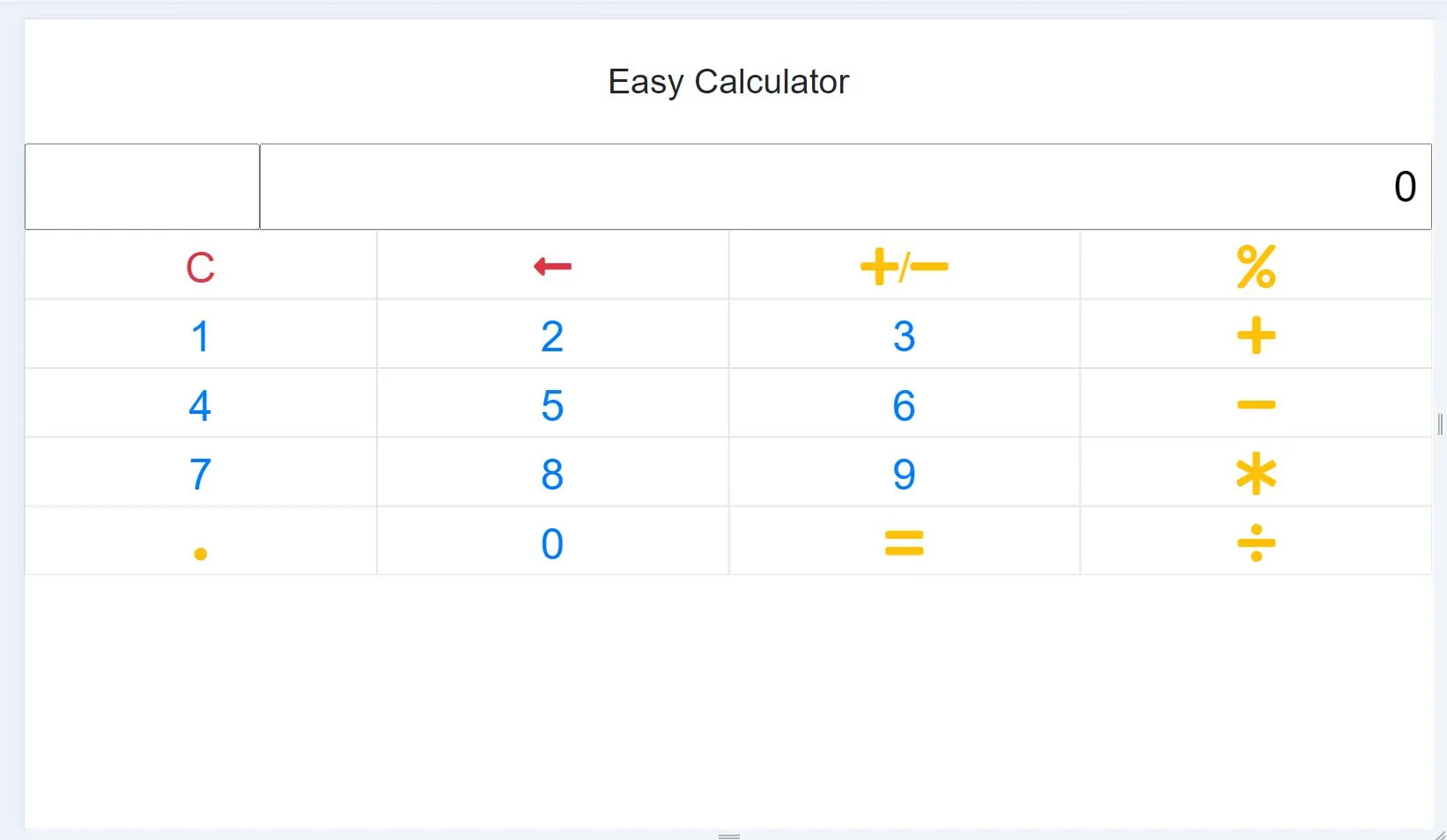
  • The everyday math. Addition, subtraction, multiplication, and division through on-screen controls, as shown in the project screenshots.
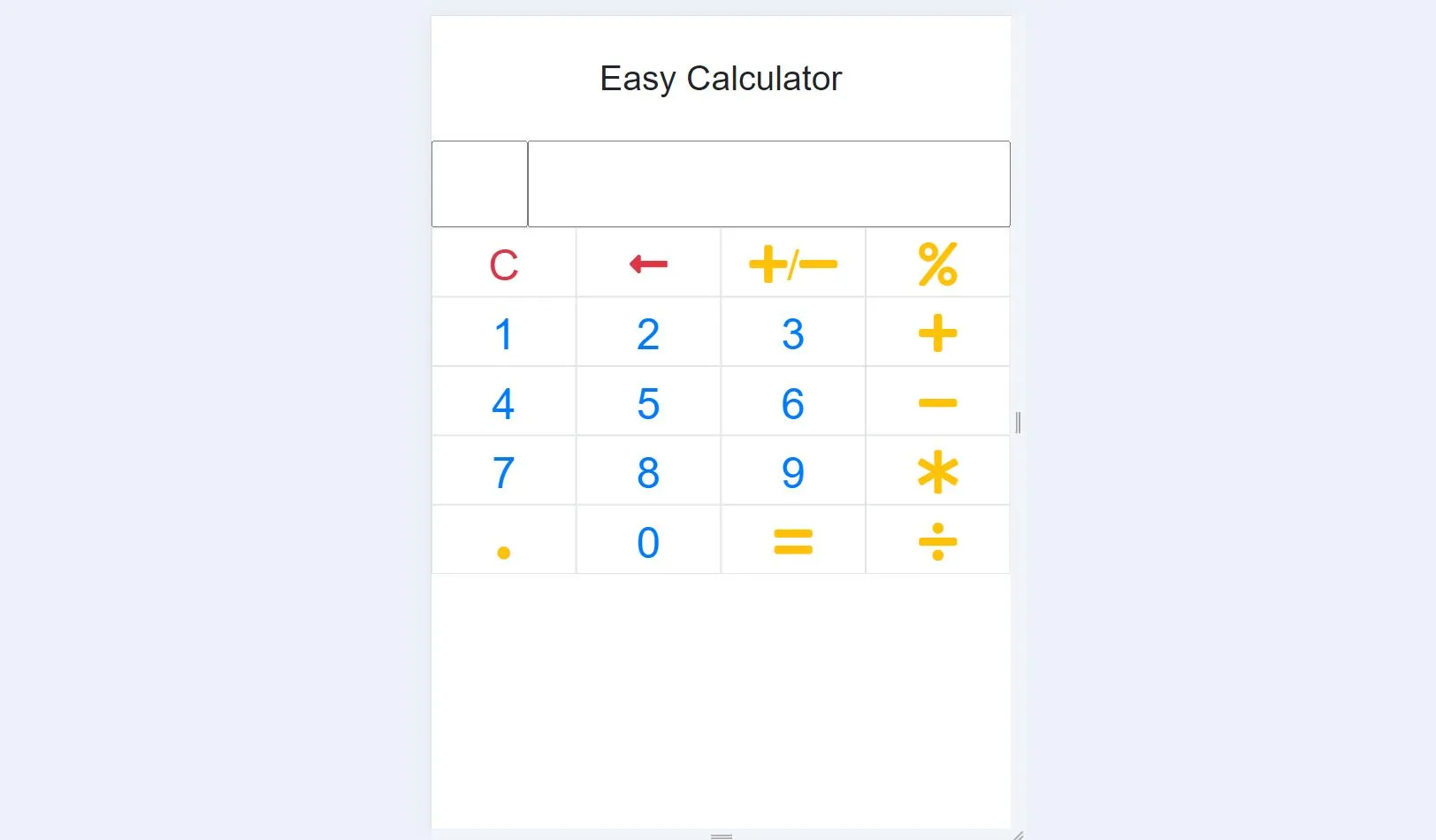
  • Layouts that resize. The repository shows desktop and tablet versions of a responsive calculator app.
  • Code you can run or fork. Public on GitHub under the MIT license, with the price listed as Free on this product page.
  • A readable scope. A user-friendly calculator web app sized for straightforward input, not a wall of scientific keys.
  • Room to adapt. A starting point if you want to adjust styling or behavior for a lesson, demo, or side project.

Picture a quiet afternoon (for example)

You are showing how a web interface updates when someone taps buttons. You follow the setup steps on GitHub, open the app in the browser, and the display changes as you press plus and equals. On a wide screen it resembles the desktop screenshot in the repo. On a narrower one it looks like the tablet image there. You tweak a color, run a production build, and you still have a working four-operation pad.

There is no hosted demo URL in the product record. Running it from the repository is the path the README documents.
Ready to try it?

Frequently asked questions

Why not just use the calculator on my phone or in search?

Those are fine for a single total. This repo is for when you want the project itself: a small responsive UI you can run on your machine, read, or change. It is not trying to match every feature-rich browser calculator.

Does Easy Calculator handle scientific or financial math?

No. The project focuses on basic arithmetic with a clean responsive UI for desktop and tablet layouts shown in the repo screenshots. It is not a scientific, financial, or programmable calculator unless you extend the code.

What math can it do?

It supports basic arithmetic operations like addition, subtraction, multiplication, and division, with a clean and intuitive interface for easy input and calculation.

Is it free and open source?

Yes. The repository is public under the MIT License, and the price on this site is listed as Free.

I am learning web UI. Is this a reasonable example to study?

The GitHub description calls it a responsive and user-friendly calculator web app built with React. The README describes a simple responsive calculator app. It is tagged here as an experimental project, sized for learning and adaptation rather than a finished product claim.

How do I run it on my machine?

Clone the GitHub repository and follow the setup steps in the README: install dependencies, use the start script for development, and the build script for a production compile. The repo keeps the exact commands current.

Will it look right on a tablet-width screen?

The repository includes a tablet version image next to the desktop screenshot, and the app is described as responsive and user-friendly for easy input on different layouts.

Continue exploring

ProductBasic Meme Generator

Basic Meme Generator

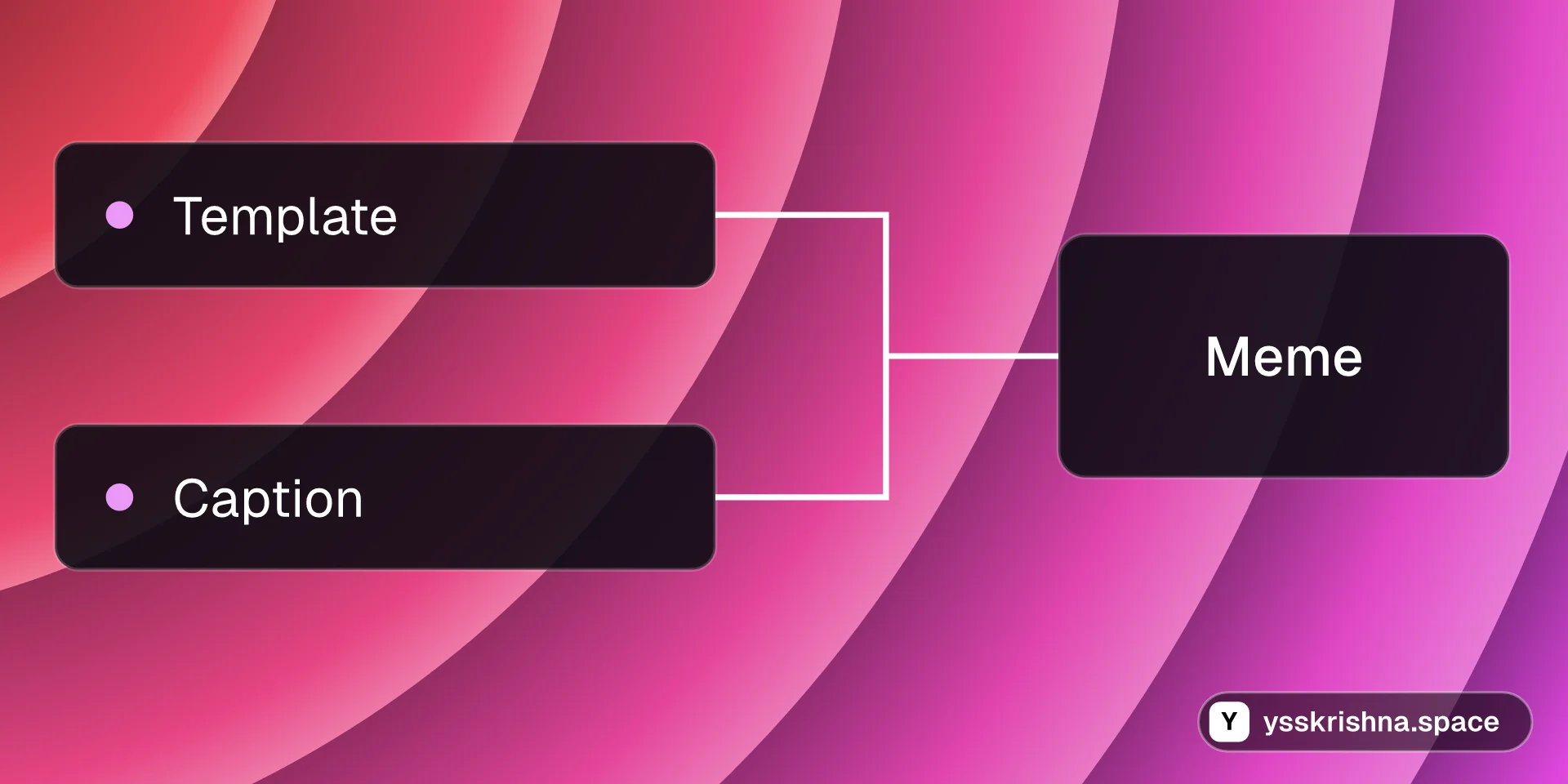
Pick a template, type your caption, get a meme. A small React app on the ImgFlip API.
Experimental Projects
React
+2
ProductEmail Audit Rules Engine

Email Audit Rules Engine

Repeatable scores for outbound customer replies your team can explain without rereading every thread.
Experimental Projects
Python
+2
Productworldz

worldz

Flip through 254 countries and flags without signing up or installing a heavy atlas.
Experimental Projects
JavaScript
+2
Productilabs

ilabs

Free developer tools in the browser, with an OG Image Generator you can try or self-host.
Experimental Projects
TypeScript
+4
BlogCover image for Siva Sai Krishna Yenugu (ysskrishna): What I Build

Siva Sai Krishna Yenugu (ysskrishna): What I Build

PyPI Packages
NPM Packages
+1
2 min read
ProductAwesome LLM Experiments

Awesome LLM Experiments

Three focused notebooks that walk you through real RAG, multilingual search, and RAGAS evaluation.
Experimental Projects
OpenAI
+4