

You need the model to see the repo. You should not have to rebuild that pile by hand every time.
You open the tree. You copy a few files. You paste a folder list into the chat. It works once. Then the branch moves, the monorepo grows, or you need the same snapshot every Monday for onboarding. The context is never quite the same twice.
Gitingest Action turns that chore into one workflow step that writes the digest where your pipeline already runs.
Same repo. Same layout. One paste-ready bundle.
What you get
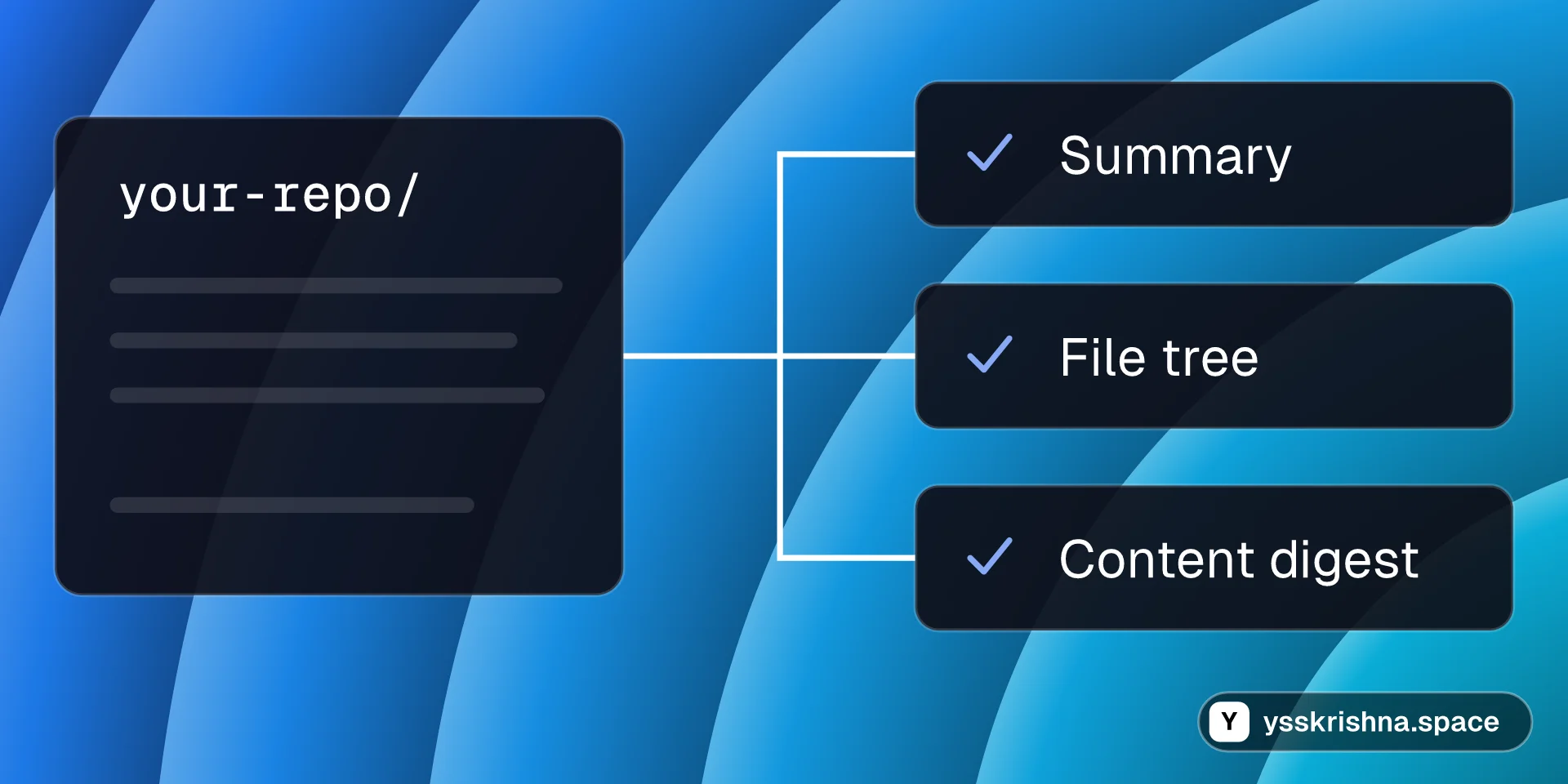
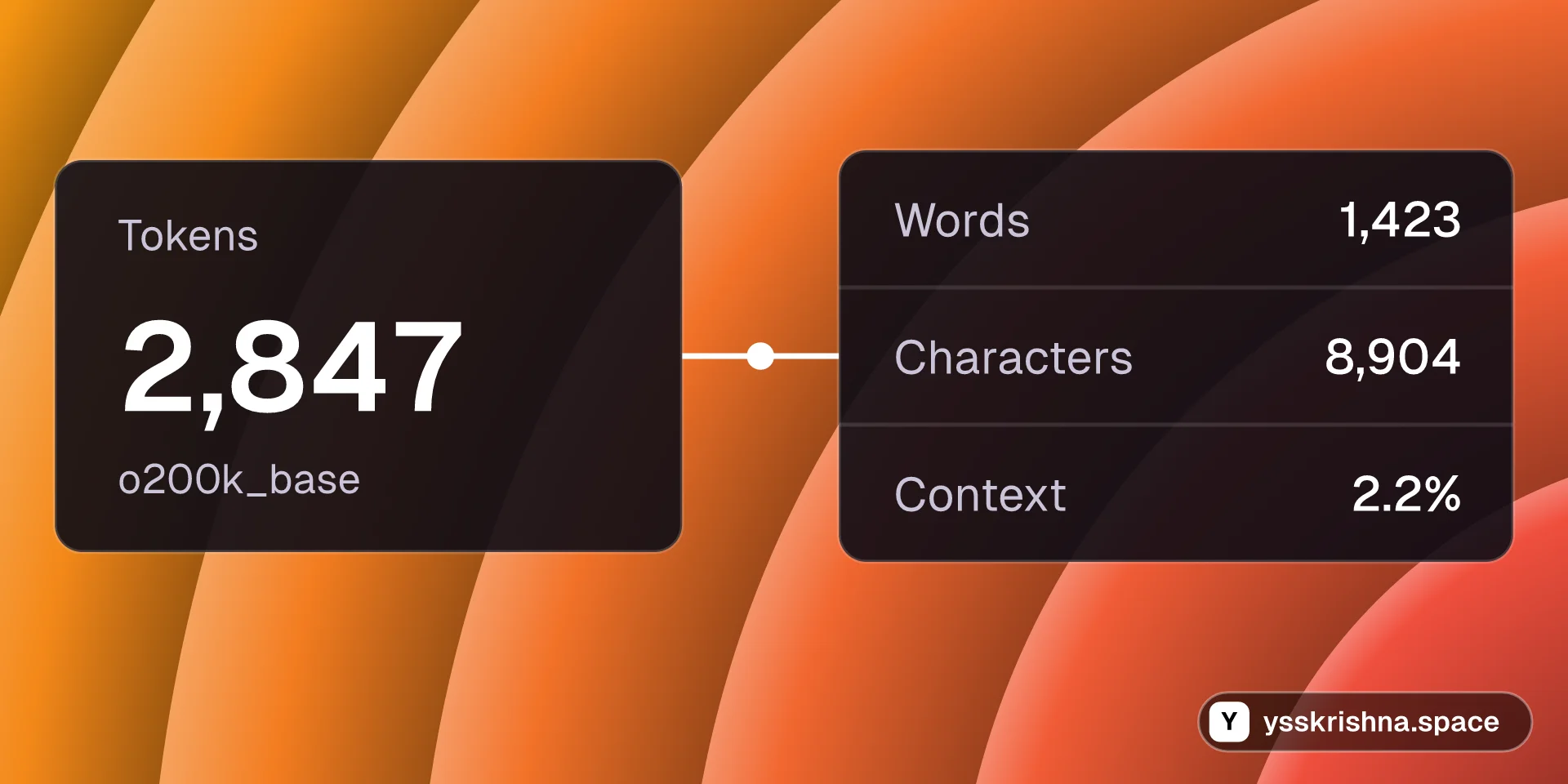
- Three plain-text files per run. A stats summary with a token estimate, a directory tree, and concatenated source files under a folder you choose.
- A quick read in the Actions UI. The workflow run Summary page shows the headline stats and a collapsible tree so you can sanity-check before you download anything.
- Your scope, your rules. Point at the checked-out repo, another path, or a remote URL. Pick a branch or tag. Narrow with include and exclude patterns when the tree is huge.
- Private repos when you need them. Pass a token from secrets so the runner can clone what your team can already read.
- Outputs you can wire forward. Paths are exposed as step outputs, or you read the files straight from the output folder. Example workflows show saving them as artifacts for the next step or a human download.
- Free and open source. MIT licensed. Listed on GitHub Marketplace as Gitingest.
Picture your Monday
For example, a scheduled workflow fires while you are in standup. It digests last week's release tag, writes the three files, and uploads them as artifacts. A teammate opens the summary, checks the token estimate, and drops the content file into the LLM thread for onboarding questions. No one retypes the folder structure.
Ready to try it?
- Read the action on GitHub for inputs, limits, and the quick start
- Add it from GitHub Marketplace
- Copy a ready-made workflow for remote repos, pattern filters, tags, monorepo subfolders, artifacts, or a weekly schedule