ysskrishna logoysskrishna

PyPI Package Stats Action

Fetch PyPI package download statistics and metadata in GitHub Actions

PyPI stats inside GitHub Actions: outputs, JSON file, and job summary

When it’s useful

Your team already runs workflows for releases, docs, or reporting. Pulling download totals and package metadata in the same job avoids copy-pasting from external dashboards and keeps numbers versioned with the pipeline that cares about them.

What you can do

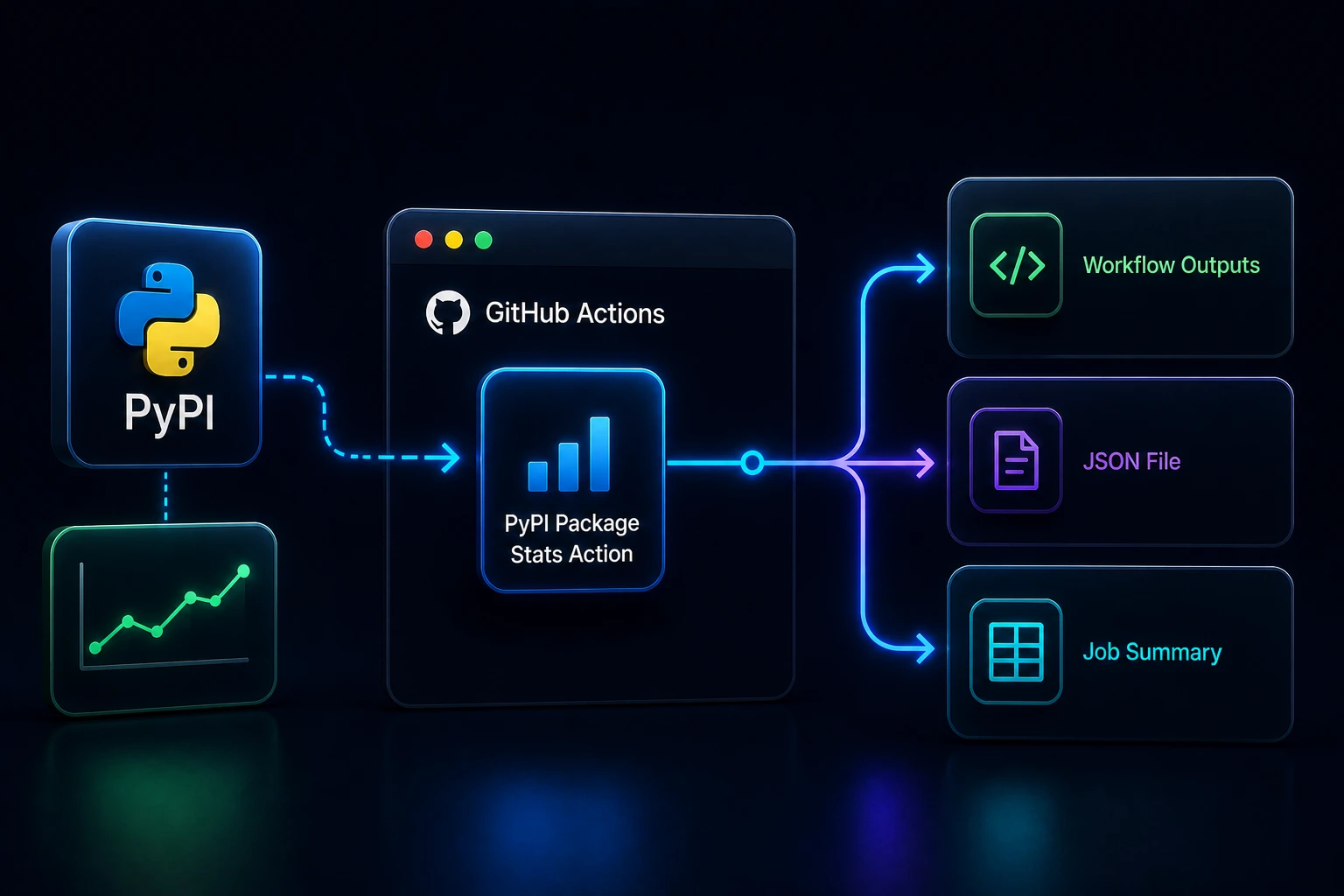
  • Pass a package name; the step calls through to the pypi-package-stats library for a single consolidated fetch.
  • Expose step outputs (a full JSON string, name, version, and last day / week / month download fields) when you assign an id to the step.
  • Write the same payload to a JSON file (default stats.json, path configurable) for artifacts or downstream scripts.
  • Rely on an automatic Markdown table on the workflow run Summary tab for quick human reads.

Limits and fit

Figures inherit pypistats freshness and breakdown rules (see the library docs). The action fails with a clear message when the package is missing, the upstream API errors, or the output path cannot be written. Inputs, outputs, and example workflows are documented in the repository and on the GitHub Marketplace.
Frequently asked questions

What does PyPI Package Stats Action fetch?

Given a package-name input, it calls through to the pypi-package-stats library for a consolidated fetch of download totals and package metadata inside GitHub Actions.

How do I read the results in a workflow?

Assign an id to the step to use outputs such as stats-json, name, version, and last day/week/month download fields. The same payload is written to a JSON file (default stats.json, path configurable), and a Markdown table is added to the run Summary tab.

What happens on failure?

The action fails with a clear message when the package is missing, the upstream API errors, or the output path cannot be written. Errors show in the Actions UI via workflow error commands.

Where is it listed?

It is available on the GitHub Marketplace as PyPI Package Stats. Use ysskrishna/pypi-package-stats-action@v1; figures inherit pypistats freshness and breakdown rules from the library docs.

Continue exploring

BlogCover image for How to Add PyPI Download Stats to GitHub Actions

How to Add PyPI Download Stats to GitHub Actions

GitHub Marketplace Actions
GitHub Actions
+2
4 min read
ProductGitingest Action

Gitingest Action

Analyze Git repositories and generate LLM-ready text digests in GitHub Actions
GitHub Marketplace Actions
GitHub Actions
Git
JavaScript
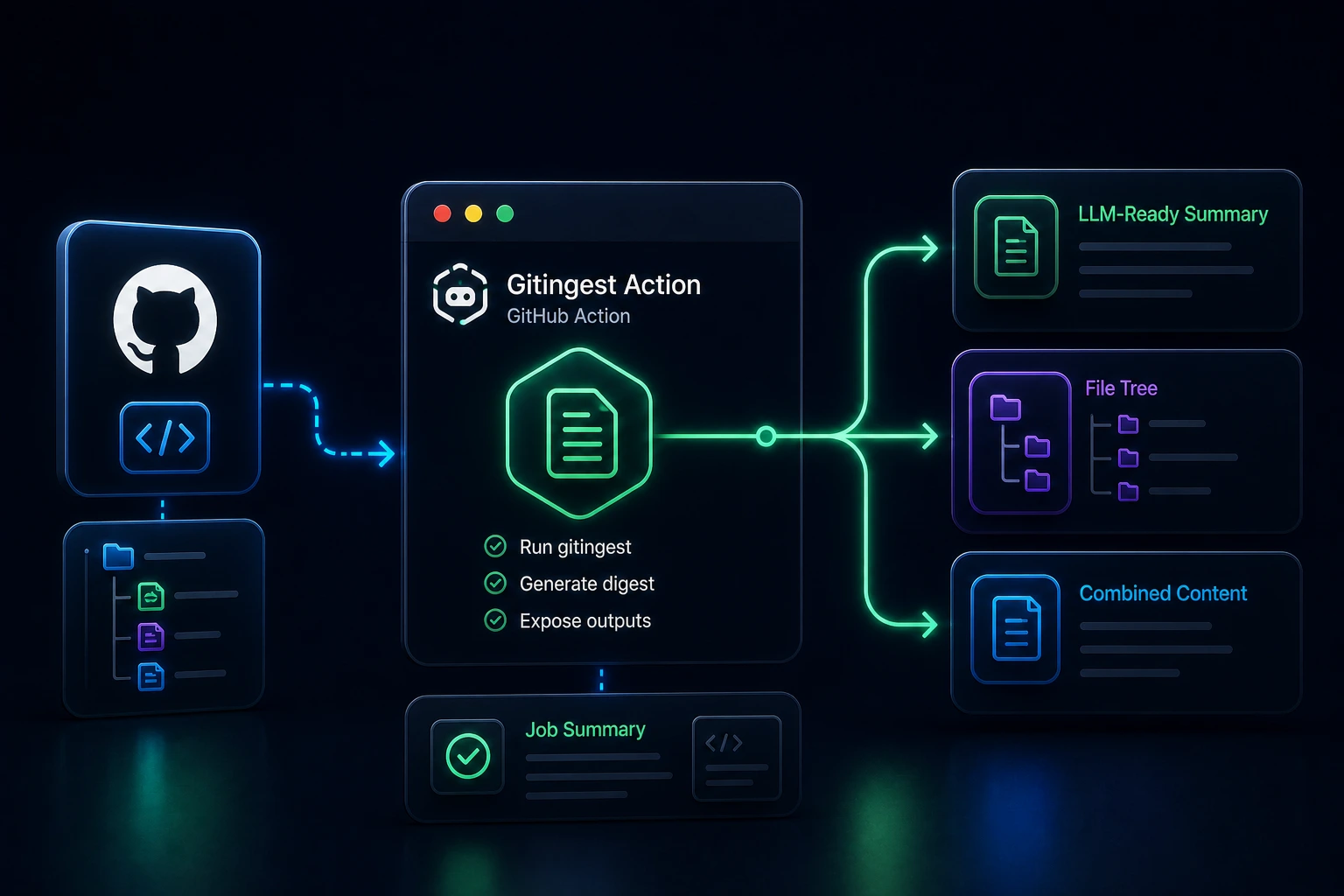
BlogCover image for Analyze Git Repositories in GitHub Actions Using Gitingest

Analyze Git Repositories in GitHub Actions Using Gitingest

GitHub Marketplace Actions
GitHub Actions
+2
4 min read
ProductNested Utils

Nested Utils

Dot-path access made easy for Python's JSON, dict, and list structures.
PyPI Packages
Python
uv
PyPI
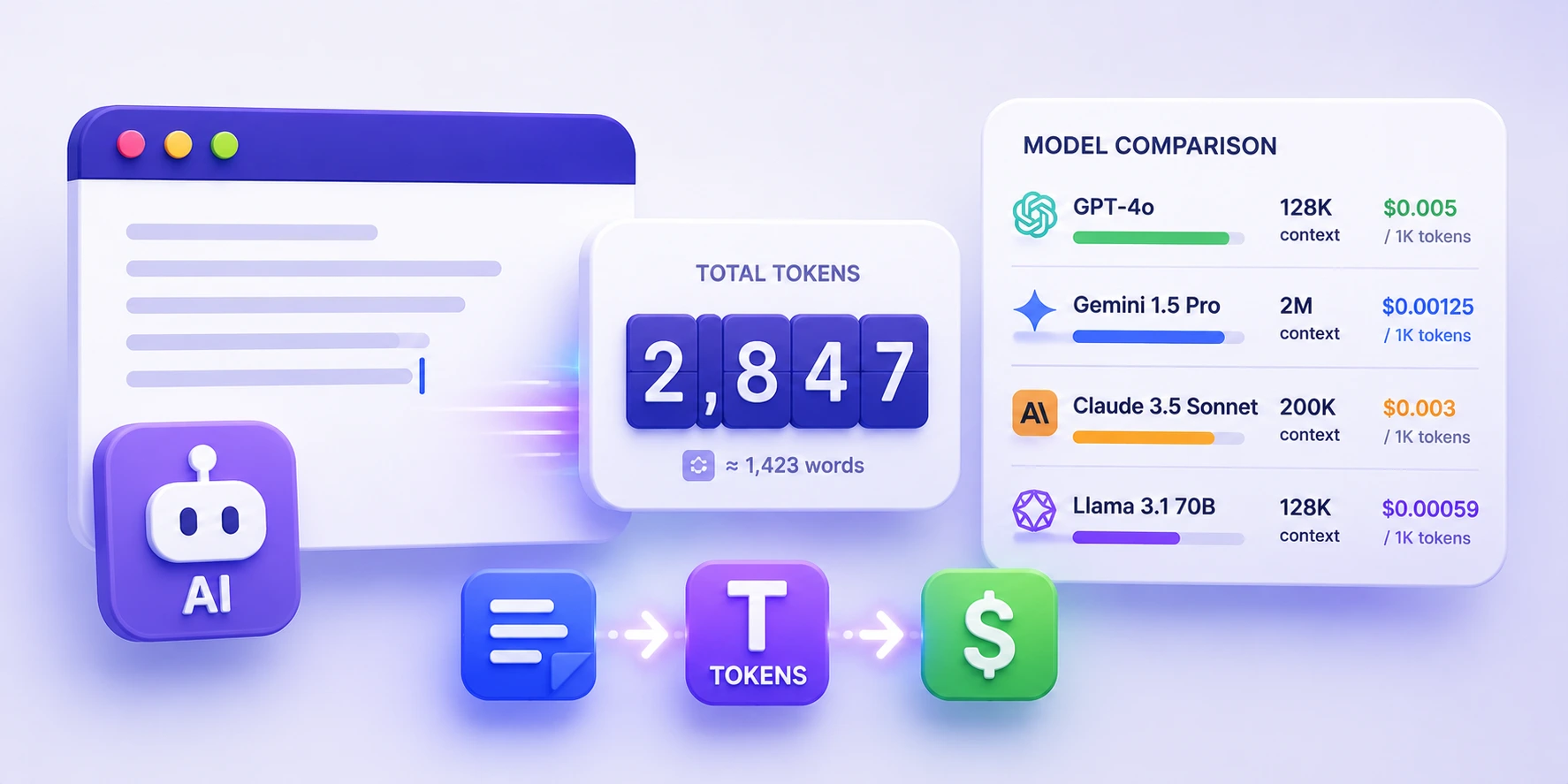
ToolCover image for AI Token Counter

AI Token Counter

AI token counter with model pricing and context-window comparison in your browser.

Chat & AI
AI Apps & Assistants
+1
ProductSocial Links

Social Links

Detect, validate, and sanitize social media links in Python
PyPI Packages
Python
uv
PyPI