
Move Table Data Between Formats Without Leaving Sheets
The Format Friction Problem
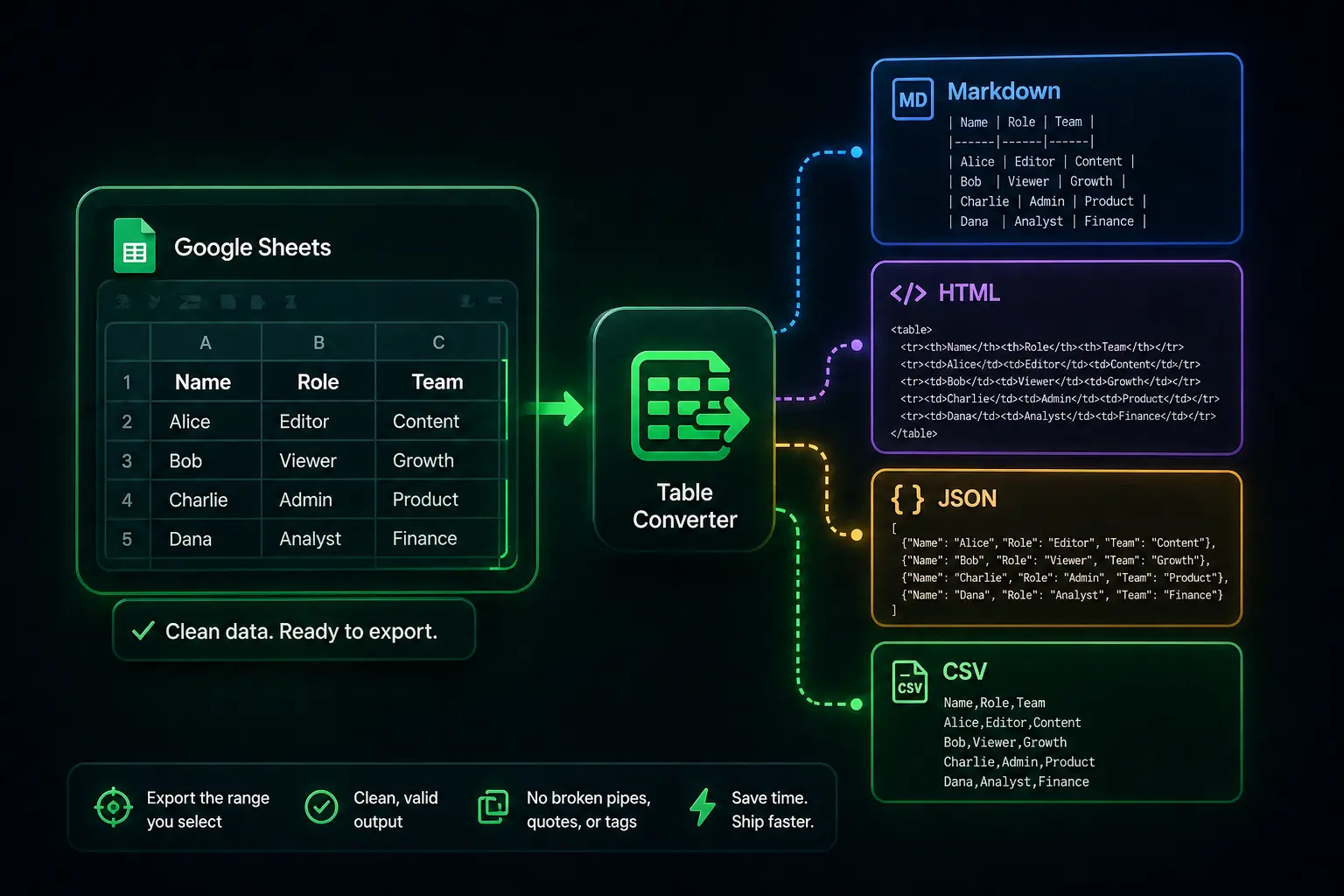
Teams receive data as CSV exports, HTML fragments, Markdown tables, or JSON arrays, and need them in Sheets. The reverse trip matters too: sharing a clean CSV, HTML table, or Markdown snippet from a selection. Copying through intermediate tools breaks formatting and adds busywork.
Why Table Converter Fits
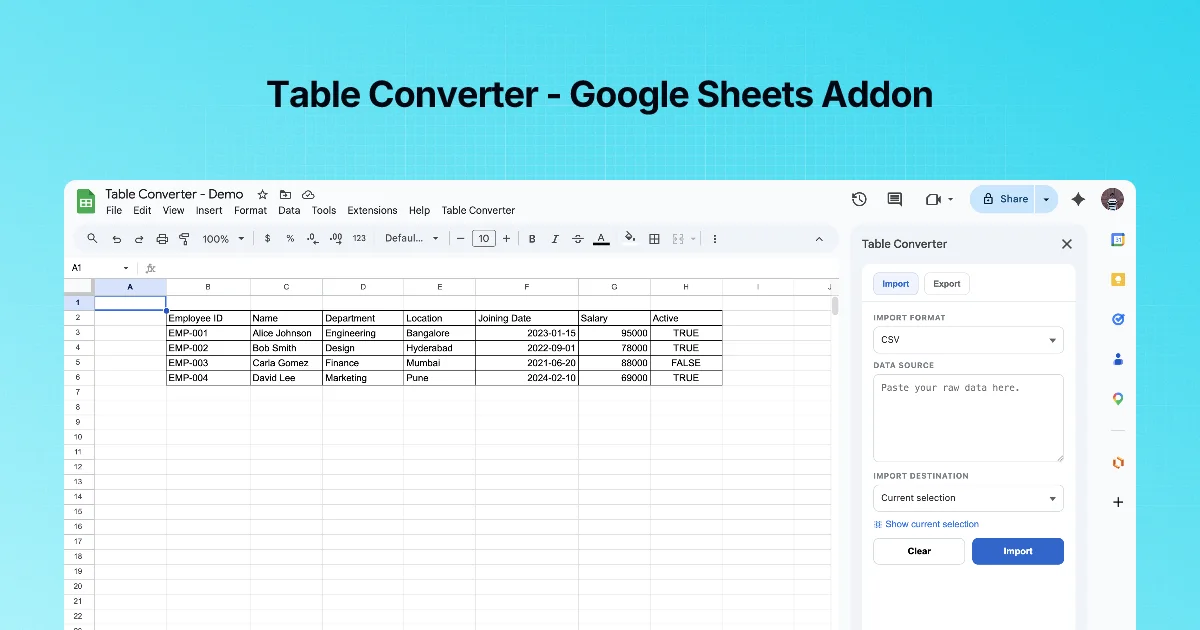
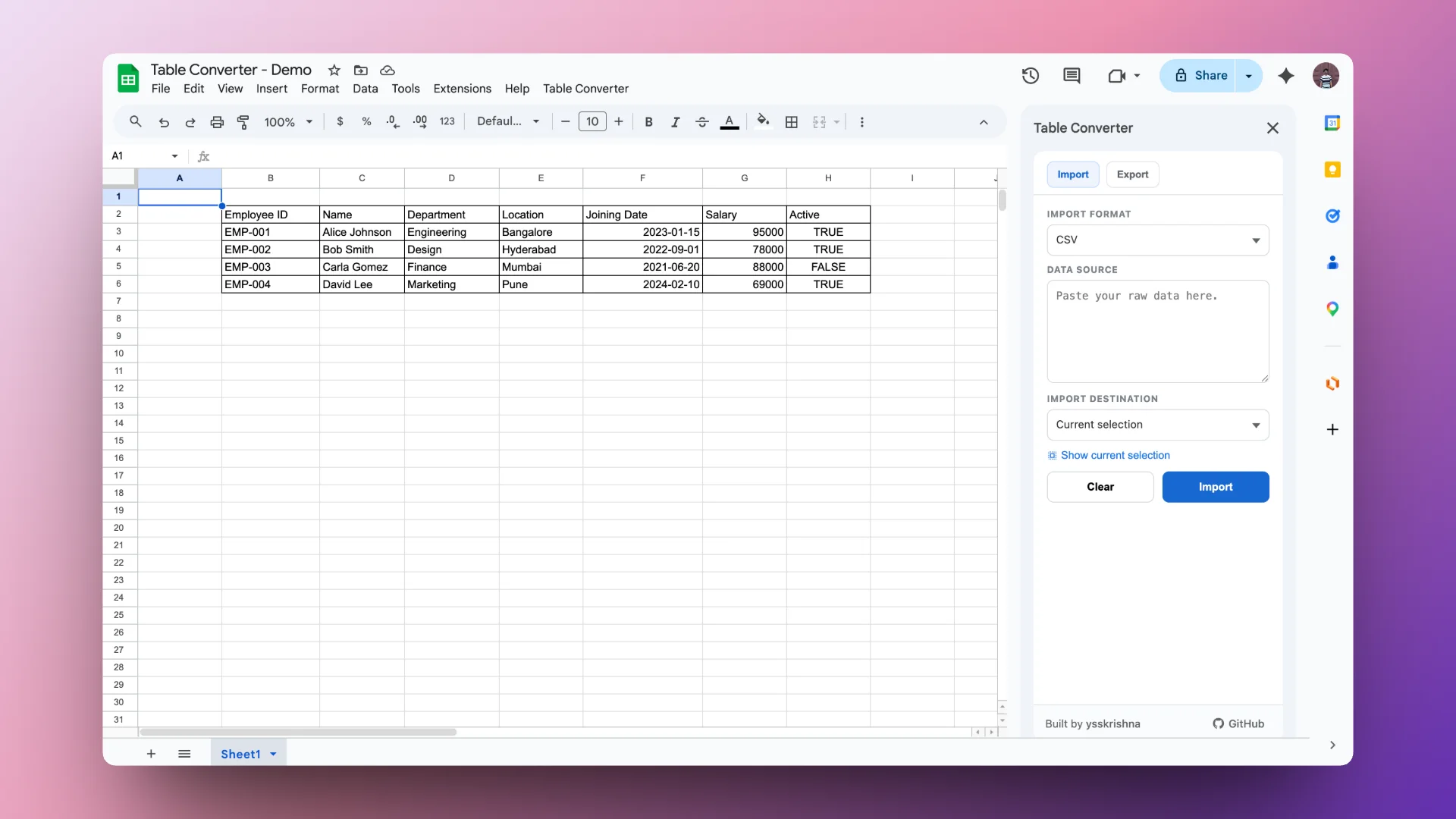
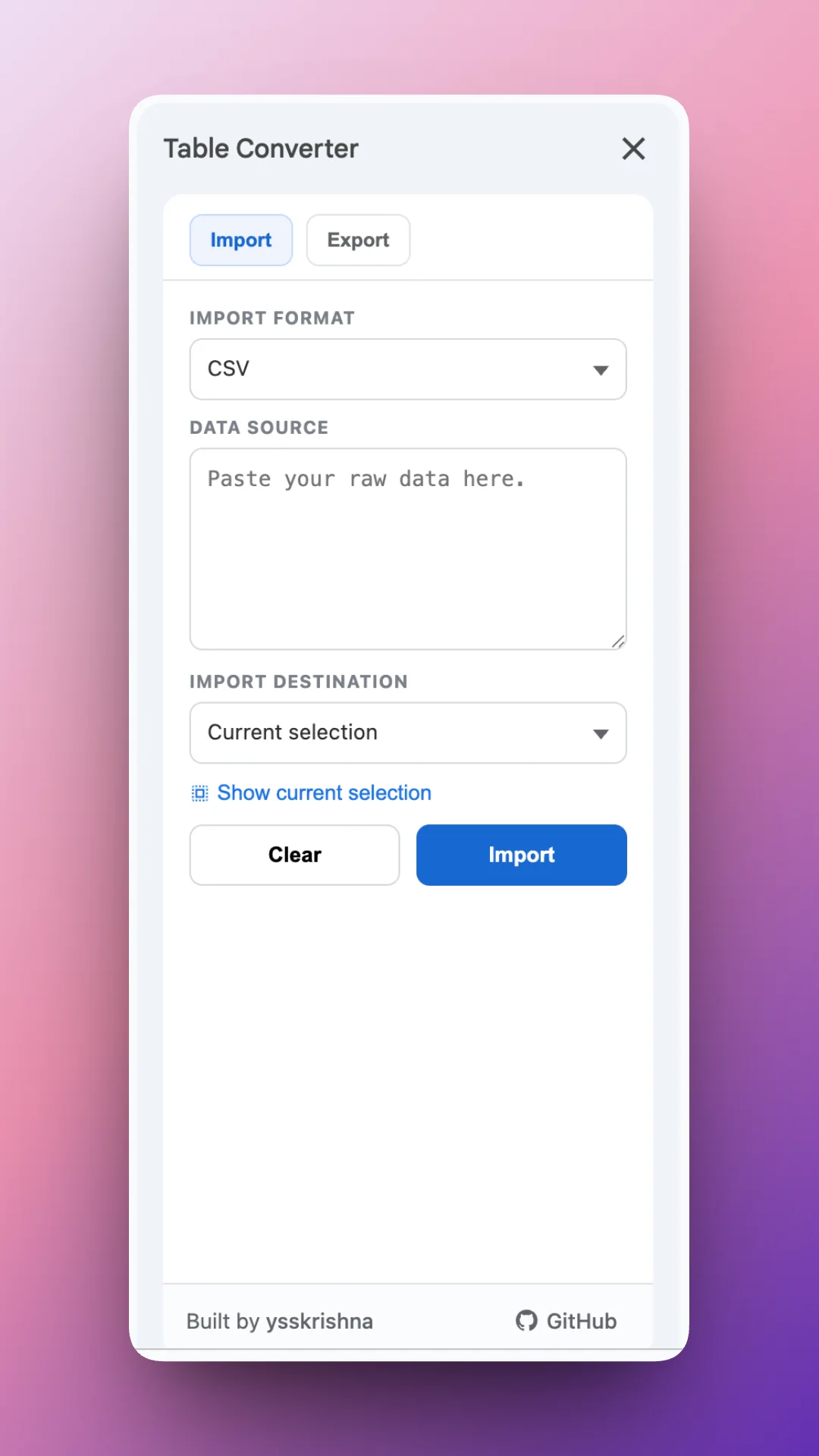
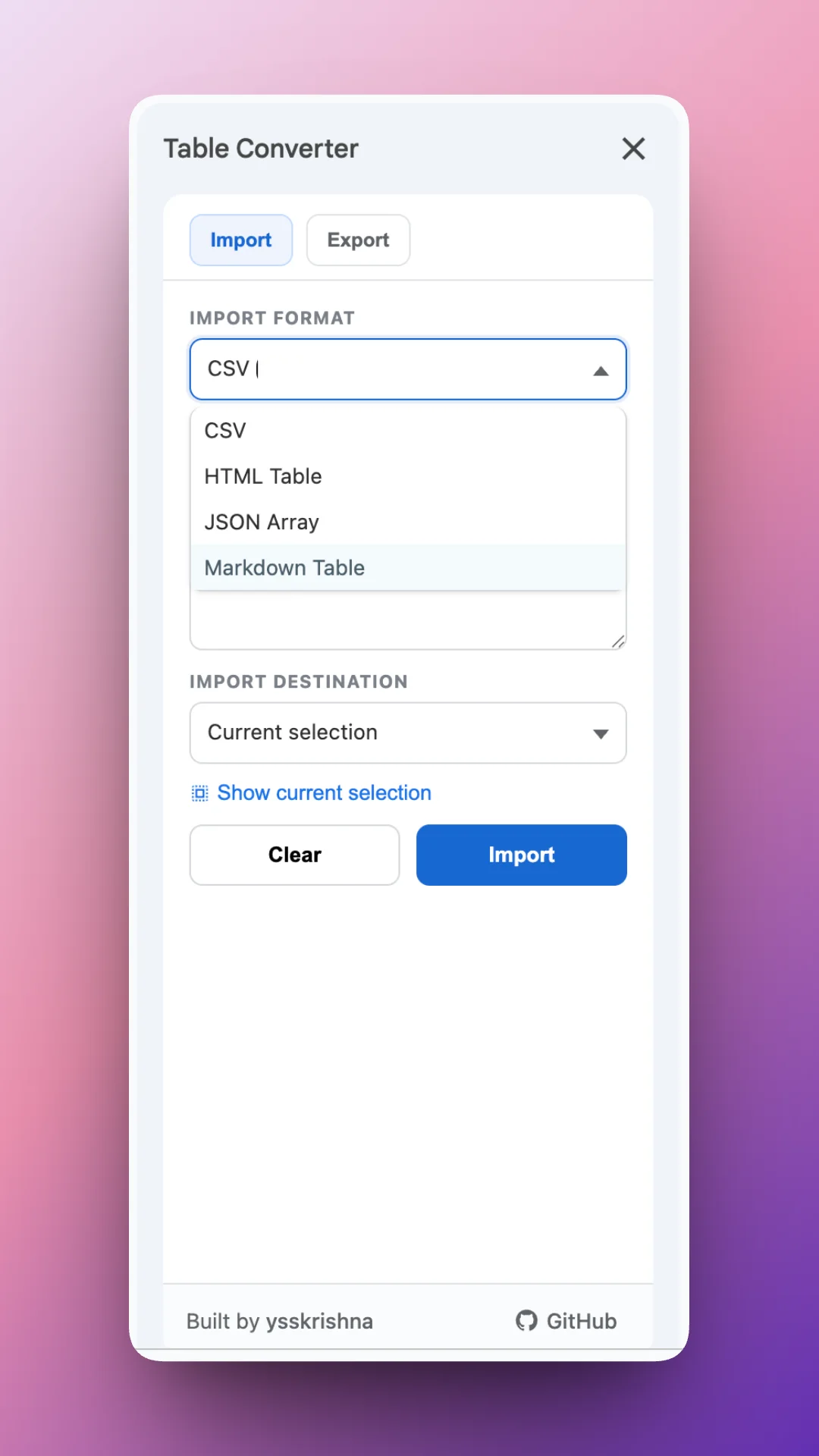
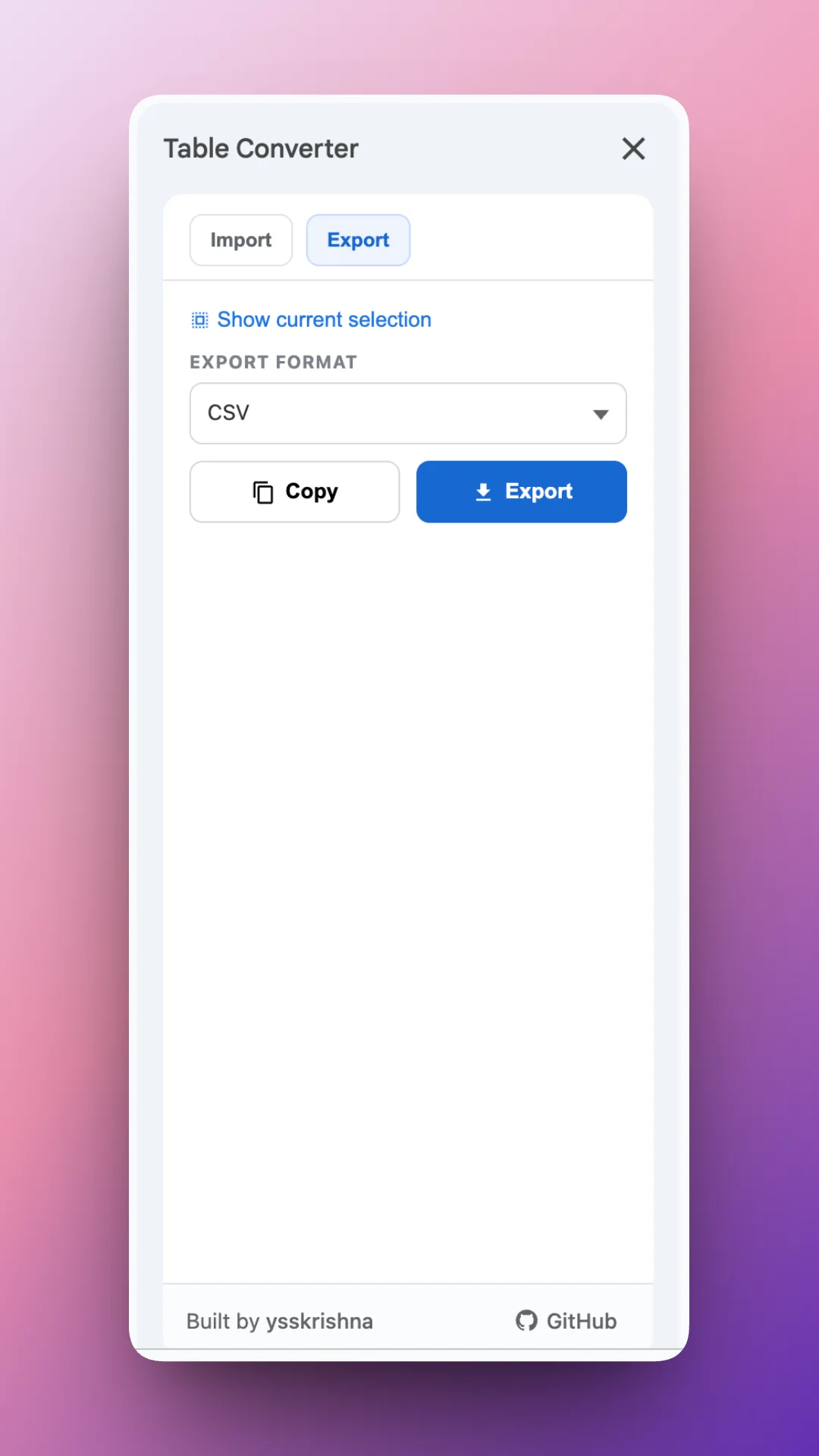
This add-on treats your selection and clipboard as first-class inputs and outputs. Paste structured text and write it into the grid with control over where it lands. Export the current range to the format your stakeholder expects, then copy to the clipboard or download a file in one step.
Flexible placement means you can insert at the active selection or spin up a new sheet when imports should stay isolated from existing layouts.
What You Can Do
- Import CSV, JSON arrays, Markdown tables, and HTML tables into Sheets.
- Export the selected range to CSV, JSON, Markdown, or HTML.
- Choose destination: current selection or a new sheet for clean separation.
- Copy or download exports for tickets, docs, or email without extra paste hacks.
Ideal Users
- Data folks who routinely bridge Sheets, docs, and tickets
- Anyone publishing Markdown or HTML snippets sourced from live data
- Teams that want repeatable import/export without desktop utilities
Links and Trust
Project pages cover changelog, terms, privacy, and support so adoption is straightforward for workspace admins and end users alike.
Import structured tables into Sheets and export them again in the format you need, without reformatting everything by hand.