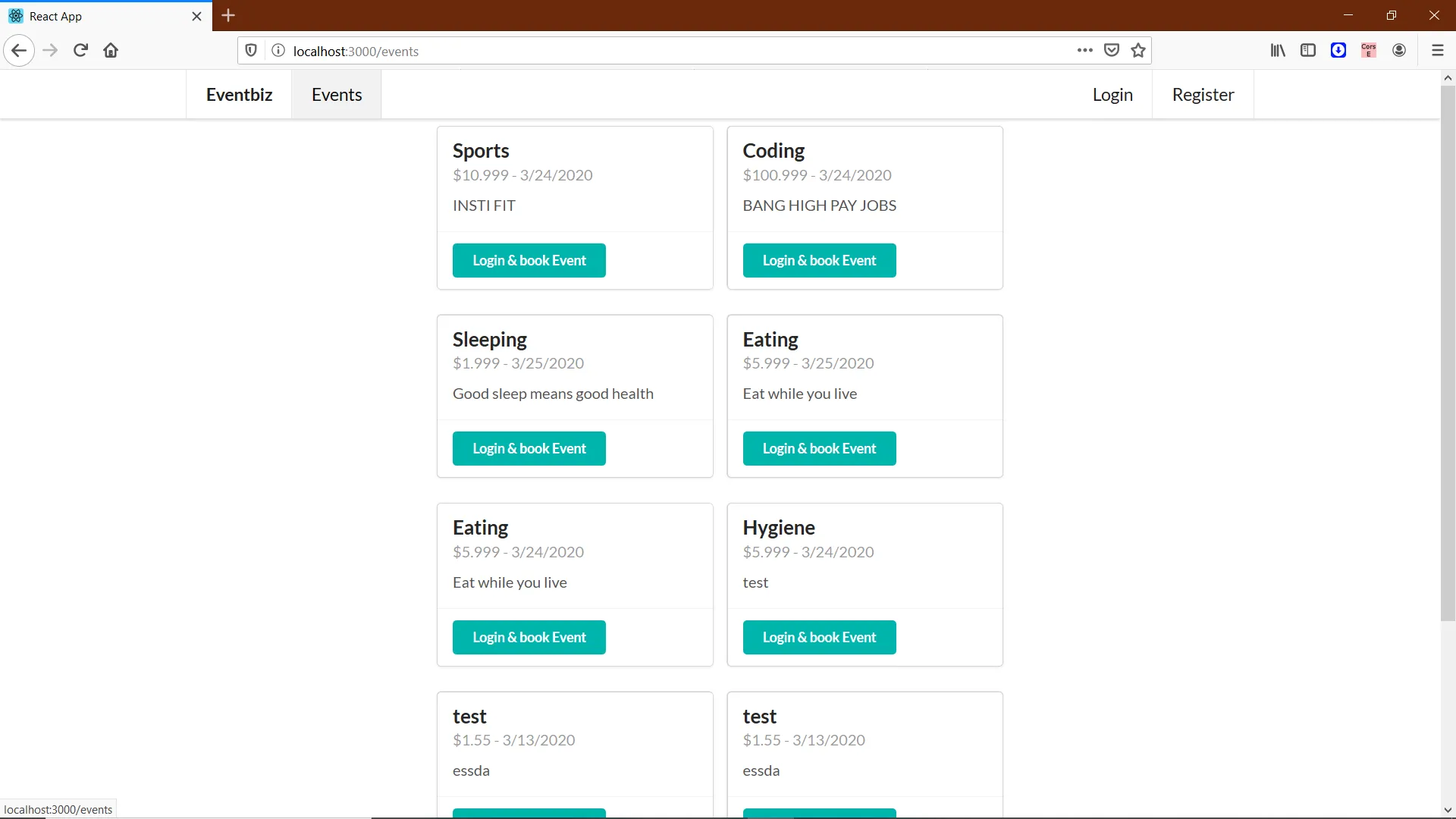
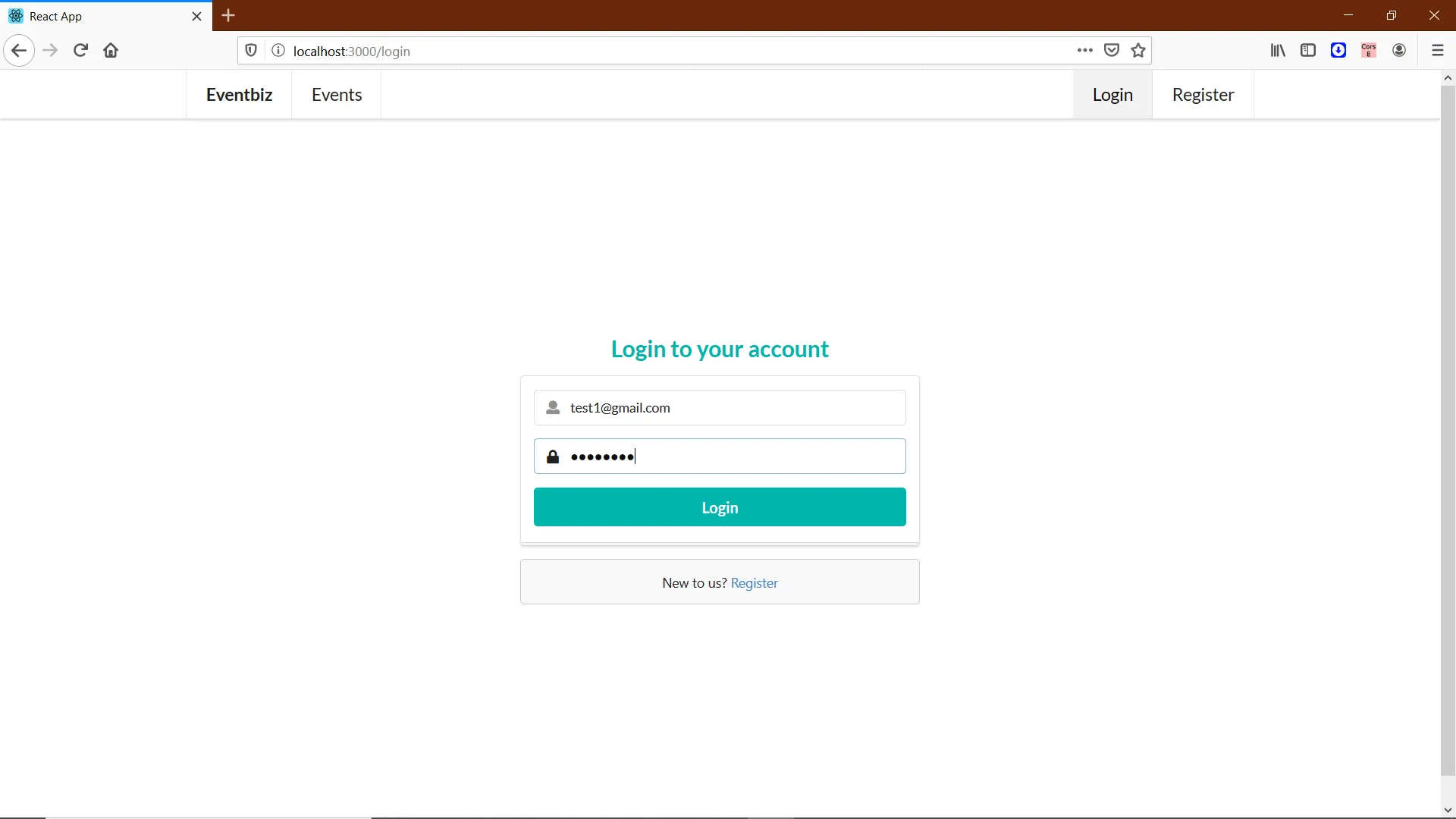
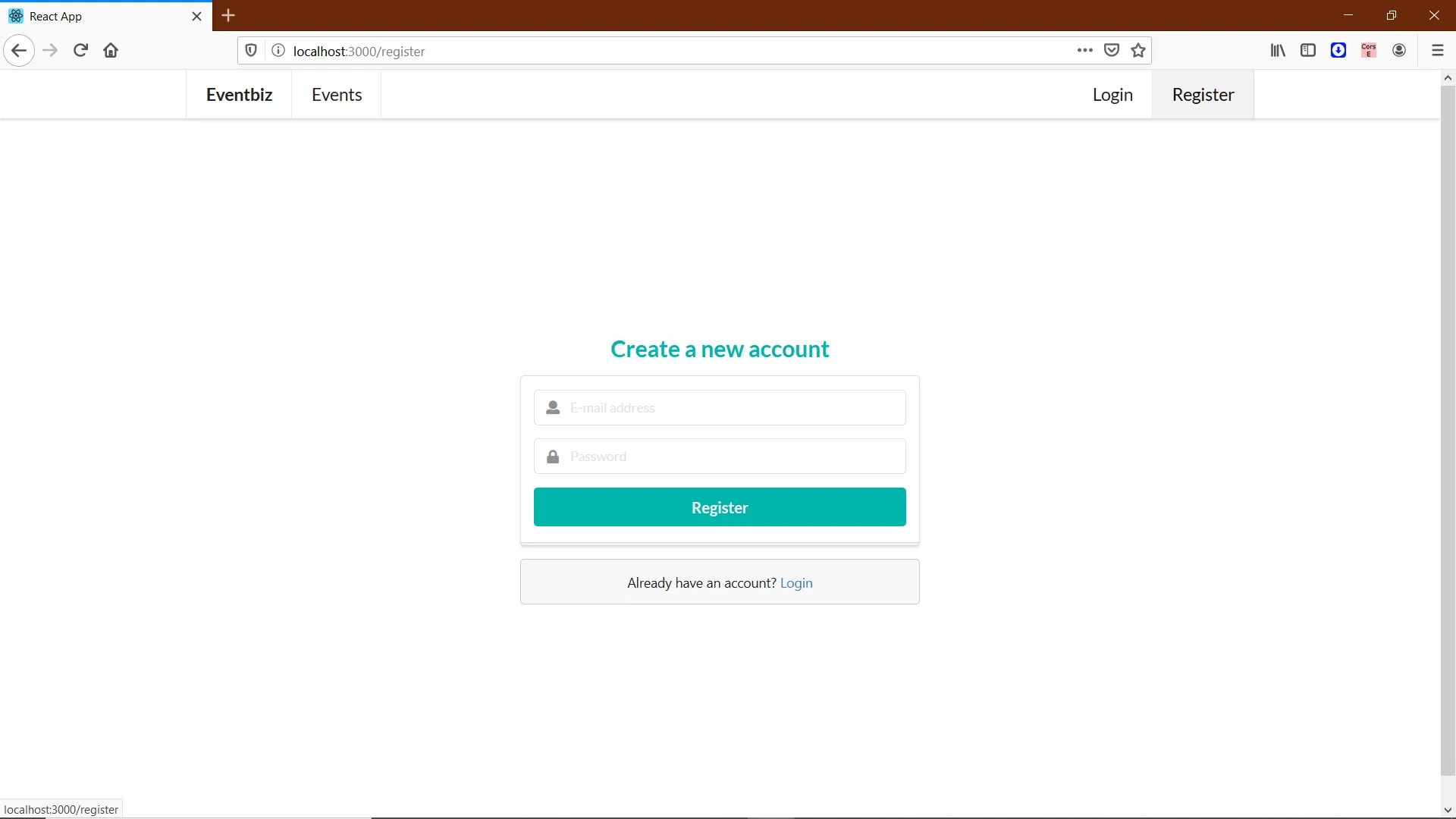
A shared space to publish events and book seats on events others publish
This project is a full-stack events app: people can add their own events and book events other users have created. The repository describes an Express-based GraphQL API with MongoDB and a React web client, aimed at teams or individuals who want a working example of accounts, listings, and bookings in one codebase rather than a polished SaaS product out of the box.
When it is useful
You are teaching or prototyping event flows, you need a reference implementation for sign-in, event creation, and a bookings view, or you plan to fork and adapt the data model for a meetup, class, or internal signup process. It fits learning and customization, not “deploy and forget” production without your own hardening.
What you can do
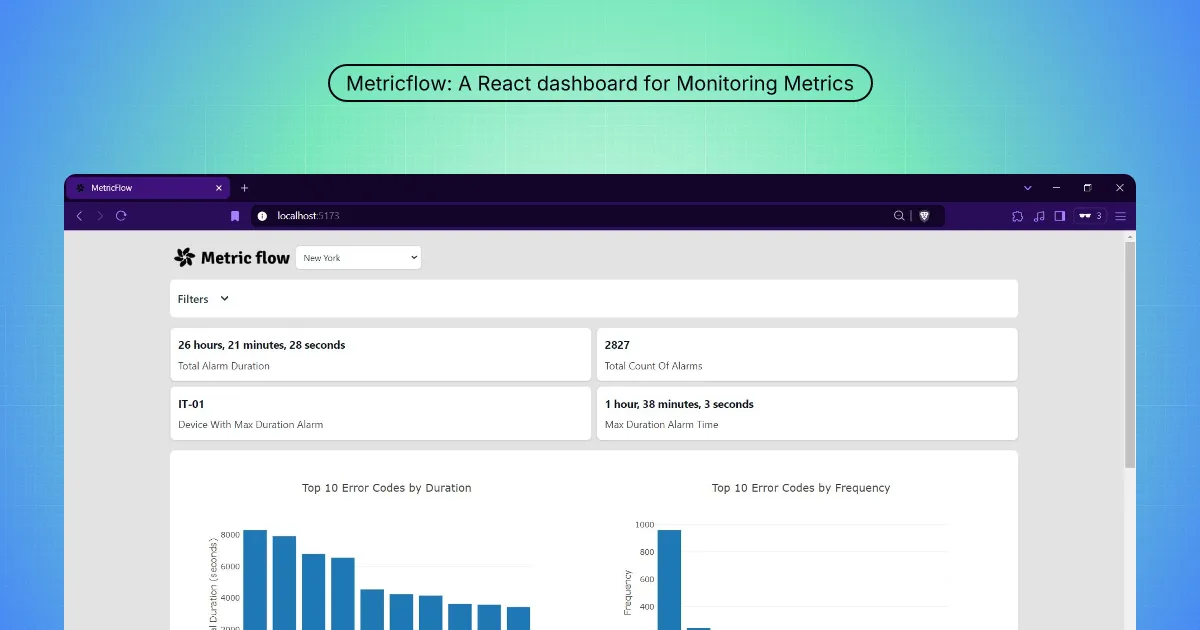
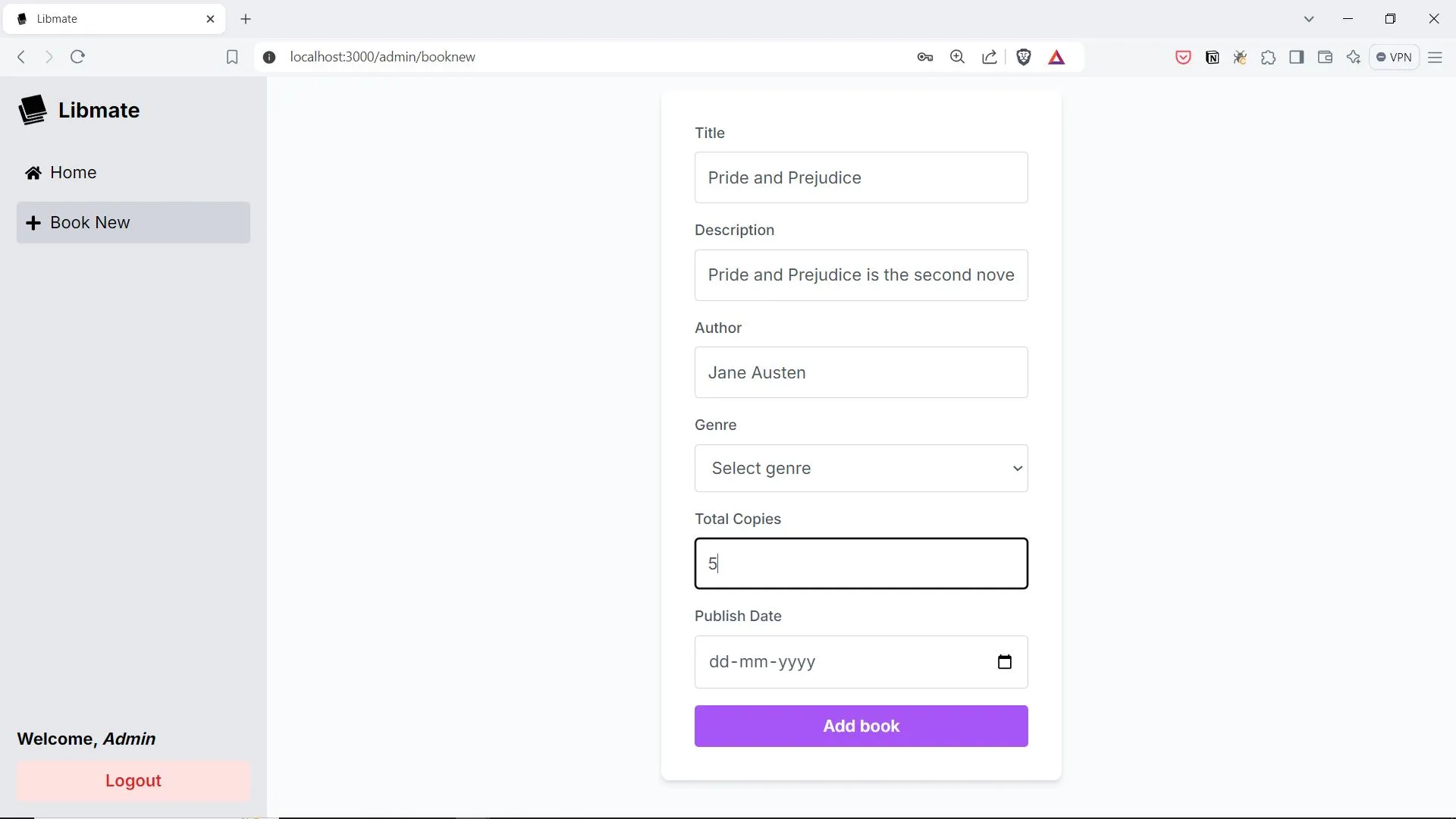
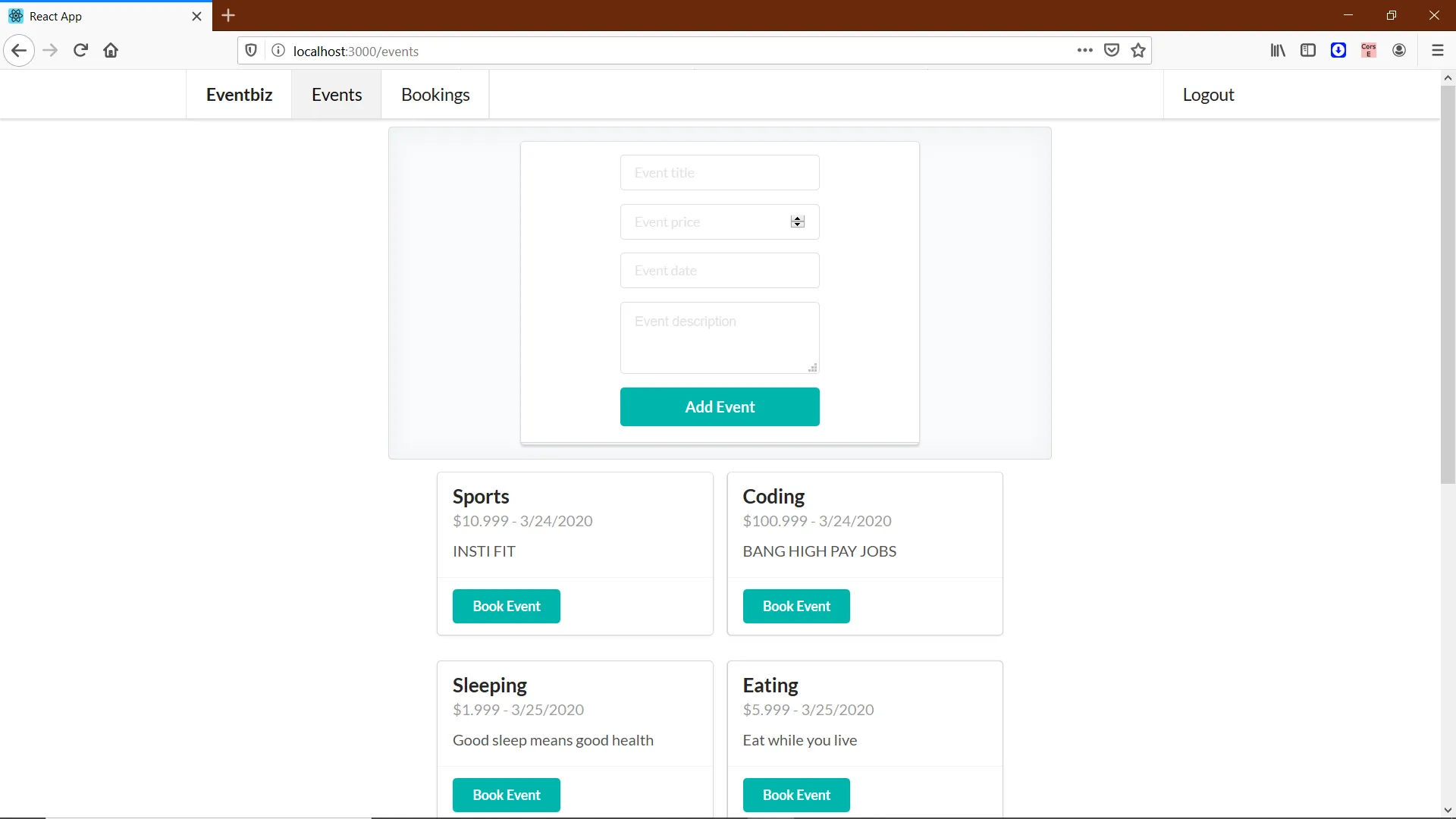
- Post and manage events through the dashboard-style flow shown in the project screenshots.
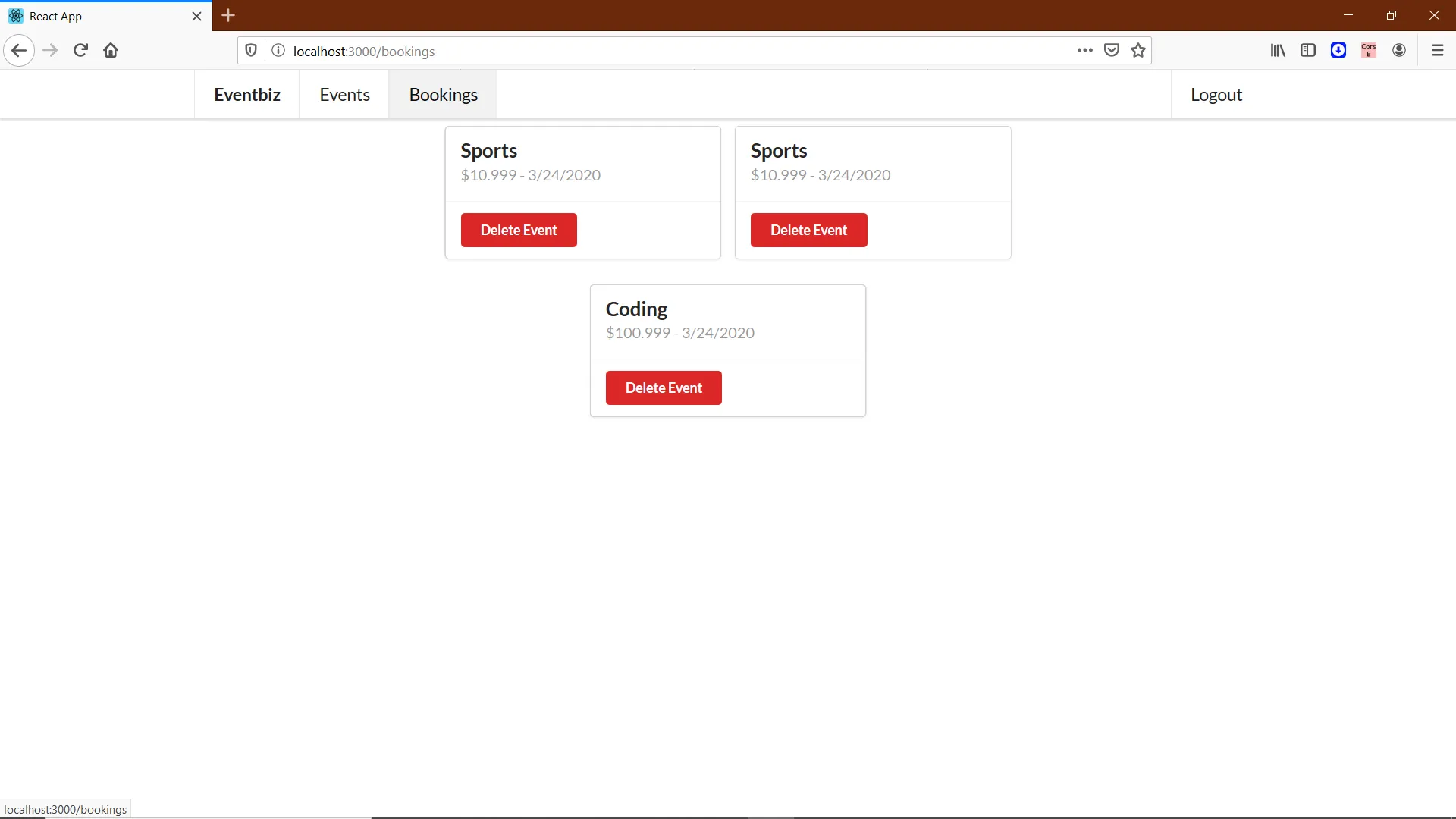
- Register and sign in so activity is tied to user accounts, with bookings collected on a dedicated screen.
- Run backend and frontend locally using the setup in the GitHub repository (environment variables for the database and auth secrets are documented there; treat any sample values as non-production).
Limits
- Capabilities match what the repository actually implements; there is no promise here of payments, calendar sync, email reminders, or enterprise moderation; those would be your extensions.
- Security, hosting, and compliance (secrets, HTTPS, data retention) are your responsibility once you expose the app beyond a local demo.