
ysskrishna logoysskrishna
Nextjs Supabase Starter logo

Nextjs Supabase Starter

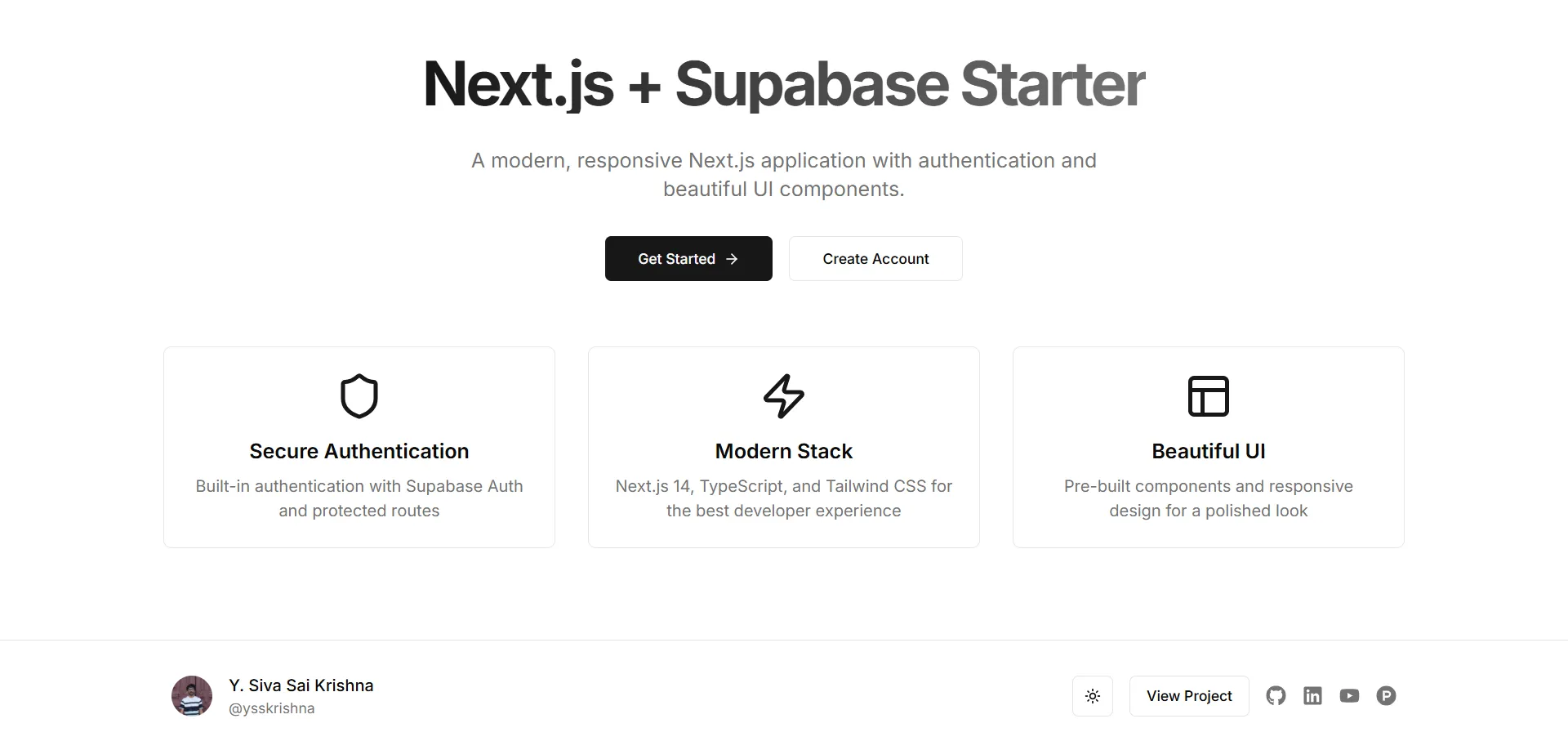
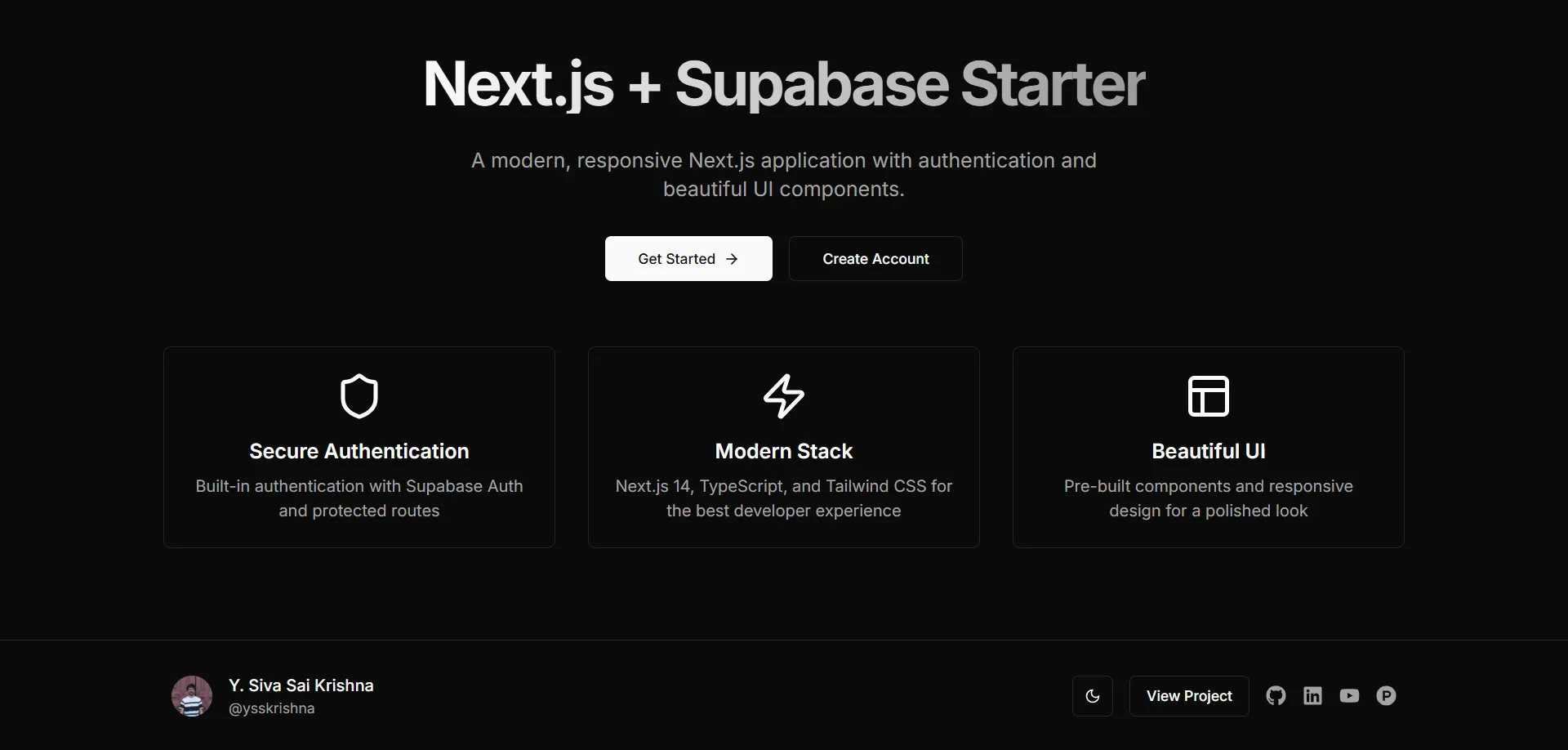
Protected sign-in and a dashboard shell on Supabase, ready to fork before you build features.

Gallery image 1
Gallery image 2
Gallery image 3
Gallery image 4
Gallery image 5
Gallery image 6
Gallery image 7
Gallery image 8
Gallery image 9
Built with
Starter Kits & Boilerplates
Auth & Security
Next.js
Supabase
Vercel
Tailwind CSS
JavaScript
TypeScript
React
Details
FreeMIT licenseCreated May 31, 2025Updated November 12, 2026
Share this product

Auth should not eat the start of a new app

You picked Next.js and Supabase. The idea is clear. Then the work piles up: sign-up and sign-in, authentication that persists as you navigate, pages that bounce strangers to login, and something that looks like a real app behind the gate.

That stack is fiddly enough to stall a side project before you ship one feature you care about.

Nextjs Supabase Starter gives you that plumbing plus a dashboard and presentation you can keep or replace.

Login first. Your feature second.

What you get

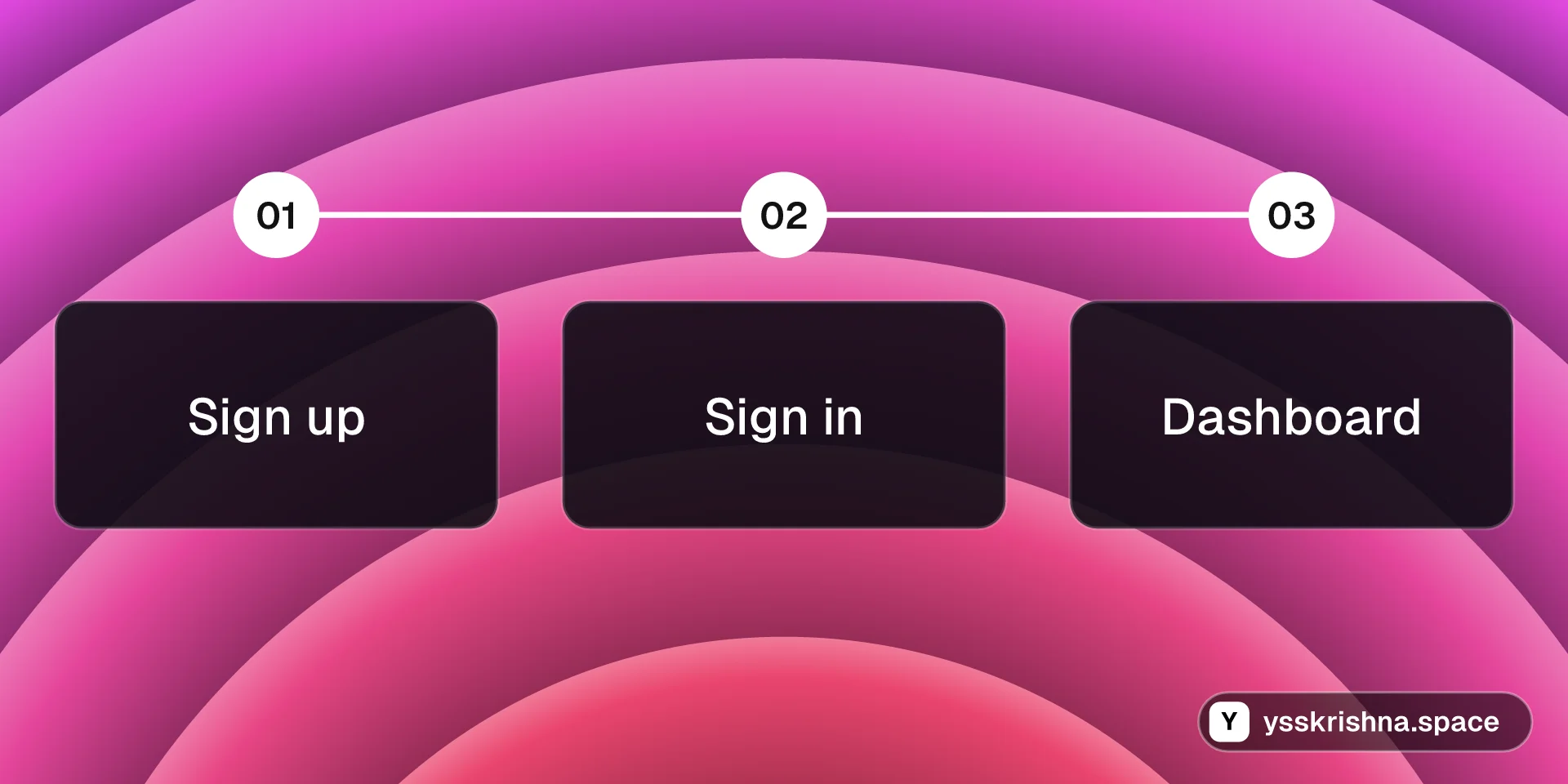
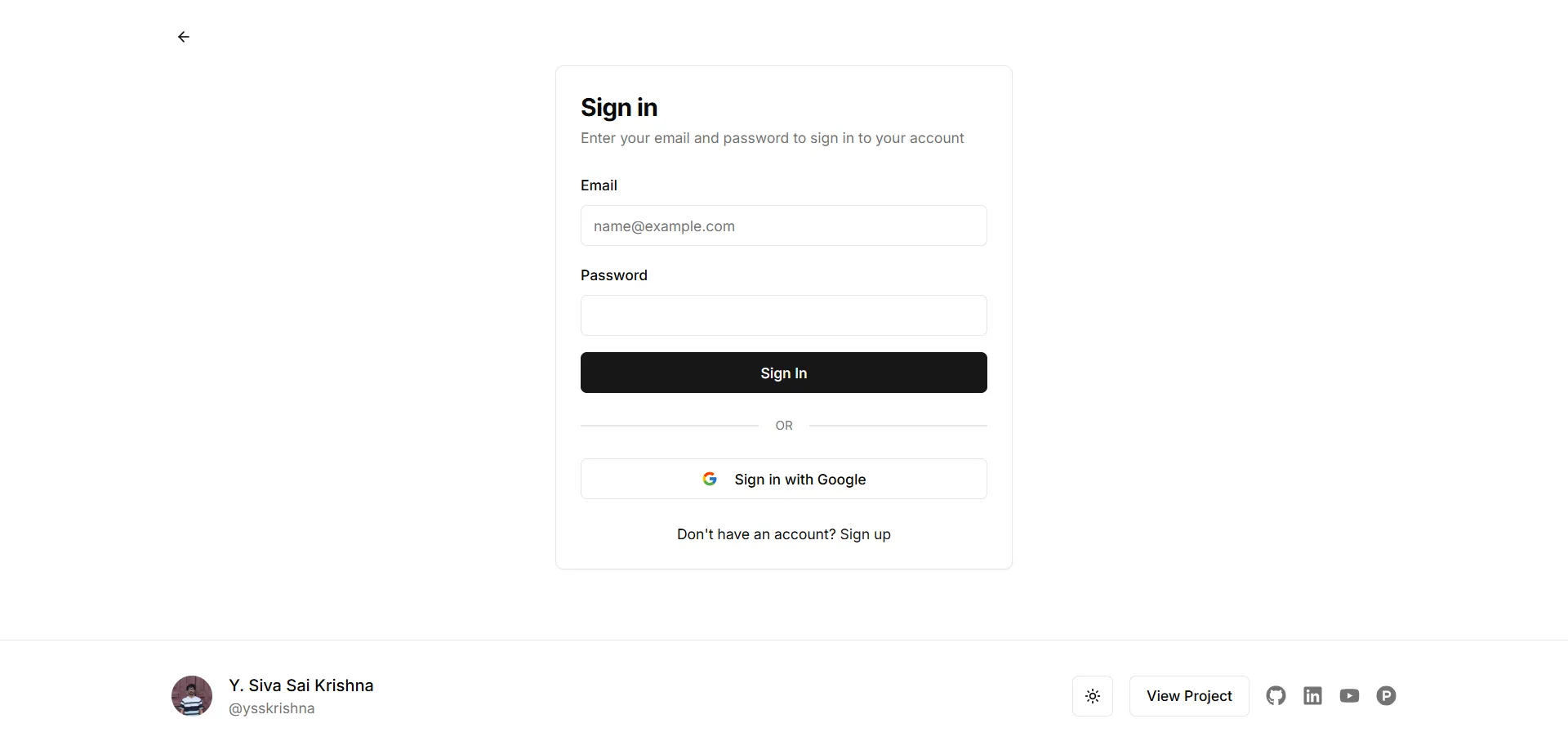
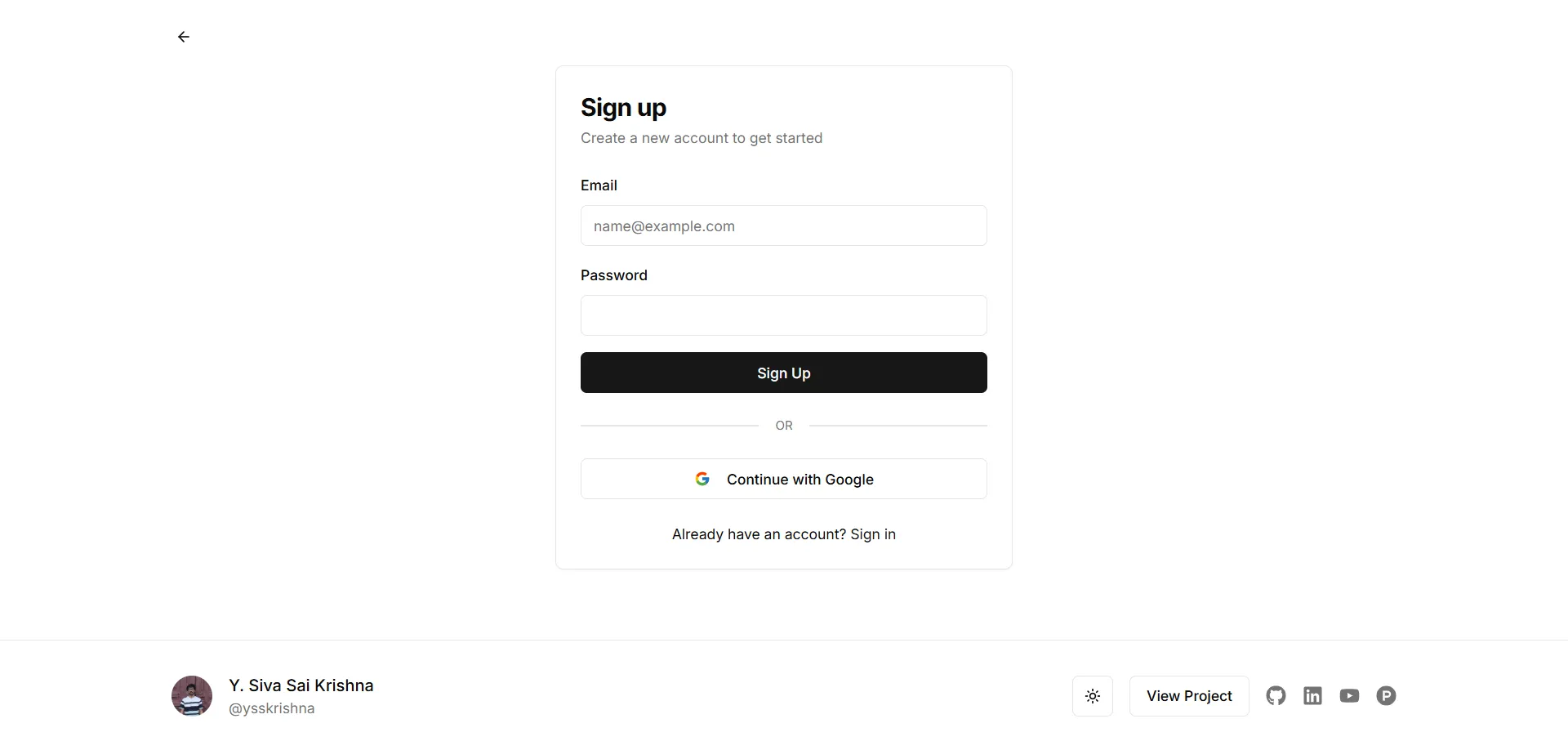
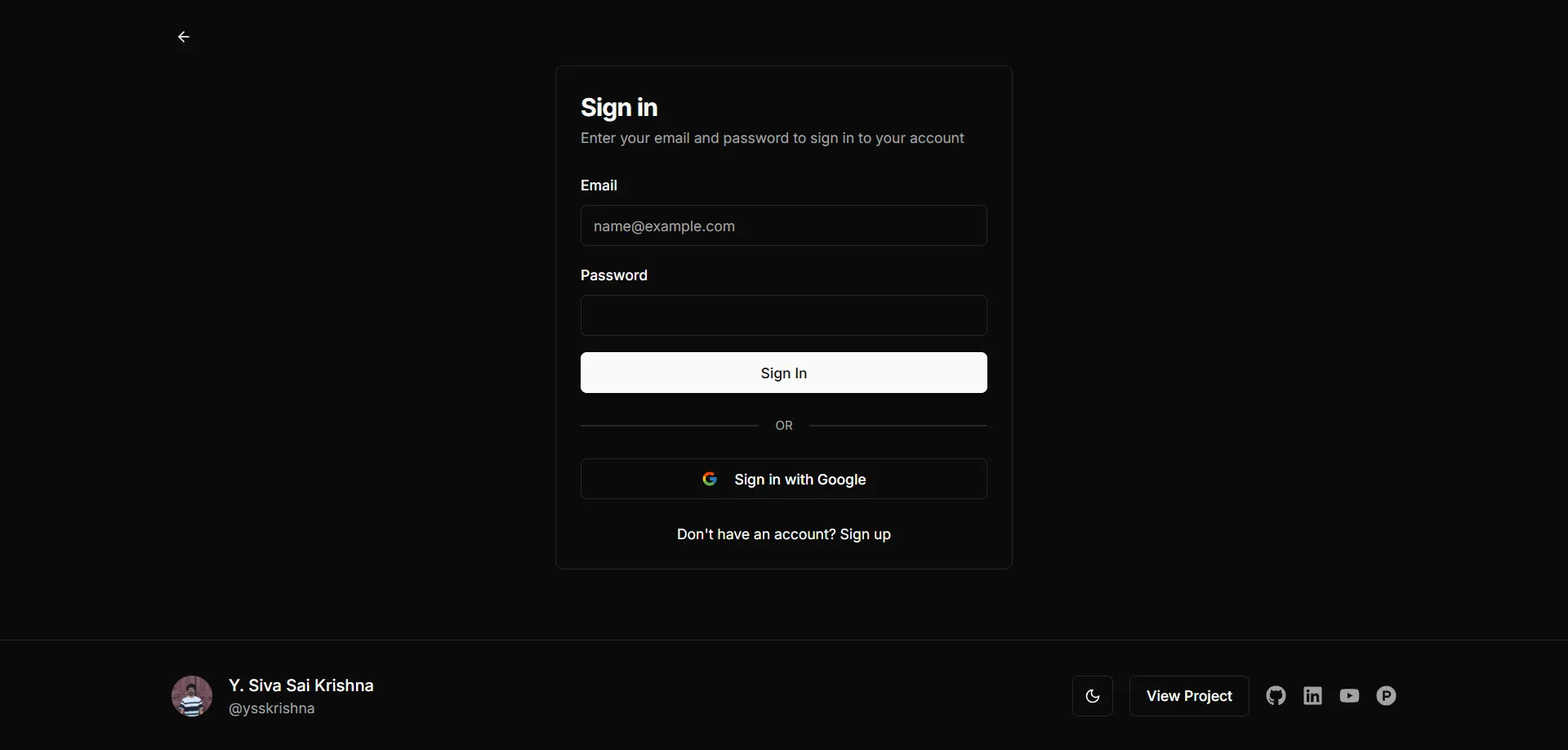
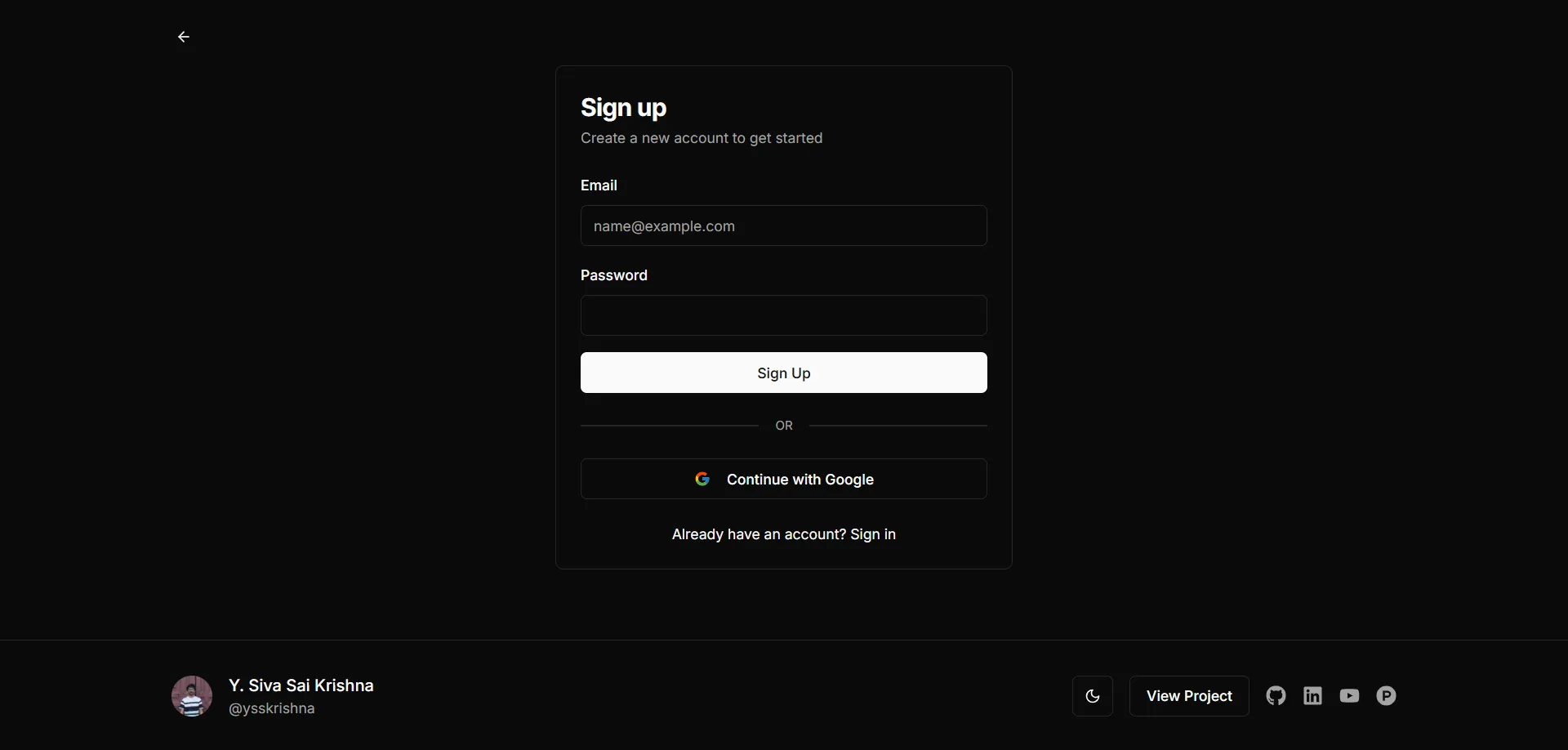
  • Sign-up and sign-in that are already wired. Supabase Auth handles the flow, with session handling and protected routes plus middleware redirects as described in the project docs.
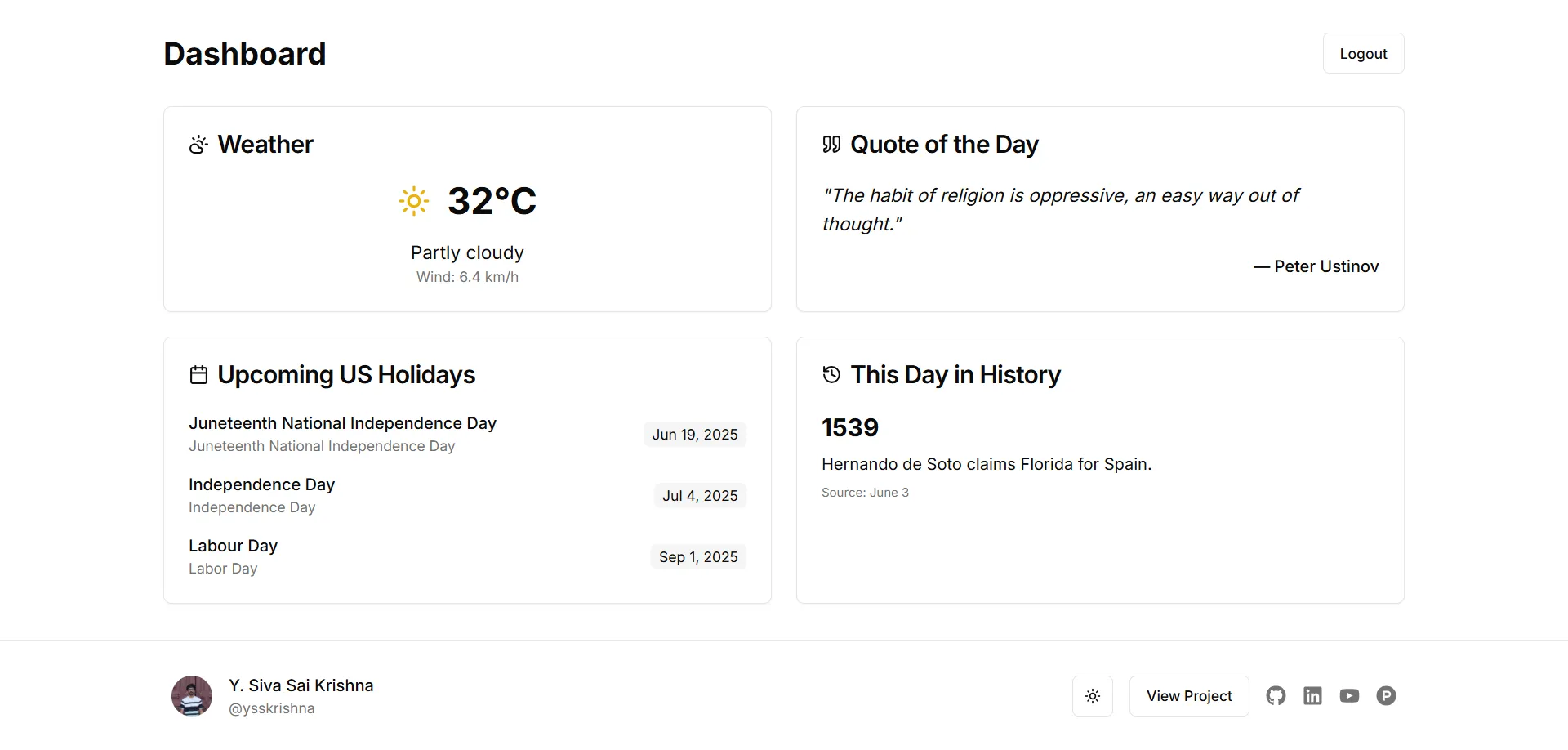
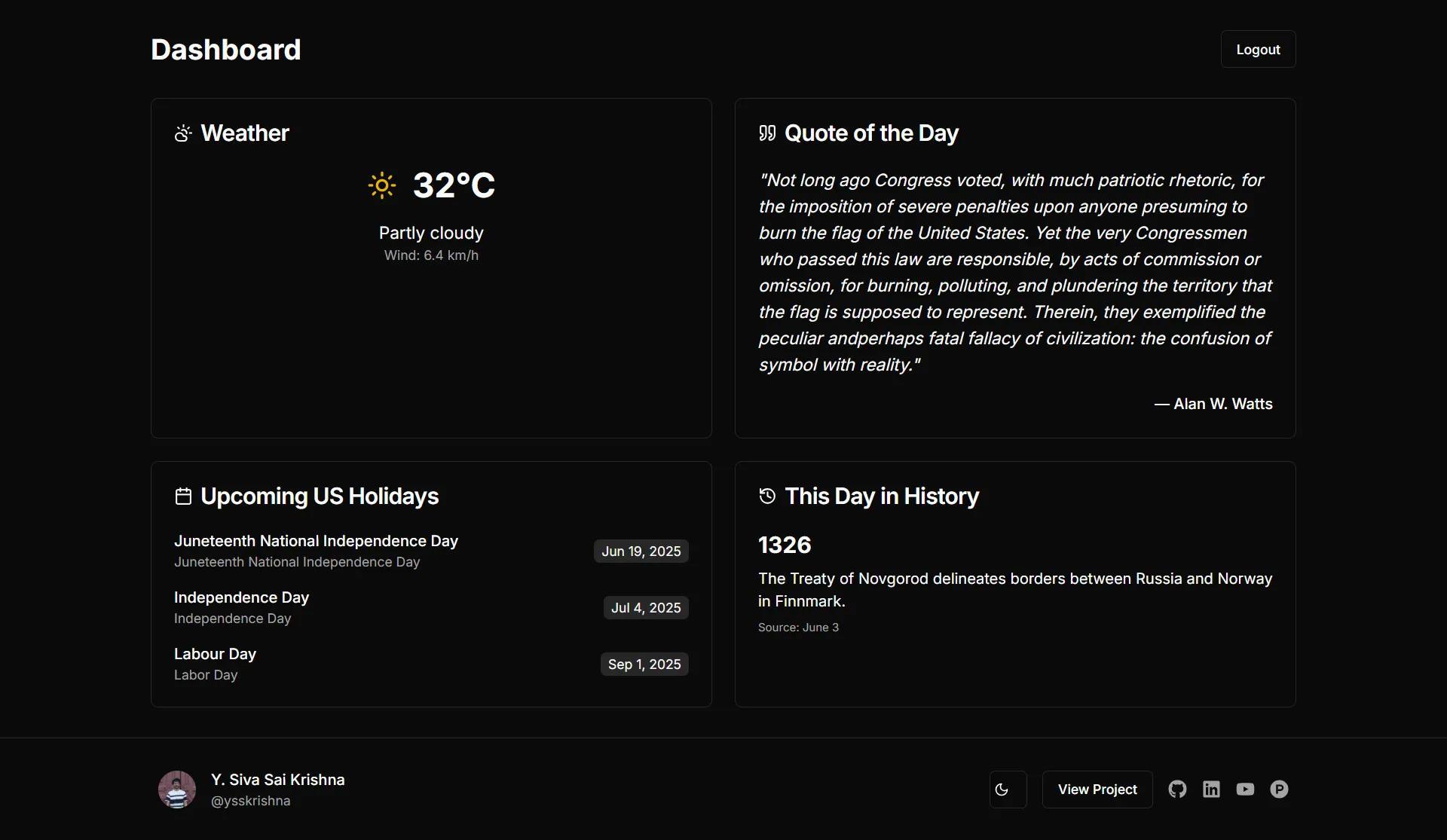
  • A dashboard to build on. A dashboard layout is included so you are not staring at a blank page after login.
  • Pages that stay gated. Automatic route protection and redirections are part of the template, so protected areas are not something you reinvent from scratch.
  • Google sign-in when you configure it. The repository documents OAuth setup alongside email-style auth. You still bring your own Supabase project and redirect settings.
  • Light, dark, or follow the system. Theme support respects system preference detection as implemented, with responsive layout for smaller screens.
  • A public demo before you clone. You can try the hosted demo linked from the repository, then connect your own keys for real work.

Your first morning after cloning

Picture an illustrative case: you pull the repo, add your Supabase keys and redirect URLs, run the dev server, and register a test user. You land on a dashboard that already feels like a product shell. You rename a screen, swap copy, and start the feature you actually wanted to build. The auth redirects and session behavior stay in place while you change what users see.

Ready to try it?

Demo accounts in the README are for evaluation only. Rotate any sample credentials and use your own Supabase project before anything real.

Keep exploring

Frequently asked questions

Why not just follow the Supabase and Next.js docs from scratch?

You can. Docs are the right place to learn the moving parts. A starter is for when you want those parts assembled once: auth routes, session handling, middleware redirects, and a dashboard shell you can read and change. You still own env config, redirect URLs, secrets rotation, RLS policies, abuse prevention, and monitoring.

Is a Next.js Supabase starter production-ready for security (RLS)?

No. A starter is not production security on its own. You still own secrets rotation, RLS policies, abuse prevention, and monitoring. Treat the template as a credible starting point, then lock down data access in Supabase before you expose real user data.

What should a Next.js Supabase SaaS boilerplate include (billing, teams, RLS)?

This template focuses on auth, protected areas, dashboard UI, and theming. Branding, billing, roles, and compliance are out of scope unless you add them. Row-level security policies are yours to design and migrate. This one stays intentionally smaller so you can see the auth plumbing.

Can I fork a starter and keep auth plumbing while swapping the UI?

Yes. You can fork and replace screens while keeping the plumbing. Swap landing copy, dashboard widgets, and styling while the authentication flow and route protection stay as your baseline.

Is there a public demo?

Yes. A Vercel demo is linked from the repo. Use it to click through sign-in and the dashboard before you clone. For real use, configure your own Supabase project rather than relying on demo credentials.

Is it free?

Yes. The template is MIT licensed and listed as free.

Do I need to be a developer?

You should be comfortable cloning a repo, setting environment variables, and running a local dev server. Full setup steps, including authentication configuration, live in the GitHub project documentation.

Continue exploring

ProductFastAPI Supabase Starter

FastAPI Supabase Starter

Clone once. Your Python API already checks Supabase tokens before protected routes run.
Auth & Security
Backend & APIs
+9
ProductFastAPI Nextjs Clerk Starter

FastAPI Nextjs Clerk Starter

Sign-in in the browser, checked tokens on your Python API, without a week of auth wiring.
Auth & Security
Backend & APIs
+9
BlogCover image for Encoding, Encryption, and Hashing: The Difference Everyone Should Know

Encoding, Encryption, and Hashing: The Difference Everyone Should Know

Auth & Security
3 min read
ProductFastAPI Clerk Starter

FastAPI Clerk Starter

A FastAPI API with Clerk JWT checks and user routes ready on day one.
Auth & Security
Backend & APIs
+8
ProductPyPIShai Hulud Detector

Shai Hulud Detector

When the worm hits the news, triage GitHub accounts for known Shai Hulud IOC signals.
Auth & Security
PyPI Packages
+6
BlogCover image for How Microservices Verify JWTs Without Calling the Auth Service

How Microservices Verify JWTs Without Calling the Auth Service

Auth & Security
Backend & APIs
+1
8 min read