
ysskrishna logoysskrishna
Tkinter Poetry Starter logo

Tkinter Poetry Starter

Stop losing day one on folders. Start your Python desktop app with structure, tooling, and releases wired in.

Video thumbnail 1
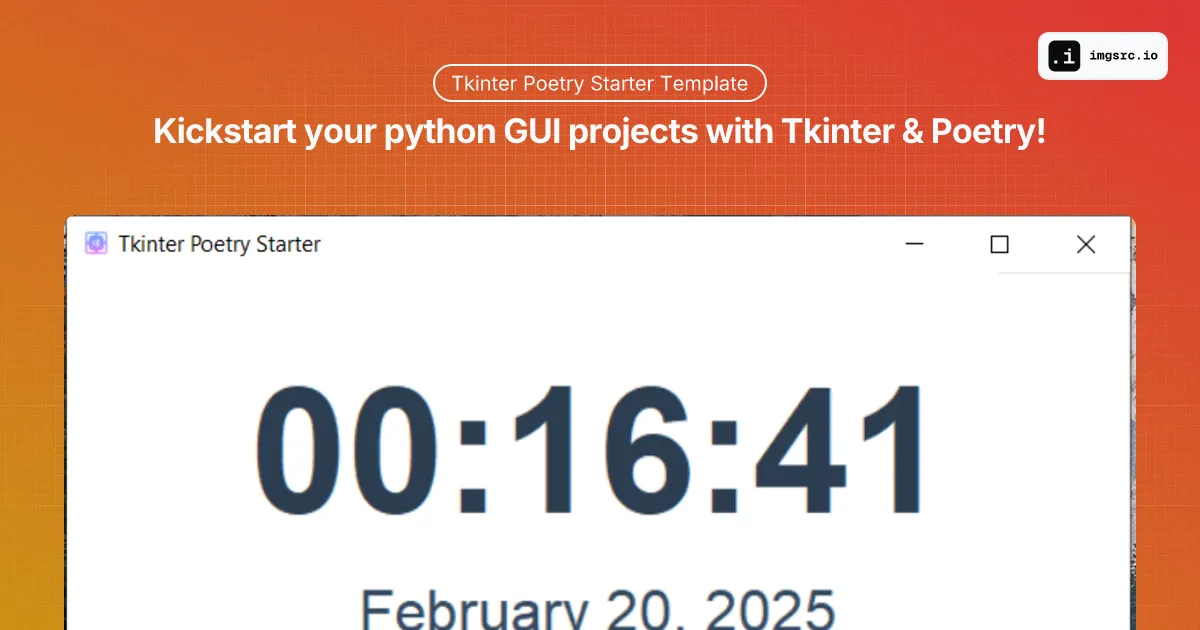
Gallery image 2
Gallery image 3
Built with
Starter Kits & Boilerplates
Tkinter
Poetry
Copier
Python GUI
GitHub Actions
Python
Details
FreeMIT licenseCreated February 19, 2025Updated November 12, 2026
Share this product

You wanted a small desktop tool. You got a blank folder and a growing mess.

The idea is simple: a window, a few buttons, something that saves a file. Then the first afternoon goes to where files live, how dependencies install, and which code belongs in the UI versus the work underneath. Every new screen makes the single file harder to touch.

Tkinter Poetry Starter is the Copier template that answers the prompts once and hands you a repo you can grow.

Same stack, same layout, every new app.

What you get

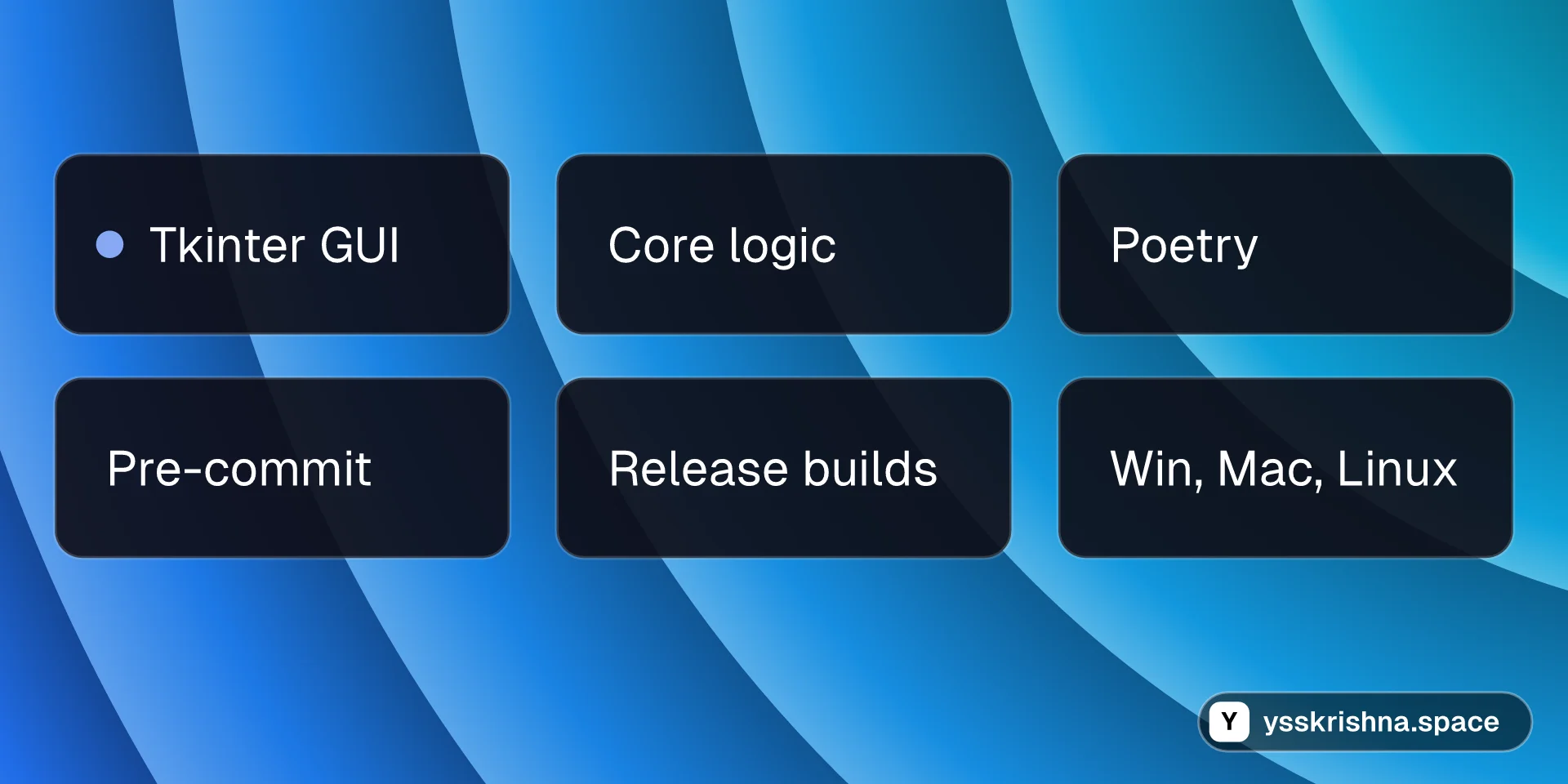
  • A fresh app in minutes. Interactive setup asks for your name, description, and author, then generates a full project tree.
  • UI and logic stay apart. The scaffold splits core work from the GUI so the window does not swallow your business rules.
  • One codebase, three desktops. The template targets Windows, Linux, and macOS from the same Python GUI stack.
  • Quality checks on by default. Pre-commit hooks plus formatting and linting tools are already wired so style debates start settled.
  • Release binaries when you tag. A GitHub Actions workflow can build binaries on release so shipping is a step, not a research project.
  • Free and open source. MIT licensed, with a logo asset and changelog pattern included.

Your first morning in the new repo

Picture your first morning after you generate the project (an illustrative example). You open the repo, see core and GUI modules already split, run the documented dev commands, and tweak the window instead of inventing folders. When the utility works, you cut a release tag and let the automation produce binaries while you focus on what the tool actually does.

Ready to try it?

Walk through setup on GitHub, then copy the template into a new folder and answer the prompts there.

Want proof it ships? Directory Printer was built from this starter.
Frequently asked questions

Why not just make a folder and write main.py myself?

You can. The cost is redoing the same decisions on every app: package layout, dependency management, formatting rules, and how you cut release builds. This template bakes those choices in so you start on the feature, not the skeleton.

How do I start a new Python Tkinter desktop app?

Install Copier and Poetry per the README requirements, then use the documented copy command against the published template path on GitHub and answer the prompts for project name, description, author name, and email.

How do I keep Tkinter UI code separate from the real work?

The generated layout keeps core logic and GUI components in separate modules, matching the structure described in the README so the window stays a shell around testable code.

Can one app run on Windows, Mac, and Linux?

The README lists cross-platform compatibility across those three systems. Your packaging choices still matter, but the stack is aimed at desktop use on each.

What formatting and lint setup ships with it?

Pre-commit hooks are included, along with Black, isort, and pylint pre-configured as development tools in the template.

Does this handle Mac code signing or app store distribution?

No. Code signing, store distribution, and auto-update sit outside what a template guarantees. You still own UX, testing, and accessibility before a serious rollout.

Is it free?

Yes. The template is MIT licensed, as stated in the README and product record.

Do I need to be a developer?

You need Python 3.9 or higher plus Copier and Poetry at the versions listed in the README, and comfort following the GitHub setup steps.

Continue exploring

ProductDirectory Printer

Directory Printer

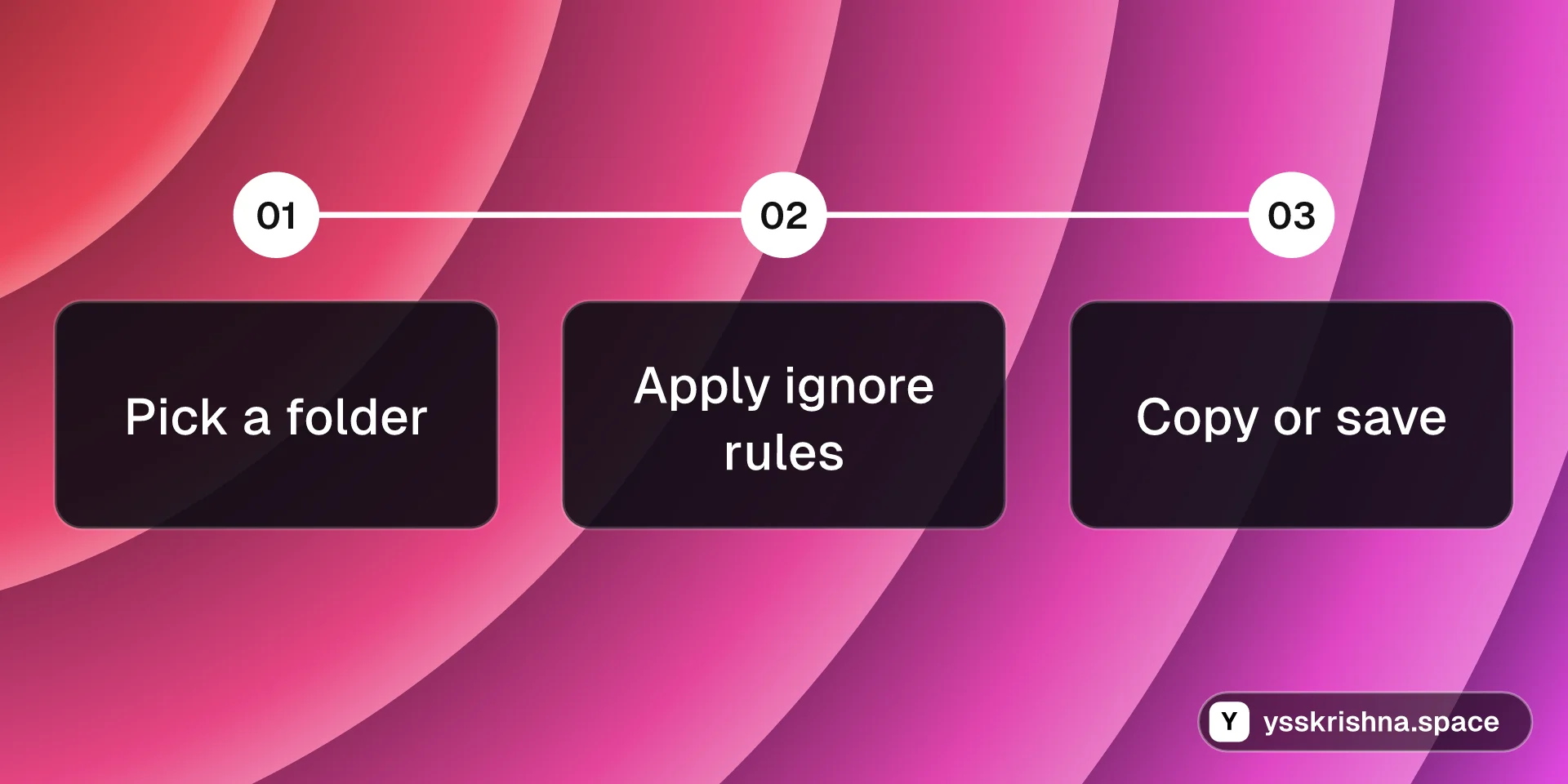
Pick a folder, get a clean tree you can copy or save. Ignore rules included.
File & Path Utilities
Business & SaaS Apps
+5
ProductExpress FastAPI Protobuf

Express FastAPI Protobuf

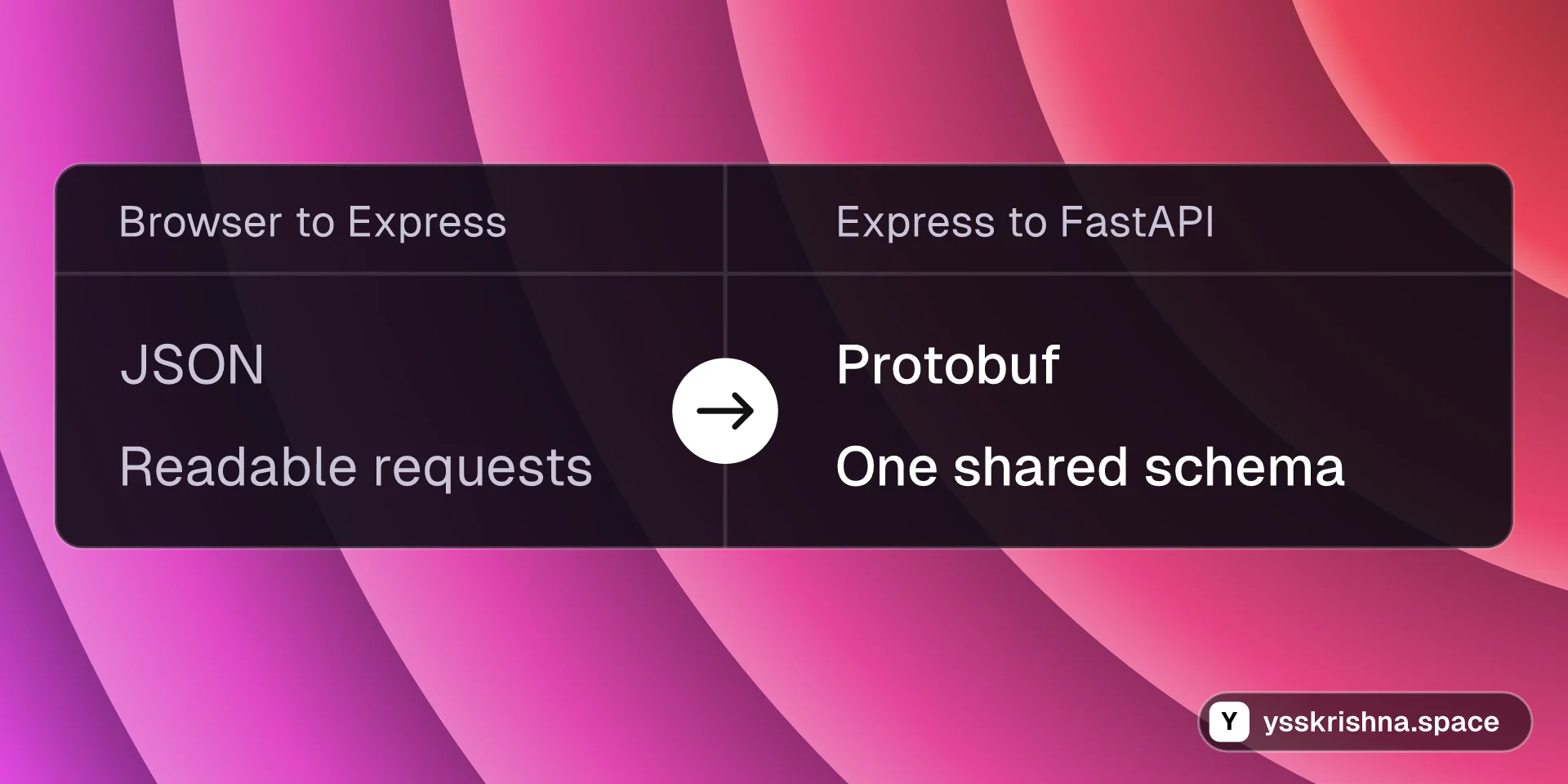
Clone a quote browser that keeps JSON at the edge and binary contracts between services.
Backend & APIs
Starter Kits & Boilerplates
+6
ProductNextjs Multi-Stage Docker

Nextjs Multi-Stage Docker

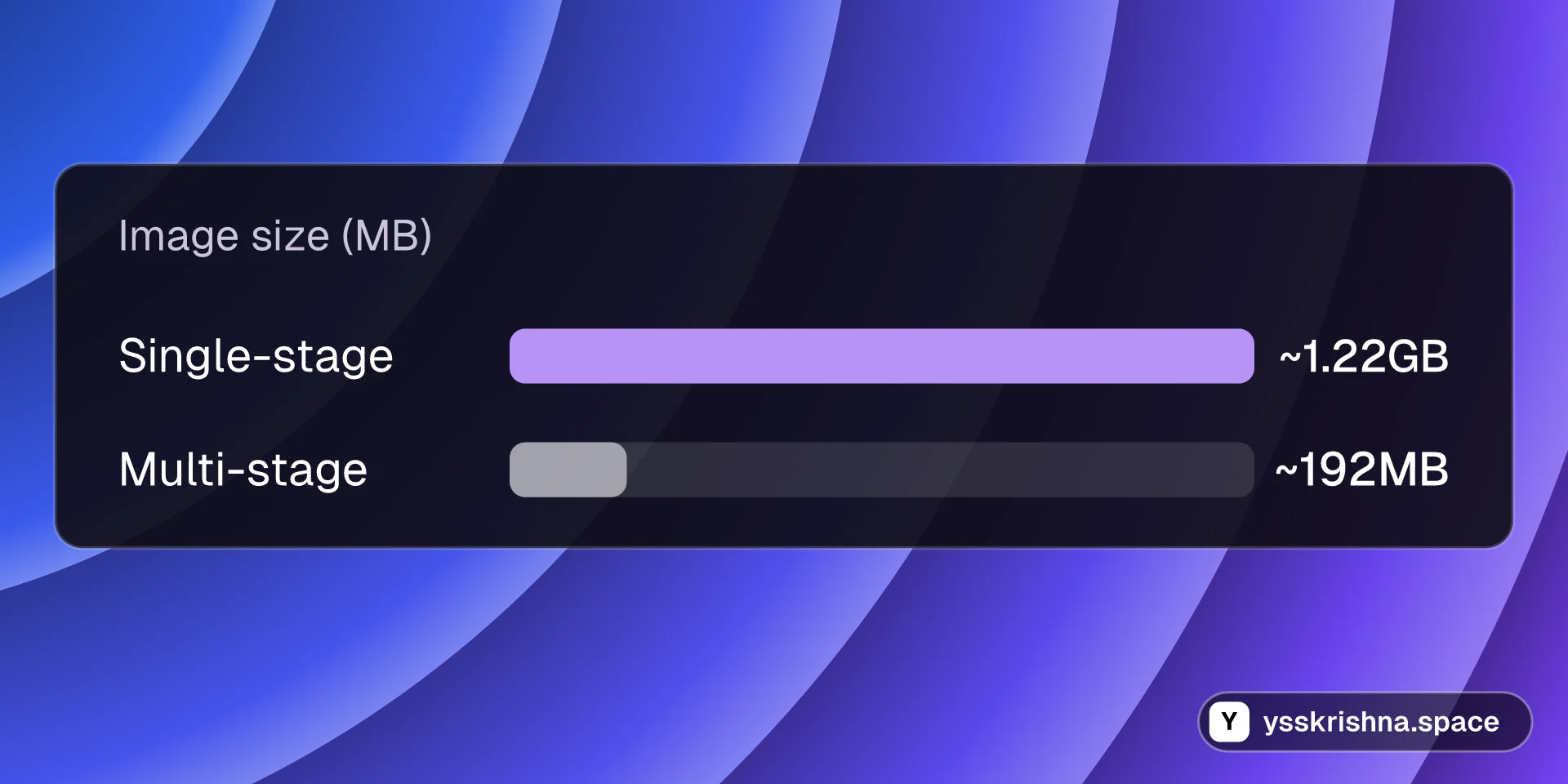
See the real size gap between one-stage and multi-stage Next.js Docker builds.
DevOps & Infrastructure
Starter Kits & Boilerplates
+7
ProductFastapi Sync Async Starter Template

Fastapi Sync Async Starter Template

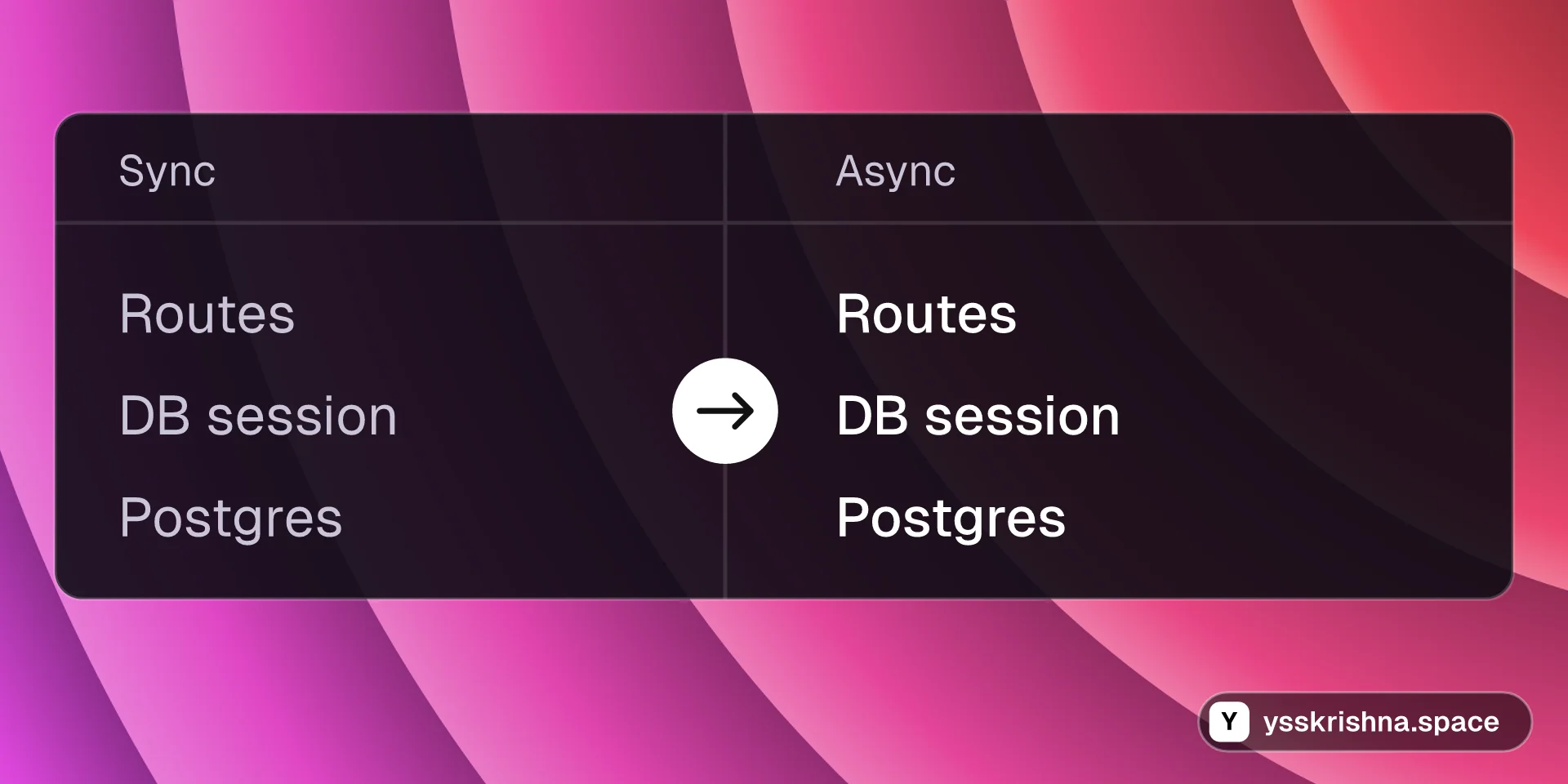
Start your FastAPI service with sync and async database patterns wired, tested, and ready to run in Docker.
Backend & APIs
Starter Kits & Boilerplates
+8
ProductFastAPI UV vs Requirements File

FastAPI UV vs Requirements File

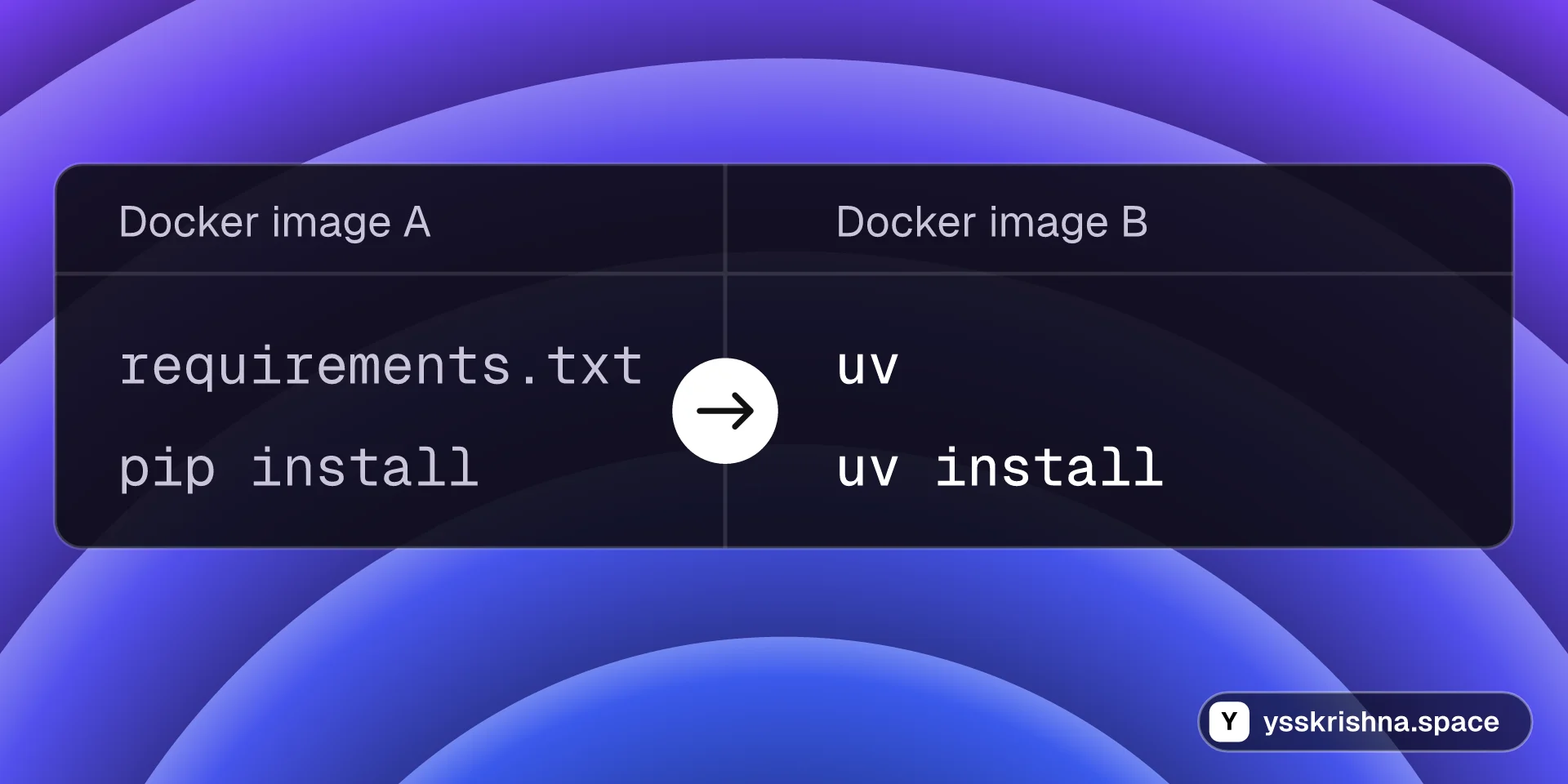
Two Docker builds, one FastAPI app. Compare packaging paths on your machine.
DevOps & Infrastructure
Backend & APIs
+6
ProductNextjs Supabase Starter

Nextjs Supabase Starter

Protected sign-in and a dashboard shell on Supabase, ready to fork before you build features.
Auth & Security
Starter Kits & Boilerplates
+7