
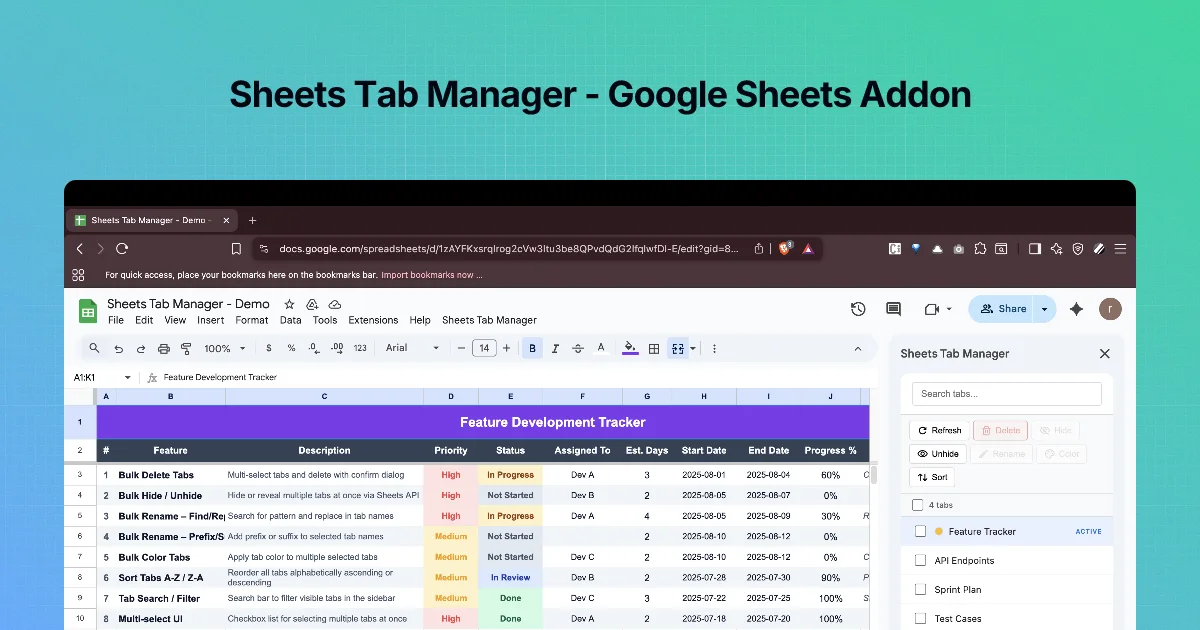
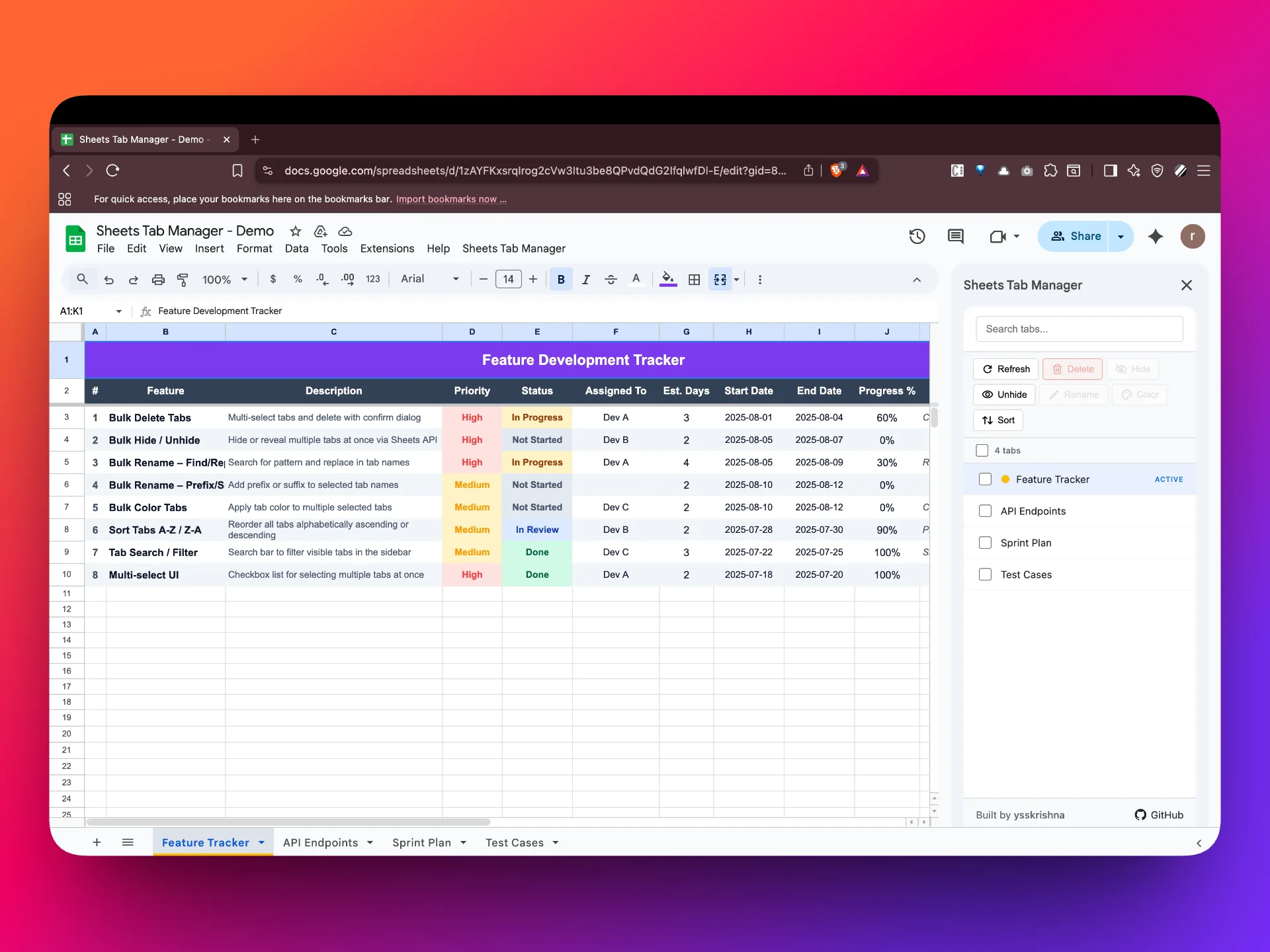
Clean up sheet tabs in batches, without leaving Google Sheets
When it’s useful
Shared workbooks sprawl: hidden sheets pile up, names drift out of a convention, and the tab strip becomes hard to scan. Fixing tabs one at a time is slow and error-prone when several people touch the same file.
What you can do
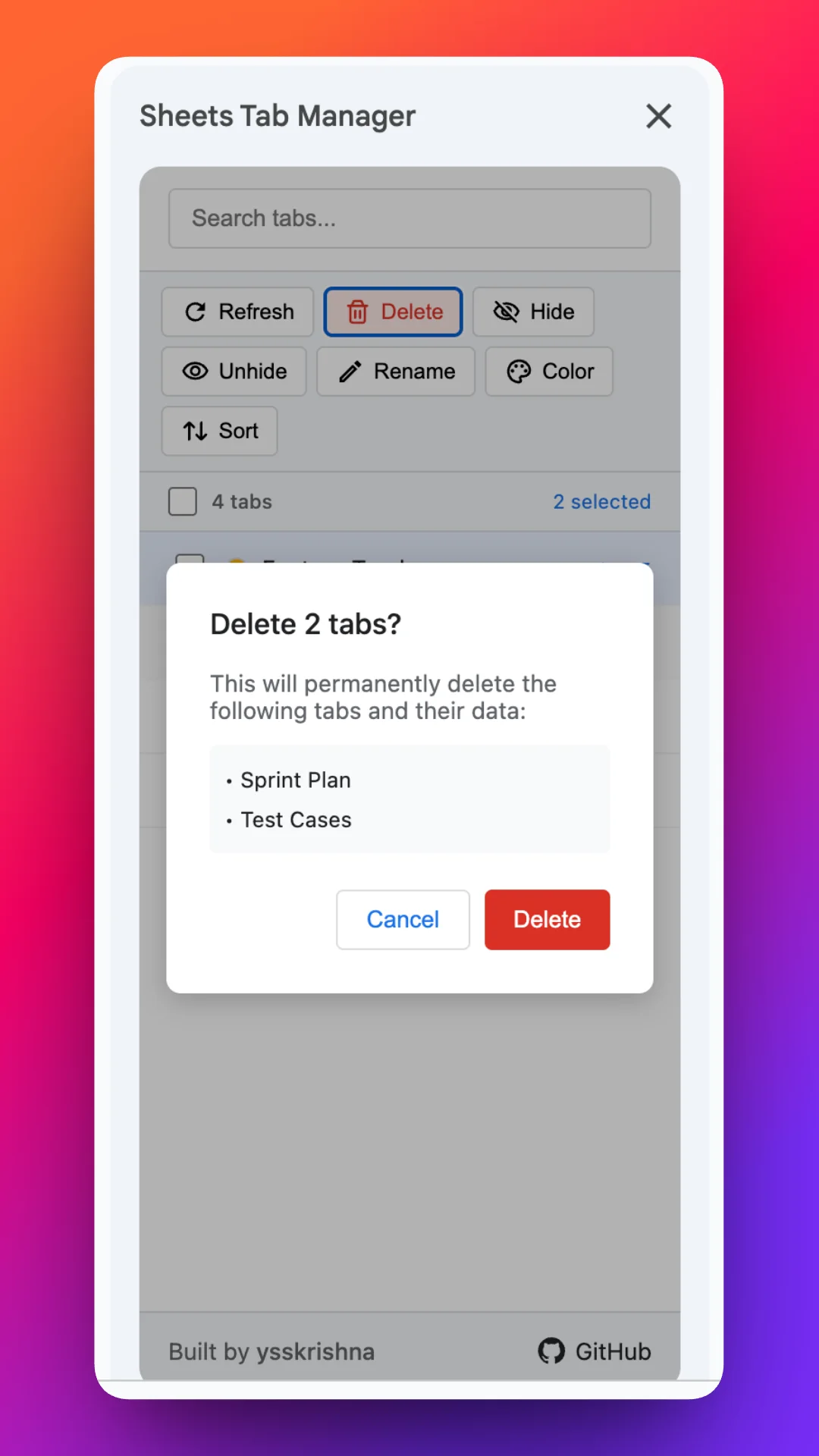
- Delete multiple tabs with confirmation before anything is removed.
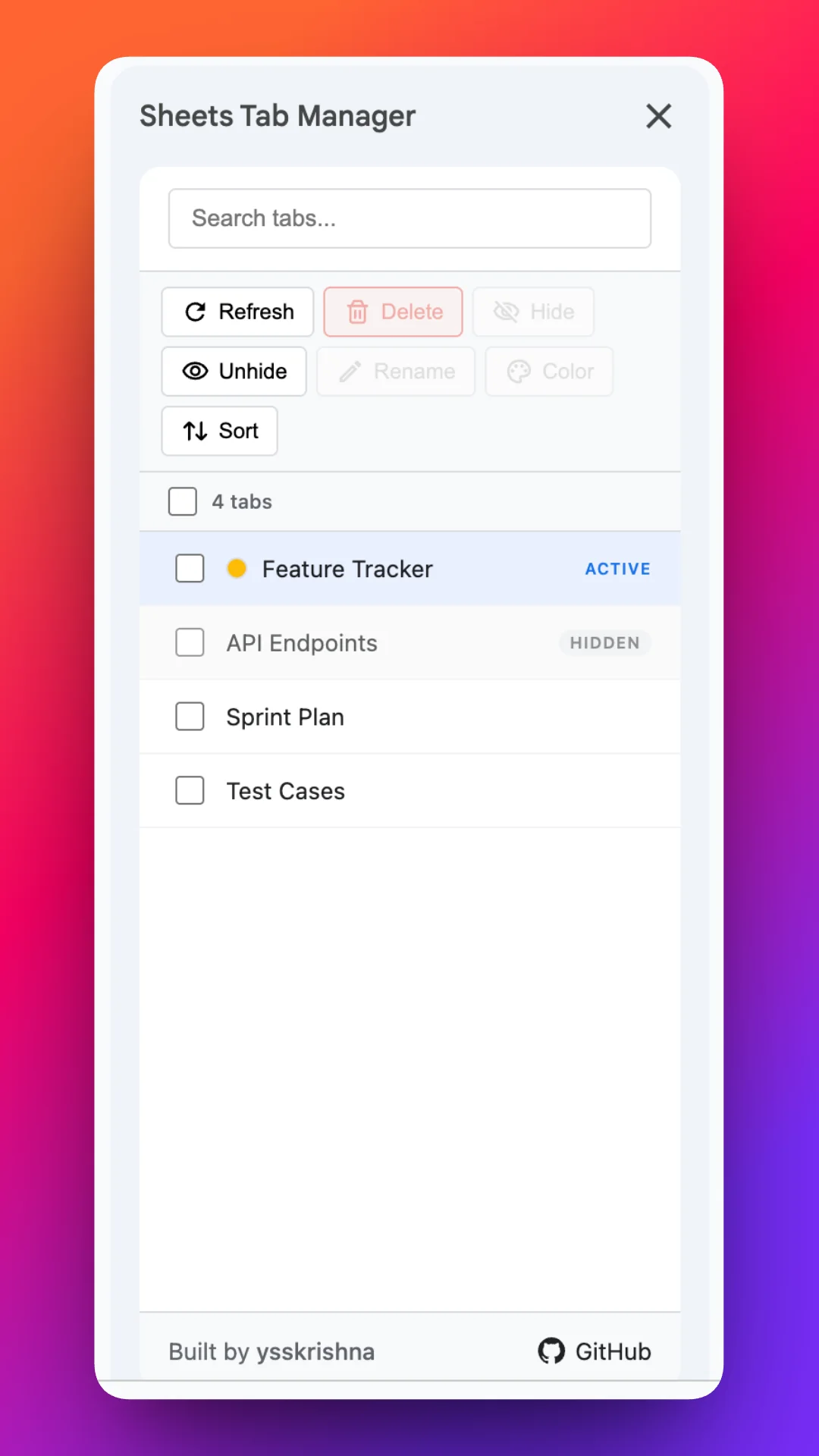
- Hide or unhide selections so the tab bar stays readable without throwing away history.
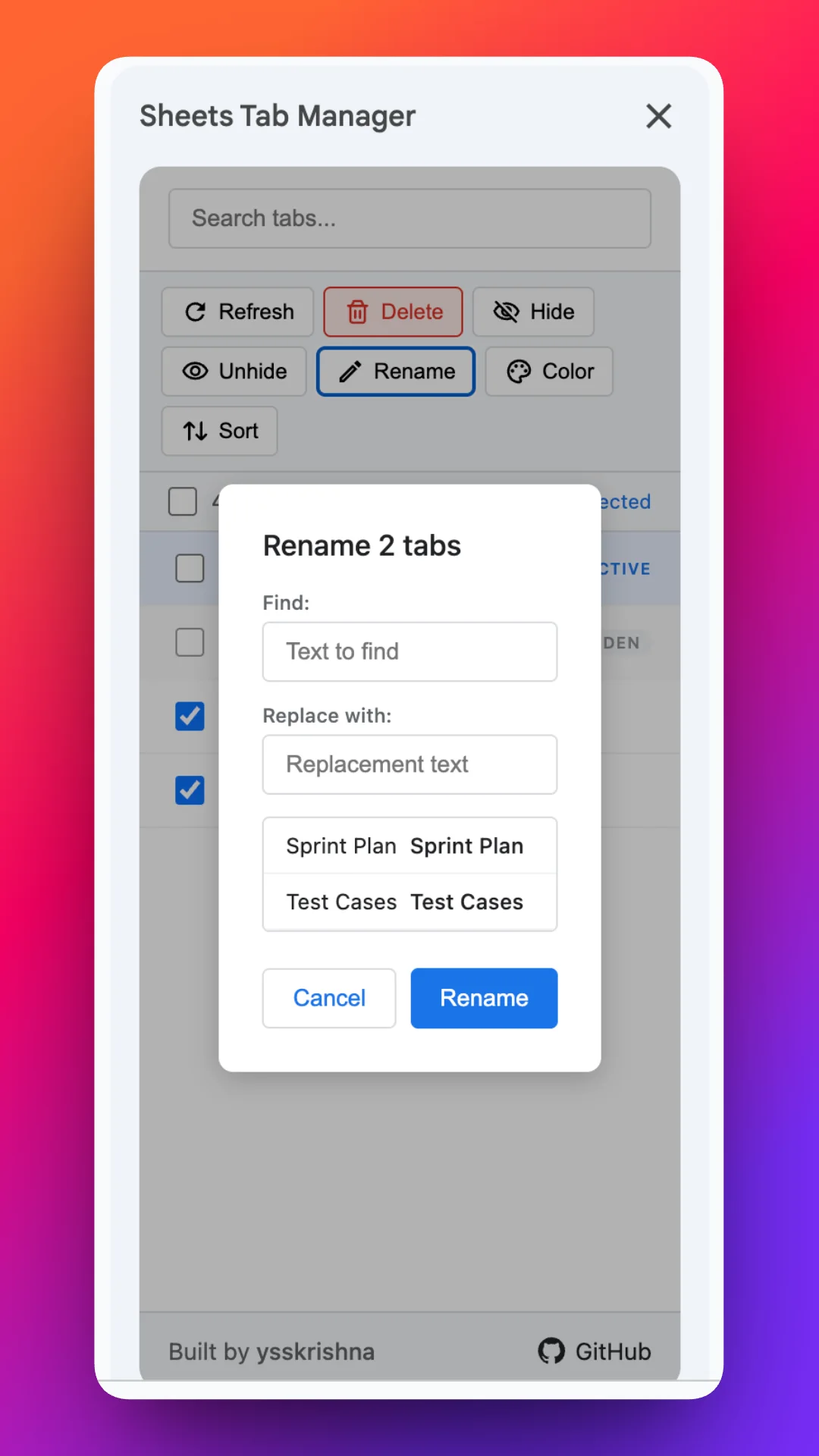
- Rename directly or run find-and-replace across several selected tab titles.
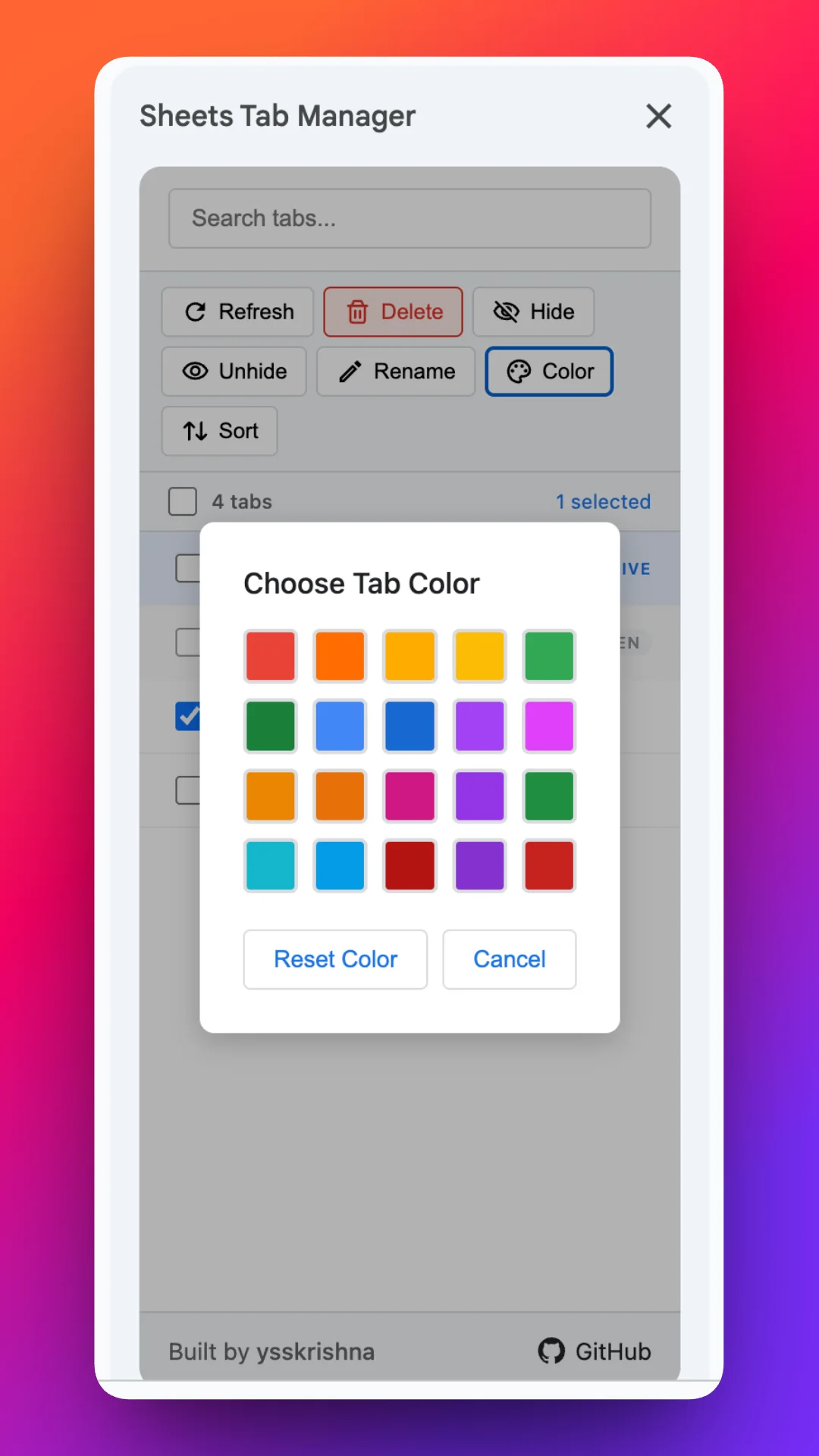
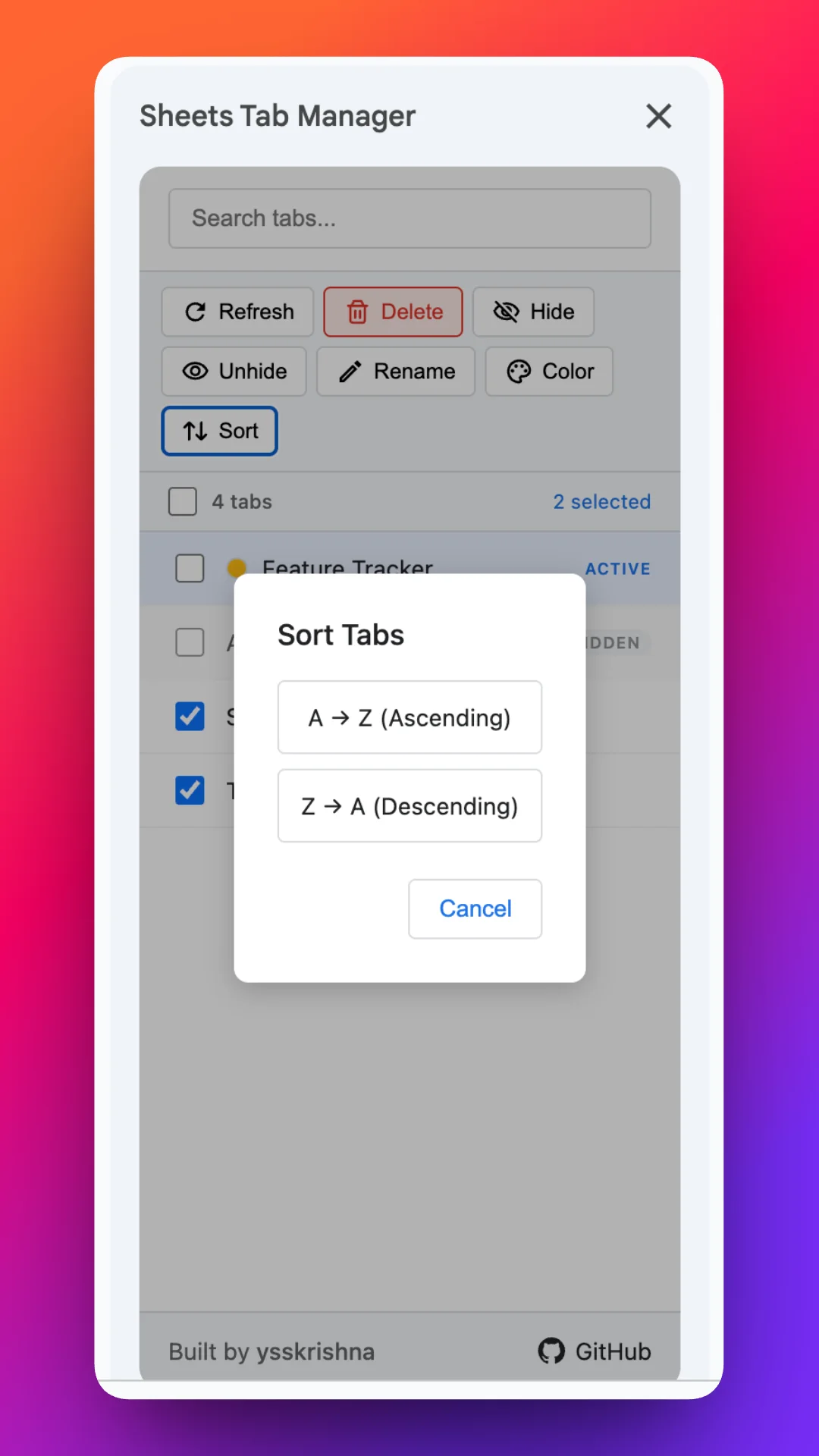
- Color many tabs at once and sort them A–Z or Z–A for a stable order.
- Search and filter the tab list from the sidebar when the workbook has outgrown casual scanning.
Limits and fit
Behavior follows Google Sheets add-on capabilities and Workspace policies. Install from the Google Workspace Marketplace; the feature list and project home are also on GitHub and the project site.