Markdown tables are everywhere developers write: READMEs, issues, pull requests, docs sites, AI chat answers. Getting one into Sheets for sorting or charting is a common need.
Anatomy of a Markdown table
| Name   | Role     | Since |
|:-------|:--------:|------:|
| Asha   | Backend  | 2021  |
| Raj | Frontend | 2023 |- Header row: the first line.
- Separator row: dashes, with optional colons for alignment (
:---left,:---:centre,---:right). - Body rows: one per line.
- Leading and trailing pipes are optional in GitHub-Flavored Markdown.
The separator row is not data. A converter uses it to recognise the table and drops it.
Step by step
- Copy the table from your source, including the header and separator rows.
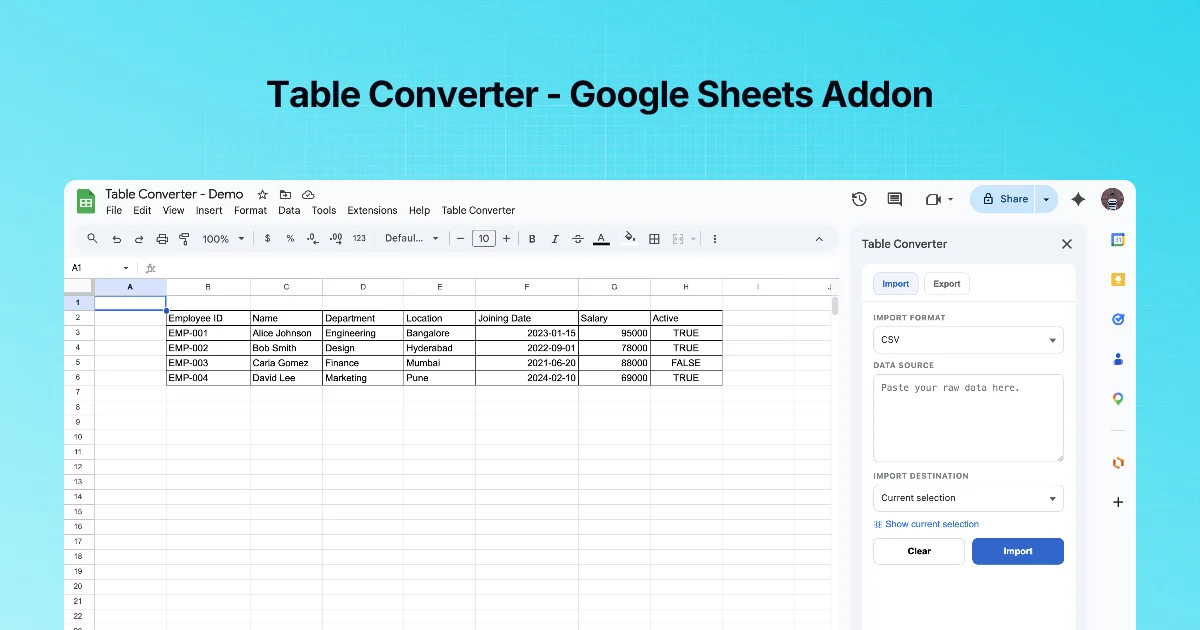
- Sidebar → Import → IMPORT FORMAT Markdown Table.
- Paste into DATA SOURCE.
- Choose Current selection (click the top-left target cell first) or a new sheet.
- Click Import.
- Check the column count and the last row. Clear empties the text box if you want to start over.
Things that trip up Markdown imports
| Problem | Example | Fix before import |
|---|---|---|
| Escaped pipe inside a cell | `a \ | b` |
| Inline formatting | **bold**, code, [link](url) | Expect the Markdown characters to arrive as text, or strip them first |
| Ragged rows | A row with fewer cells | Missing cells import empty; add pipes if alignment matters |
| Text before or after the table | A heading and paragraph | Paste only the table lines |
| AI chat tables with a trailing note | "Note: prices may vary" | Delete the note |
Numbers and dates
Values arrive as text or are interpreted by Sheets, depending on how they are written. After import, select numeric columns and set Format → Number explicitly. For IDs with leading zeros, format the destination as Plain text before importing.
Example: a table from an AI answer
AI assistants often answer comparisons with Markdown tables. Copy the table lines only, import to a new sheet, then sort and filter: a quick way to check a comparison instead of trusting it.
Practice: a table with awkward cells
Import this into a fresh tab and check each cell afterwards:
| Feature | Free | Pro |
|:---|:---:|---:|
| Seats | 1 | 10 |
| Price |  | $12 |
| Support | Community | Email, chat |
What to look for:
- Alignment colons (
:---,:---:,---:) only describe alignment in rendered Markdown. The data should arrive the same as with plain---. - The empty cell under Free/Price should arrive as an empty cell, so the Pro value stays in column C. If the value shifts left, a pipe was missing in the source.
$12may arrive as text or as a number formatted as currency, depending on how Sheets reads it. Check with=ISNUMBER(C3).- "Email, chat" keeps its comma; commas have no meaning in Markdown tables.
Cleaning AI-generated tables first
Chat assistants often wrap tables with extra text ("Here is the table:") and sometimes add bold markers to the header. Copy only the lines that start with |. If the header comes through as **Feature**, remove the asterisks afterwards with the Text Power Tools Strip specific characters option (type *), or with =SUBSTITUTE(A1,"*","").
Quick check
-
Which row tells a converter "this is a Markdown table"?The separator row of dashes (with optional colons).
-
Is the separator row imported as data?No, it only marks the table and the column alignment.
-
Your import includes a paragraph as a row. What did you paste?Text around the table. Paste only the table lines.