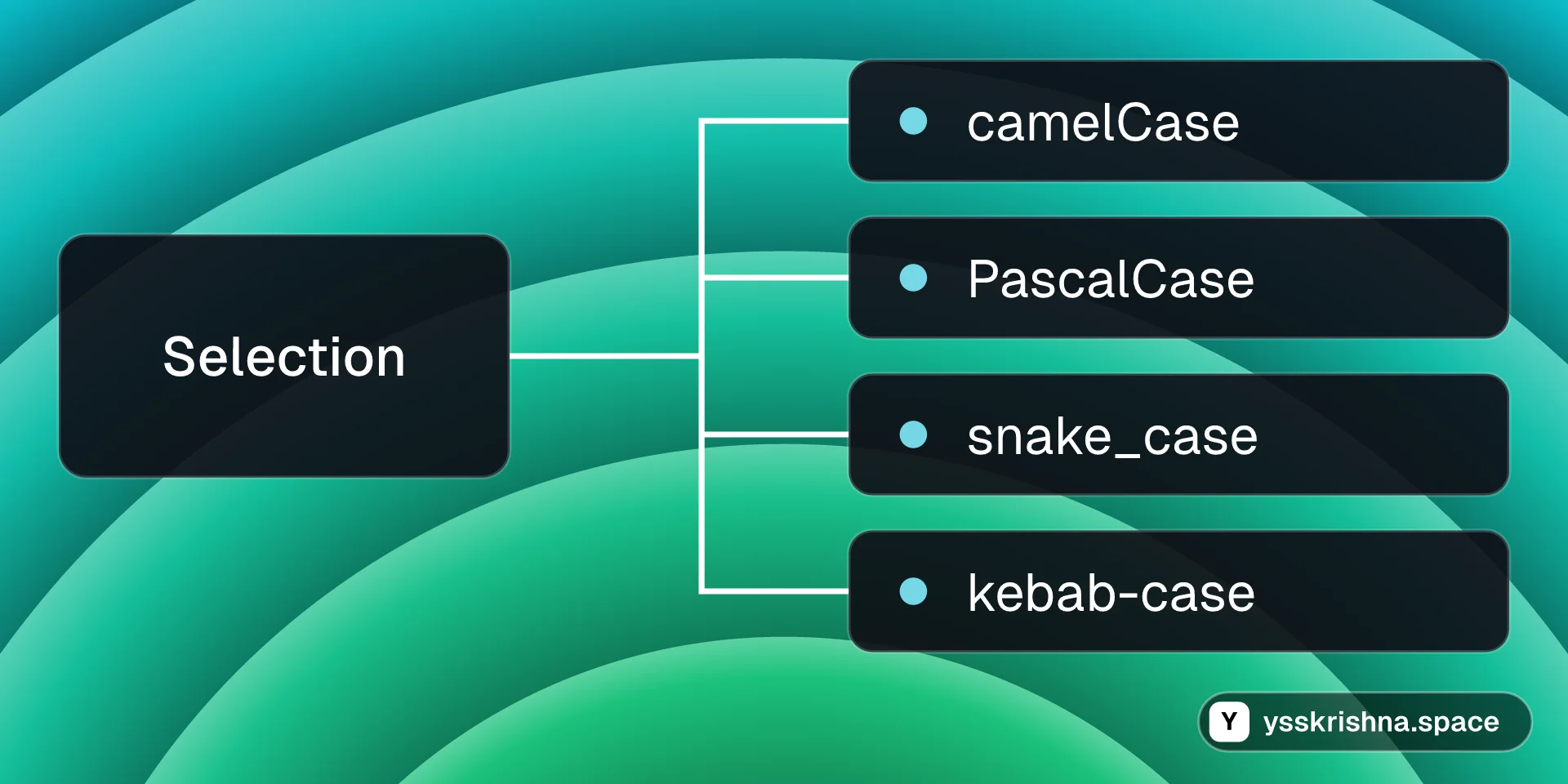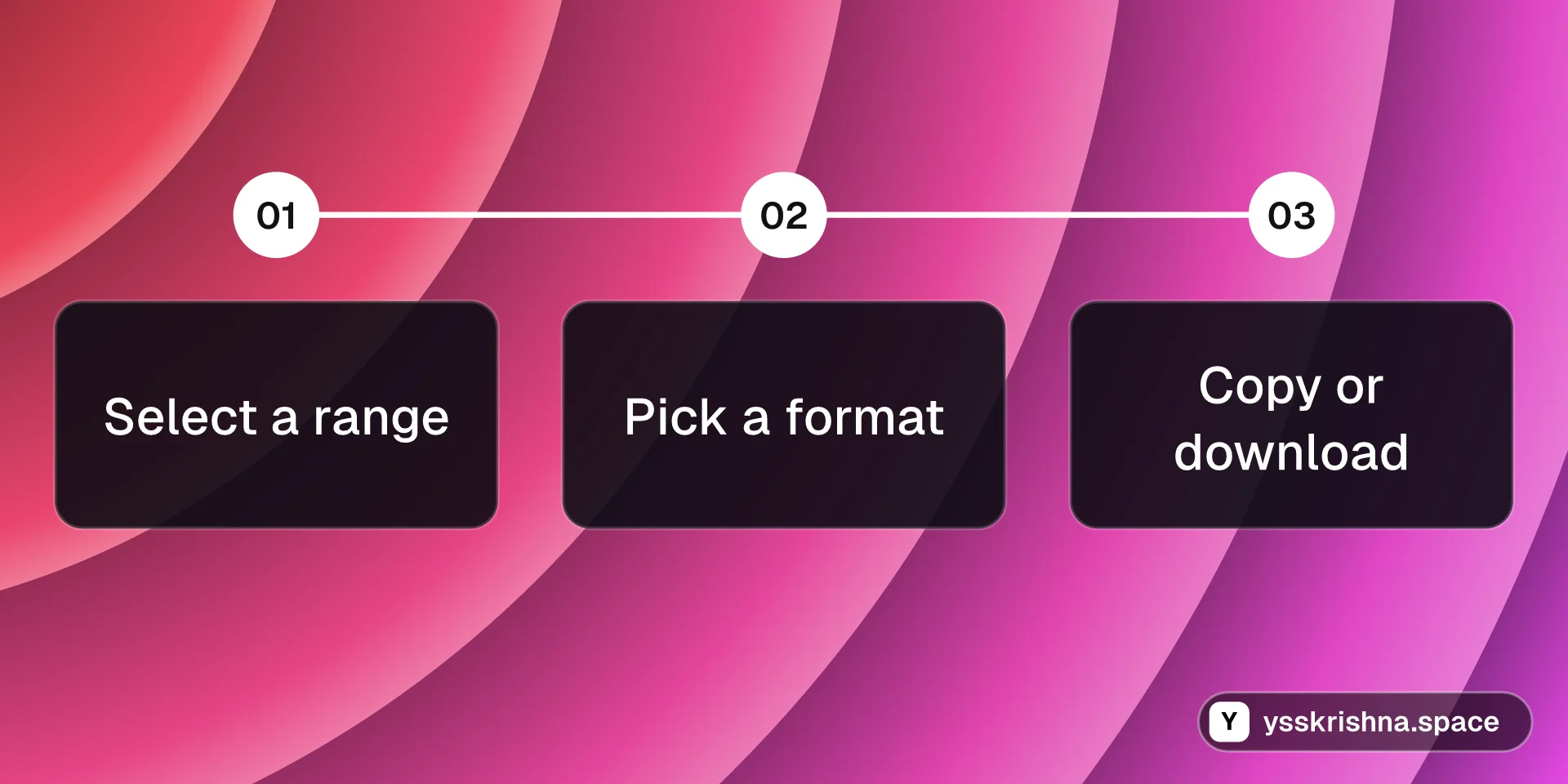

The Case tab has two groups. COMMON covers everyday capitalisation; ADVANCED covers the naming styles programmers use for column names, keys, slugs and constants.
Common styles
| Option | What it does | "the QUICK brown fox" |
|---|---|---|
| Sentence case | Capitalises the start of sentences | The quick brown fox |
| Capitalized Case | First letter of each word uppercase | The Quick Brown Fox |
| lower case | Everything lowercase | the quick brown fox |
| UPPER CASE | Everything uppercase | THE QUICK BROWN FOX |
| iNVERT cASE | Swaps upper and lower per character | THE quick BROWN FOX |
Use Capitalized Case for people's names and titles, Sentence case for descriptions, UPPER CASE for codes such as country or currency codes.
Advanced naming styles
The sidebar lists nine:
| Option | "Customer Order ID" becomes | Typical use |
|---|---|---|
| kebab-case | customer-order-id | URL slugs, CSS classes |
| hyphen-case | word-style hyphenation | Readable hyphenated labels |
| dot.case | customer.order.id | Config keys |
| camelCase | customerOrderId | JavaScript and JSON keys |
| PascalCase | CustomerOrderId | Class and type names |
| snake_case | customer_order_id | Database columns, Python |
| SCREAMING_SNAKE_CASE | CUSTOMER_ORDER_ID | Constants, env variables |
| SCREAMING-KEBAB-CASE | CUSTOMER-ORDER-ID | Some HTTP headers and labels |
| AlTeRnAtInG cAsE | cUsToMeR oRdEr Id (pattern varies) | Fun, not data |
The listing describes hyphen-case as "word-style hyphenation", distinct from kebab-case.
Where naming styles save real time
- Preparing a header row for a database import. Select the header row, choose snake_case, click Apply.
Ship Date→ship_date, ready for aCREATE TABLE. - Generating JSON keys. Convert headers to camelCase before exporting with Table Converter (see the Table Converter course).
- Building slugs. A title column converted to kebab-case gives URL slugs. Strip punctuation first with the Clean tab.
- Environment variable lists. SCREAMING_SNAKE_CASE for a column of setting names.
Step by step: header row to snake_case
- Type sample headers in row 1:
Customer Name,Order ID,Ship-Date,Total amount. - Select row 1's cells only.
- Open Case, scroll to ADVANCED, choose snake_case, click Apply.
- Expected:
customer_name,order_id,ship_date,total_amount. - If an input had punctuation such as
Total ($), clean it first: Clean → Strip specific characters()$.
Order of operations
Stray spaces and punctuation become stray underscores or hyphens in naming styles. Run Clean before Case.
Practice: a messy input
Type Customer-First name in a cell (extra spaces, a hyphen, mixed case). Apply snake_case and check whether you get customer_first_name or doubled underscores. Running Trim both from the Clean tab first removes the edge spaces.
Names that should not be title-cased
Capitalized Case changes every word. McDonald becomes Mcdonald, iPhone becomes Iphone, van der Berg becomes Van Der Berg and IIT becomes Iit. Sheets' =PROPER() has the same limit. For people's and product names, apply the case change, then scan the column for these patterns, or leave such columns alone.
Quick check
You are preparing a header row for a Postgres import. Which style do you apply?